Inleiding
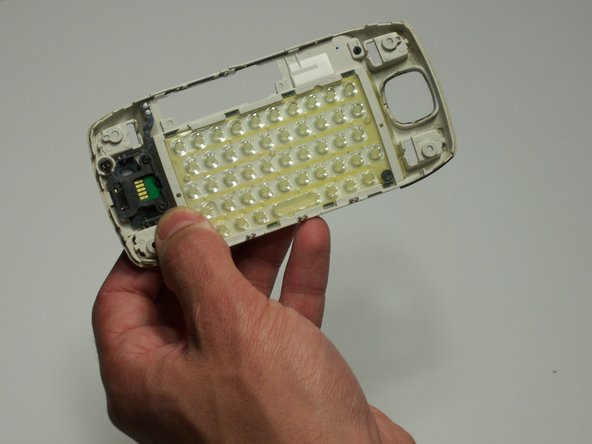
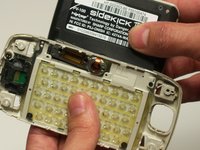
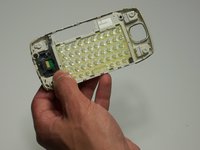
To take the key board out for replacement.
Wat je nodig hebt
-
-
Use the plastic opening tool to remove the 4 buttons on each corner of the Sidekick.
-
Gently pry open button and remove button.
-
Do this for each of the 3 buttons remaining.
 Vraag FixBot
-
-
-
The bumpers on the top and bottom of the phone can be removed by simply "peeling" them off.
-
-
-
Use the T6 Torx Screwdriver to remove the 4 screws that are underneath the 4 buttons you removed in step one.
-
-
-
-
Flip the screen up halfway (90 degrees), to reveal the 2 screws above the right side of the keyboard.
-
Use the Torx 6 screwdriver to remove these 2 screws.
-
-
-
After removing the 6 screws and both bumpers, the phone will be easy to separate into the two main bodies.
-
You can use your hands to simply pull apart the top casing from the bottom casing.
-
-
-
Remove both black "rivets" from the back of the case with the plastic opening tool.
-





Team

Cal Poly, Team 3-19, Maness Winter 2010 Lid van Cal Poly, Team 3-19, Maness Winter 2010
CPSU-MANESS-W10S3G19
4 Leden
11 handleidingen geschreven
