Ga door naar hoofdinhoud
Word lid van de reparatiegemeenschap - Account aanmaken

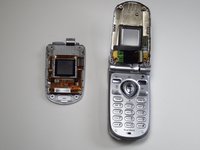
Sanyo SCP-8100 Camera Replacement

Wat je nodig hebt

  1. Sanyo SCP-8100 Camera Replacement, Earpiece: stap 1, afbeelding 1 van 2 Sanyo SCP-8100 Camera Replacement, Earpiece: stap 1, afbeelding 2 van 2
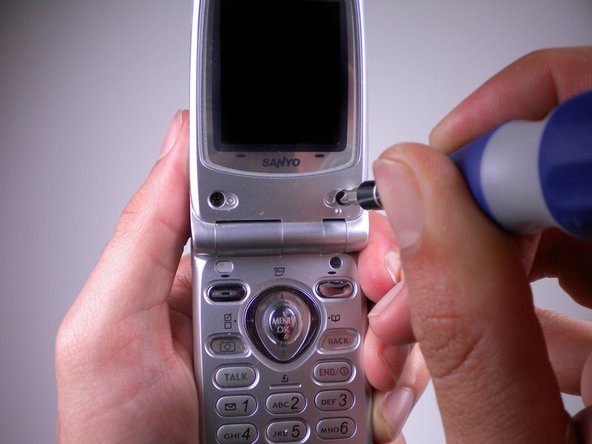
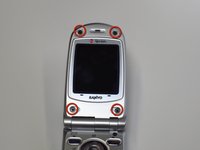
    • Open the phone and remove the four stickers that hide the four 0.5 mm screws.

    • On the bottom two, use a push pin to pull out the stickers.

    • Do this slowly and gently. You may damage the phone screen or tear the sticker.

    Vraag FixBot

    Voeg opmerking toe

  2. Sanyo SCP-8100 Camera Replacement: stap 2, afbeelding 1 van 1
    • For the top two, use the same push pin and gently pull out the stickers.

    • These are a bit harder to pull out, so you might need to use more force. However, be gentle or else you may tear the rubber off of the sticker instead of the whole plug.

    Vraag FixBot

    Voeg opmerking toe

  3. Sanyo SCP-8100 Camera Replacement: stap 3, afbeelding 1 van 2 Sanyo SCP-8100 Camera Replacement: stap 3, afbeelding 2 van 2
    • Use the Tri-Wing Y1 screwdriver to unscrew the now uncovered four 0.5 mm screws.

    Vraag FixBot

    Voeg opmerking toe

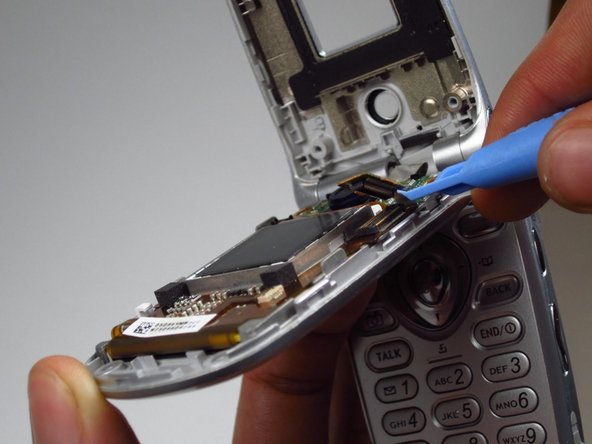
  4. Sanyo SCP-8100 Camera Replacement: stap 4, afbeelding 1 van 2 Sanyo SCP-8100 Camera Replacement: stap 4, afbeelding 2 van 2
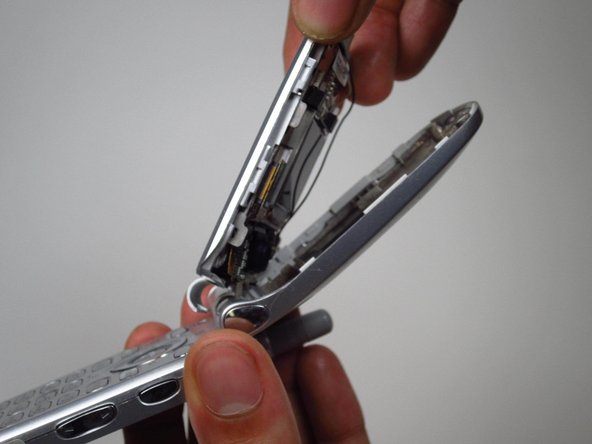
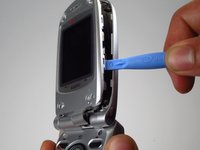
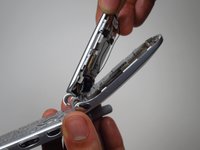
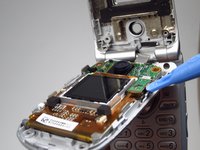
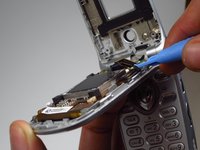
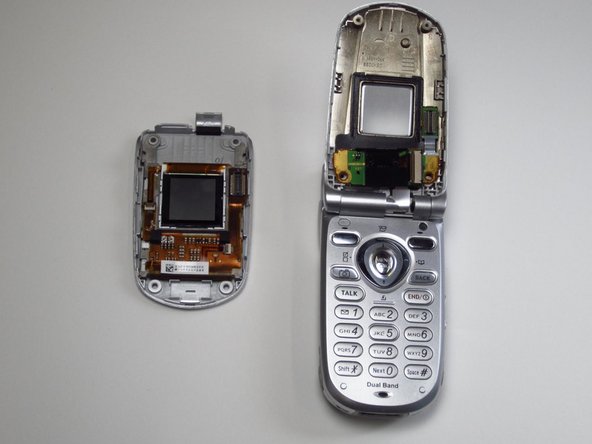
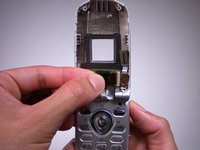
    • Use the opening tool to pry open the front panel.

    • You might need to use some force. If it won't budge, try the other side of the panel. You may need to pry open more than one spot to get it completely open.

    • Don't completely remove the panel, it is still connected to the phone.

    Vraag FixBot

    Voeg opmerking toe

  5. Sanyo SCP-8100 Camera Replacement: stap 5, afbeelding 1 van 2 Sanyo SCP-8100 Camera Replacement: stap 5, afbeelding 2 van 2
    Gereedschap gebruikt in deze stap:
    Tweezers
    $4.99
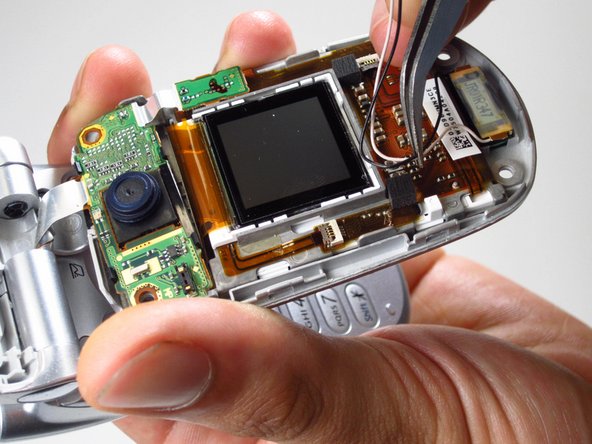
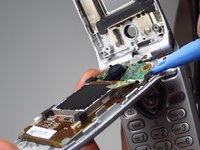
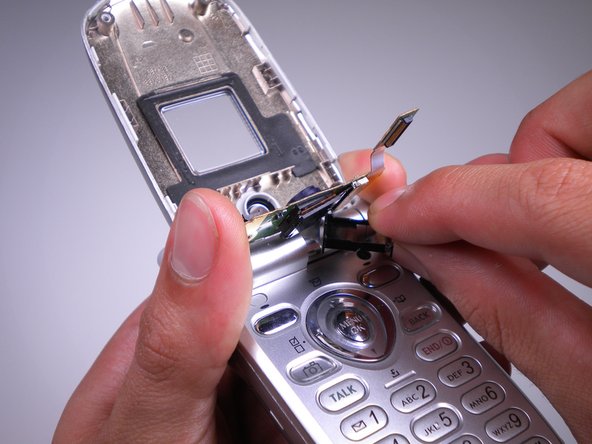
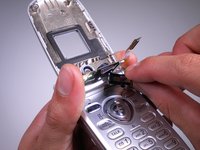
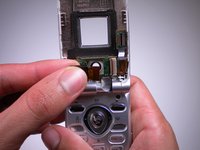
    • Use tweezers to detach the plastic connector.

    • With the tweezers, pull the wires from the plastic clamp.

    Vraag FixBot

    Voeg opmerking toe

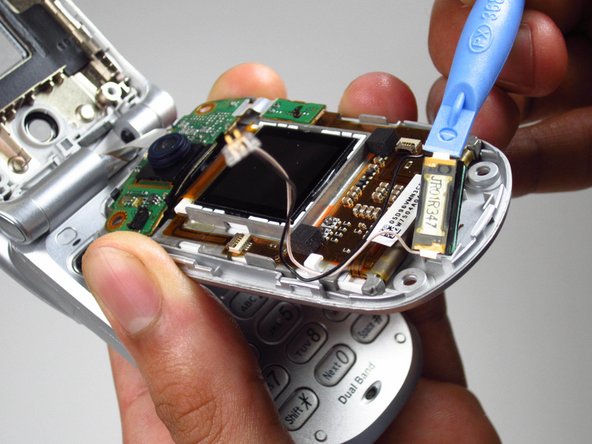
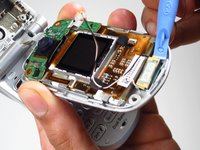
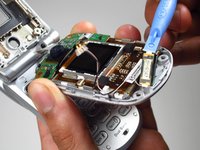
  6. Sanyo SCP-8100 Camera Replacement: stap 6, afbeelding 1 van 2 Sanyo SCP-8100 Camera Replacement: stap 6, afbeelding 2 van 2
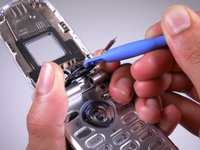
    • Use the opening tool to pull the earpiece off of the top panel.

    • You may need to use some force to take this out.

    Vraag FixBot

    Voeg opmerking toe

  7. Sanyo SCP-8100 Camera Replacement, Camera: stap 7, afbeelding 1 van 2 Sanyo SCP-8100 Camera Replacement, Camera: stap 7, afbeelding 2 van 2
    • Use plastic opening tool to lift the chip on the right side.

    Vraag FixBot

    Voeg opmerking toe

  8. Sanyo SCP-8100 Camera Replacement: stap 8, afbeelding 1 van 2 Sanyo SCP-8100 Camera Replacement: stap 8, afbeelding 2 van 2
    • Use plastic opening tool to pry the board off of the front panel.

    • You may need to use force.

    • Completely remove the screen from the phone.

    Vraag FixBot

    Voeg opmerking toe

  9. Sanyo SCP-8100 Camera Replacement: stap 9, afbeelding 1 van 2 Sanyo SCP-8100 Camera Replacement: stap 9, afbeelding 2 van 2
    • Use the opening tool to take off the black plastic frame around the camera lens.

    Vraag FixBot

    Voeg opmerking toe

  10. Sanyo SCP-8100 Camera Replacement: stap 10, afbeelding 1 van 2 Sanyo SCP-8100 Camera Replacement: stap 10, afbeelding 2 van 2
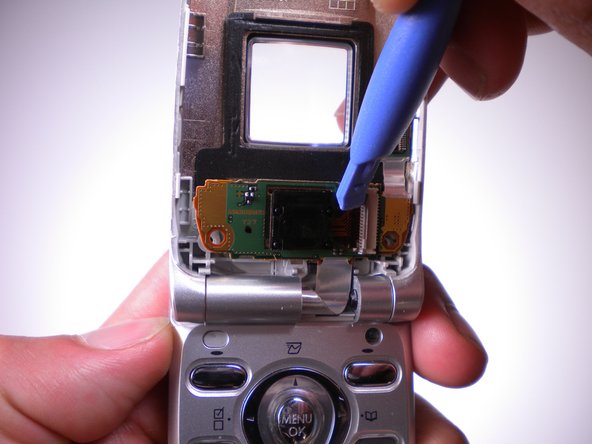
    • Use the plastic opening tool to flip the ZIF connector to the right.

    Vraag FixBot

    Voeg opmerking toe

  11. Sanyo SCP-8100 Camera Replacement: stap 11, afbeelding 1 van 2 Sanyo SCP-8100 Camera Replacement: stap 11, afbeelding 2 van 2
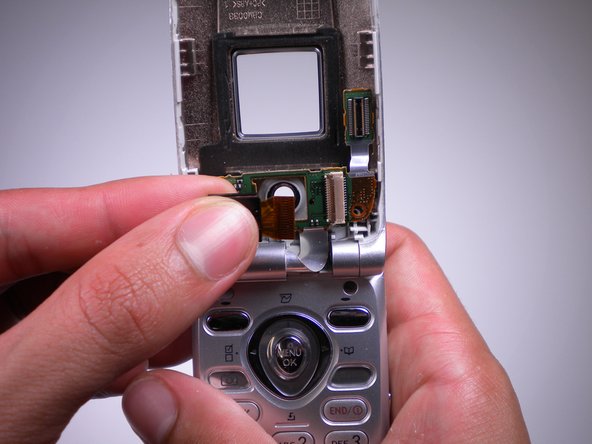
    • Lift the camera from the opening.

    • Detach and pull the camera from the ZIF connector.

    Vraag FixBot

    Voeg opmerking toe

Conclusie

To reassemble your device, follow these instructions in reverse order.

Annuleren: ik heb deze handleiding niet afgemaakt.

Paul Truong

Lid sinds: 04/15/13

1 Reputatie

2 handleidingen geschreven

Team

Cal Poly, Team 10-41, Amido Spring 2013 Lid van Cal Poly, Team 10-41, Amido Spring 2013

CPSU-AMIDO-S13S10G41

4 Leden

12 handleidingen geschreven

0Gids Commentaar

Voeg opmerking toe

Weergavestatistieken:

Afgelopen 24 uren: 0

Afgelopen 7 dagen: 11

Afgelopen 30 dagen: 50

Altijd: 747