Ga door naar hoofdinhoud
Word lid van de reparatiegemeenschap - Account aanmaken

Samsung ML2510 Motor Replacement

Wat je nodig hebt

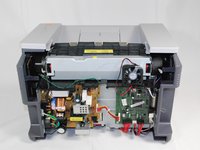
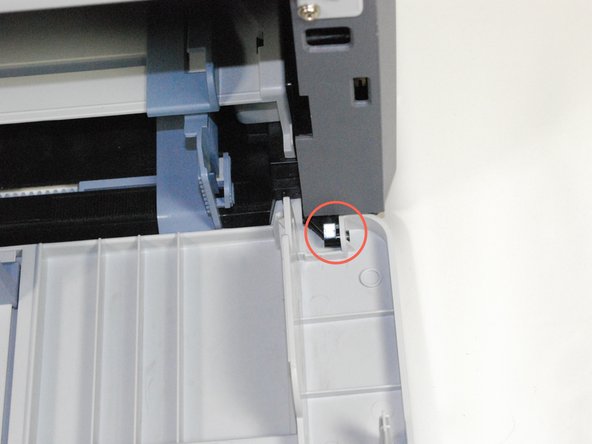
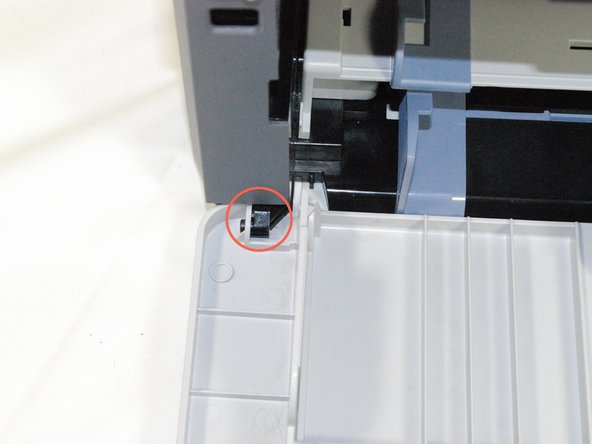
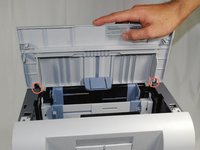
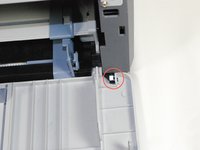
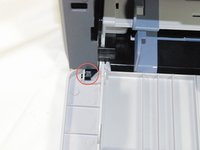
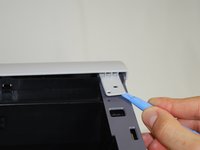
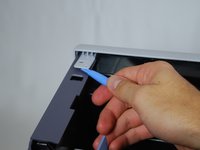
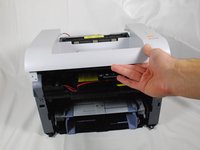
    1. Samsung ML2510 Motor Replacement, Removing Samsung ML2510 Back Panel: stap 1, afbeelding 1 van 3 Samsung ML2510 Motor Replacement, Removing Samsung ML2510 Back Panel: stap 1, afbeelding 2 van 3 Samsung ML2510 Motor Replacement, Removing Samsung ML2510 Back Panel: stap 1, afbeelding 3 van 3
      • Remove the top hinged panel by taking out the pins at the bottom of this panel.

      Vraag FixBot

      Voeg opmerking toe

    2. Samsung ML2510 Motor Replacement: stap 2, afbeelding 1 van 1
      • Using a Phillips #2 screwdriver, remove the four screws on the back of the printer.

      Vraag FixBot

      Voeg opmerking toe

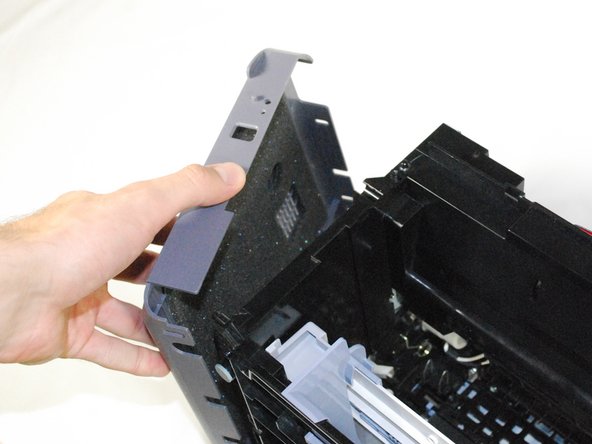
    3. Samsung ML2510 Motor Replacement: stap 3, afbeelding 1 van 3 Samsung ML2510 Motor Replacement: stap 3, afbeelding 2 van 3 Samsung ML2510 Motor Replacement: stap 3, afbeelding 3 van 3
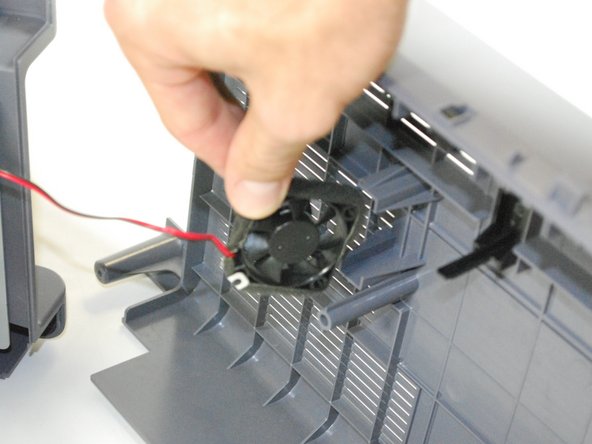
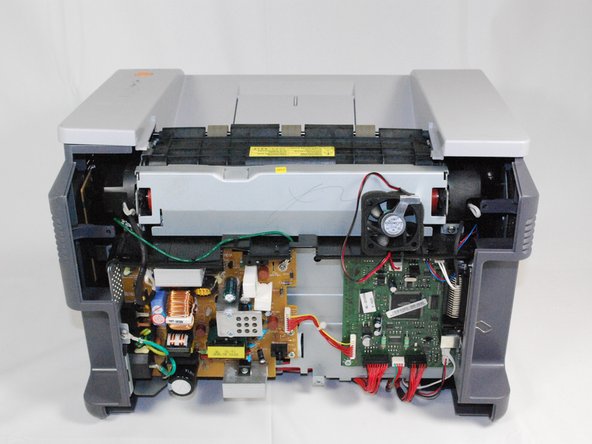
      • Gently lift the top panel while simultaneously pulling off the back panel.

      • Before pulling out the back panel entirely, make sure to remove the rear cooling fan from its slot.

      Vraag FixBot

      Voeg opmerking toe

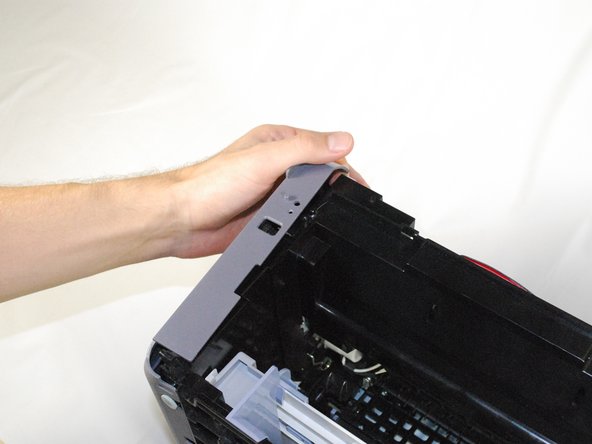
    1. Samsung ML2510 Motor Replacement, Motor: stap 4, afbeelding 1 van 3 Samsung ML2510 Motor Replacement, Motor: stap 4, afbeelding 2 van 3 Samsung ML2510 Motor Replacement, Motor: stap 4, afbeelding 3 van 3
      • Remove the front panel by gently moving the holes on the panel, one at a time, from the pegs attached to the main body of the printer.

      Vraag FixBot

      Voeg opmerking toe

    2. Samsung ML2510 Motor Replacement: stap 5, afbeelding 1 van 1
      • Use a Phillips #2 screwdriver to remove the two, 1", Phillips, PH#2 screws on the front face of the printer.

      Vraag FixBot

      Voeg opmerking toe

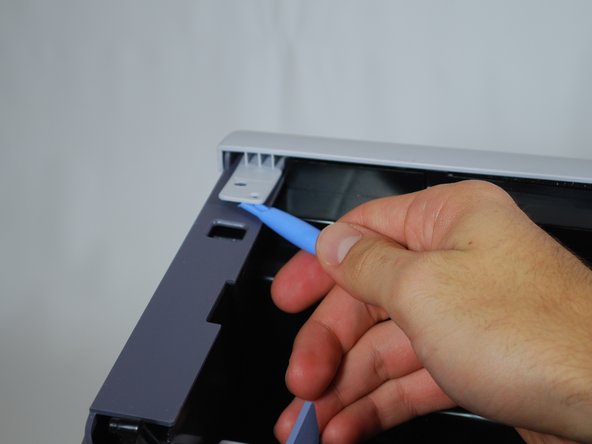
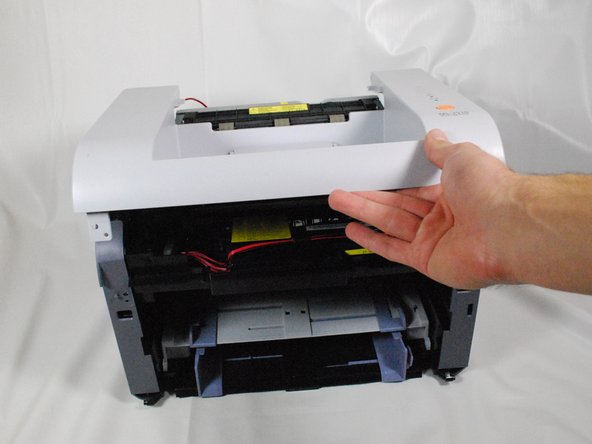
    3. Samsung ML2510 Motor Replacement: stap 6, afbeelding 1 van 3 Samsung ML2510 Motor Replacement: stap 6, afbeelding 2 van 3 Samsung ML2510 Motor Replacement: stap 6, afbeelding 3 van 3
      • Use plastic opening tool to gently lift one side of the top panel from its peg.

      • Repeat the first process for the other side.

      • Lift the top panel from the front of the printer to remove it entirely.

      Vraag FixBot

      Voeg opmerking toe

    4. Samsung ML2510 Motor Replacement: stap 7, afbeelding 1 van 3 Samsung ML2510 Motor Replacement: stap 7, afbeelding 2 van 3 Samsung ML2510 Motor Replacement: stap 7, afbeelding 3 van 3
      • Lift the left side panel up from the raised stops.

      • Gently rotate the panel, as indicated in the picture, to remove the panel entirely.

      Vraag FixBot

      Voeg opmerking toe

    5. Samsung ML2510 Motor Replacement: stap 8, afbeelding 1 van 3 Samsung ML2510 Motor Replacement: stap 8, afbeelding 2 van 3 Samsung ML2510 Motor Replacement: stap 8, afbeelding 3 van 3
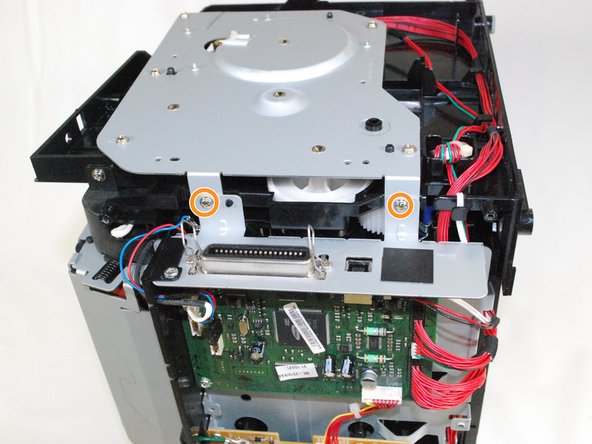
      • Use Phillips #2 screwdriver to remove the five, 1", Phillips, PH#2 screws on the side metal panel.

      • Remove the two, 1", Phillips, PH#2 screws on the back of the printer.

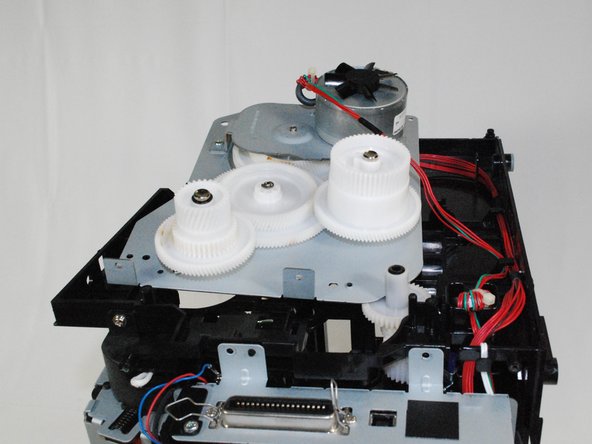
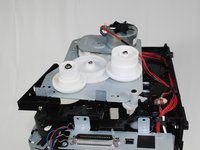
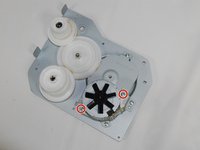
      • Flip over the metal panel to reveal the gear mechanism.

      Vraag FixBot

      Voeg opmerking toe

    6. Samsung ML2510 Motor Replacement: stap 9, afbeelding 1 van 3 Samsung ML2510 Motor Replacement: stap 9, afbeelding 2 van 3 Samsung ML2510 Motor Replacement: stap 9, afbeelding 3 van 3
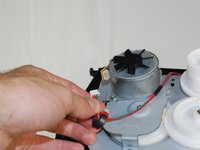
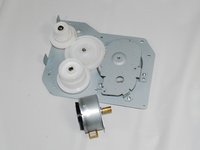
      • Remove the cable attached to the motor.

      • The entire panel can be removed from the rest of the printer.

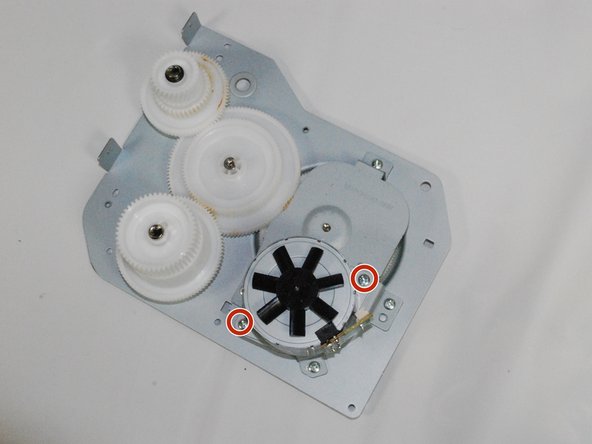
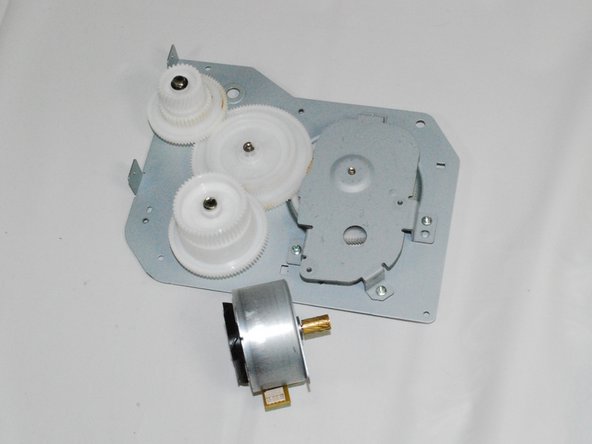
      • Use a Phillips #2 screwdriver to remove the motor from the panel by removing the two, 1", Phillips, PH#2 screws.

      • Replace the motor and reassemble the printer by following the instructions in reverse order.

      Vraag FixBot

      Voeg opmerking toe

Eindstreep

Annuleren: ik heb deze handleiding niet afgemaakt.

Één andere persoon heeft deze handleiding voltooid.

bbaustin

Lid sinds: 10/12/11

268 Reputatie

6 handleidingen geschreven

Team

Cal Poly, Team 17-18, Regan Fall 2011 Lid van Cal Poly, Team 17-18, Regan Fall 2011

CPSU-REGAN-F11S17G18

4 Leden

12 handleidingen geschreven

0Gids Commentaar

Voeg opmerking toe

Weergavestatistieken:

Afgelopen 24 uren: 1

Afgelopen 7 dagen: 9

Afgelopen 30 dagen: 39

Altijd: 5,384