Inleiding
For the Cricket Samsung Galaxy Sol, the camera needed is an OEM CRICKET SAMSUNG GALAXY SOL SM-J321AZ rear camera. Some of the reasons you would need to replace the front camera are water damage or a cracked lens.
Wat je nodig hebt
-
-
Remove the back case of the phone by using an opening tool or fingernail to lift the divot on the top left side.
 Vraag FixBot
-
-
-
Remove the battery by lifting from the bottom up with an opening tool or a small flat tool such as a credit card.
-
-
-
Remove the grey back of the phone by unscrewing all ten 0.4mm screws with a Phillips #00 screw bit.
-
-
-
-
After you have removed all the screws, take a credit card or plastic tool to lift the screen. You will go all around the border of the phone.
-
-
-
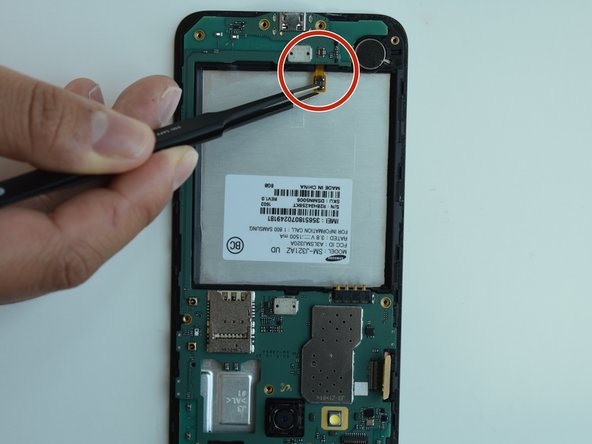
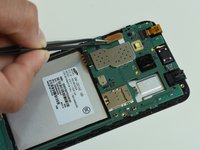
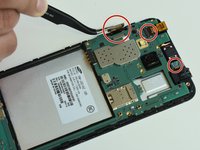
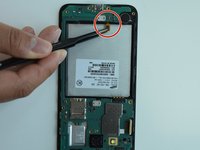
After removing the grey part of the phone, you will need to remove the motherboard by detaching all the chips.
-
-
-
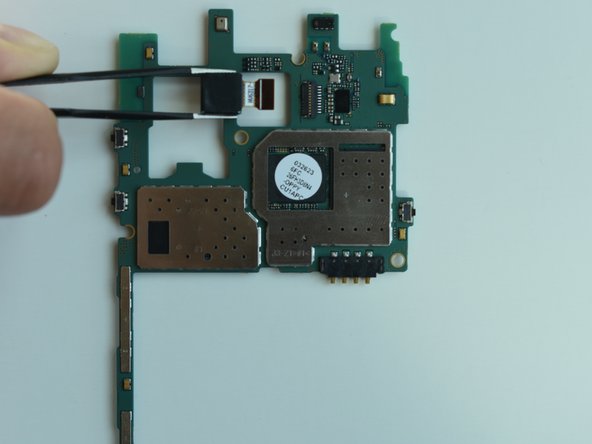
Once you detach the chips, remove the hard drive to access the rear camera.
-
-
-
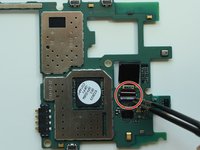
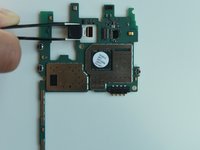
To remove the rear camera, flip the tab upward and then pull the camera straight out.
-




To reassemble your device, follow these instructions in reverse order.

Team

Linn Benton Community College, Team S2-G1, Johnson Spring 2018 Lid van Linn Benton Community College, Team S2-G1, Johnson Spring 2018
LBCC-JOHNSON-S18S2G1
4 Leden
5 handleidingen geschreven
