Wat je nodig hebt
-
-
-
Verwijder eerst de simkaart-lade. Het gaat om een Samsung Galaxy Note 5 Duos, dus er zijn twee sleuven.
 Vraag FixBot
-
-
-
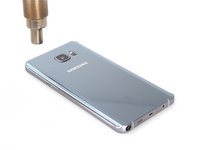
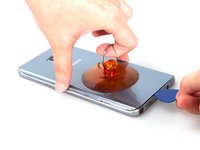
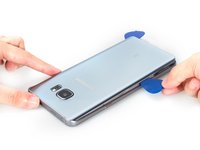
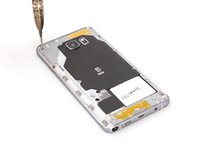
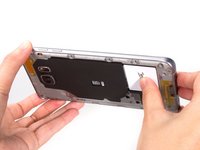
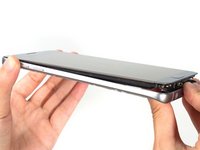
Verwarm de achterbehuizing en snijd de sticker eronder door. De lijm is erg sterk. Wees voorzichtig met het glas en de gebogen achterbehuizing.
-
-
-
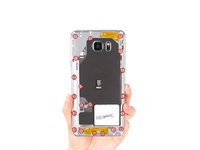
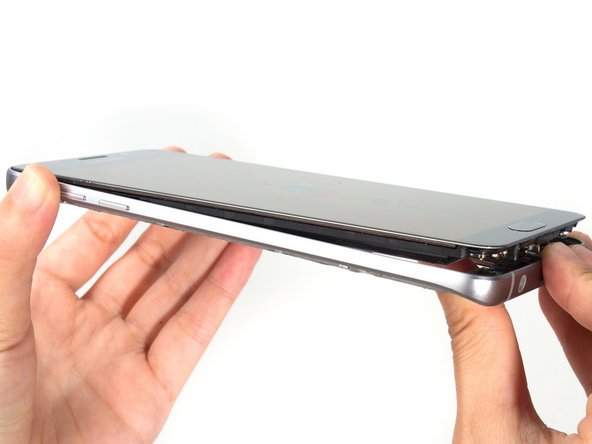
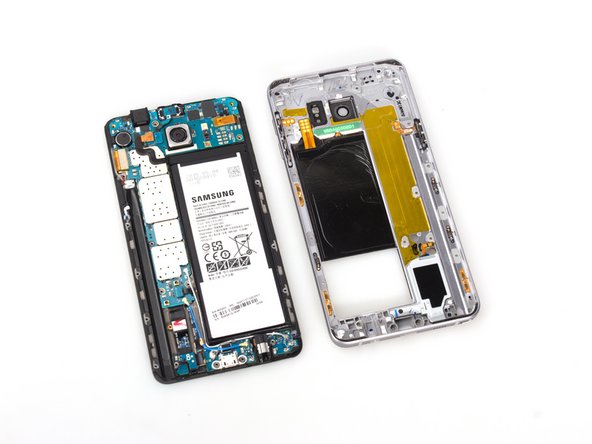
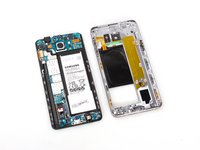
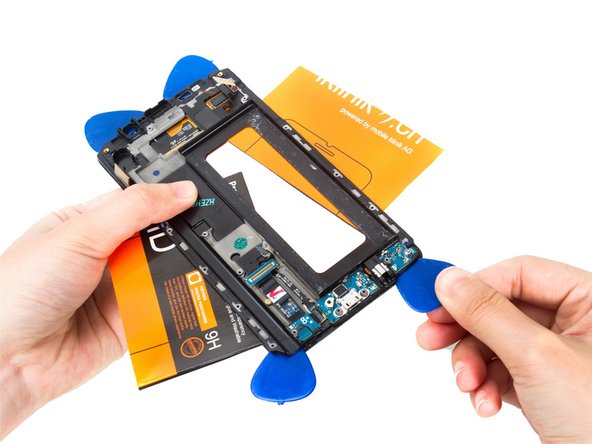
Duw de voorste assembly uit de middelste behuizing. Er zit een kleine zwarte plakstrip op elke hoek.
-
-
-
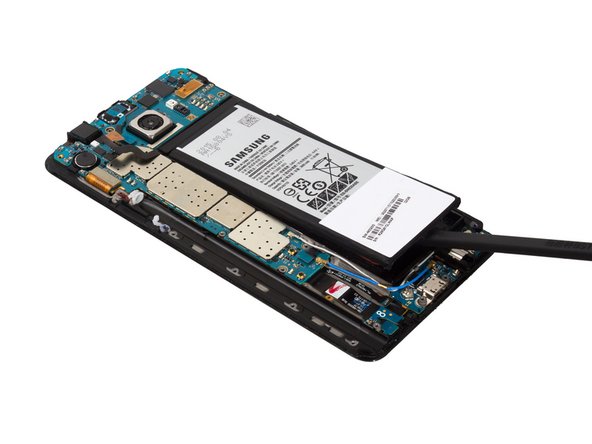
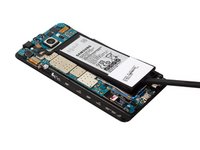
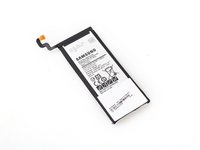
Maak de (kabel)aansluiting van de accu los van het moederbord en wip de accu omhoog. Ja, er zit ook wat lijm onder.
-
-
-
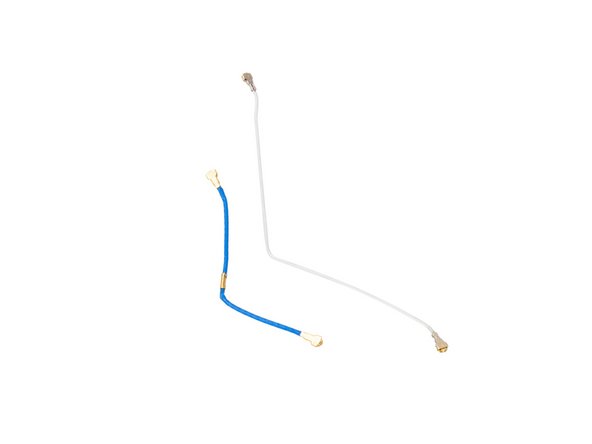
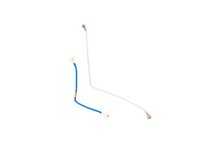
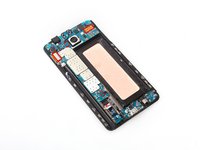
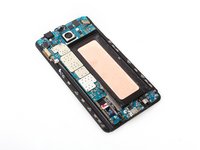
Verwijder twee stukken signaal-flexkabel. Bij verschillende versies van de Samsung Galaxy Note 5 is er mogelijk slechts één signaal-flexkabel aanwezig.
-
-
-
-
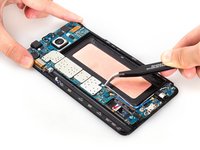
Maak de LCD-kabelaansluiting, digitizer-kabelaansluiting, oortelefoonmodule-kabelaansluiting en thuisknop-kabelaansluiting los van het moederbord.
-
-
-
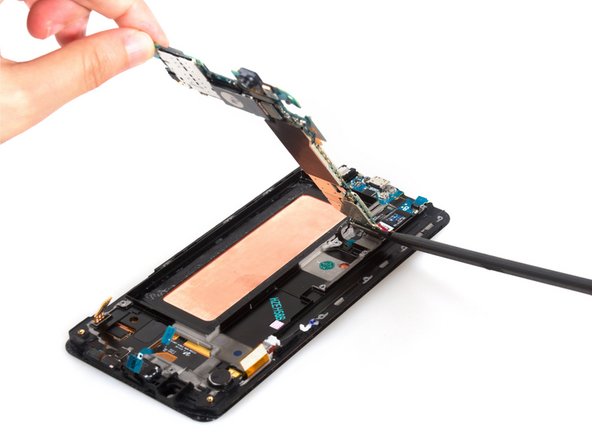
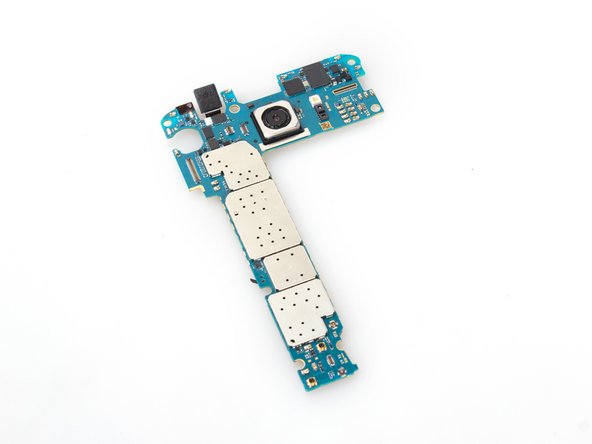
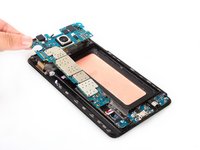
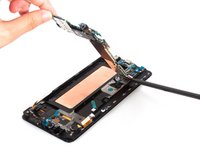
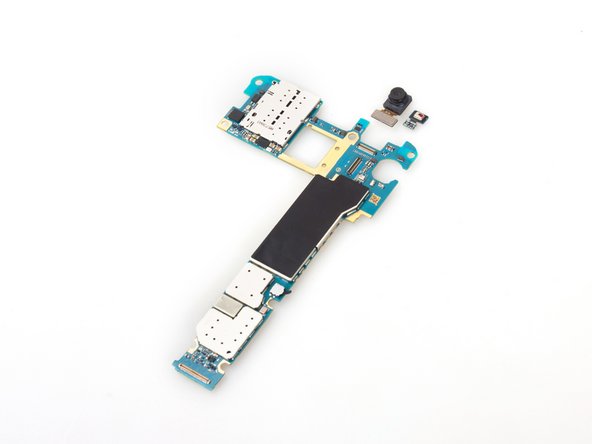
Maak de USB-connectorplaat(kabel)aansluiting aan de achterzijde los en verwijder het gehele moederbord.
-
-
-
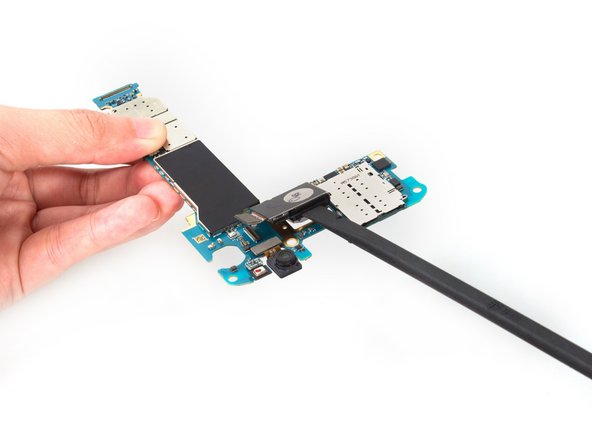
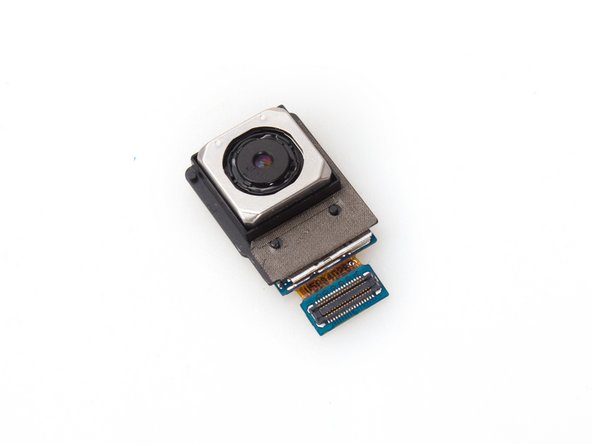
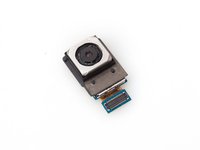
Verwijder de camera achteraan. Er zit een zwarte plastic beugel rond de camera, dus we moeten ze samen verwijderen. Er zit ook een beetje lijm onder.
-
-
-
Dat is de Samsung Galaxy Note 5 oorstuk luidspreker-assemblage. Het is geïntegreerd met de luidspreker en sensoren.
-
-
-
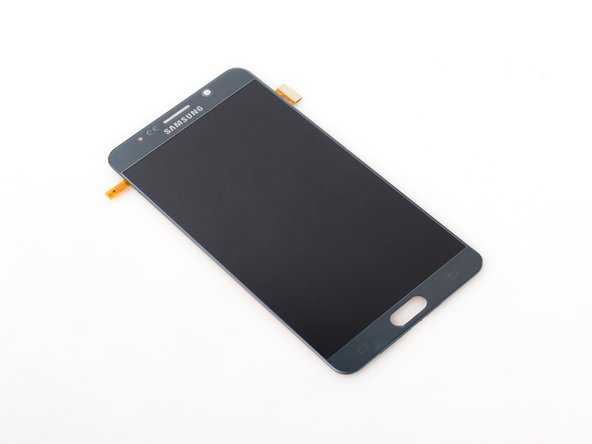
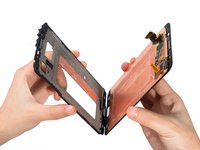
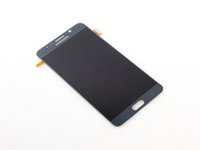
Probeer nu het LCD-scherm los te maken van de omlijsting. De moeilijkheidsgraad en het risico om alleen het scherm te verwijderen scoren beide bijna 5 sterren (totaal 5 punten). Het scherm is kwetsbaar en de lijm is erg sterk.
-
-
-
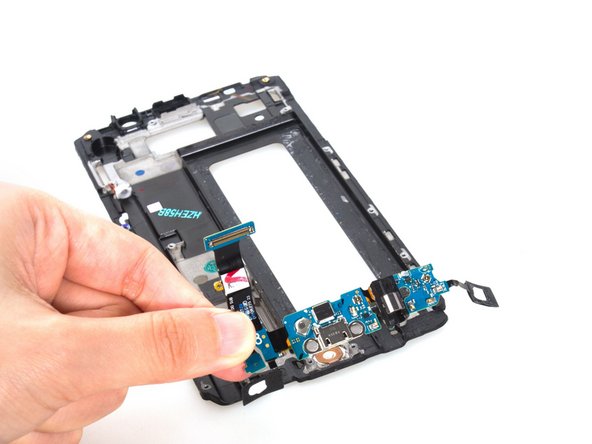
Aangezien Samsung een ontwerp hanteert waarbij de USB-printplaat en de aanraaktoetsen samen zijn geïntegreerd, is het voor doe-het-zelvers veel moeilijker geworden om de USB-printplaat of het LCD-scherm afzonderlijk te vervangen.
-
Wees voorzichtig met de aanraaktoetsen aan de onderkant, en in het bijzonder met de flexkabel.
-
In feite is het vervangen van het LCD-scherm, de USB-printplaat of de thuisknop van de Samsung Galaxy Note 5 bijna gelijk aan de stappen in deze Demontage.
-
-
-
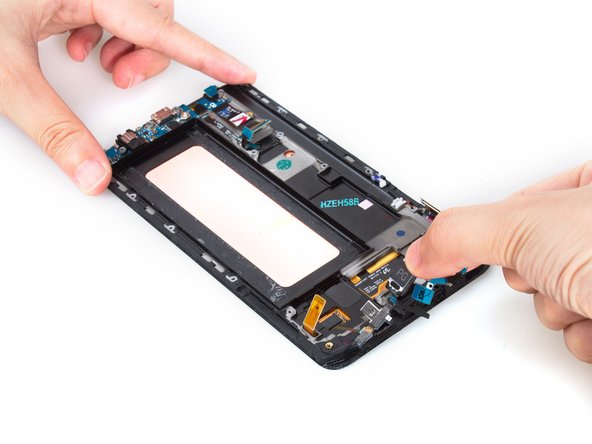
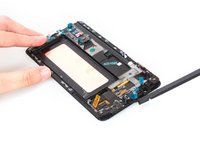
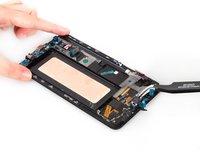
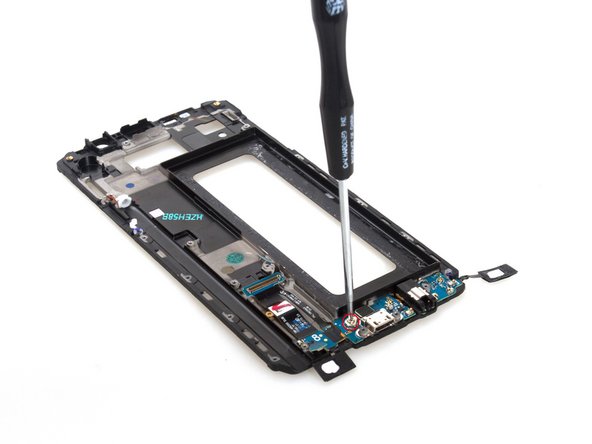
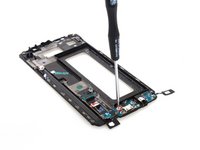
Maak voorzichtig twee zachte sensortoetsen los van de omlijsting. Verwijder daarna de laatste borgschroef op het USB-bord.
-
-
-
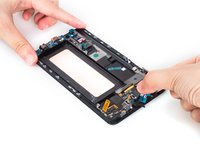
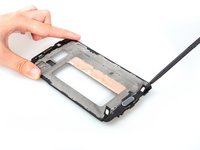
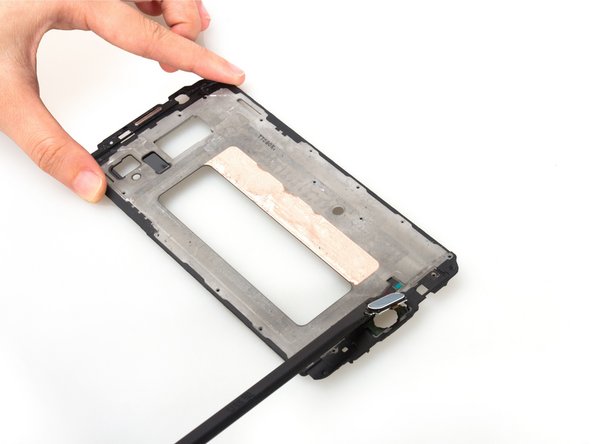
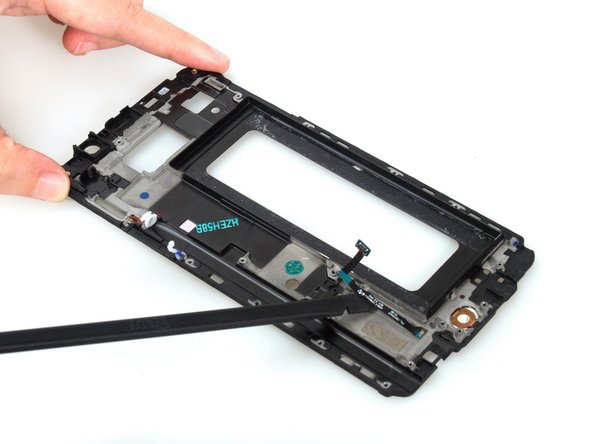
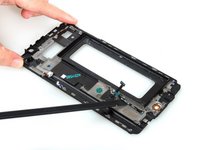
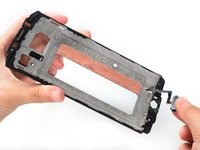
Zie je het merkteken rechts van de thuisknop? Druk de knop in die richting om hem eenvoudig uit de bevestigingsgleuf los te maken. Snijd vervolgens de plakstrip onder de flexkabel door.
-
-
-
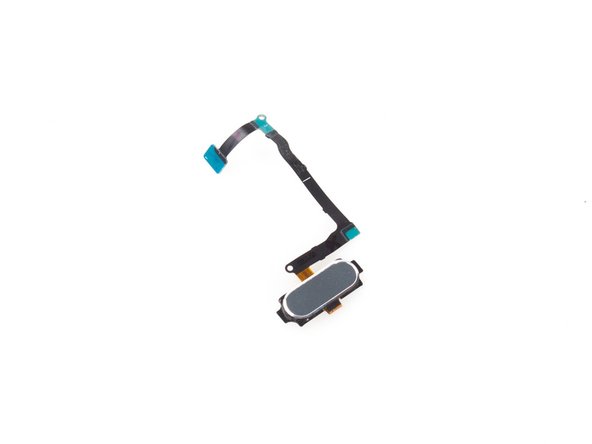
Verwijder de flexkabel van de thuisknop. Hoewel het een klein onderdeel is, is het erg ingewikkeld en moeilijk te vervangen, zelfs met het risico het scherm te beschadigen.
-
-
























24Gids Commentaar
Can the s pen be opened too? I wanna know because my s pen clicking mechanism gets stuck and doesn't click.
Yes it separates at the seam where the darker section with the Samsung text meets the light gray part. Here is a decent youtube video some guy made: https://youtu.be/ixNXUh2fnZo I would recommend trying plastic tools to open instead of a razor blade, also graphite is quite messy so I would probably use a small dab of light silicone grease. I buy it at the hardware store in the plumbing section (used for faucet seals). It's a good lightweight grease for rubber & plastic parts and anything sensitive to petroleum base grease. Good luck!
