Ga door naar hoofdinhoud
Word lid van de reparatiegemeenschap - Account aanmaken

Samsung Ace Display Screen Replacement

Wat je nodig hebt

  1. Samsung Ace Display Screen Replacement, Battery: stap 1, afbeelding 1 van 3 Samsung Ace Display Screen Replacement, Battery: stap 1, afbeelding 2 van 3 Samsung Ace Display Screen Replacement, Battery: stap 1, afbeelding 3 van 3
    • To remove the back casing, firmly press down and push towards the bottom of the phone.

    Vraag FixBot
  2. Samsung Ace Display Screen Replacement: stap 2, afbeelding 1 van 1
    • With the casing removed, lift the battery from the indicated indentation.

    Vraag FixBot
  3. Samsung Ace Display Screen Replacement: stap 3, afbeelding 1 van 1
    • From here, you can now access the SIM card and model/serial numbers.

    Vraag FixBot
  4. Samsung Ace Display Screen Replacement, Casing: stap 4, afbeelding 1 van 1
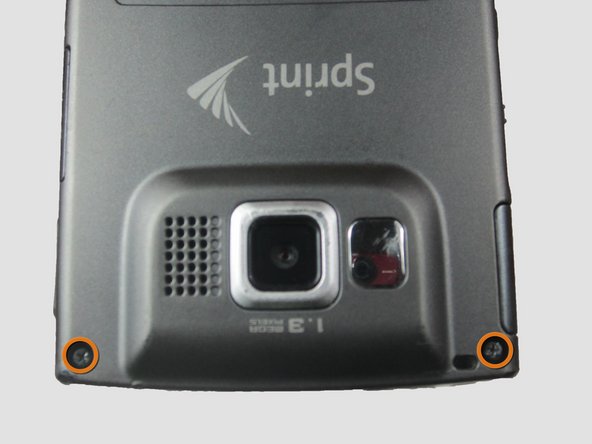
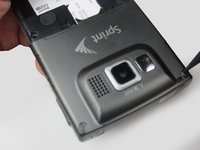
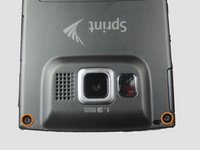
    • Using the Phillips #00 screwdriver, remove the four indicated screws (4.5 mm).

    Vraag FixBot
  5. Samsung Ace Display Screen Replacement: stap 5, afbeelding 1 van 2 Samsung Ace Display Screen Replacement: stap 5, afbeelding 2 van 2
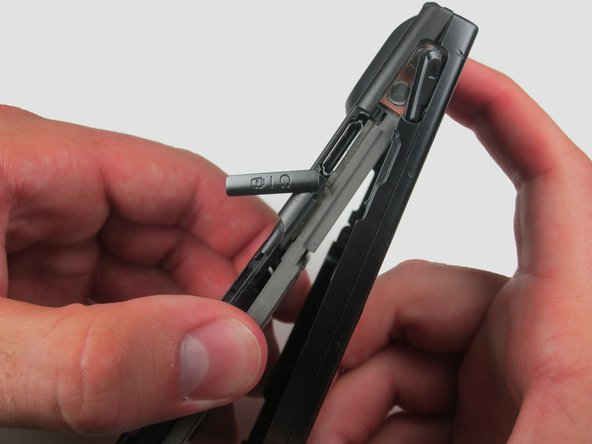
    • Press the pointed edge of the spudger into the side of the two rubber plugs in order to lift and remove them from the top of the phone.

    • Then, using the Phillips #00 screwdriver, remove the two indicated Phillip screws (6.5 mm).

    Vraag FixBot
  6. Samsung Ace Display Screen Replacement: stap 6, afbeelding 1 van 1
    • To remove the SIM card, start by pressing the top of the card and push down and away towards the bottom of the phone. Then, as indicated, pull the SIM card out.

    Vraag FixBot
  7. Samsung Ace Display Screen Replacement: stap 7, afbeelding 1 van 2 Samsung Ace Display Screen Replacement: stap 7, afbeelding 2 van 2
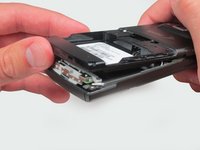
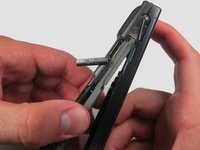
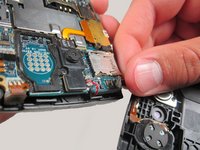
    • Begin to slowly lift the back casing of the phone. You should hear a snap when the casing is released.

    • The power, volume, and camera buttons may fall out when separating the front and back casing.

    Vraag FixBot
  8. Samsung Ace Display Screen Replacement: stap 8, afbeelding 1 van 1
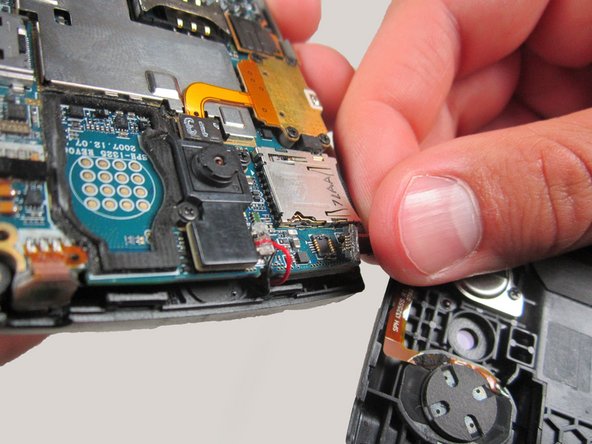
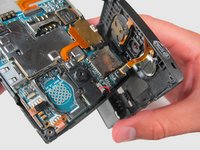
    • Your casing should be separated and the three loose buttons put to the side.

    • Be aware of the wiring on the top of the phone. Make sure not to pull it apart when separating the case.

    Vraag FixBot
  9. Samsung Ace Display Screen Replacement: stap 9, afbeelding 1 van 2 Samsung Ace Display Screen Replacement: stap 9, afbeelding 2 van 2
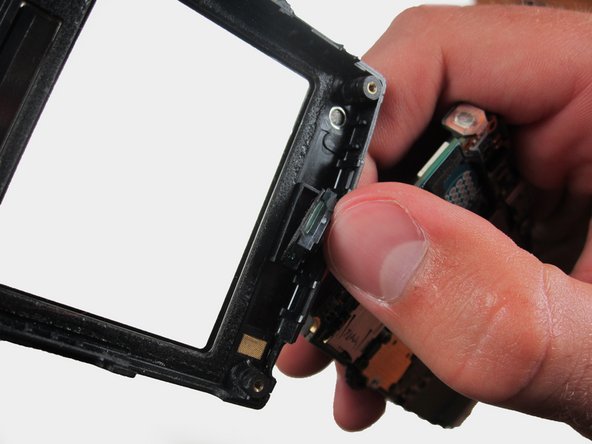
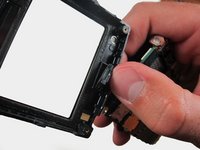
    • Slowly remove the back casing by gently pulling the ribbon connection.

    Vraag FixBot
  10. Samsung Ace Display Screen Replacement: stap 10, afbeelding 1 van 2 Samsung Ace Display Screen Replacement: stap 10, afbeelding 2 van 2
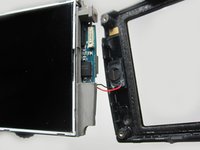
    • Gently pull on the wires to remove the front casing.

    Vraag FixBot
  11. Samsung Ace Display Screen Replacement: stap 11, afbeelding 1 van 1
    • Your front casing and front speaker are now released.

    Vraag FixBot
  12. Samsung Ace Display Screen Replacement, Display Screen: stap 12, afbeelding 1 van 2 Samsung Ace Display Screen Replacement, Display Screen: stap 12, afbeelding 2 van 2
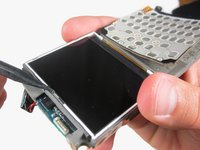
    • Locate the display screen.

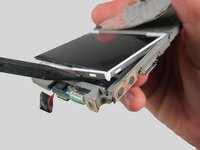
    • Carefully squeeze part of the flat or pointed edge of the spudger into the spacing under the glass display to pry and lift the display up.

    • It may help to insert the pointed edge of the spudger into the small indentation shown on the right in the second image.

    Vraag FixBot
  13. Samsung Ace Display Screen Replacement: stap 13, afbeelding 1 van 3 Samsung Ace Display Screen Replacement: stap 13, afbeelding 2 van 3 Samsung Ace Display Screen Replacement: stap 13, afbeelding 3 van 3
    • Slide the spudger across the bottom of the display and slowly push up.

    Vraag FixBot
  14. Samsung Ace Display Screen Replacement: stap 14, afbeelding 1 van 1
    • Slowly pry the spudger up to remove the display.

    Vraag FixBot
  15. Samsung Ace Display Screen Replacement: stap 15, afbeelding 1 van 1
    • To remove the casing as a whole, slowly lift up and towards the right side of the phone.

    • Be aware of the wiring on the right side of the phone connecting the display.

    Vraag FixBot
Conclusie

To reassemble your device, follow these instructions in reverse order.

Breanne

Lid sinds: 04/12/12

187 Reputatie

5 handleidingen geschreven

Team

Cal Poly, Team 6-24, Amido Spring 2012 Lid van Cal Poly, Team 6-24, Amido Spring 2012

CPSU-AMIDO-S12S6G24

3 Leden

17 handleidingen geschreven

0Gids Commentaar

Voeg opmerking toe

Weergavestatistieken:

Afgelopen 24 uren: 3

Afgelopen 7 dagen: 11

Afgelopen 30 dagen: 57

Altijd: 1,814