Ga door naar hoofdinhoud
Word lid van de reparatiegemeenschap - Account aanmaken

Rexing V1P Plus Front Camera Replacement

Wat je nodig hebt

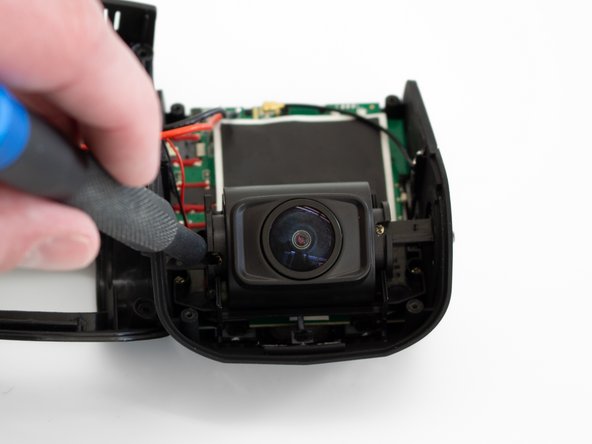
  1. Rexing V1P Plus Front Camera Replacement, Front Camera: stap 1, afbeelding 1 van 3 Rexing V1P Plus Front Camera Replacement, Front Camera: stap 1, afbeelding 2 van 3 Rexing V1P Plus Front Camera Replacement, Front Camera: stap 1, afbeelding 3 van 3
    • Begin by orienting the device with the LCD screen facing down.

    • Remove the four 6 mm screws, located on the backside of the device, using the Phillips #00 screwdriver.

    Vraag FixBot

    Voeg opmerking toe

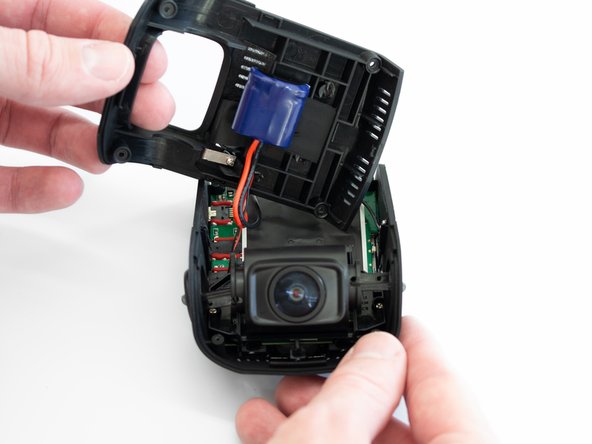
  2. Rexing V1P Plus Front Camera Replacement: stap 2, afbeelding 1 van 3 Rexing V1P Plus Front Camera Replacement: stap 2, afbeelding 2 van 3 Rexing V1P Plus Front Camera Replacement: stap 2, afbeelding 3 van 3
    • Remove the back cover of the device and place it to the side.

    • Rotate the device 180 degrees to where the camera is facing you.

    Vraag FixBot

    Voeg opmerking toe

  3. Rexing V1P Plus Front Camera Replacement: stap 3, afbeelding 1 van 3 Rexing V1P Plus Front Camera Replacement: stap 3, afbeelding 2 van 3 Rexing V1P Plus Front Camera Replacement: stap 3, afbeelding 3 van 3
    • Remove the two 5 mm screws next to the lens using the Phillips #00 screwdriver.

    Vraag FixBot

    Voeg opmerking toe

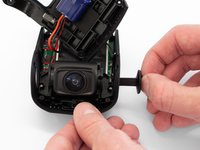
  4. Rexing V1P Plus Front Camera Replacement: stap 4, afbeelding 1 van 3 Rexing V1P Plus Front Camera Replacement: stap 4, afbeelding 2 van 3 Rexing V1P Plus Front Camera Replacement: stap 4, afbeelding 3 van 3
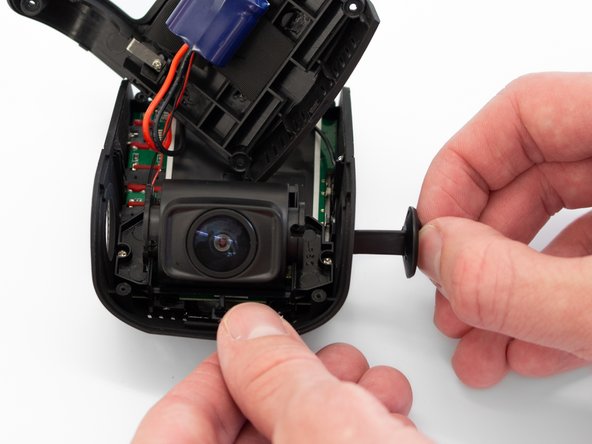
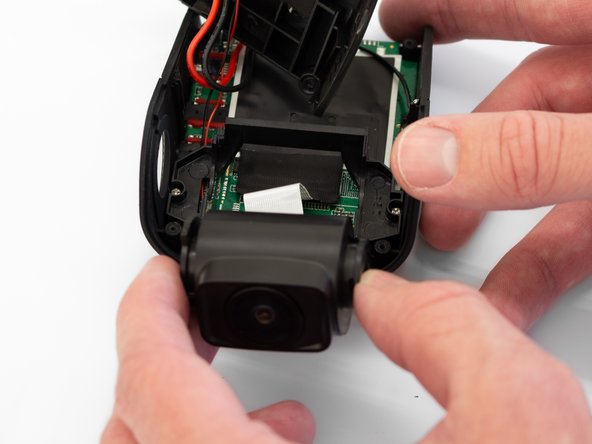
    • Remove the two camera angle adjusters from the side of the device and carefully pull out the lens.

    Vraag FixBot

    Voeg opmerking toe

  5. Rexing V1P Plus Front Camera Replacement: stap 5, afbeelding 1 van 3 Rexing V1P Plus Front Camera Replacement: stap 5, afbeelding 2 van 3 Rexing V1P Plus Front Camera Replacement: stap 5, afbeelding 3 van 3
    • Remove the two 5mm screws securing the camera support bracket using the Phillips #00 screwdriver.

    Vraag FixBot

    Voeg opmerking toe

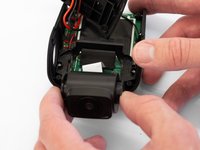
  6. Rexing V1P Plus Front Camera Replacement: stap 6, afbeelding 1 van 3 Rexing V1P Plus Front Camera Replacement: stap 6, afbeelding 2 van 3 Rexing V1P Plus Front Camera Replacement: stap 6, afbeelding 3 van 3
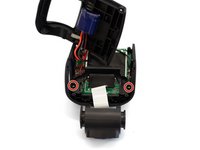
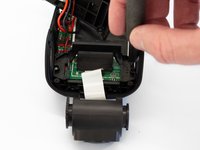
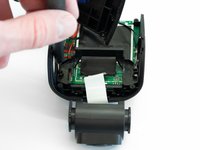
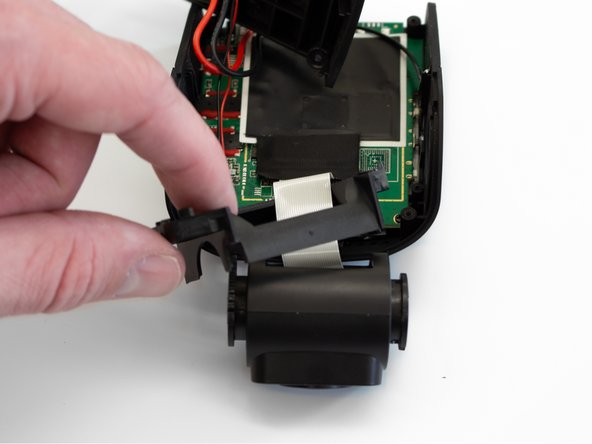
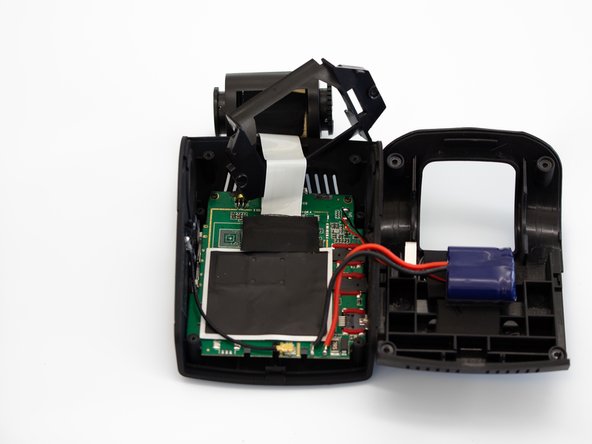
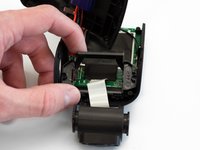
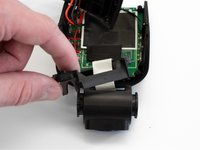
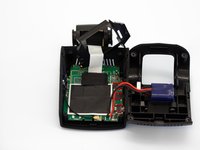
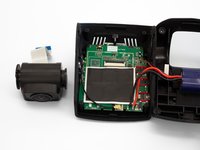
    • Carefully remove the plastic frame piece from its previously secured position on the motherboard.

    • It will rest loosely around the white camera ribbon.

    • Rotate the device 180 degrees to where the camera is facing away from you.

    Vraag FixBot

    Voeg opmerking toe

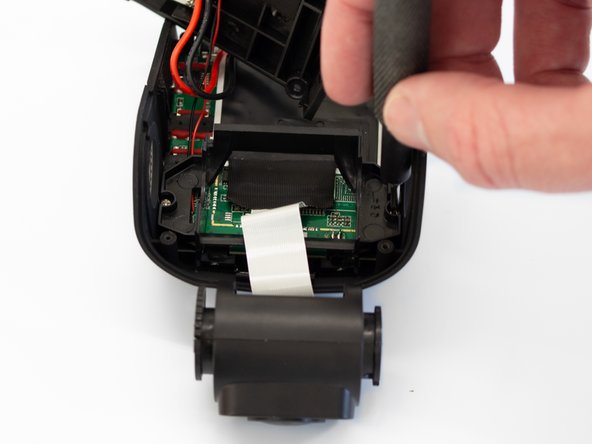
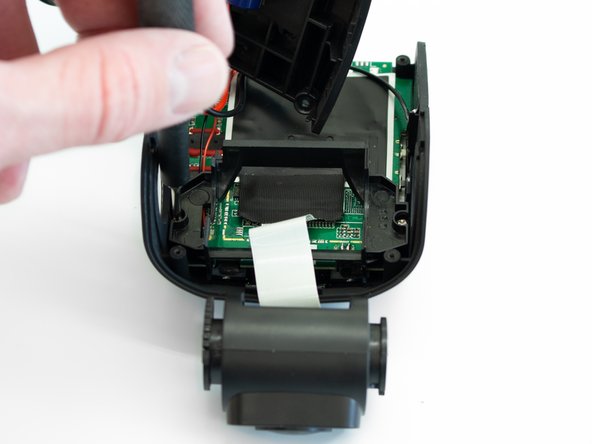
  7. Rexing V1P Plus Front Camera Replacement: stap 7, afbeelding 1 van 3 Rexing V1P Plus Front Camera Replacement: stap 7, afbeelding 2 van 3 Rexing V1P Plus Front Camera Replacement: stap 7, afbeelding 3 van 3
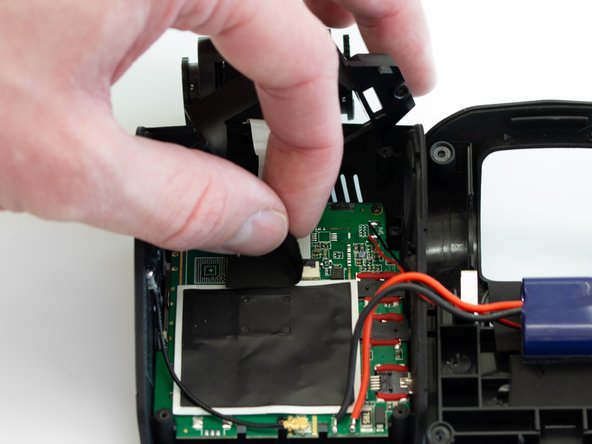
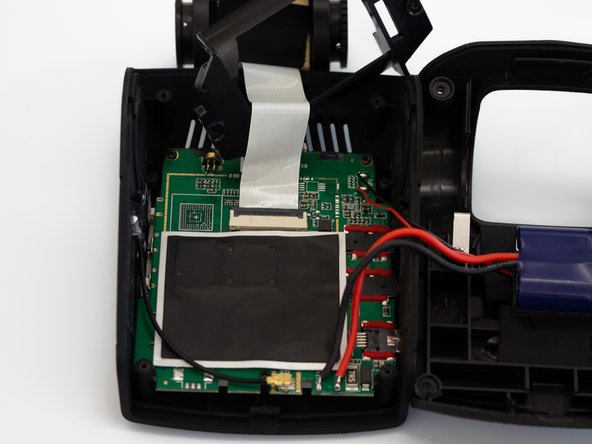
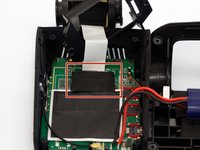
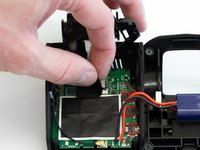
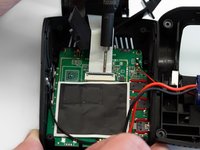
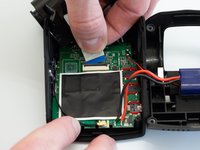
    • Carefully peel back the adhesive material covering the ribbon cable connection.

    Vraag FixBot

    Voeg opmerking toe

  8. Rexing V1P Plus Front Camera Replacement: stap 8, afbeelding 1 van 3 Rexing V1P Plus Front Camera Replacement: stap 8, afbeelding 2 van 3 Rexing V1P Plus Front Camera Replacement: stap 8, afbeelding 3 van 3
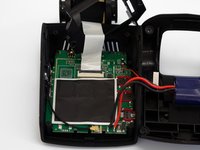
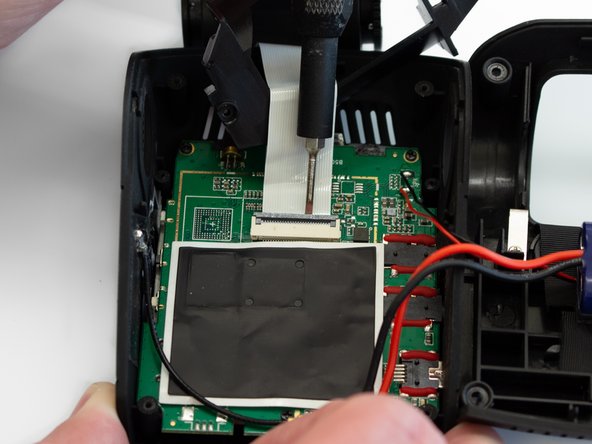
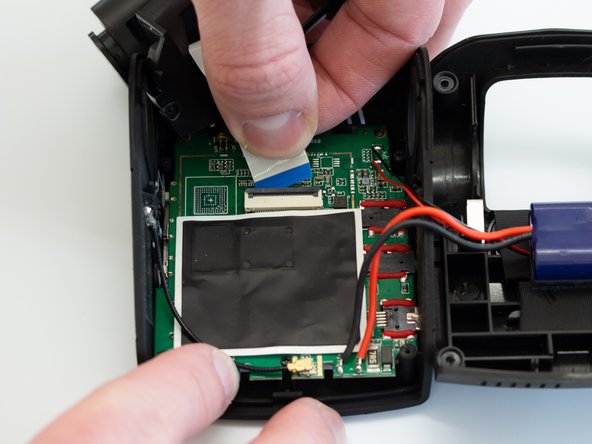
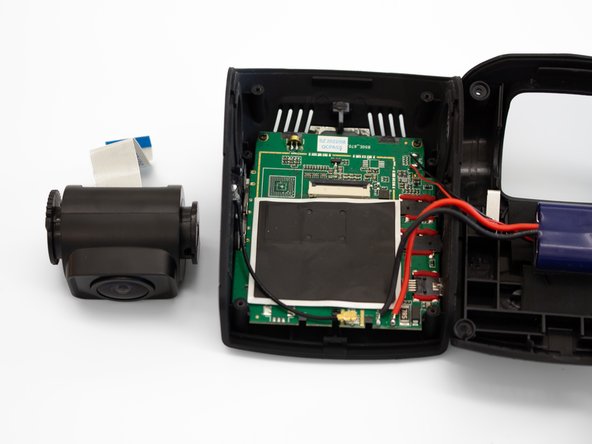
    • Using the Flathead 1.5mm screwdriver, or another pry tool, gently flip up the black ZIF connector locking flap to free the ribbon cable.

    • Once the connector is open, slide the ribbon cable out to remove it.

    Vraag FixBot

    Voeg opmerking toe

Conclusie

To reassemble your device, follow these instructions in reverse order.

Annuleren: ik heb deze handleiding niet afgemaakt.

Één andere persoon heeft deze handleiding voltooid.

0Gids Commentaar

Voeg opmerking toe

Weergavestatistieken:

Afgelopen 24 uren: 0

Afgelopen 7 dagen: 2

Afgelopen 30 dagen: 33

Altijd: 345