Ga door naar hoofdinhoud
Word lid van de reparatiegemeenschap - Account aanmaken

Repairing VTech Touch and Swipe Baby Phone Screen Alignment

Wat je nodig hebt

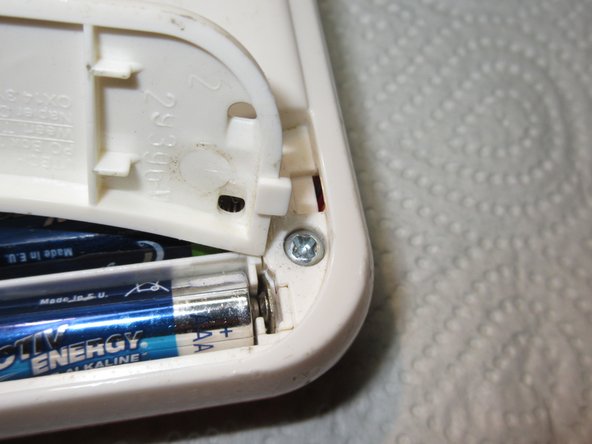
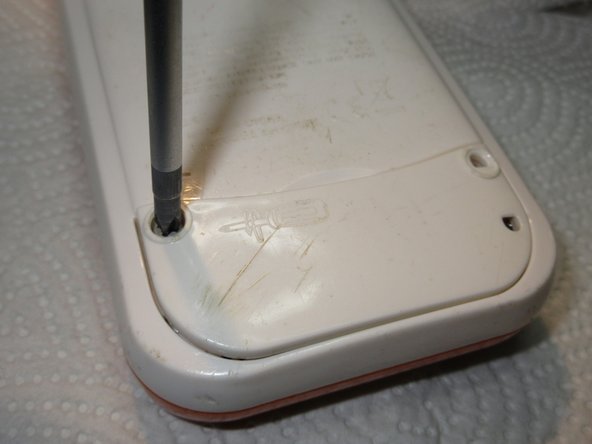
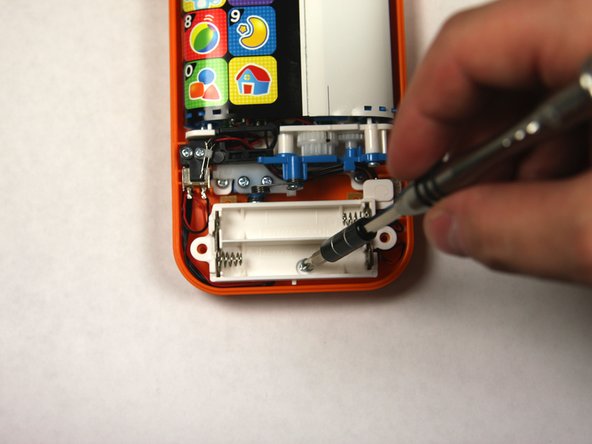
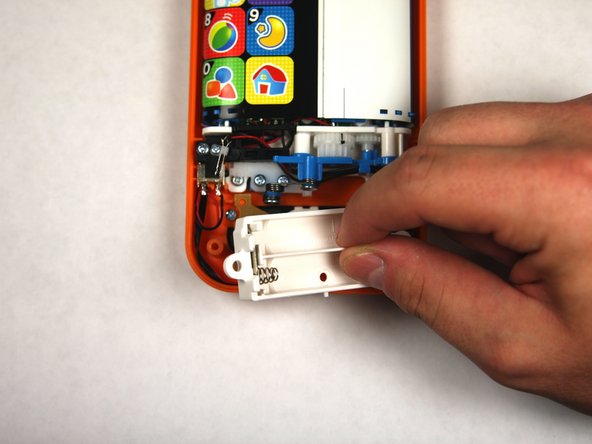
  1. Repairing VTech Touch and Swipe Baby Phone Screen Alignment, Battery: stap 1, afbeelding 1 van 2 Repairing VTech Touch and Swipe Baby Phone Screen Alignment, Battery: stap 1, afbeelding 2 van 2
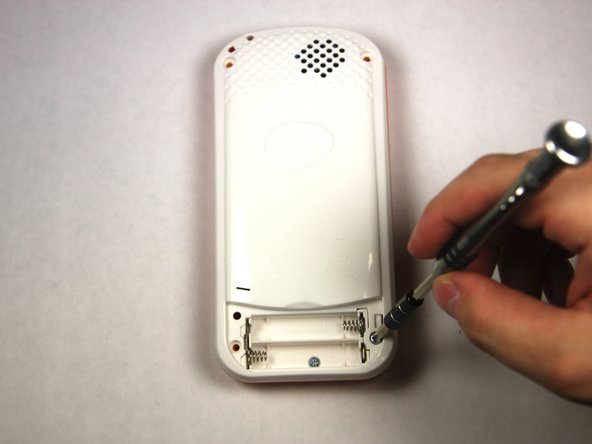
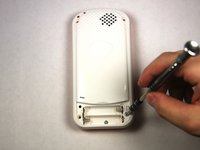
    • Using a Phillips #1 screwdriver, remove the 4.8mm screw on the battery cover by twisting the screwdriver counter-clockwise.

    Vraag FixBot

    Voeg opmerking toe

  2. Repairing VTech Touch and Swipe Baby Phone Screen Alignment: stap 2, afbeelding 1 van 3 Repairing VTech Touch and Swipe Baby Phone Screen Alignment: stap 2, afbeelding 2 van 3 Repairing VTech Touch and Swipe Baby Phone Screen Alignment: stap 2, afbeelding 3 van 3
    • Remove the two AAA batteries by pulling on one end of the battery and lifting it straight out.

    Vraag FixBot

    Voeg opmerking toe

  3. Repairing VTech Touch and Swipe Baby Phone Screen Alignment: stap 3, afbeelding 1 van 3 Repairing VTech Touch and Swipe Baby Phone Screen Alignment: stap 3, afbeelding 2 van 3 Repairing VTech Touch and Swipe Baby Phone Screen Alignment: stap 3, afbeelding 3 van 3
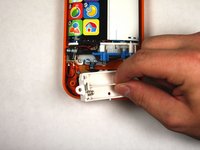
    • When reassembling, align the notch on the battery panel with the slot on the phone.

    Vraag FixBot

    Voeg opmerking toe

  4. Repairing VTech Touch and Swipe Baby Phone Screen Alignment, Repairing VTech Touch and Swipe Baby Phone Screen Alignment: stap 4, afbeelding 1 van 2 Repairing VTech Touch and Swipe Baby Phone Screen Alignment, Repairing VTech Touch and Swipe Baby Phone Screen Alignment: stap 4, afbeelding 2 van 2
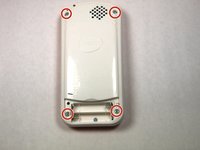
    • Remove four 13.8mm screws from the back of the device using a Phillips #1 screwdriver.

    Vraag FixBot

    Voeg opmerking toe

  5. Repairing VTech Touch and Swipe Baby Phone Screen Alignment: stap 5, afbeelding 1 van 3 Repairing VTech Touch and Swipe Baby Phone Screen Alignment: stap 5, afbeelding 2 van 3 Repairing VTech Touch and Swipe Baby Phone Screen Alignment: stap 5, afbeelding 3 van 3
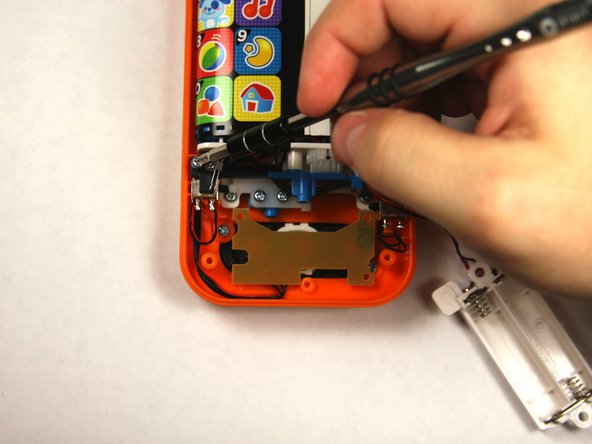
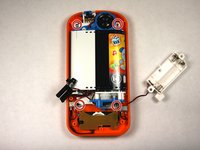
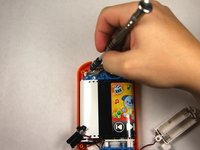
    • Remove a single 4.8 mm screw with a Phillips #0 screwdriver and lift away the battery pack being careful of the wires.

    Vraag FixBot

    Voeg opmerking toe

  6. Repairing VTech Touch and Swipe Baby Phone Screen Alignment: stap 6, afbeelding 1 van 2 Repairing VTech Touch and Swipe Baby Phone Screen Alignment: stap 6, afbeelding 2 van 2
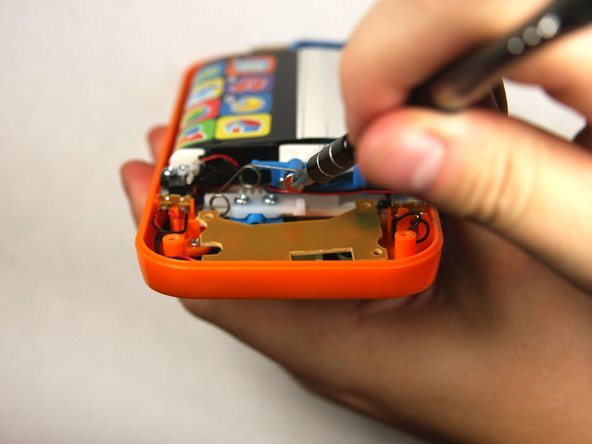
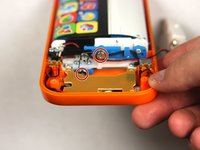
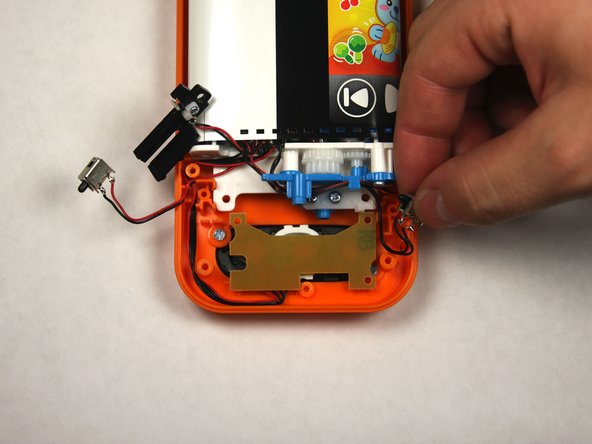
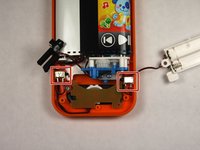
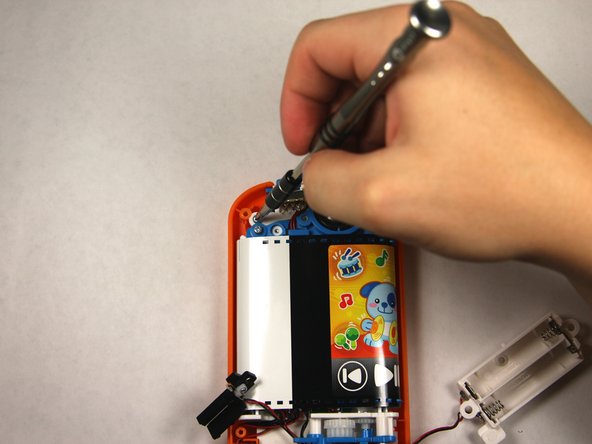
    • Remove two 7.2 mm screws with a Phillips #0 screwdriver.

    • Slide off the spring.

    Vraag FixBot

    Voeg opmerking toe

  7. Repairing VTech Touch and Swipe Baby Phone Screen Alignment: stap 7, afbeelding 1 van 3 Repairing VTech Touch and Swipe Baby Phone Screen Alignment: stap 7, afbeelding 2 van 3 Repairing VTech Touch and Swipe Baby Phone Screen Alignment: stap 7, afbeelding 3 van 3
    • Remove the single 7.5mm screw with a Phillips #0 screwdriver.

    • Lift up the black plastic piece.

    Vraag FixBot

    Voeg opmerking toe

  8. Repairing VTech Touch and Swipe Baby Phone Screen Alignment: stap 8, afbeelding 1 van 2 Repairing VTech Touch and Swipe Baby Phone Screen Alignment: stap 8, afbeelding 2 van 2
    • Remove four 7.5mm screws with a Phillips #0 screwdriver.

    Vraag FixBot

    Voeg opmerking toe

  9. Repairing VTech Touch and Swipe Baby Phone Screen Alignment: stap 9, afbeelding 1 van 2 Repairing VTech Touch and Swipe Baby Phone Screen Alignment: stap 9, afbeelding 2 van 2
    • Remove the two buttons, noting how wires are placed for reassembly.

    Vraag FixBot

    Voeg opmerking toe

  10. Repairing VTech Touch and Swipe Baby Phone Screen Alignment: stap 10, afbeelding 1 van 2 Repairing VTech Touch and Swipe Baby Phone Screen Alignment: stap 10, afbeelding 2 van 2
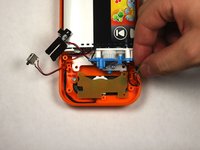
    • Lift the button board up and away to clear room for lifting the motherboard.

    • Tilt the assembly up but being wary that it is still attached to the front panel.

    Vraag FixBot

    Voeg opmerking toe

  11. Repairing VTech Touch and Swipe Baby Phone Screen Alignment: stap 11, afbeelding 1 van 1
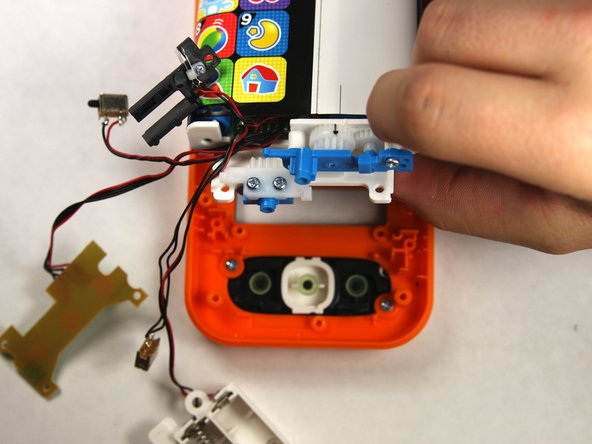
    • Slide the toothed slider towards you to remove.

    Vraag FixBot

    Voeg opmerking toe

  12. Repairing VTech Touch and Swipe Baby Phone Screen Alignment: stap 12, afbeelding 1 van 1
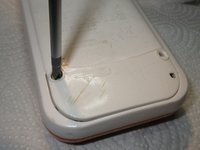
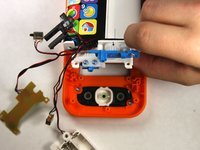
    • To reassemble, align the two black lines together by moving the belt back and forth.

    • Once aligned reinsert the toothed slider at the exact point shown.

    Vraag FixBot

    Voeg opmerking toe

Conclusie

To reassemble your device, follow these instructions in reverse order, skipping step 10 as the toothed slider has already been put in for proper alignment.

Annuleren: ik heb deze handleiding niet afgemaakt.

Één andere persoon heeft deze handleiding voltooid.

Sean Webb

Lid sinds: 09/04/15

384 Reputatie

2 handleidingen geschreven

Team

USF Tampa, Team 2-4, Sullivan Fall 2015 Lid van USF Tampa, Team 2-4, Sullivan Fall 2015

USFT-SULLIVAN-F15S2G4

3 Leden

12 handleidingen geschreven

1Gids Commentaar

Good work !

Nice.

I did not see the black line in mine,

i opened the foil and glued it new together . Not so nice. :D

But it works.

Schwarzstein - Antwoord Deel
Voeg opmerking toe

Weergavestatistieken:

Afgelopen 24 uren: 1

Afgelopen 7 dagen: 10

Afgelopen 30 dagen: 41

Altijd: 1,922