Deze vertaling is door een computer gegenereerd en is nog niet door iemand nagekeken. Spreek je deze taal? Bekijk het hier.
Inleiding
Deze handleiding laat zien hoe je de ingebouwde microfoon vervangt als deze defect is.
Wat je nodig hebt
-
-
-
Til het metalen klepje op en schuif de zoeker naar rechts.
 Vraag FixBot
-
-
-
Draai de 7,0 mm ph#0-schroef aan de onderkant los waar de kabel is aangesloten.
-
Til het plastic op waar de kabel met de zoeker is verbonden.
-
Koppel de interne kabel los door deze uit elkaar te trekken.
-
-
-
-
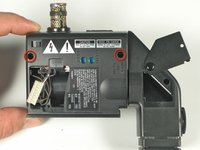
Draai de twee 7 mm ph#0-schroeven aan de onderkant van de zoeker-eenheid los.
-
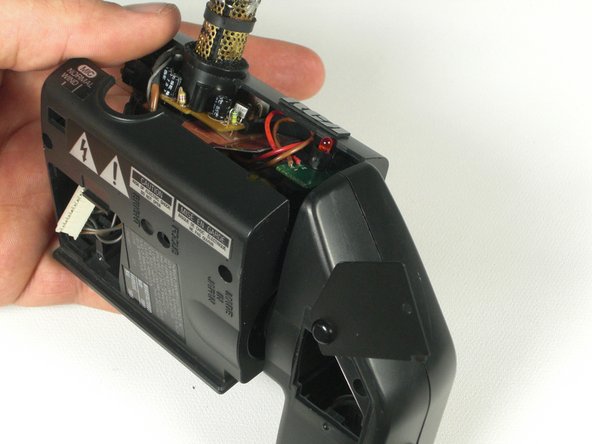
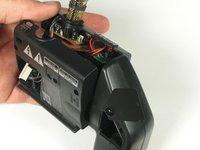
Til de kunststof zoeker-eenheid op.
-
-
-
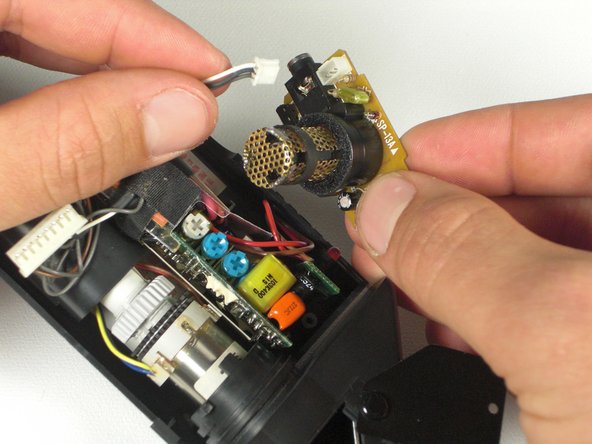
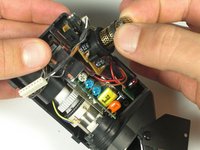
Til de microfoon-printplaat recht omhoog.
-
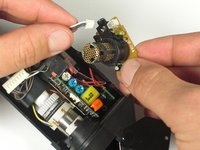
Maak de kabel los die met de printplaat is verbonden.
-
-
-
Draai de microfoon-printplaat om.
-
Draai de twee Ph#0-schroeven los die de plastic behuizing op de printplaat vasthouden.
-
-
-
Desoldeer de metalen beschermbehuizing met een soldeerbout.
-
Desoldeer de microfoon en vervang deze.
-
-





Volg deze instructies in omgekeerde volgorde om het apparaat weer in elkaar te zetten.
Annuleren: ik heb deze handleiding niet afgemaakt.
Één andere persoon heeft deze handleiding voltooid.

Team

Cal Poly, Team 5-20, Amido Winter 2011 Lid van Cal Poly, Team 5-20, Amido Winter 2011
CPSU-AMIDO-W11S5G20
4 Leden
84 handleidingen geschreven
