Ga door naar hoofdinhoud
Word lid van de reparatiegemeenschap - Account aanmaken

ProntoTec Axius Screen Replacement

Wat je nodig hebt

  1. ProntoTec Axius Screen Replacement, Screen: stap 1, afbeelding 1 van 1
    • Make sure the device is completely turned off before you begin taking it apart to avoid risk of electrocution.

    • Place the tablet face-up on a flat table

    Vraag FixBot
  2. ProntoTec Axius Screen Replacement: stap 2, afbeelding 1 van 1
    • Starting near the headphone port, fit the flat end of the spudger in between the screen and back case.

    • Pry the back case from the screen around each point on the device to release the clips securing the case halves to each other.

    Vraag FixBot
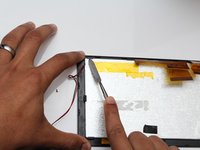
  3. ProntoTec Axius Screen Replacement: stap 3, afbeelding 1 van 1
    • Gently remove the back case of the device and lay it in a flat surface as shown in the photo.

    • Make sure not to sever the wires (red and black) connected to the speaker that is located in the back case.

    Vraag FixBot
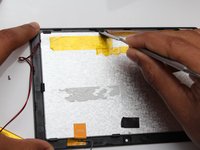
  4. ProntoTec Axius Screen Replacement: stap 4, afbeelding 1 van 1
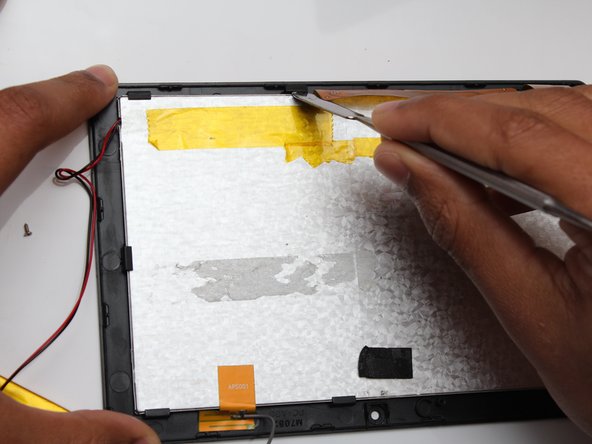
    • Remove all of the yellow tape that is on the device with the spudger.

    • Be careful not to cut any wires that are under the tapes.

    Vraag FixBot
  5. ProntoTec Axius Screen Replacement: stap 5, afbeelding 1 van 2 ProntoTec Axius Screen Replacement: stap 5, afbeelding 2 van 2
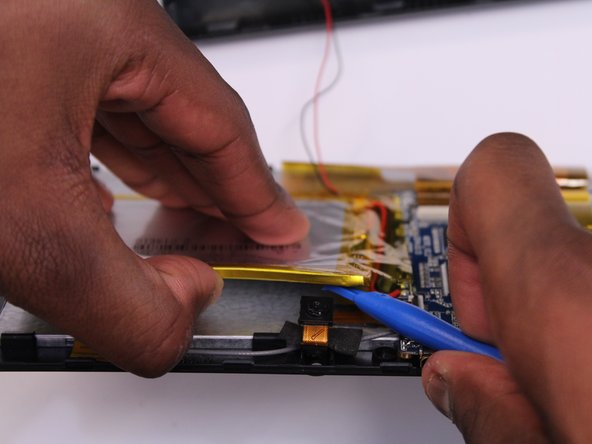
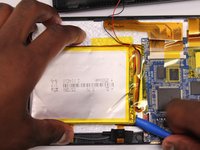
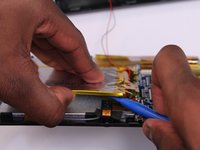
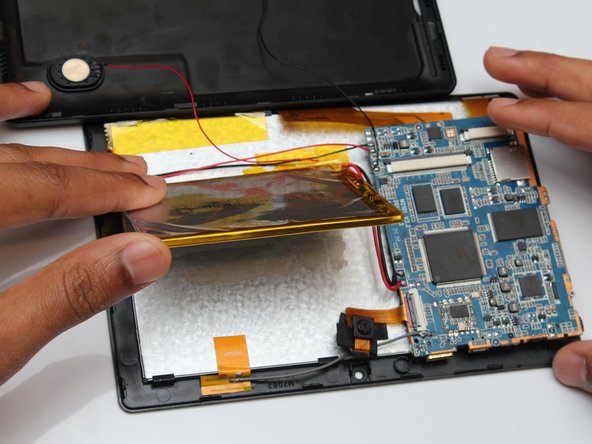
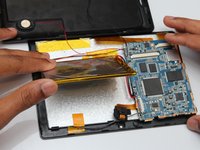
    • Use the flat end of the spudger to gently pry the battery from the back of the screen.

    Vraag FixBot
  6. ProntoTec Axius Screen Replacement: stap 6, afbeelding 1 van 2 ProntoTec Axius Screen Replacement: stap 6, afbeelding 2 van 2
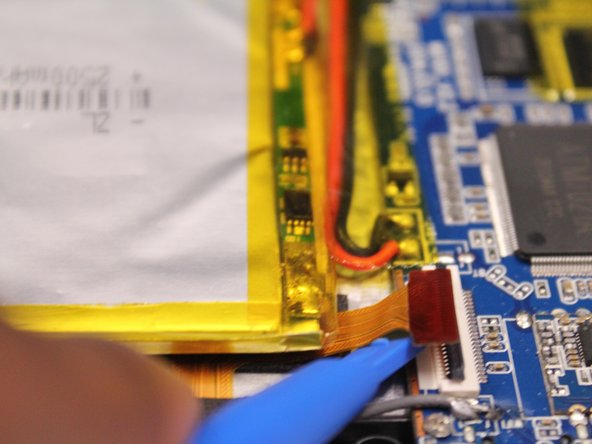
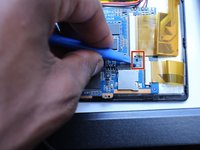
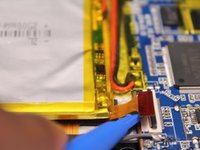
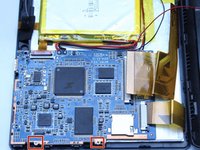
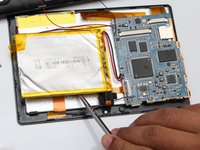
    • Use a spudger to lift all the ribbon cable clamps

    • Detach all three ribbon cables from the clamps

    Vraag FixBot
  7. ProntoTec Axius Screen Replacement: stap 7, afbeelding 1 van 3 ProntoTec Axius Screen Replacement: stap 7, afbeelding 2 van 3 ProntoTec Axius Screen Replacement: stap 7, afbeelding 3 van 3
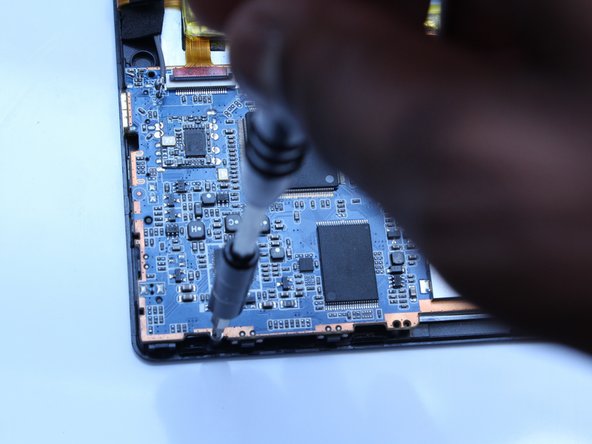
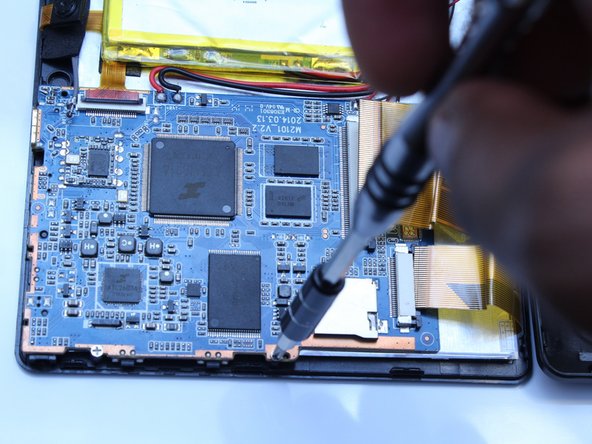
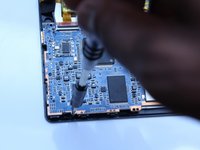
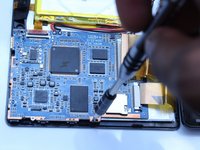
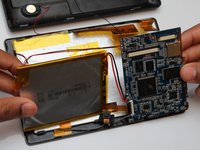
    • Using a Phillips screwdriver (PH00), unscrew the motherboard from the device

    Vraag FixBot
  8. ProntoTec Axius Screen Replacement: stap 8, afbeelding 1 van 3 ProntoTec Axius Screen Replacement: stap 8, afbeelding 2 van 3 ProntoTec Axius Screen Replacement: stap 8, afbeelding 3 van 3
    Gereedschap gebruikt in deze stap:
    Heavy-Duty Spudger
    $4.99
    • Use the flat end of the metal spudger to remove the battery from the back of the screen of the device.

    • Avoid using metal when prying off the battery. For serious prying power, try using the heavy-duty plastic spudger.

    Vraag FixBot
  9. ProntoTec Axius Screen Replacement: stap 9, afbeelding 1 van 1
    • Remove the orange tab from the back of the screen as shown in the picture

    Vraag FixBot
  10. ProntoTec Axius Screen Replacement: stap 10, afbeelding 1 van 2 ProntoTec Axius Screen Replacement: stap 10, afbeelding 2 van 2
    • Use the flat end of the metal spudger to unclip and remove the screen from the casing.

    Vraag FixBot
Conclusie

To reassemble your device, follow these instructions in reverse order.

Antonio Irons

Lid sinds: 10/20/16

441 Reputatie

4 handleidingen geschreven

Team

UMass Dartmouth, Team 5-3, Martin Fall 2016 Lid van UMass Dartmouth, Team 5-3, Martin Fall 2016

UMASSD-MARTIN-F16S5G3

3 Leden

10 handleidingen geschreven

0Gids Commentaar

Voeg opmerking toe

Weergavestatistieken:

Afgelopen 24 uren: 0

Afgelopen 7 dagen: 5

Afgelopen 30 dagen: 48

Altijd: 542