Ga door naar hoofdinhoud
Word lid van de reparatiegemeenschap - Account aanmaken

Phone Buttons Replacement

Wat je nodig hebt

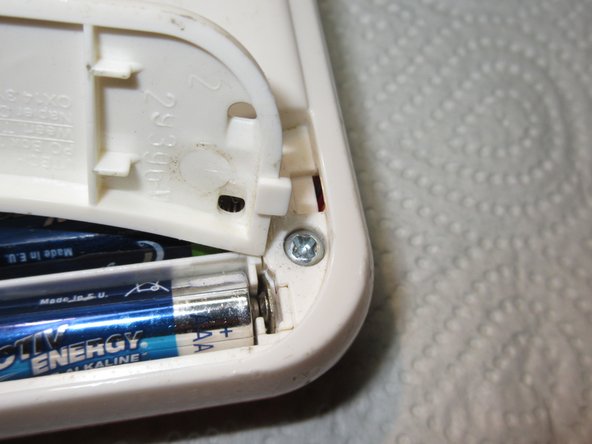
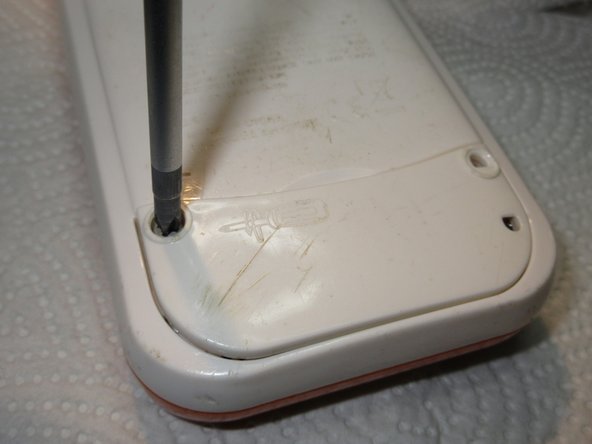
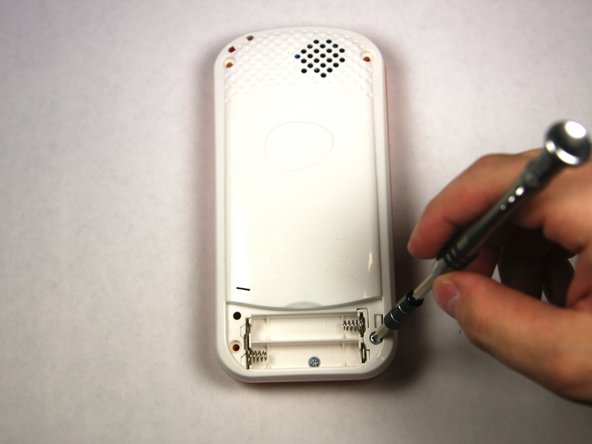
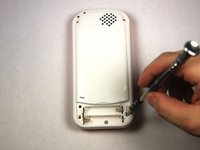
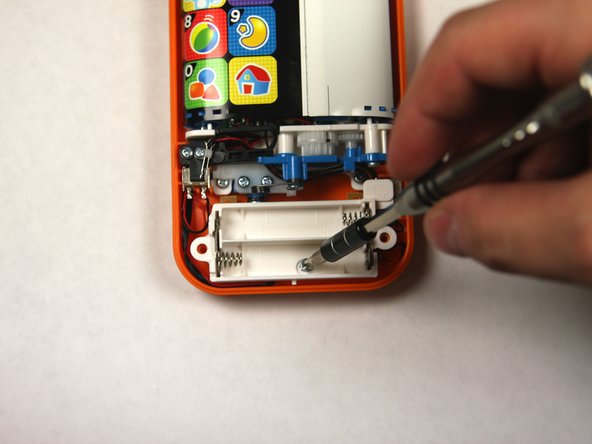
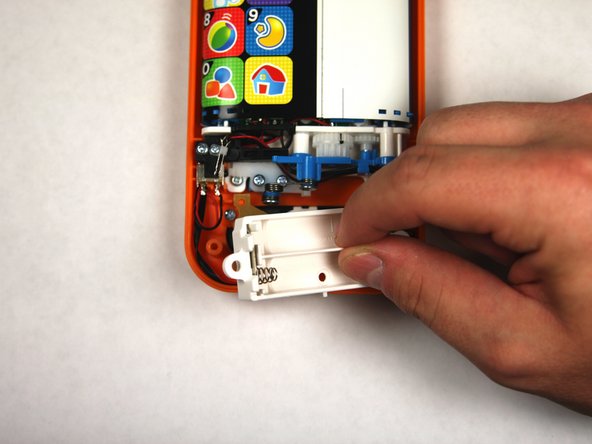
  1. Phone Buttons Replacement, Battery: stap 1, afbeelding 1 van 2 Phone Buttons Replacement, Battery: stap 1, afbeelding 2 van 2
    • Using a Phillips #1 screwdriver, remove the 4.8mm screw on the battery cover by twisting the screwdriver counter-clockwise.

    Vraag FixBot

    Voeg opmerking toe

  2. Phone Buttons Replacement: stap 2, afbeelding 1 van 3 Phone Buttons Replacement: stap 2, afbeelding 2 van 3 Phone Buttons Replacement: stap 2, afbeelding 3 van 3
    • Remove the two AAA batteries by pulling on one end of the battery and lifting it straight out.

    Vraag FixBot

    Voeg opmerking toe

  3. Phone Buttons Replacement: stap 3, afbeelding 1 van 3 Phone Buttons Replacement: stap 3, afbeelding 2 van 3 Phone Buttons Replacement: stap 3, afbeelding 3 van 3
    • When reassembling, align the notch on the battery panel with the slot on the phone.

    Vraag FixBot

    Voeg opmerking toe

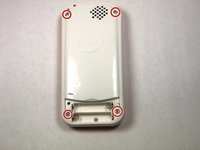
  4. Phone Buttons Replacement, Buttons: stap 4, afbeelding 1 van 2 Phone Buttons Replacement, Buttons: stap 4, afbeelding 2 van 2
    • Remove 4 13.8mm screws holding the device back using a Phillips #1 screw driver.

    Vraag FixBot

    Voeg opmerking toe

  5. Phone Buttons Replacement: stap 5, afbeelding 1 van 3 Phone Buttons Replacement: stap 5, afbeelding 2 van 3 Phone Buttons Replacement: stap 5, afbeelding 3 van 3
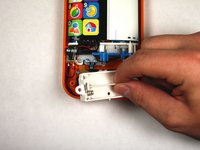
    • Removed 1 4.8mm phillips head screw with a #0 Phillips head screw driver and lift away battery back being conscientious of wires.

    Vraag FixBot

    Voeg opmerking toe

  6. Phone Buttons Replacement: stap 6, afbeelding 1 van 2 Phone Buttons Replacement: stap 6, afbeelding 2 van 2
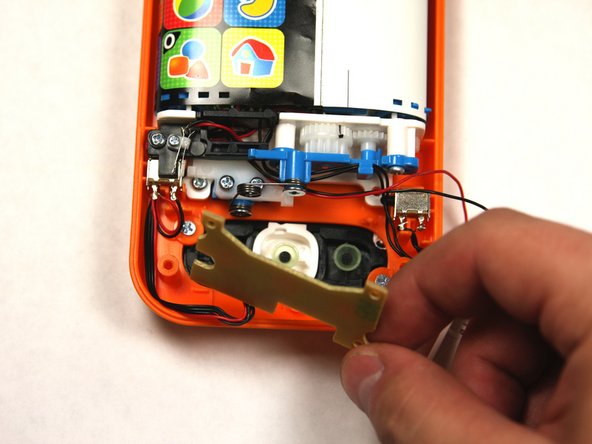
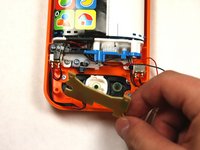
    • Carefully remove the button board to gain access to the buttons.

    Vraag FixBot

    Voeg opmerking toe

  7. Phone Buttons Replacement: stap 7, afbeelding 1 van 2 Phone Buttons Replacement: stap 7, afbeelding 2 van 2
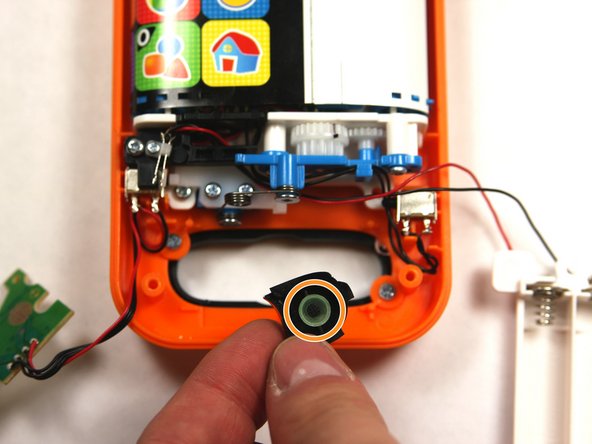
    • Carefully remove each button from the baby phone.

    • When handling buttons be sure not to misplace the button contacts.

    Vraag FixBot

    Voeg opmerking toe

Conclusie

To reassemble your device, follow these instructions in reverse order.

Annuleren: ik heb deze handleiding niet afgemaakt.

Één andere persoon heeft deze handleiding voltooid.

tellocordova

Lid sinds: 09/04/15

342 Reputatie

2 handleidingen geschreven

Team

USF Tampa, Team 2-4, Sullivan Fall 2015 Lid van USF Tampa, Team 2-4, Sullivan Fall 2015

USFT-SULLIVAN-F15S2G4

3 Leden

12 handleidingen geschreven

0Gids Commentaar

Voeg opmerking toe

Weergavestatistieken:

Afgelopen 24 uren: 3

Afgelopen 7 dagen: 11

Afgelopen 30 dagen: 45

Altijd: 1,194