Inleiding
If your faceplate is cracked or broken, this guide will help you replace the faceplate for the PDP Rematch controller (model 500-134-1).
The faceplate serves as a protective cover for the controller.
Before beginning, make sure to disconnect the controller's wire from any external power source.
Wat je nodig hebt
-
-
Grip one side of the controller firmly.
-
Insert an opening pick into the crease between the faceplate and the body of the controller.
-
Once the pick creates a gap in the crease, gently insert another pick into a different section of the crease.
-
Carefully move the picks along the controller's crease line until you hear a popping sound.
-
Gently lift off the faceplate by hand.
 Vraag FixBot
-
-
-
-
Gently lift off the hard cover with your hand; it should not need much force.
-


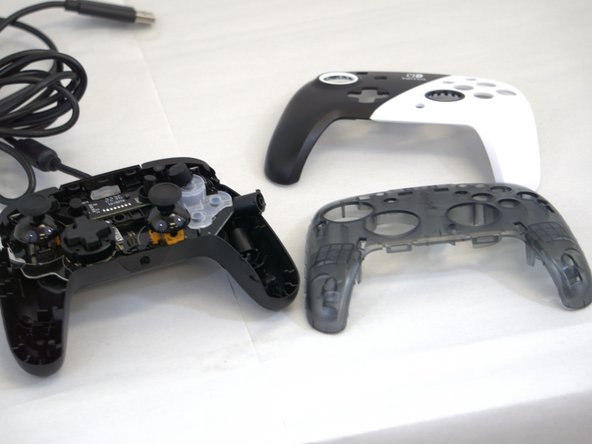
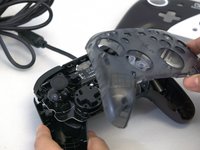
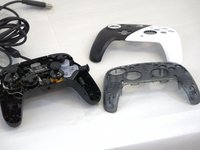
To reassemble your device, follow these instructions in reverse order.
Annuleren: ik heb deze handleiding niet afgemaakt.
Één andere persoon heeft deze handleiding voltooid.

Team

Tennessee Tech University, Team 1-3, Pickering Spring 2024 Lid van Tennessee Tech University, Team 1-3, Pickering Spring 2024
TNTECH-PICKERING-S24S1G3
4 Leden
5 handleidingen geschreven
