Ga door naar hoofdinhoud
Word lid van de reparatiegemeenschap - Account aanmaken

Olympus Stylus 760 LCD Screen Replacement

Wat je nodig hebt

    1. Olympus Stylus 760 LCD Screen Replacement, Battery door: stap 1, afbeelding 1 van 1
      • Slide the door located on the bottom of the camera in an outward direction

      Vraag FixBot

      Voeg opmerking toe

    2. Olympus Stylus 760 LCD Screen Replacement, Release: stap 2, afbeelding 1 van 1
      • Pull back on the red release tab located on the left side of the battery.

      Vraag FixBot

      Voeg opmerking toe

    3. Olympus Stylus 760 LCD Screen Replacement, Replacement: stap 3, afbeelding 1 van 1
      • Slide battery out of camera

      Vraag FixBot

      Voeg opmerking toe

    1. Olympus Stylus 760 LCD Screen Replacement, LCD Screen: stap 4, afbeelding 1 van 1
      • Remove the 2 screws from the bottom of the camera

      Vraag FixBot

      Voeg opmerking toe

    2. Olympus Stylus 760 LCD Screen Replacement: stap 5, afbeelding 1 van 1
      • Using a Phillips head size 0 screwdriver, remove the screw from the right side of the camera

      Vraag FixBot

      Voeg opmerking toe

    3. Olympus Stylus 760 LCD Screen Replacement: stap 6, afbeelding 1 van 1
      • Remove the 2 screws from the left side of the camera

      Vraag FixBot

      Voeg opmerking toe

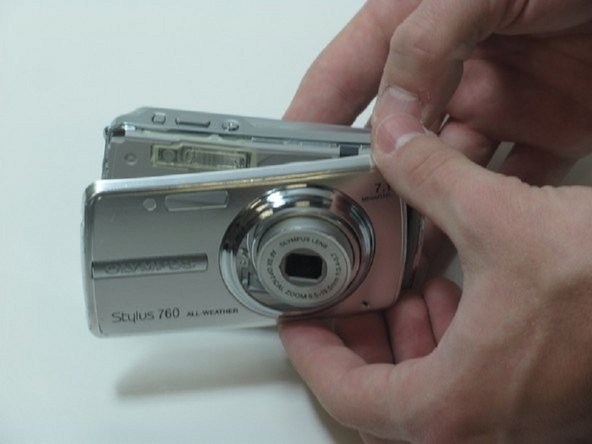
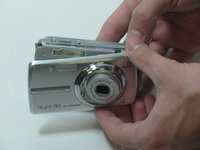
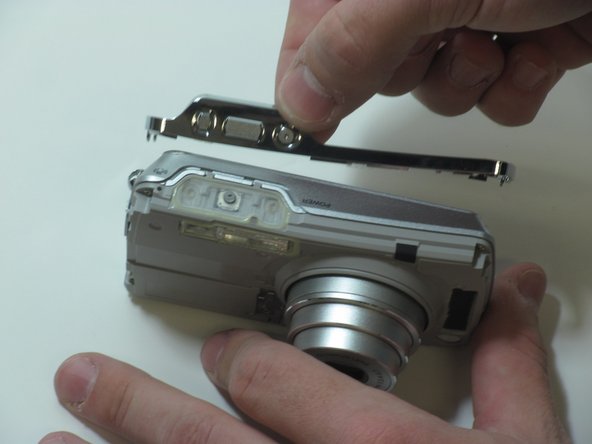
    4. Olympus Stylus 760 LCD Screen Replacement: stap 7, afbeelding 1 van 3 Olympus Stylus 760 LCD Screen Replacement: stap 7, afbeelding 2 van 3 Olympus Stylus 760 LCD Screen Replacement: stap 7, afbeelding 3 van 3
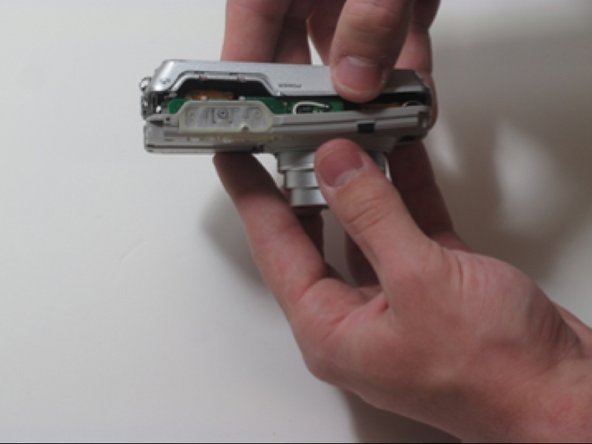
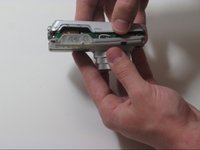
      • Separate the front casing from the back using a plastic opening tool, gently.

      • Silver band and buttons will become loose when you remove the two pieces.

      Vraag FixBot

      Voeg opmerking toe

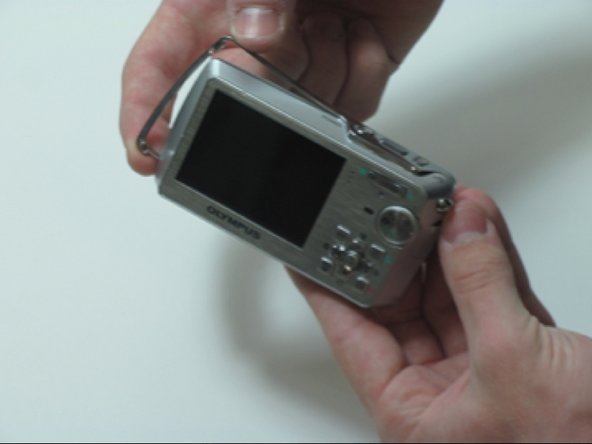
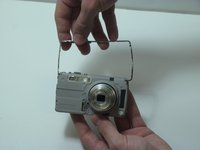
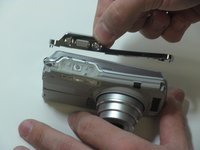
    5. Olympus Stylus 760 LCD Screen Replacement: stap 8, afbeelding 1 van 2 Olympus Stylus 760 LCD Screen Replacement: stap 8, afbeelding 2 van 2
      • Pull the silver bracket off of the camera

      Vraag FixBot

      Voeg opmerking toe

    6. Olympus Stylus 760 LCD Screen Replacement: stap 9, afbeelding 1 van 3 Olympus Stylus 760 LCD Screen Replacement: stap 9, afbeelding 2 van 3 Olympus Stylus 760 LCD Screen Replacement: stap 9, afbeelding 3 van 3
      • Remove the 4 screws on the inner face of the camera.

      • Circuit ribbon is attached at the top left of the camera. Be careful when separating the front and back of the camera.

      • Pull the camera apart into 2 separate pieces.

      Vraag FixBot

      Voeg opmerking toe

    7. Olympus Stylus 760 LCD Screen Replacement: stap 10, afbeelding 1 van 1
      • You should be left with 4 large pieces, the outer case, inner lens piece, outer silver band and back case containing the LCD display.

      Vraag FixBot

      Voeg opmerking toe

    8. Olympus Stylus 760 LCD Screen Replacement: stap 11, afbeelding 1 van 2 Olympus Stylus 760 LCD Screen Replacement: stap 11, afbeelding 2 van 2
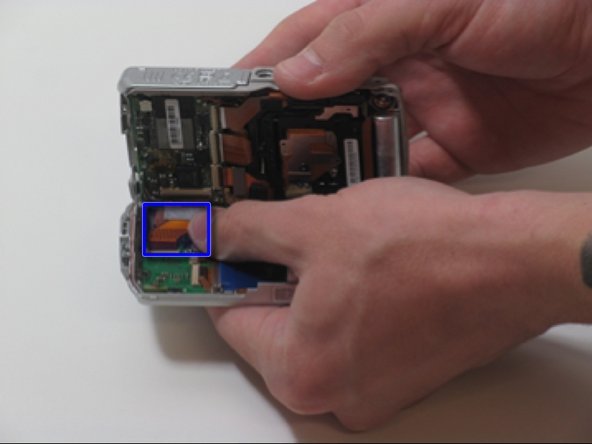
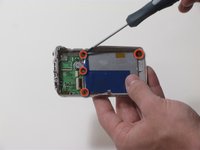
      • Remove 4 screws holding the LCD screen in place.

      • Be cautious of the brackets that come loose when you remove the 3 screws on the right side of the camera

      • LCD Screen is attached to 2 ribbon wires

      Vraag FixBot

      Voeg opmerking toe

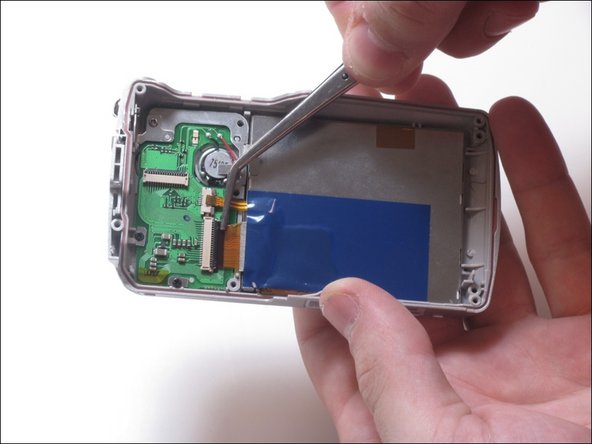
    9. Olympus Stylus 760 LCD Screen Replacement: stap 12, afbeelding 1 van 2 Olympus Stylus 760 LCD Screen Replacement: stap 12, afbeelding 2 van 2
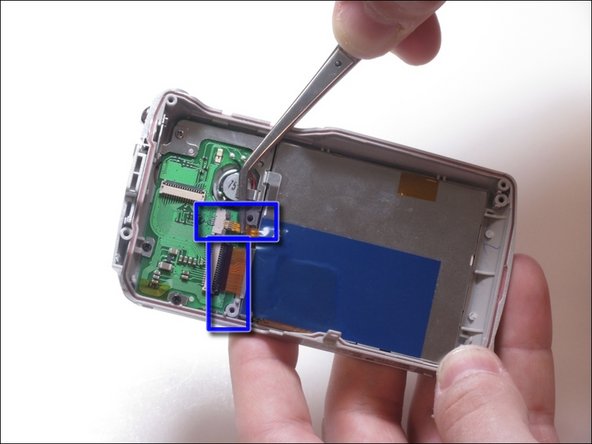
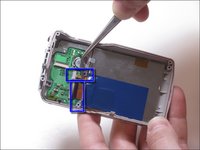
      • Pull up on the small ribbon wire to disconnect it from the circuit board

      • Flip the little black clip up to remove the larger ribbon wire from the circuit board.

      Vraag FixBot

      Voeg opmerking toe

    10. Olympus Stylus 760 LCD Screen Replacement: stap 13, afbeelding 1 van 1
      • Using a plastic separating tool, remove the LCD screen from the plastic casing.

      Vraag FixBot

      Voeg opmerking toe

Conclusie

To reassemble your device, follow these instructions in reverse order.

Annuleren: ik heb deze handleiding niet afgemaakt.

Één andere persoon heeft deze handleiding voltooid.

Ryan Cosgrove

Lid sinds: 02/10/12

39 Reputatie

1 Handleiding geschreven

Team

James Madison, Team 3-3, Klein Spring 2012 Lid van James Madison, Team 3-3, Klein Spring 2012

JMU-KLEIN-S12S3G3

4 Leden

7 handleidingen geschreven

1Gids Commentaar

from where i can get repaired u760 camera

tahir zafar - Antwoord Deel

Voeg opmerking toe

Weergavestatistieken:

Afgelopen 24 uren: 1

Afgelopen 7 dagen: 11

Afgelopen 30 dagen: 56

Altijd: 2,429