Ga door naar hoofdinhoud
Word lid van de reparatiegemeenschap - Account aanmaken

Olympus Stylus 1030 SW Camera Lens Replacement

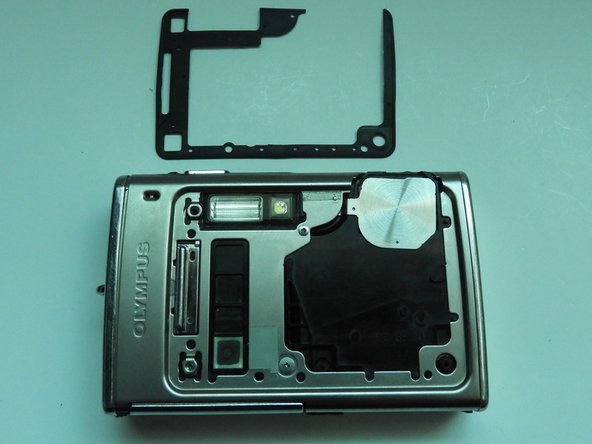
Wat je nodig hebt

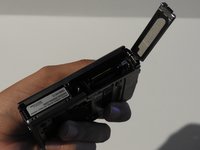
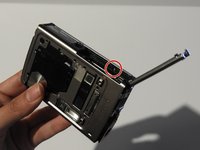
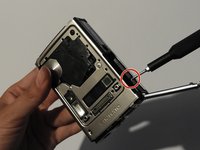
    1. Olympus Stylus 1030 SW Camera Lens Replacement, Olympus Stylus 1030 SW Camera Disassembly: stap 1, afbeelding 1 van 3 Olympus Stylus 1030 SW Camera Lens Replacement, Olympus Stylus 1030 SW Camera Disassembly: stap 1, afbeelding 2 van 3 Olympus Stylus 1030 SW Camera Lens Replacement, Olympus Stylus 1030 SW Camera Disassembly: stap 1, afbeelding 3 van 3
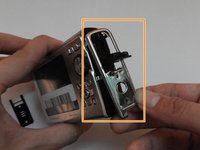
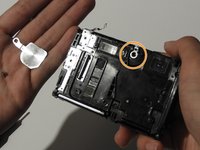
      • Using the iFixit Opening Tool, pry off the plastic part of the lens.

      • Using the T6 Torx screwdriver, unscrew the three screws.

      Vraag FixBot

      Voeg opmerking toe

    2. Olympus Stylus 1030 SW Camera Lens Replacement: stap 2, afbeelding 1 van 3 Olympus Stylus 1030 SW Camera Lens Replacement: stap 2, afbeelding 2 van 3 Olympus Stylus 1030 SW Camera Lens Replacement: stap 2, afbeelding 3 van 3
      Gereedschap gebruikt in deze stap:
      Tweezers
      $4.99
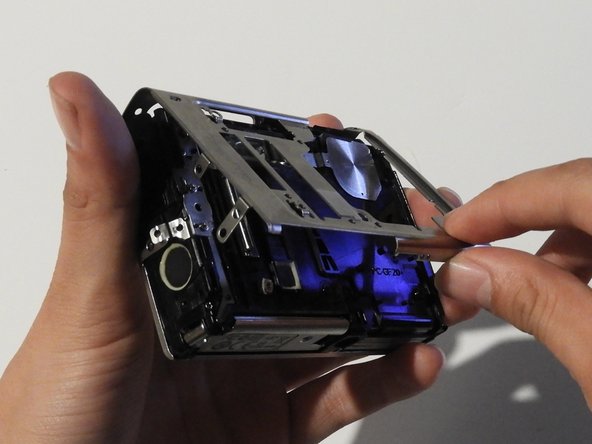
      • Using the Phillips #00 screwdriver, unscrew the three screws.

      • Carefully swivel the metal cover out towards you.

      • Using tweezers, remove the metal washer.

      Vraag FixBot

      Voeg opmerking toe

    3. Olympus Stylus 1030 SW Camera Lens Replacement: stap 3, afbeelding 1 van 2 Olympus Stylus 1030 SW Camera Lens Replacement: stap 3, afbeelding 2 van 2
      • Using the tweezers, slowly peel off the plate.

      Vraag FixBot

      Voeg opmerking toe

    4. Olympus Stylus 1030 SW Camera Lens Replacement: stap 4, afbeelding 1 van 3 Olympus Stylus 1030 SW Camera Lens Replacement: stap 4, afbeelding 2 van 3 Olympus Stylus 1030 SW Camera Lens Replacement: stap 4, afbeelding 3 van 3
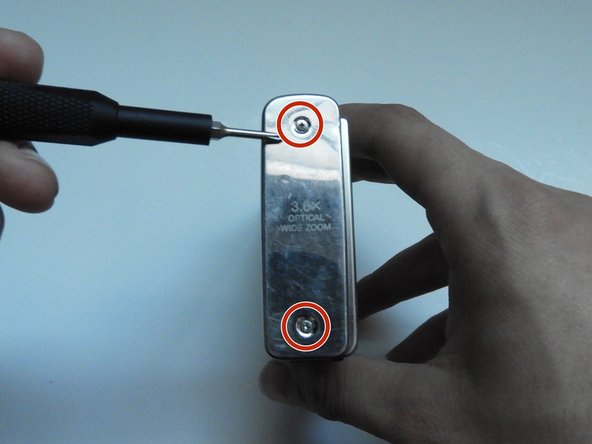
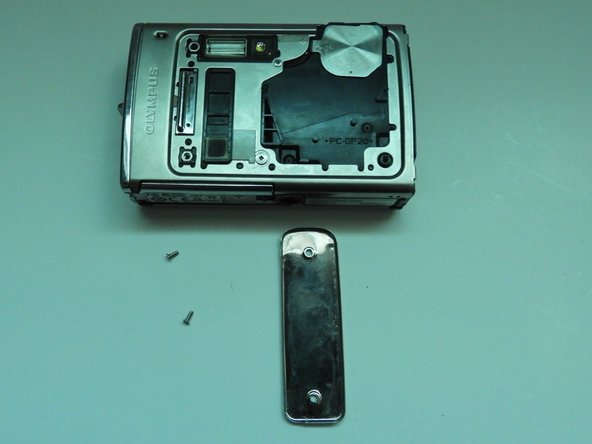
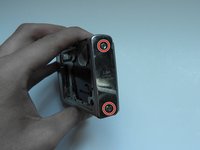
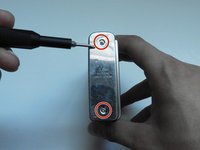
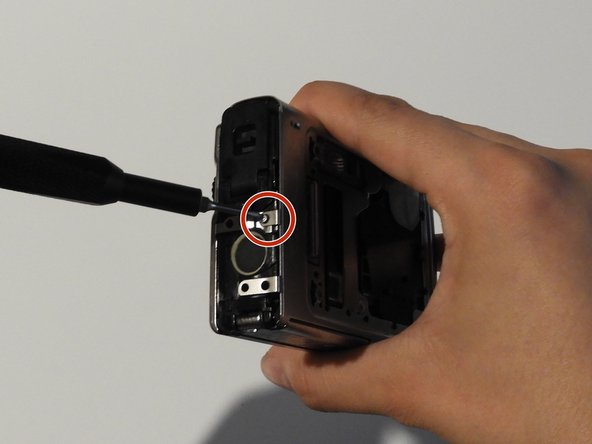
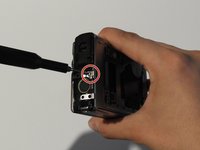
      • Using the Phillips #00 screwdriver, unscrew the two screws on the side of the camera.

      Vraag FixBot

      Voeg opmerking toe

    5. Olympus Stylus 1030 SW Camera Lens Replacement: stap 5, afbeelding 1 van 3 Olympus Stylus 1030 SW Camera Lens Replacement: stap 5, afbeelding 2 van 3 Olympus Stylus 1030 SW Camera Lens Replacement: stap 5, afbeelding 3 van 3
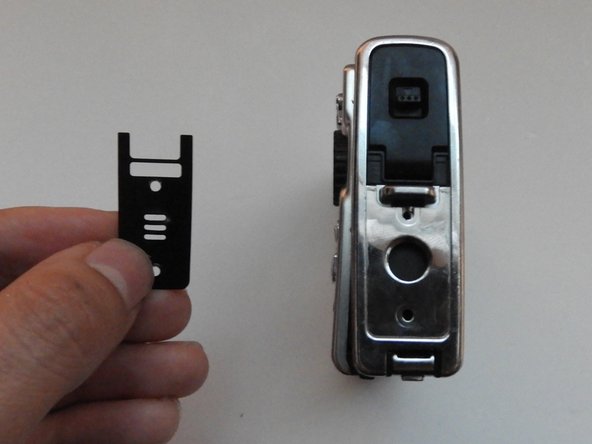
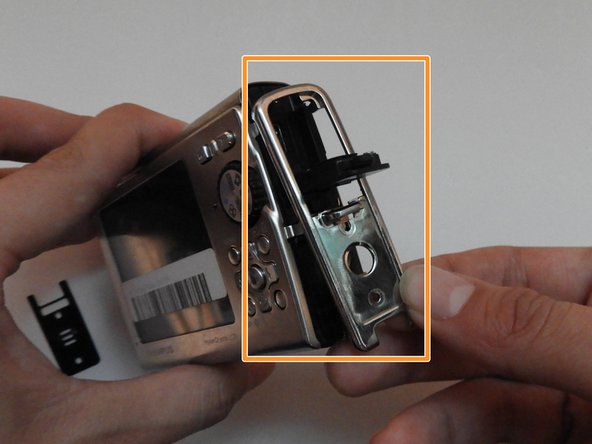
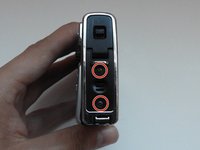
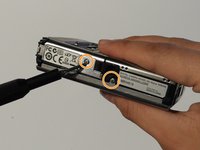
      • On the opposite side, use the Phillips #00 screwdriver to unscrew both screws.

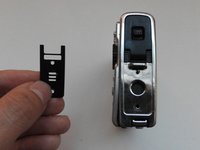
      • Take out the speaker plate.

      • Open the multi-connector cover and slide off the side panel.

      Vraag FixBot

      Voeg opmerking toe

    6. Olympus Stylus 1030 SW Camera Lens Replacement: stap 6, afbeelding 1 van 3 Olympus Stylus 1030 SW Camera Lens Replacement: stap 6, afbeelding 2 van 3 Olympus Stylus 1030 SW Camera Lens Replacement: stap 6, afbeelding 3 van 3
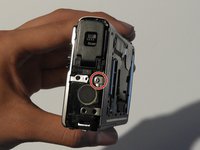
      • Using the Phillips #00 screwdriver, unscrew the screw above the speaker.

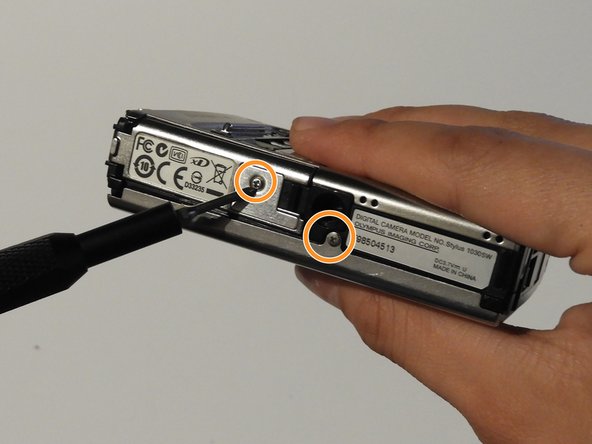
      • On the bottom side of the camera, unscrew the two screws.

      Vraag FixBot

      Voeg opmerking toe

    7. Olympus Stylus 1030 SW Camera Lens Replacement: stap 7, afbeelding 1 van 3 Olympus Stylus 1030 SW Camera Lens Replacement: stap 7, afbeelding 2 van 3 Olympus Stylus 1030 SW Camera Lens Replacement: stap 7, afbeelding 3 van 3
      • Open the battery compartment cover.

      • Use the Phillips #00 screwdriver to unscrew the screw in the battery compartment.

      Vraag FixBot

      Voeg opmerking toe

    8. Olympus Stylus 1030 SW Camera Lens Replacement: stap 8, afbeelding 1 van 3 Olympus Stylus 1030 SW Camera Lens Replacement: stap 8, afbeelding 2 van 3 Olympus Stylus 1030 SW Camera Lens Replacement: stap 8, afbeelding 3 van 3
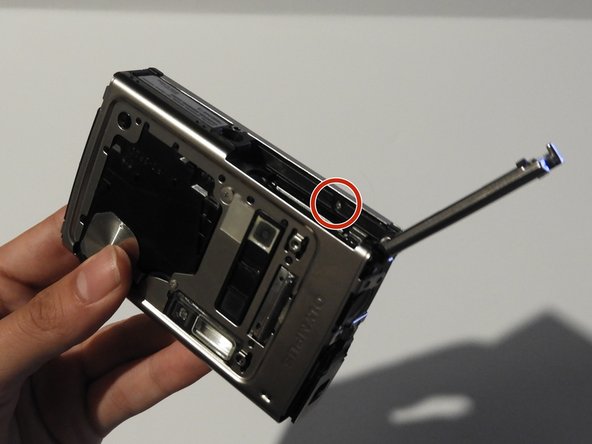
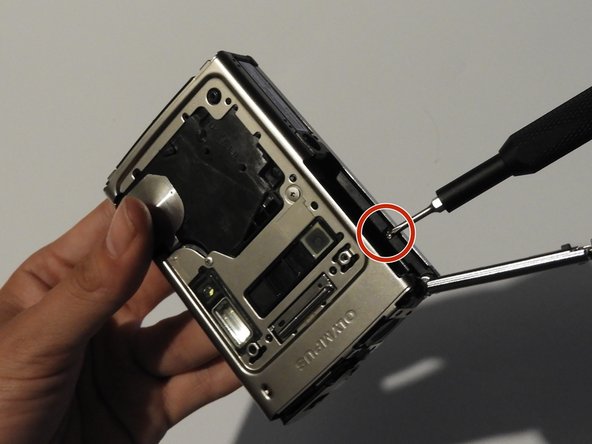
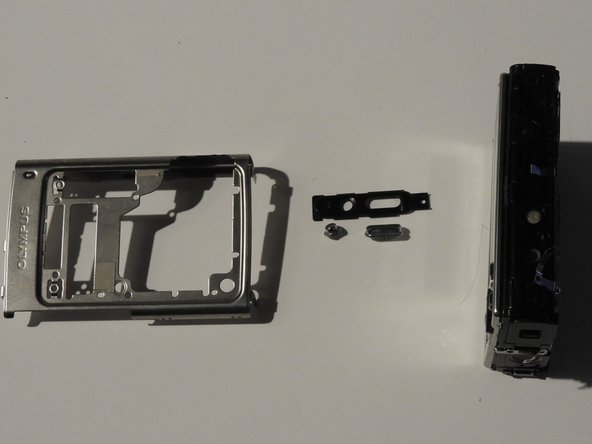
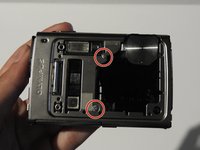
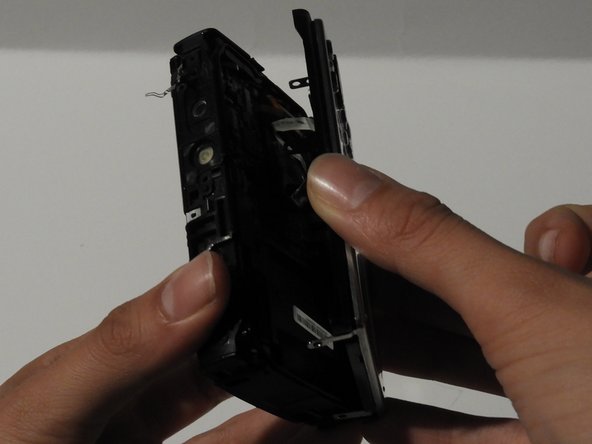
      • On the front of the camera, unscrew the two screws shown.

      • Gently pull on the side until the camera is separated from the back panel.

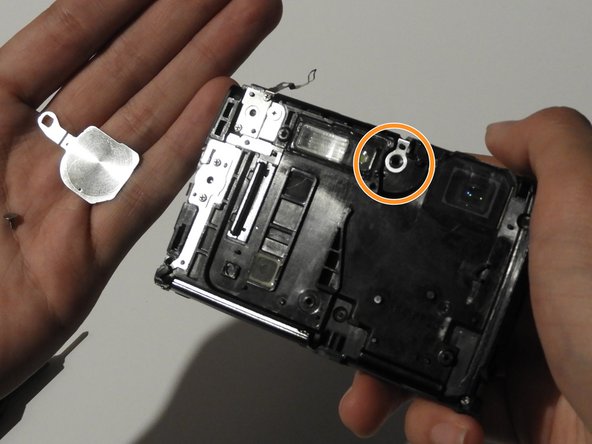
      • Remove the shutter and power button.

      Vraag FixBot

      Voeg opmerking toe

    9. Olympus Stylus 1030 SW Camera Lens Replacement: stap 9, afbeelding 1 van 3 Olympus Stylus 1030 SW Camera Lens Replacement: stap 9, afbeelding 2 van 3 Olympus Stylus 1030 SW Camera Lens Replacement: stap 9, afbeelding 3 van 3
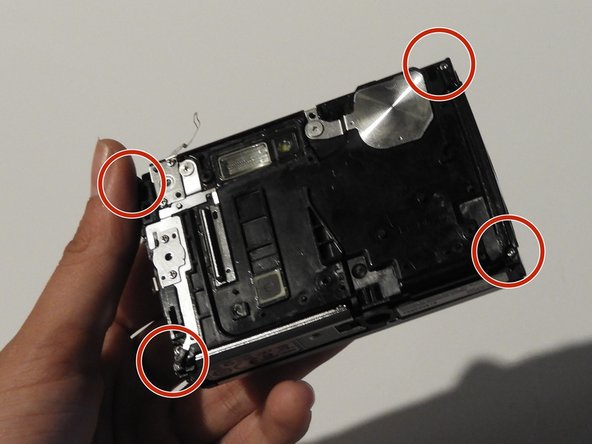
      • Use the Phillips #00 screwdriver to unscrew the four screws on the front of the camera.

      • Unscrew the shutter using the Phillips #00 screwdriver.

      Vraag FixBot

      Voeg opmerking toe

    10. Olympus Stylus 1030 SW Camera Lens Replacement: stap 10, afbeelding 1 van 2 Olympus Stylus 1030 SW Camera Lens Replacement: stap 10, afbeelding 2 van 2
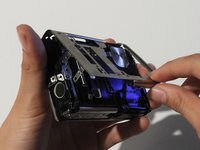
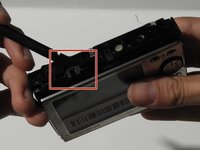
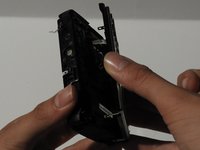
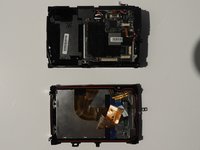
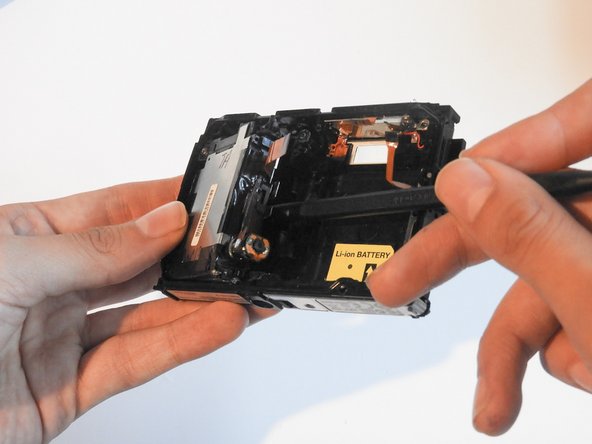
      • Release the top holding using a spudger.

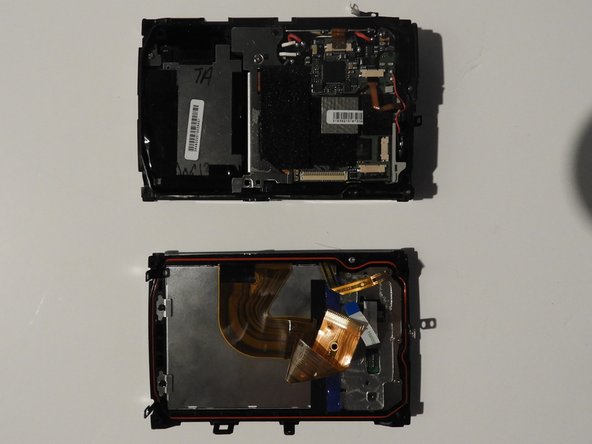
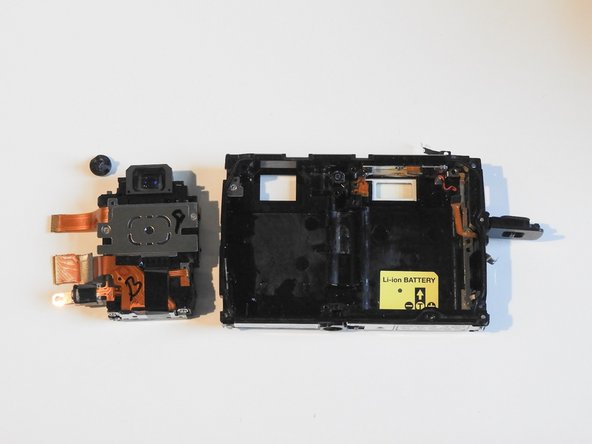
      • Slowly and carefully separate the front and back of the camera, exposing the electrical ribbons.

      Vraag FixBot

      Voeg opmerking toe

    11. Olympus Stylus 1030 SW Camera Lens Replacement: stap 11, afbeelding 1 van 3 Olympus Stylus 1030 SW Camera Lens Replacement: stap 11, afbeelding 2 van 3 Olympus Stylus 1030 SW Camera Lens Replacement: stap 11, afbeelding 3 van 3
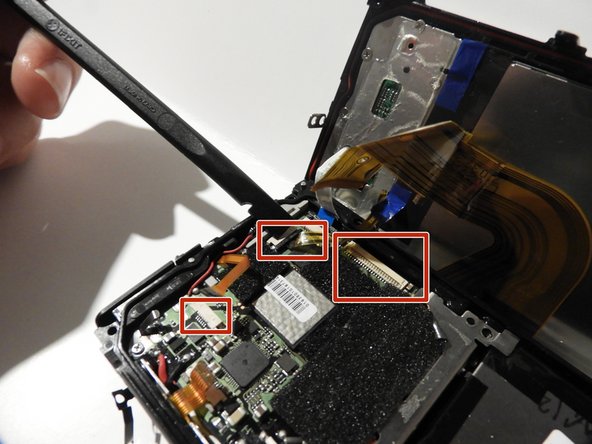
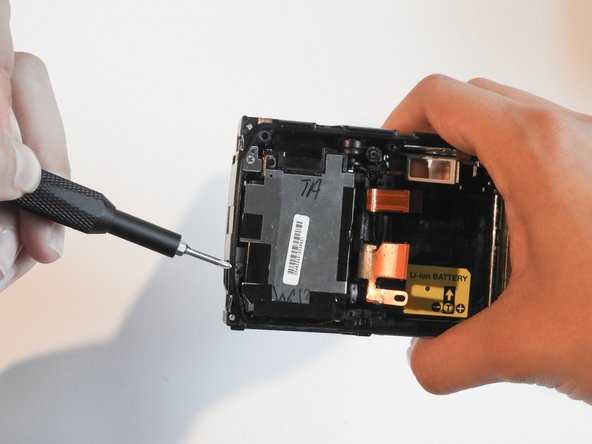
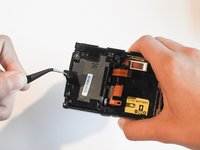
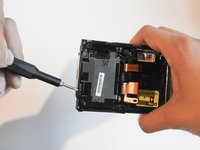
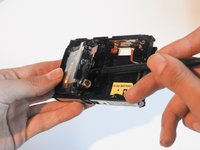
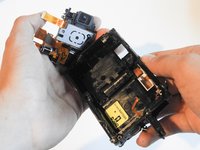
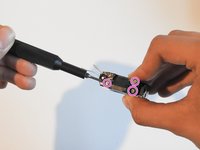
      • Using the spudger and tweezers if needed, remove the ribbons from the computer chips.

      Vraag FixBot

      Voeg opmerking toe

    1. Olympus Stylus 1030 SW Camera Lens Replacement, Camera Lens: stap 12, afbeelding 1 van 3 Olympus Stylus 1030 SW Camera Lens Replacement, Camera Lens: stap 12, afbeelding 2 van 3 Olympus Stylus 1030 SW Camera Lens Replacement, Camera Lens: stap 12, afbeelding 3 van 3
      Gereedschap gebruikt in deze stap:
      Tweezers
      $4.99
      • Peel off the black tape using tweezers.

      • Unscrew the 1.0 cm screw.

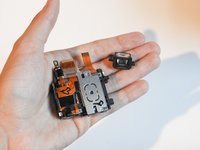
      • Use the spudger to carefully take out the lens compartment.

      Vraag FixBot

      Voeg opmerking toe

    2. Olympus Stylus 1030 SW Camera Lens Replacement: stap 13, afbeelding 1 van 2 Olympus Stylus 1030 SW Camera Lens Replacement: stap 13, afbeelding 2 van 2
      • Carefully take out the lens and the black plastic pieces along with it.

      Vraag FixBot

      Voeg opmerking toe

    3. Olympus Stylus 1030 SW Camera Lens Replacement: stap 14, afbeelding 1 van 3 Olympus Stylus 1030 SW Camera Lens Replacement: stap 14, afbeelding 2 van 3 Olympus Stylus 1030 SW Camera Lens Replacement: stap 14, afbeelding 3 van 3
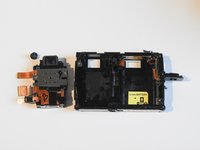
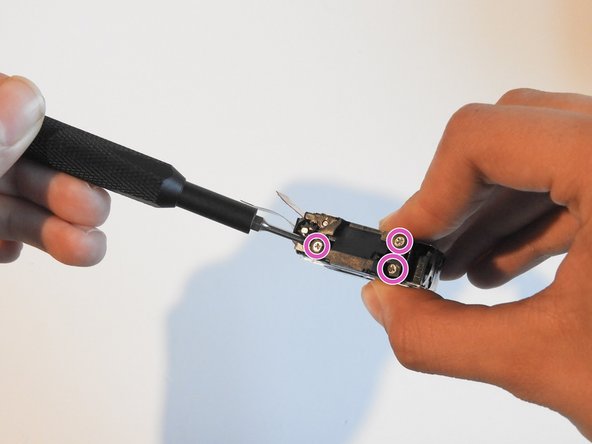
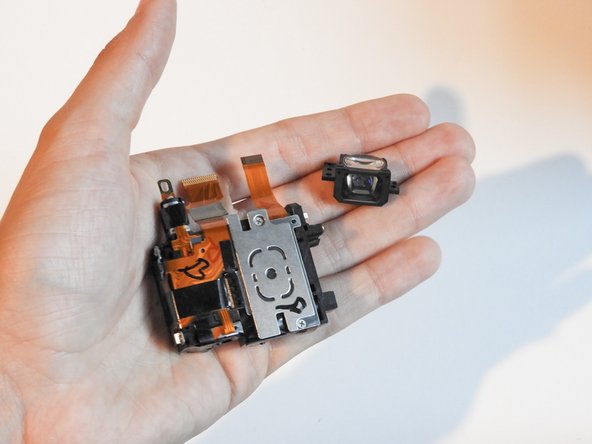
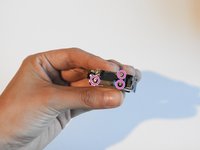
      • Unscrew the three screws found on top of the mirror lens.

      • The mirror lens can now be removed.

      Vraag FixBot

      Voeg opmerking toe

Conclusie

To reassemble your device, follow these instructions in reverse order.

Annuleren: ik heb deze handleiding niet afgemaakt.

0Gids Commentaar

Voeg opmerking toe

Weergavestatistieken:

Afgelopen 24 uren: 1

Afgelopen 7 dagen: 10

Afgelopen 30 dagen: 44

Altijd: 1,662