Ga door naar hoofdinhoud
Word lid van de reparatiegemeenschap - Account aanmaken

Nokia 8390 Charging Port Replacement

Wat je nodig hebt

  1. Nokia 8390 Charging Port Replacement, Back Cover: stap 1, afbeelding 1 van 1
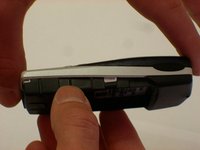
    • Locate the button on the bottom of the back cover.

  2. Nokia 8390 Charging Port Replacement: stap 2, afbeelding 1 van 3 Nokia 8390 Charging Port Replacement: stap 2, afbeelding 2 van 3 Nokia 8390 Charging Port Replacement: stap 2, afbeelding 3 van 3
    • Depress the button with your finger.

    • While the button is depressed, slide the back cover off of the phone.

  3. Nokia 8390 Charging Port Replacement, Outer Case: stap 3, afbeelding 1 van 3 Nokia 8390 Charging Port Replacement, Outer Case: stap 3, afbeelding 2 van 3 Nokia 8390 Charging Port Replacement, Outer Case: stap 3, afbeelding 3 van 3
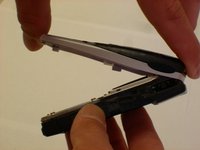
    • Grasp the top and bottom of the front cover.

    • Grasp the phone body with your other hand.

    • Lightly pull the casing off of the phone.

  4. Nokia 8390 Charging Port Replacement, Motherboard: stap 4, afbeelding 1 van 3 Nokia 8390 Charging Port Replacement, Motherboard: stap 4, afbeelding 2 van 3 Nokia 8390 Charging Port Replacement, Motherboard: stap 4, afbeelding 3 van 3
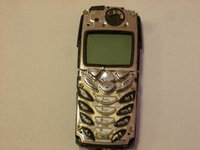
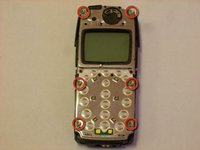
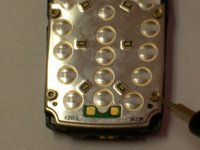
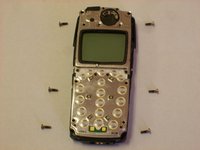
    • Locate the six star-shaped screws on the phone.

    • Note: There are two on the bottom end, two in the middle, and two on the top end.

    • Remove these screws using the screwdriver.

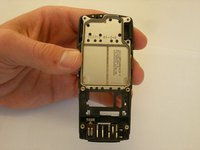
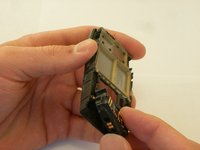
  5. Nokia 8390 Charging Port Replacement: stap 5, afbeelding 1 van 3 Nokia 8390 Charging Port Replacement: stap 5, afbeelding 2 van 3 Nokia 8390 Charging Port Replacement: stap 5, afbeelding 3 van 3
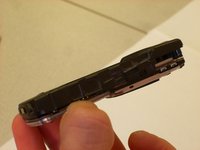
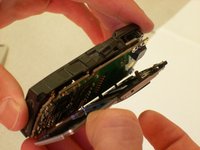
    • Grab the top and bottom of the phone casing.

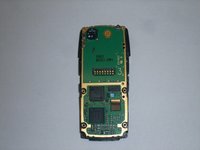
    • Carefully pull the motherboard apart from the bottom casing.

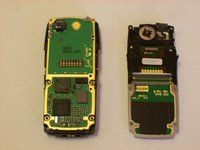
    • The circuit board should be divided into two parts.

  6. Nokia 8390 Charging Port Replacement: stap 6, afbeelding 1 van 3 Nokia 8390 Charging Port Replacement: stap 6, afbeelding 2 van 3 Nokia 8390 Charging Port Replacement: stap 6, afbeelding 3 van 3
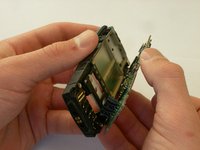
    • Grab the top and bottom of the remaining casing.

    • Carefully pull apart the casing from the circuit board.

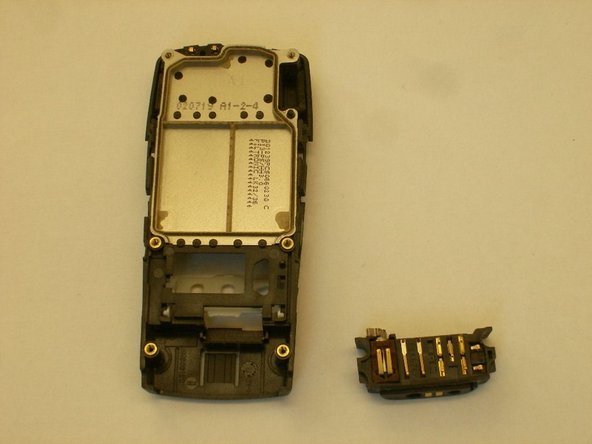
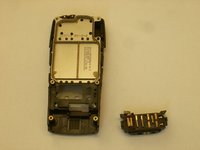
  7. Nokia 8390 Charging Port Replacement: stap 7, afbeelding 1 van 1
    • The circuit board should be divided into three parts, completely separate from the back casing, as shown.

  8. Nokia 8390 Charging Port Replacement, Charging Port: stap 8, afbeelding 1 van 3 Nokia 8390 Charging Port Replacement, Charging Port: stap 8, afbeelding 2 van 3 Nokia 8390 Charging Port Replacement, Charging Port: stap 8, afbeelding 3 van 3
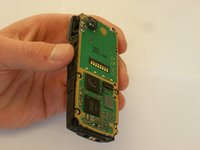
    • Hold back of phone in hand so that hand is not covering any parts.

    • Grasp charge port with thumb.

    • Pull out with hand.

Conclusie

To reassemble your device, follow these instructions in reverse order.

2 andere personen hebben deze handleiding voltooid.

Clinton

Lid sinds: 10/22/12

57 Reputatie

7 handleidingen geschreven

Team

Clemson, Team 14-5, Benson Fall 2012 Lid van Clemson, Team 14-5, Benson Fall 2012

CLEM-BENSON-F12S14G5

3 Leden

21 handleidingen geschreven

0Gids Commentaar

Voeg opmerking toe

Weergavestatistieken:

Afgelopen 24 uren: 1

Afgelopen 7 dagen: 7

Afgelopen 30 dagen: 38

Altijd: 484