Deze handleiding heeft recentere wijzigingen. Schakel over naar de nieuwste niet-geverifieerde versie.
Inleiding
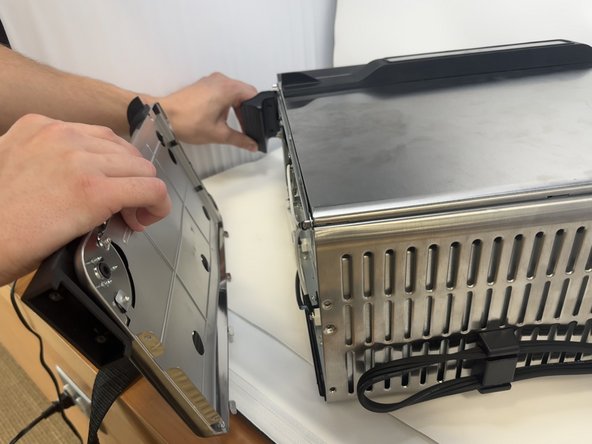
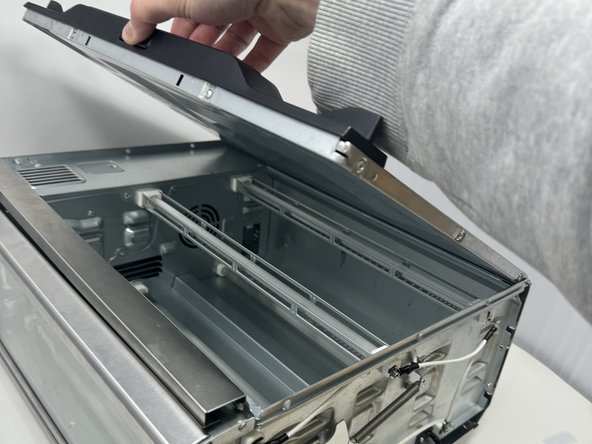
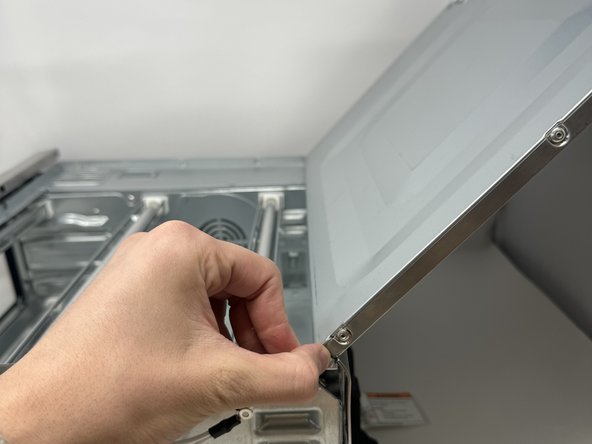
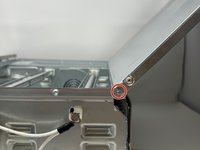
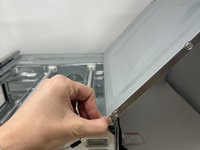
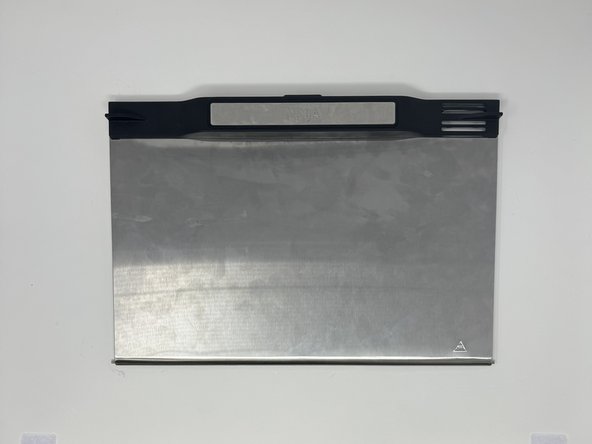
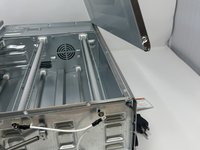
On your Ninja Foodi SP101, the bottom panel allows you greater access to the interior of the device. This bottom panel also functions as a net to capture crumbs, grease, and other food particles. If the bottom panel needs to be removed for replacement/cleaning, follow this guide.
Wat je nodig hebt
-
-
-
Use a TR10 screwdriver to remove the four 11mm screws holding the black lever bar in place.
 Vraag FixBot
-
-
-
-
-
Use a Phillips #1 screwdriver to remove the three 8mm screws on each side of the back panel.
-
-
-
-
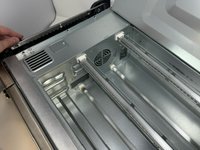
Flip the device upside down and open the bottom panel.
-
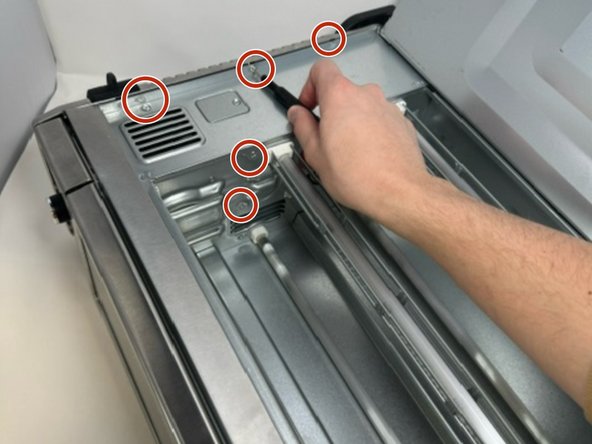
Remove the 3 x philips #1 screws along the top edge of the interior using a screwdriver. The Bottom 2 do not have to be removed.
-
-
-
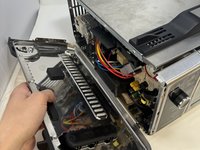
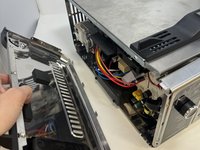
Remove the control side panel. To remove it, push forward towards then front control panel to release the tabs out of the main body. Fold away the side panel when the tabs have visually released from their slots in the main body.
-
-
-
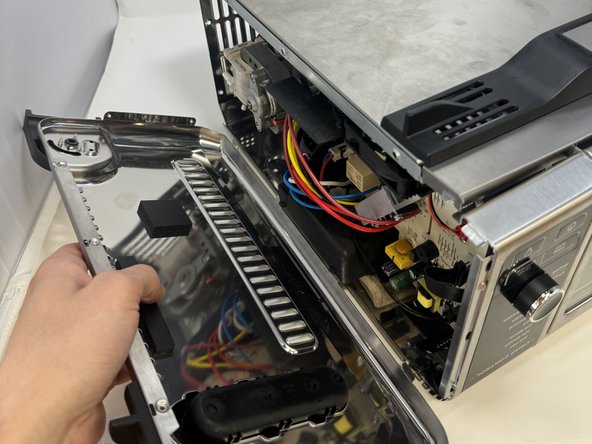
Lift the handle and pull the side panel out.
-
Remove the handle side panel.
-
-
-
-
-
Open the bottom panel, and face the handle side of the oven.
-
-
-
Press the pin holding in the door inwards, allowing the door to come free.
-
-



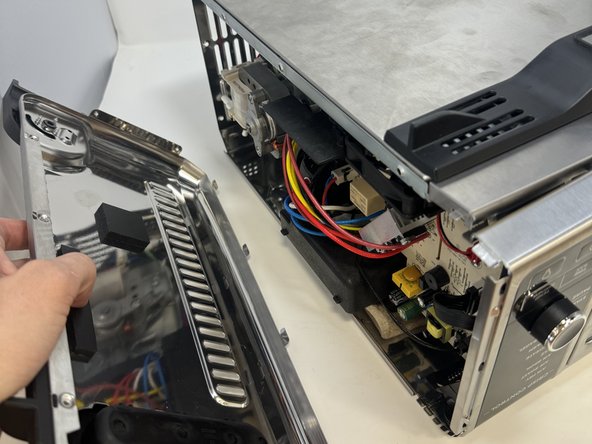


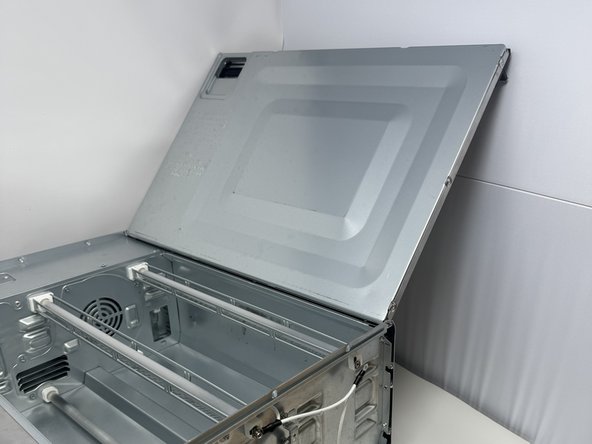
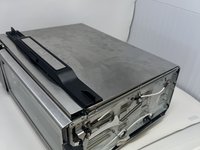
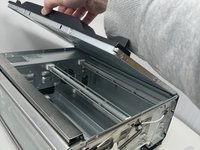
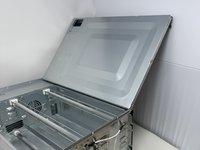


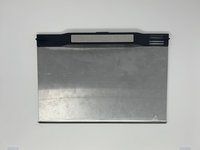
To reassemble your device, follow these instructions in reverse order.
Annuleren: ik heb deze handleiding niet afgemaakt.
Één andere persoon heeft deze handleiding voltooid.

Team

Utah Tech University, Team 1-4, McMurrin Spring 2024 Lid van Utah Tech University, Team 1-4, McMurrin Spring 2024
UTAHTECH-MCMURRIN-S24S1G4
2 Leden
18 handleidingen geschreven
