Deze vertaling is door een computer gegenereerd en is nog niet door iemand nagekeken. Spreek je deze taal? Bekijk het hier.
Inleiding
Gebruik deze handleiding voor het vervangen van de Micro-USB-poort als de Nest Dropcam Pro is aangesloten maar geen stroom krijgt. Zorg dat het apparaat niet is aangesloten op het stopcontact voordat je het opent.
Wat je nodig hebt
-
-
-
Druk de bevestigingsclips aan beide kanten van de behuizing in om de camera uit de houder te verwijderen.
 Vraag FixBot
-
-
-
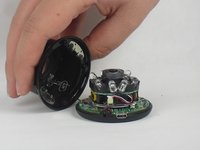
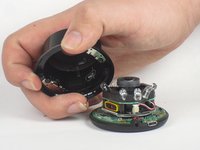
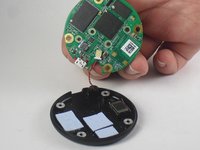
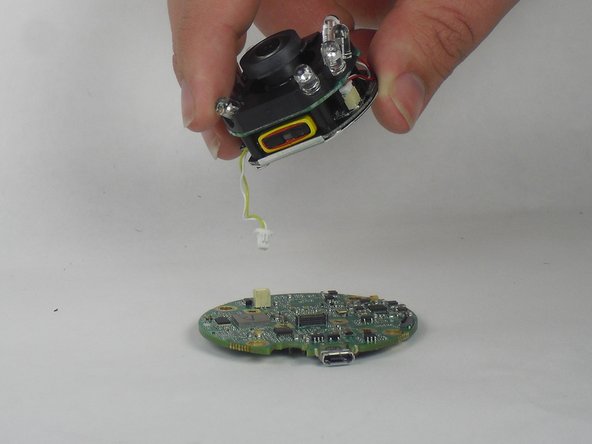
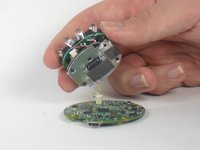
Til de voorzijde van de behuizing langzaam op, aangezien er een antennekabel aan het moederbord vastzit.
-
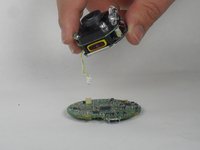
Koppel de antennekabel voorzichtig los van het moederbord. Je zult voelen dat deze kabel uit zijn plek "klikt" wanneer hij wordt losgekoppeld.
-
-
-
-
-
-
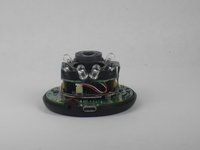
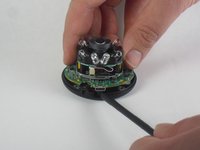
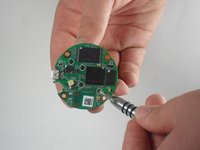
Steek een spudger onder de micro-USB-poort en til deze op om het moederbord los te maken van de achterbehuizing.
-
-
-
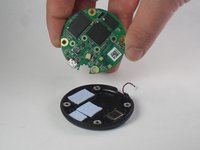
Trek het moederbord weg van de achterkant van de behuizing.
-
Koppel de rode en zwarte kabel los die het moederbord verbindt met de achterkant van de behuizing.
-
-
-
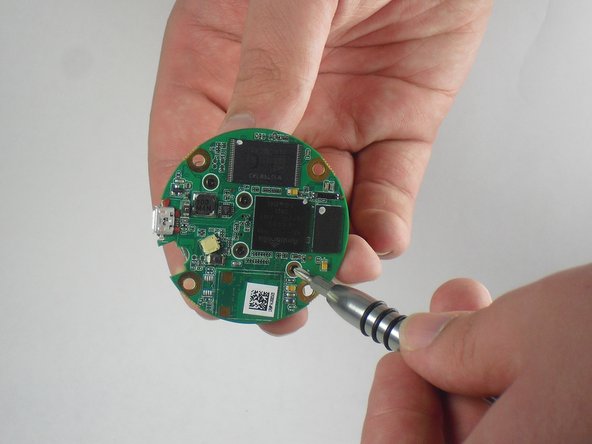
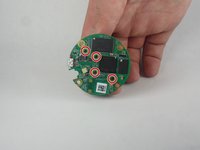
Verwijder de vier schroeven van 2 mm met een Philips #0-schroevendraaier.
-
-
-
Til de lensmontage en de led-module weg van het moederbord.
-
Koppel de gele en witte kabel los van het moederbord.
-
-
-
-
-
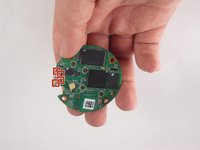
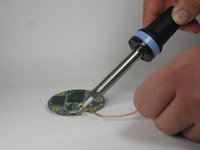
Gebruik een soldeerstation en desoldeerlint om de vier punten rondom de Micro-USB-poort los te solderen.
-
Til de Micro-USB-poort van het moederbord af.
-
-










Volg deze instructies in omgekeerde volgorde om je apparaat weer in elkaar te zetten.
Annuleren: ik heb deze handleiding niet afgemaakt.
4 andere personen hebben deze handleiding voltooid.

Team

USF Tampa, Team 15-4, Blackwell Fall 2015 Lid van USF Tampa, Team 15-4, Blackwell Fall 2015
USFT-BLACKWELL-F15S15G4
3 Leden
72 handleidingen geschreven
4Gids Commentaar
I don't have the soldering tools but I used lazerbond to reattach the old port. I hope all the conductors are touching their counter parts. I haven't plugged it back in yet. Wish me luck.
Did it work for you?
Where can you order the micro-usb charge port for this cam?
Not sure where you get them but according to one site it uses a Micro USB 2.0 Type B Receptacle.
