Ga door naar hoofdinhoud
Word lid van de reparatiegemeenschap - Account aanmaken

Nest Dropcam Pro Camera Lens Replacement

Wat je nodig hebt

  1. Nest Dropcam Pro Camera Lens Replacement, Outer Case: stap 1, afbeelding 1 van 1
    • Press in the mounting clips on each side of the case to remove the camera from the mount.

    Vraag FixBot

    Voeg opmerking toe

  2. Nest Dropcam Pro Camera Lens Replacement: stap 2, afbeelding 1 van 2 Nest Dropcam Pro Camera Lens Replacement: stap 2, afbeelding 2 van 2
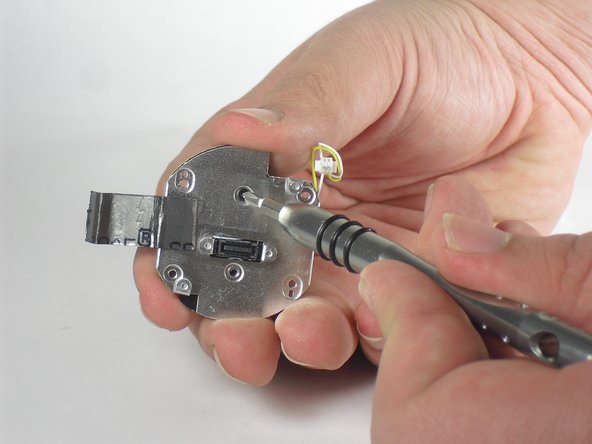
    • Using a Philips #0 screwdriver, remove the four 3 mm screws.

    Vraag FixBot

    Voeg opmerking toe

  3. Nest Dropcam Pro Camera Lens Replacement: stap 3, afbeelding 1 van 2 Nest Dropcam Pro Camera Lens Replacement: stap 3, afbeelding 2 van 2
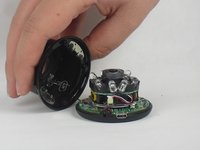
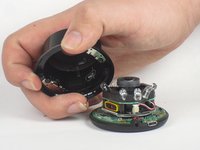
    • Lift the front of the case slowly, as there is an antenna cable attached to the motherboard.

    • Carefully disconnect the antenna cable from the motherboard. You will feel this cable "pop" out of place when disconnected.

    Vraag FixBot

    Voeg opmerking toe

  4. Nest Dropcam Pro Camera Lens Replacement, Motherboard: stap 4, afbeelding 1 van 2 Nest Dropcam Pro Camera Lens Replacement, Motherboard: stap 4, afbeelding 2 van 2
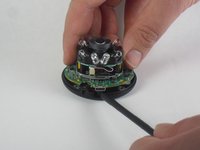
    • Insert a spudger tool under the micro-USB port and lift to separate the motherboard from the back case.

    Vraag FixBot

    Voeg opmerking toe

  5. Nest Dropcam Pro Camera Lens Replacement: stap 5, afbeelding 1 van 2 Nest Dropcam Pro Camera Lens Replacement: stap 5, afbeelding 2 van 2
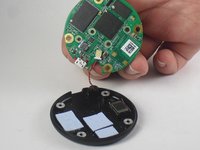
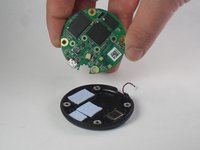
    • Pull the motherboard away from the back case.

    • Unplug the red and black cable connecting the motherboard to the back case.

    Vraag FixBot

    Voeg opmerking toe

  6. Nest Dropcam Pro Camera Lens Replacement: stap 6, afbeelding 1 van 2 Nest Dropcam Pro Camera Lens Replacement: stap 6, afbeelding 2 van 2
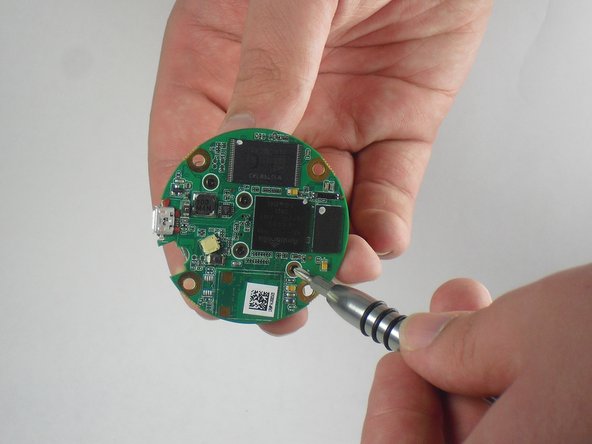
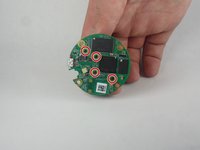
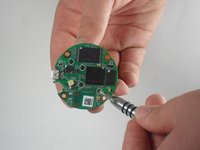
    • Using a Philips #0 screwdriver, remove the four 2 mm screws.

    Vraag FixBot

    Voeg opmerking toe

  7. Nest Dropcam Pro Camera Lens Replacement: stap 7, afbeelding 1 van 2 Nest Dropcam Pro Camera Lens Replacement: stap 7, afbeelding 2 van 2
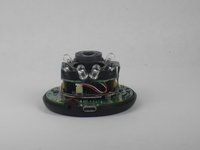
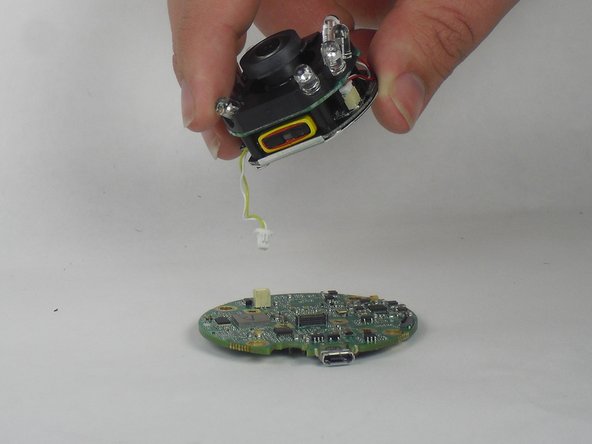
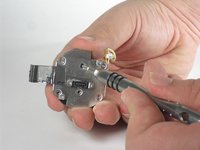
    • Lift the lens and LED assembly away from the motherboard.

    • Unplug the yellow and white cable from the motherboard.

    Vraag FixBot

    Voeg opmerking toe

  8. Nest Dropcam Pro Camera Lens Replacement, Camera Lens: stap 8, afbeelding 1 van 2 Nest Dropcam Pro Camera Lens Replacement, Camera Lens: stap 8, afbeelding 2 van 2
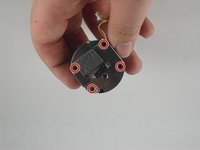
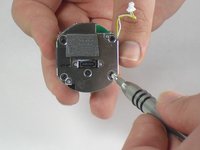
    • Using a Philips #0 screwdriver, remove the four 2 mm screws.

    Vraag FixBot

    Voeg opmerking toe

  9. Nest Dropcam Pro Camera Lens Replacement: stap 9, afbeelding 1 van 3 Nest Dropcam Pro Camera Lens Replacement: stap 9, afbeelding 2 van 3 Nest Dropcam Pro Camera Lens Replacement: stap 9, afbeelding 3 van 3
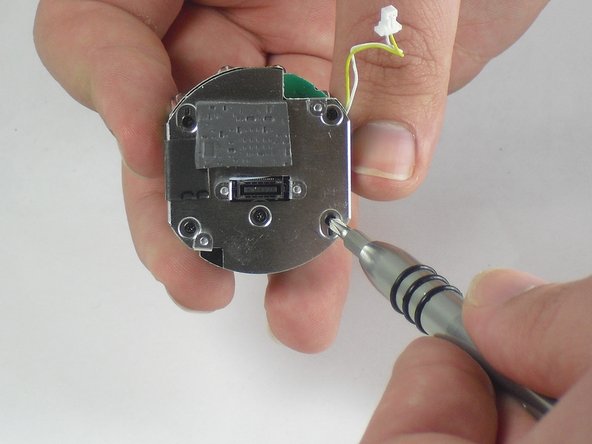
    • Peel off the paper seal holding the Lens and LEDs together.

    • Disconnect the red and white wire from the bottom board.

    Vraag FixBot

    Voeg opmerking toe

  10. Nest Dropcam Pro Camera Lens Replacement: stap 10, afbeelding 1 van 2 Nest Dropcam Pro Camera Lens Replacement: stap 10, afbeelding 2 van 2
    • Lift up the foam cover to reveal a second screw underneath.

    • Using a Philips #0 screwdriver, remove the two 3 mm screws.

    Vraag FixBot

    Voeg opmerking toe

  11. Nest Dropcam Pro Camera Lens Replacement: stap 11, afbeelding 1 van 1
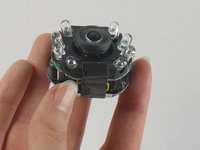
    • With the screws gone, lift the camera lens away from the remaining components.

    Vraag FixBot

    Voeg opmerking toe

Conclusie

To reassemble your device, follow these instructions in reverse order.

Annuleren: ik heb deze handleiding niet afgemaakt.

2 andere personen hebben deze handleiding voltooid.

David Foens

Lid sinds: 09/03/15

896 Reputatie

6 handleidingen geschreven

Team

USF Tampa, Team 15-4, Blackwell Fall 2015 Lid van USF Tampa, Team 15-4, Blackwell Fall 2015

USFT-BLACKWELL-F15S15G4

3 Leden

12 handleidingen geschreven

2Gids Commentaar

Where do you get replacement lens?

Jim Fischer - Antwoord Deel
good morning , is there any store on the USA where i can send my drop camera ti get fix? it fell and doesn't want to broadcast any image.

andres - Antwoord Deel
Voeg opmerking toe

Weergavestatistieken:

Afgelopen 24 uren: 1

Afgelopen 7 dagen: 9

Afgelopen 30 dagen: 44

Altijd: 4,269