Ga door naar hoofdinhoud
Word lid van de reparatiegemeenschap - Account aanmaken

Motorola W490 Flex Cable Replacement

Wat je nodig hebt

    1. Motorola W490 Flex Cable Replacement, Phone Casing: stap 1, afbeelding 1 van 2 Motorola W490 Flex Cable Replacement, Phone Casing: stap 1, afbeelding 2 van 2
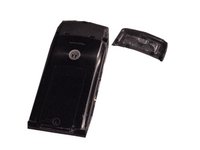
      • Pick up the cell phone with the back facing towards you.

      • Push down on the silver tab located at the top center of the back of the Motorola W490 cellphone.

      • While pushing down on the silver tab, slide the back cover towards the silver tab. Remove the back cover.

      Vraag FixBot

      Voeg opmerking toe

    1. Motorola W490 Flex Cable Replacement, Battery: stap 2, afbeelding 1 van 2 Motorola W490 Flex Cable Replacement, Battery: stap 2, afbeelding 2 van 2
      • Remove the battery by pulling the battery from the top corners labeled "Pull Here" located on either side of the top of the battery.

      • Set the battery aside.

      Vraag FixBot

      Voeg opmerking toe

    1. Motorola W490 Flex Cable Replacement, Lower Metal Frame: stap 3, afbeelding 1 van 2 Motorola W490 Flex Cable Replacement, Lower Metal Frame: stap 3, afbeelding 2 van 2
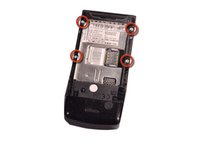
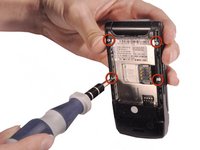
      • After taking out the battery, locate four star-shaped 5.4 mm T6 screws on top and middle of the rear of the phone. Indicated by the red circles.

      • Remove all the screws using the Torx T6 Screwdriver.

      Vraag FixBot

      Voeg opmerking toe

    2. Motorola W490 Flex Cable Replacement: stap 4, afbeelding 1 van 3 Motorola W490 Flex Cable Replacement: stap 4, afbeelding 2 van 3 Motorola W490 Flex Cable Replacement: stap 4, afbeelding 3 van 3
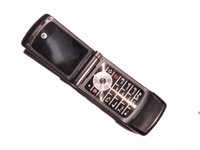
      • Turn over the phone to the front side and open up the phone, displaying the keypad.

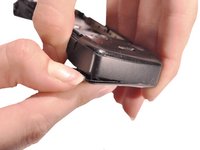
      • Use a plastic opening tool or your fingernail to make a gap between the front bottom cover and the phone.

      • Pull and set the glued plastic cover aside.

      • Be careful not to break the plastic cover when making a gap or pulling. The plastic cover is superglued to the phone.

      Vraag FixBot

      Voeg opmerking toe

    3. Motorola W490 Flex Cable Replacement: stap 5, afbeelding 1 van 2 Motorola W490 Flex Cable Replacement: stap 5, afbeelding 2 van 2
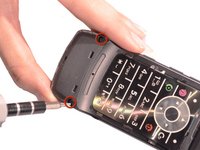
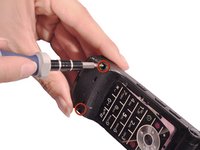
      • Under the plastic cover, locate two star-shaped T5 screws.

      • Use the Torx T5 Screwdriver to remove the two screws.

      Vraag FixBot

      Voeg opmerking toe

    4. Motorola W490 Flex Cable Replacement: stap 6, afbeelding 1 van 3 Motorola W490 Flex Cable Replacement: stap 6, afbeelding 2 van 3 Motorola W490 Flex Cable Replacement: stap 6, afbeelding 3 van 3
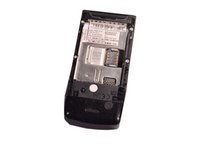
      • Turn over the phone to the back side of phone where the battery was removed.

      • Use hands to remove the unscrewed rear frame of the phone.

      • Set aside the rear metal frame.

      Vraag FixBot

      Voeg opmerking toe

    1. Motorola W490 Flex Cable Replacement, Circuit Board: stap 7, afbeelding 1 van 3 Motorola W490 Flex Cable Replacement, Circuit Board: stap 7, afbeelding 2 van 3 Motorola W490 Flex Cable Replacement, Circuit Board: stap 7, afbeelding 3 van 3
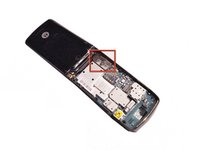
      • Identify the flex cable attachment. Indicated in a red square.

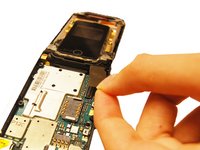
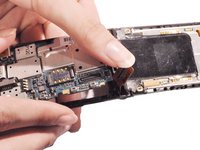
      • Detach the bottom half of the flex cable, pop it off of the circuit board.

      • Pick up the loosened circuit board from the phone and set aside.

      Vraag FixBot

      Voeg opmerking toe

    1. Motorola W490 Flex Cable Replacement, Upper Metal Frame: stap 8, afbeelding 1 van 2 Motorola W490 Flex Cable Replacement, Upper Metal Frame: stap 8, afbeelding 2 van 2
      • Use the blue plastic opening tool to pry off all four of the rubber stickers from the upper inside face.

      • Use the Torx T5 screwdriver to remove the four 5.4 mm screws from the upper inner face.

      Vraag FixBot

      Voeg opmerking toe

    2. Motorola W490 Flex Cable Replacement: stap 9, afbeelding 1 van 3 Motorola W490 Flex Cable Replacement: stap 9, afbeelding 2 van 3 Motorola W490 Flex Cable Replacement: stap 9, afbeelding 3 van 3
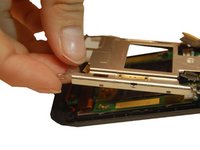
      • Use a flathead screwdriver or plastic opening tools to help pry the top cover away from the phone.

      Vraag FixBot

      Voeg opmerking toe

    3. Motorola W490 Flex Cable Replacement: stap 10, afbeelding 1 van 2 Motorola W490 Flex Cable Replacement: stap 10, afbeelding 2 van 2
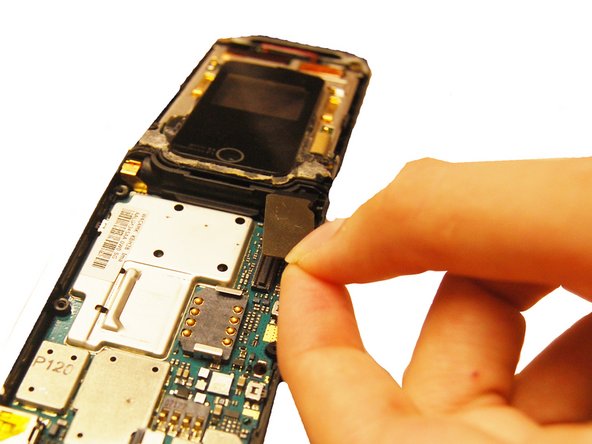
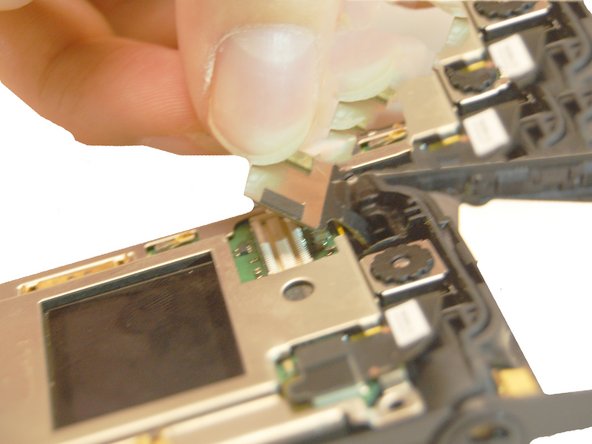
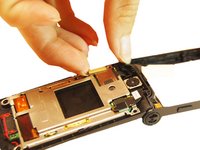
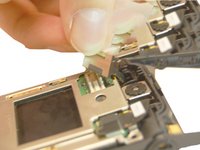
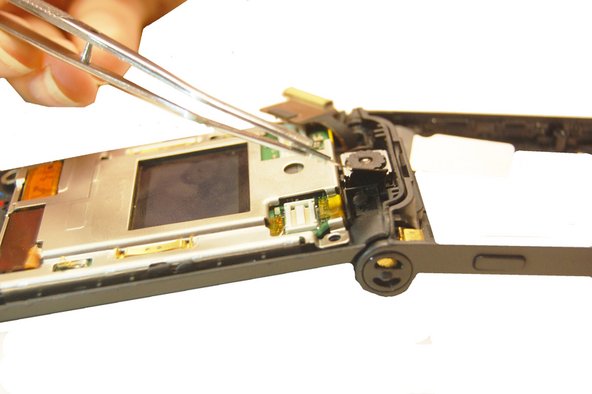
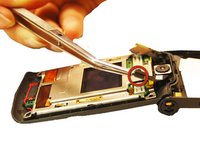
      • Pull the flex cable connection away from the top of the phone.

      Vraag FixBot

      Voeg opmerking toe

    4. Motorola W490 Flex Cable Replacement: stap 11, afbeelding 1 van 2 Motorola W490 Flex Cable Replacement: stap 11, afbeelding 2 van 2
      • Pull the camera connection away from the top of the phone.

      Vraag FixBot

      Voeg opmerking toe

    5. Motorola W490 Flex Cable Replacement: stap 12, afbeelding 1 van 3 Motorola W490 Flex Cable Replacement: stap 12, afbeelding 2 van 3 Motorola W490 Flex Cable Replacement: stap 12, afbeelding 3 van 3
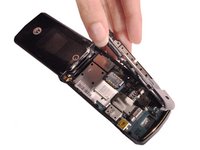
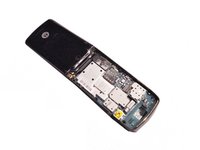
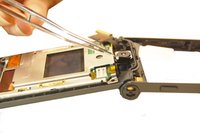
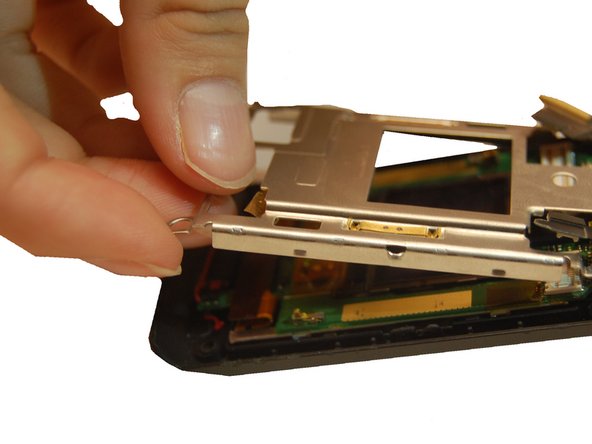
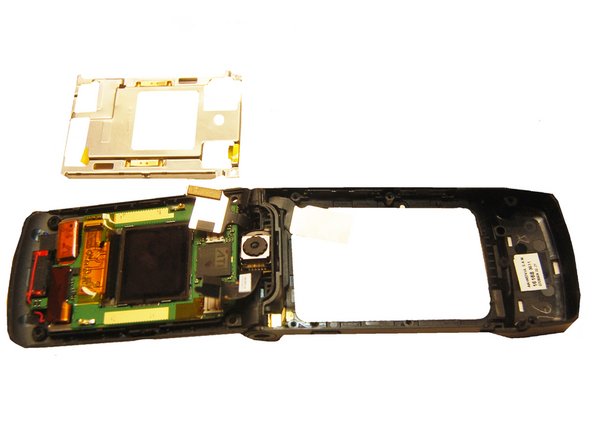
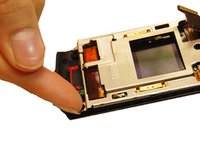
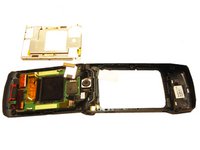
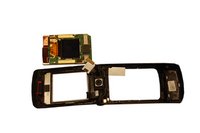
      • Pull the upper metal frame away from the phone.

      Vraag FixBot

      Voeg opmerking toe

    1. Motorola W490 Flex Cable Replacement, LCD Screen: stap 13, afbeelding 1 van 3 Motorola W490 Flex Cable Replacement, LCD Screen: stap 13, afbeelding 2 van 3 Motorola W490 Flex Cable Replacement, LCD Screen: stap 13, afbeelding 3 van 3
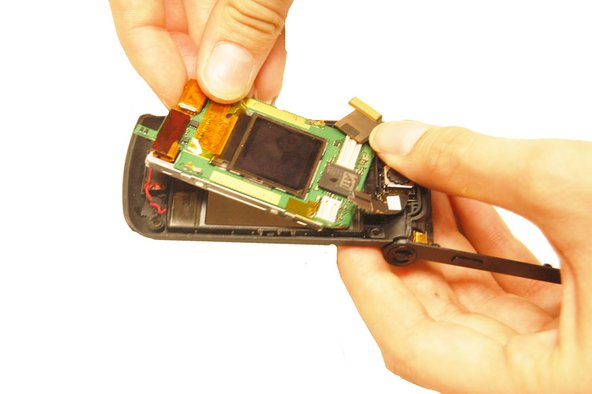
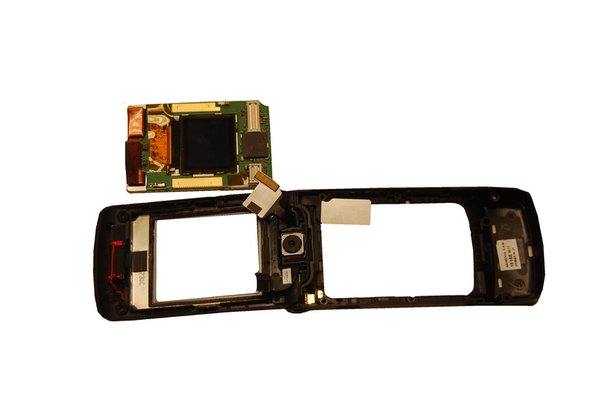
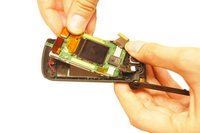
      • Hold the outer phone casing and pull the LCD screen out.

      Vraag FixBot

      Voeg opmerking toe

    1. Motorola W490 Flex Cable Replacement, Flex Cable: stap 14, afbeelding 1 van 2 Motorola W490 Flex Cable Replacement, Flex Cable: stap 14, afbeelding 2 van 2
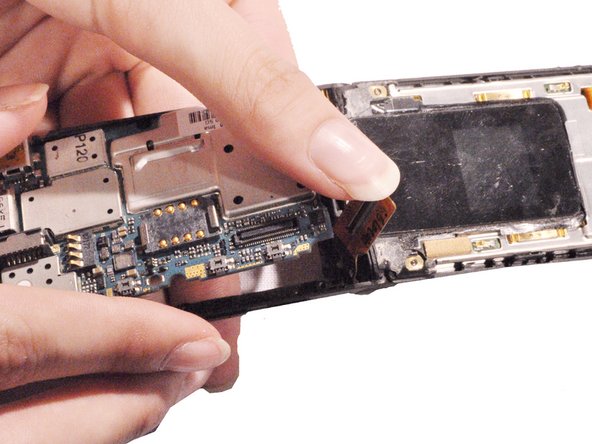
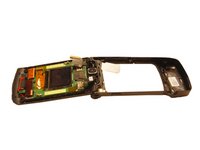
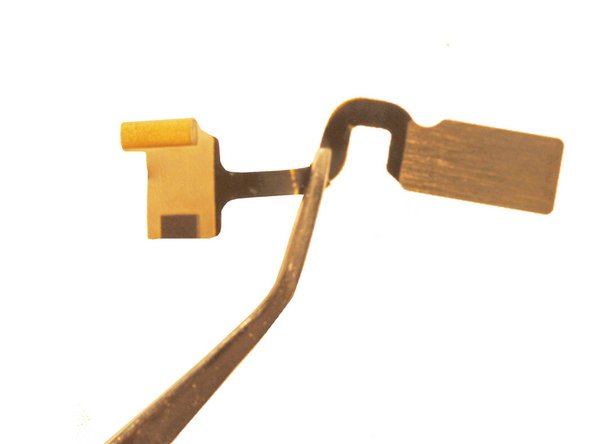
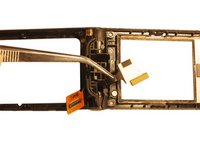
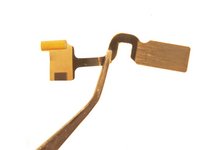
      • Remove the other end of the flex cable from the LCD board.

      • Pull the cable through the phone casing hinge and remove it.

      Vraag FixBot

      Voeg opmerking toe

Conclusie

To reassemble your device, follow these instructions in reverse order.

Annuleren: ik heb deze handleiding niet afgemaakt.

Will Edwards

Lid sinds: 10/22/12

61 Reputatie

9 handleidingen geschreven

Team

Clemson, Team 14-1, Benson Fall 2012 Lid van Clemson, Team 14-1, Benson Fall 2012

CLEM-BENSON-F12S14G1

4 Leden

84 handleidingen geschreven

2Gids Commentaar

How the !@#$ do you get the new flex cable in??? Id about anybody else, but mine was snapped in half when I opened it, thus, I was unable to see the original assembly... HELP???? Please??

Angela WM - Antwoord Deel

Voeg opmerking toe

Weergavestatistieken:

Afgelopen 24 uren: 1

Afgelopen 7 dagen: 5

Afgelopen 30 dagen: 34

Altijd: 1,374