Ga door naar hoofdinhoud
Word lid van de reparatiegemeenschap - Account aanmaken

Motorola V60s Button Key Pad Replacement

Wat je nodig hebt

  1. Motorola V60s Button Key Pad Replacement, Battery: stap 1, afbeelding 1 van 3 Motorola V60s Button Key Pad Replacement, Battery: stap 1, afbeelding 2 van 3 Motorola V60s Button Key Pad Replacement, Battery: stap 1, afbeelding 3 van 3
    • Push in release lever towards top of phone, then use blue spudger to pry case off.

    • After case is removed from the back of the phone, you can simply use your hands to take it the rest of the way off.

    • Set cover aside in a safe location.

    Vraag FixBot

    Voeg opmerking toe

  2. Motorola V60s Button Key Pad Replacement: stap 2, afbeelding 1 van 2 Motorola V60s Button Key Pad Replacement: stap 2, afbeelding 2 van 2
    • Carefully grab battery towards bottom of phone.

    • Lift from bottom and take out of phone, set aside in a safe location.

    Vraag FixBot

    Voeg opmerking toe

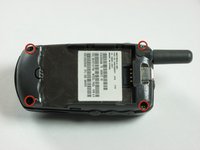
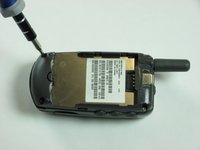
  3. Motorola V60s Button Key Pad Replacement, Motherboard: stap 3, afbeelding 1 van 2 Motorola V60s Button Key Pad Replacement, Motherboard: stap 3, afbeelding 2 van 2
    • Remove the four corner screws with a T6 screwdriver.

    • The two top screws are short and silver. The two bottom screws are black and long.

    Vraag FixBot

    Voeg opmerking toe

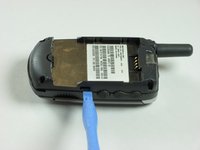
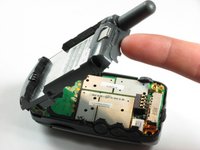
  4. Motorola V60s Button Key Pad Replacement: stap 4, afbeelding 1 van 3 Motorola V60s Button Key Pad Replacement: stap 4, afbeelding 2 van 3 Motorola V60s Button Key Pad Replacement: stap 4, afbeelding 3 van 3
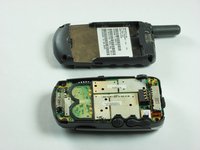
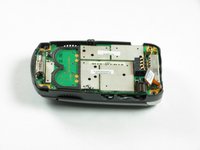
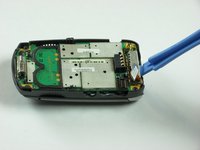
    • Use a spudger to gently pry off back chassis. Wedge the spudger in crevice between back panel and phone and lift.

    Vraag FixBot

    Voeg opmerking toe

  5. Motorola V60s Button Key Pad Replacement: stap 5, afbeelding 1 van 3 Motorola V60s Button Key Pad Replacement: stap 5, afbeelding 2 van 3 Motorola V60s Button Key Pad Replacement: stap 5, afbeelding 3 van 3
    • Starting from left side of phone, remove side buttons and place aside.

    • There are three buttons. One on each side, and the top.

    • Return phone to starting orientation when done.

    Vraag FixBot

    Voeg opmerking toe

  6. Motorola V60s Button Key Pad Replacement: stap 6, afbeelding 1 van 3 Motorola V60s Button Key Pad Replacement: stap 6, afbeelding 2 van 3 Motorola V60s Button Key Pad Replacement: stap 6, afbeelding 3 van 3
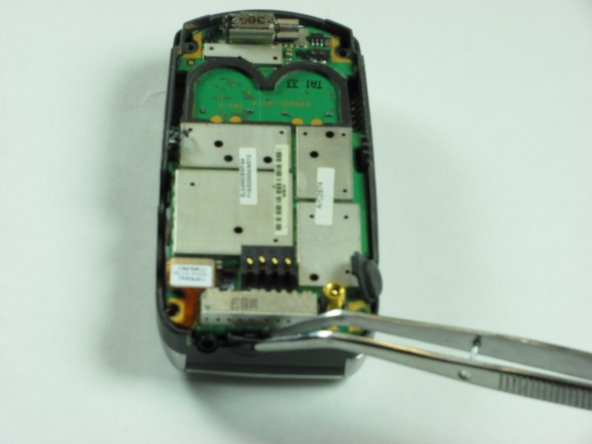
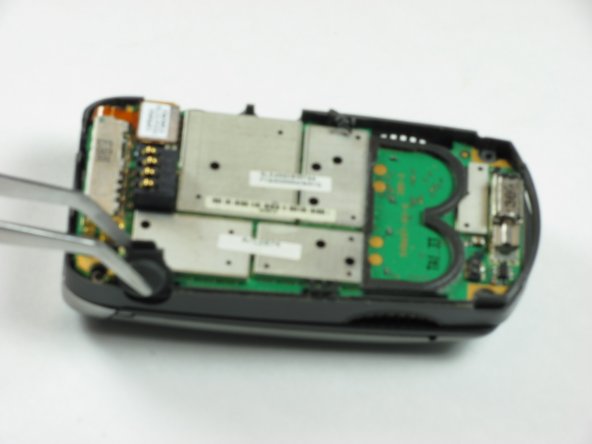
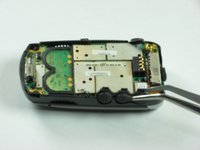
    • Gently remove orange ribbon cable by prying up with spudger.

    Vraag FixBot

    Voeg opmerking toe

  7. Motorola V60s Button Key Pad Replacement: stap 7, afbeelding 1 van 2 Motorola V60s Button Key Pad Replacement: stap 7, afbeelding 2 van 2
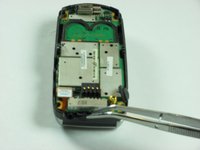
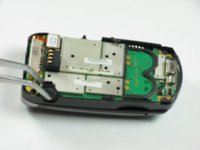
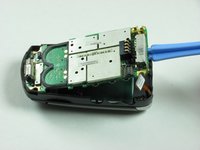
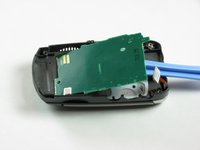
    • Use a spudger to pry up logic board by wedging in between logic board and chassis and lifting.

    • Orange ribbon cable is fragile and can be broken.

    Vraag FixBot

    Voeg opmerking toe

  8. Motorola V60s Button Key Pad Replacement, Button Key Board: stap 8, afbeelding 1 van 2 Motorola V60s Button Key Pad Replacement, Button Key Board: stap 8, afbeelding 2 van 2
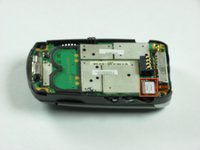
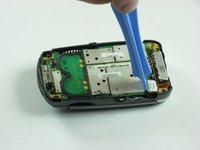
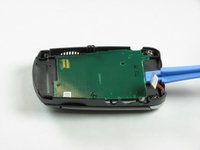
    • Insert an opening tool under the button board and gently lift.

    Vraag FixBot

    Voeg opmerking toe

  9. Motorola V60s Button Key Pad Replacement, Button Key Pad: stap 9, afbeelding 1 van 2 Motorola V60s Button Key Pad Replacement, Button Key Pad: stap 9, afbeelding 2 van 2
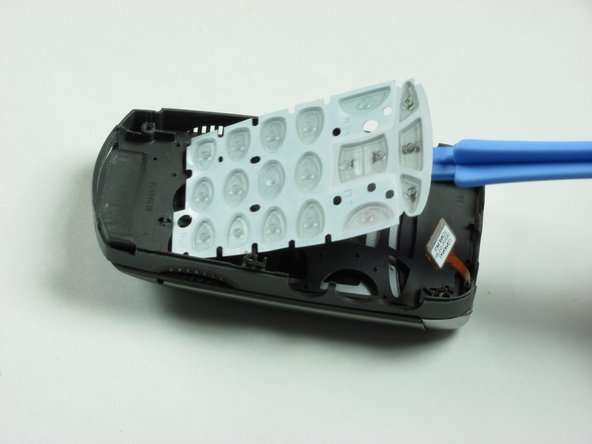
    • Life button keypad with spudger and set aside.

    Vraag FixBot

    Voeg opmerking toe

Conclusie

To reassemble your device, follow these instructions in reverse order.

Annuleren: ik heb deze handleiding niet afgemaakt.

Eric Freeman

Lid sinds: 01/26/10

12 Reputatie

7 handleidingen geschreven

Team

Cal Poly, Team 8-48, Regan Winter 2010 Lid van Cal Poly, Team 8-48, Regan Winter 2010

CPSU-REGAN-W10S8G48

4 Leden

13 handleidingen geschreven

0Gids Commentaar

Voeg opmerking toe

Weergavestatistieken:

Afgelopen 24 uren: 1

Afgelopen 7 dagen: 6

Afgelopen 30 dagen: 30

Altijd: 3,286