Deze vertaling is door een computer gegenereerd en is nog niet door iemand nagekeken. Spreek je deze taal? Bekijk het hier.
Inleiding
Als het scherm van je Motorola C168 beschadigd is of niet werkt, dan is dit de handleiding voor jou. In deze handleiding leiden we je door het proces om het scherm van je Motorola te vervangen. Het scherm van een telefoon is een belangrijk onderdeel van de gebruikersinterface. Je moet mogelijk je scherm vervangen als het op enigerlei wijze beschadigd is geraakt (barsten, delen van het scherm of het hele scherm reageren niet). Zorg ervoor dat je de telefoon uitschakelt voordat je begint.
Wat je nodig hebt
-
-
-
Draai de telefoon zodat de achterkant naar je toe wijst.
-
Druk op de ontgrendelingsknop op de achterbehuizing terwijl je de behuizing tegelijkertijd naar beneden trekt.
-
Verwijder de achterbehuizing.
 Vraag FixBot
-
-
-
-
-
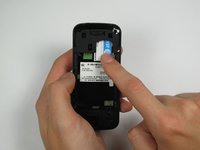
Duw de simkaart naar beneden en schuif hem eruit.
-
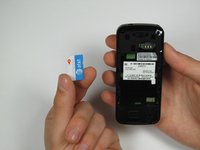
Verwijder de simkaart.
-
-
-
-
-
-
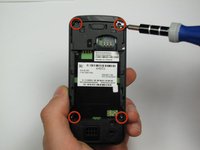
Houd de telefoon zo vast dat de achterkant naar je toe wijst.
-
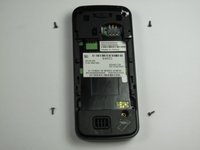
Verwijder voorzichtig de 4 schroeven in de hoeken van de telefoon met een Torx T-4 schroevendraaier.
-
-
Gereedschap gebruikt in deze stap:Spudger$3.99
-
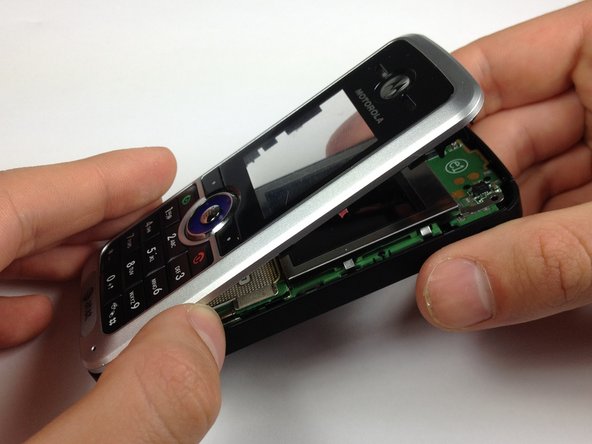
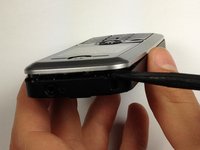
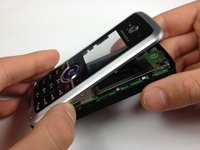
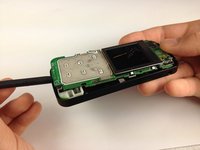
Steek een spudger tussen het voorpaneel en de omlijsting van de telefoon.
-
Wrik met een flinke hoeveelheid krachtmoment het voorpaneel van de telefoon af.
-
-
-
-
Gereedschap gebruikt in deze stap:Spudger$3.99
-
Leg de telefoon op de achterkant.
-
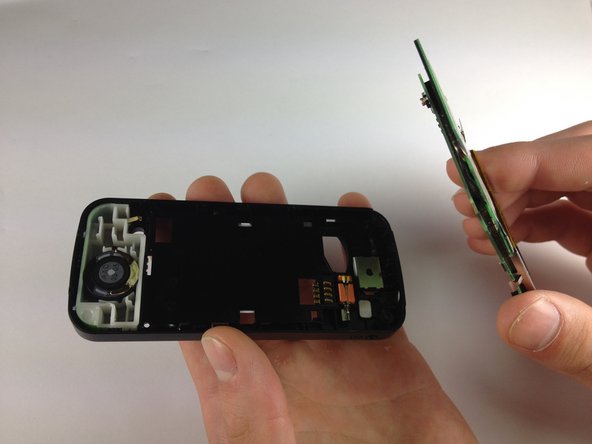
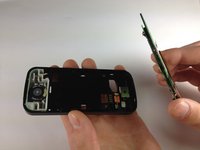
Steek de spudger aan de onderkant van de telefoon, tussen de omlijsting van de telefoon en de printplaat.
-
Verwijder de printplaat uit de omlijsting.
-
-
-
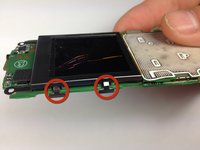
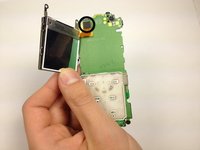
Buig de schermklemmen naar buiten zodat ze niet langer onder de printplaat zitten.
-
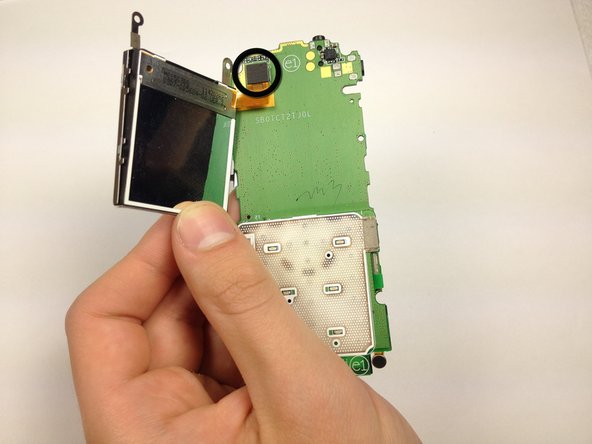
Trek de schermbehuizing weg van de printplaat.
-
-
-
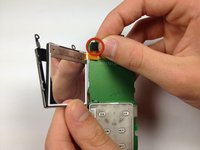
Koppel de verbinding tussen het scherm en de telefoon los.
-
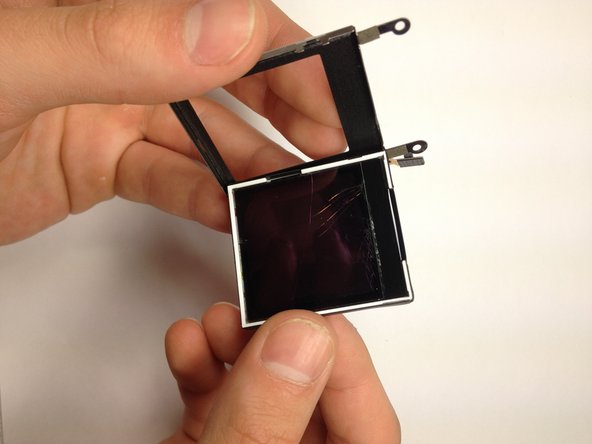
Verwijder het scherm uit de behuizing door het eruit te duwen.
-
-









Volg deze instructies in omgekeerde volgorde om je apparaat weer in elkaar te zetten.
Annuleren: ik heb deze handleiding niet afgemaakt.
Één andere persoon heeft deze handleiding voltooid.

Team

Cal Poly, Team 12-40, Regan Spring 2012 Lid van Cal Poly, Team 12-40, Regan Spring 2012
CPSU-REGAN-S12S12G40
4 Leden
48 handleidingen geschreven
