Wat je nodig hebt
-
-
-
De Logitech Harmony One is een fantastische universele afstandsbediening. De goed ontworpen behuizing, het gewicht en de plaatsing van de knoppen maken het een ideale afstandsbediening voor een complexe media-installatie. Hoewel het apparaat goed is afgedicht tegen morsen, kunnen plakkerige substanties in de knoppen het gebruik ervan bemoeilijken!
 Vraag FixBot
-
-
-
Open het batterijcompartiment om te beginnen en verwijder de batterij.
-
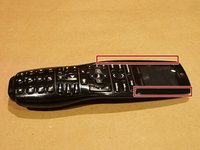
Gebruik een scheermesje of een ander dun opening plectrum om voorzichtig de logitech-sticker te verwijderen en de 2 verborgen schroeven bloot te leggen.
-
Verwijder de 4 philips-schroeven.
-
-
-
Verwijder het rubberen greepgedeelte door het voorzichtig direct van de achterkant af te wrikken, beginnend bij het uiteinde dat zich het dichtst bij de voorkant van de afstandsbediening bevindt.
-
Verwijder nu de 3 overgebleven kruiskopschroeven.
-
-
-
-
Maak de lipjes los die de behuizing bij elkaar houden door een dun, stijf Openingsgereedschap in te brengen nabij het midden van de afstandsbediening (bij de mute- en terugknop) en de naad aan de voorzijde van de afstandsbediening te volgen.
-
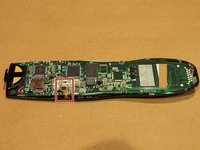
Houd de oplaadcontacten, het lcd-scherm en de voorkant bij elkaar terwijl u de achterbehuizing verwijdert.
-
-
-
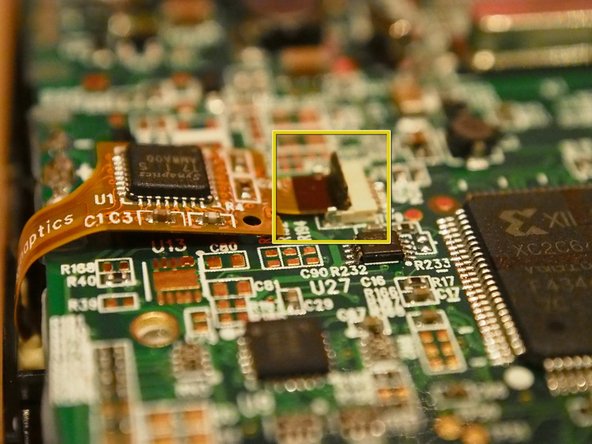
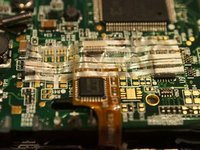
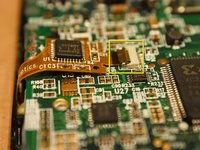
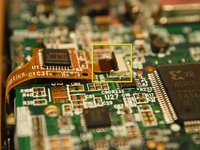
Verwijder de tape (indien aanwezig) die de lintkabelaansluiting op zijn plek houdt
-
Klap daarna de vergrendeling omhoog en trek de lintkabel eruit.
-
-
-
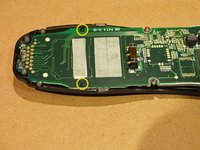
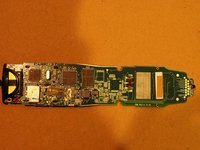
Verwijder nu de resterende twee kruiskopschroeven die het logic board vasthouden.
-
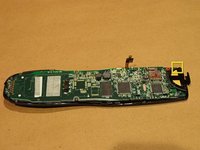
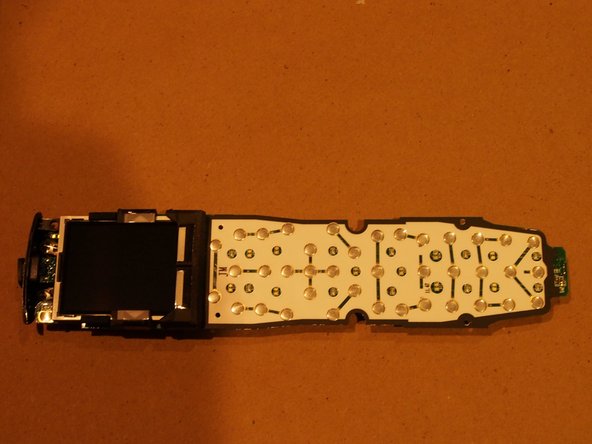
Trek het logic board recht naar achteren los van het toetsenblok.
-
-
-
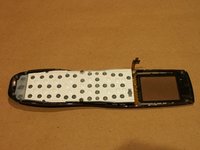
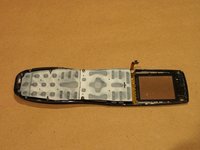
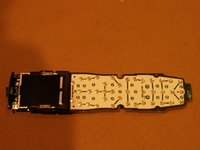
Onder het logic board vind je een harde plastic spacer die het rubberen toetsenbord bedekt.
-
OPMERKING: bij het terugplaatsen van de spacer moet de kant met de verzonken "kegel" naar het rubberen toetsenbord wijzen.
-
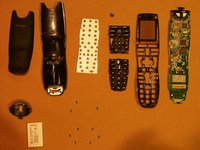
Het toetsenbord komt er in twee delen uit.
-
-











17Gids Commentaar
Great guide! I wish I would have read it first before attempting to disassemble my remote to clean the buttons. Is there any way to repair where the ribbon cable contacts attach the clear plastic film on the face? It separated a little from the film and now the touch screen isn't working for the soft buttons (i.e. Current Activity, Options or Devices, etc.). Thanks!
nuukem : I had the same problem when I cleaned the buttons on my remote. I found a tip that said to gently heat the ribbon with a solder iron or heat gun. (http://www.instructables.com/id/How-to-r...) I used foil on the tip of my iron and made sure it was set before reassembling. Be patient and work slowly. Since the rest of the ribbon should be in place, it should be easy to get the contacts aligned. This worked for me. Hope it helps you. Also, my battery is swollen, so removing it after the cover is off and loosening the screw on the holder makes it easier to remove.
I have an intermittent "0". Would a little alcohol and Q tip on the metallic(?) touch pad fix the problem? I understand this model is no longer available so I want to be very careful. I prefer this model because of the large LCD screen. Thanks for the great write-up!
