Ga door naar hoofdinhoud
Word lid van de reparatiegemeenschap - Account aanmaken

LG Tribute HD Flex Cable Replacement

Wat je nodig hebt

    1. LG Tribute HD Flex Cable Replacement, Battery and SD Card: stap 1, afbeelding 1 van 2 LG Tribute HD Flex Cable Replacement, Battery and SD Card: stap 1, afbeelding 2 van 2
      • Insert a fingernail, or plastic opening tool, into the cutout on the back cover and pry outward to remove.

      Vraag FixBot

      Voeg opmerking toe

    2. LG Tribute HD Flex Cable Replacement: stap 2, afbeelding 1 van 2 LG Tribute HD Flex Cable Replacement: stap 2, afbeelding 2 van 2
      • Pull the battery out of the phone.

      • Remove the SD Card by sliding the card out as shown.

      Vraag FixBot

      Voeg opmerking toe

    1. LG Tribute HD Flex Cable Replacement, Flex Cable: stap 3, afbeelding 1 van 2 LG Tribute HD Flex Cable Replacement, Flex Cable: stap 3, afbeelding 2 van 2
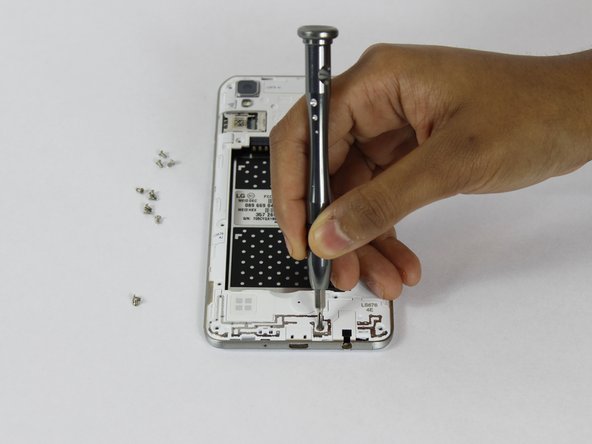
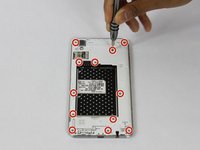
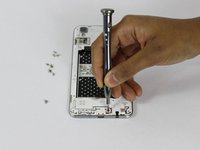
      • Remove the twelve 2mm JIS #00 screws from the mid-frame.

      Vraag FixBot

      Voeg opmerking toe

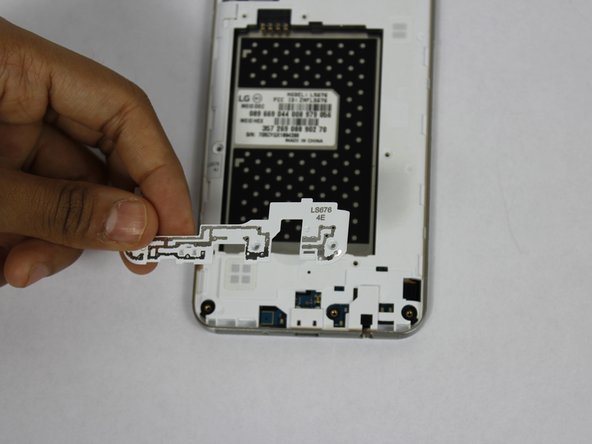
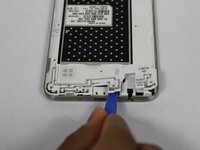
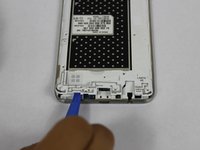
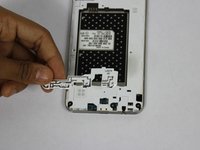
    2. LG Tribute HD Flex Cable Replacement: stap 4, afbeelding 1 van 3 LG Tribute HD Flex Cable Replacement: stap 4, afbeelding 2 van 3 LG Tribute HD Flex Cable Replacement: stap 4, afbeelding 3 van 3
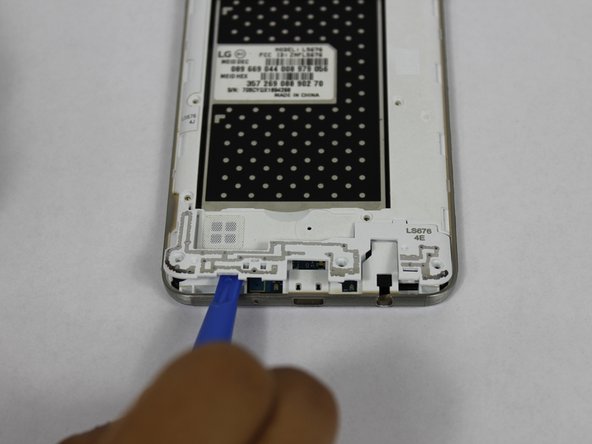
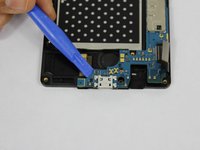
      • Using a plastic opening tool, remove the antenna extender from the bottom.

      Vraag FixBot

      Voeg opmerking toe

    3. LG Tribute HD Flex Cable Replacement: stap 5, afbeelding 1 van 2 LG Tribute HD Flex Cable Replacement: stap 5, afbeelding 2 van 2
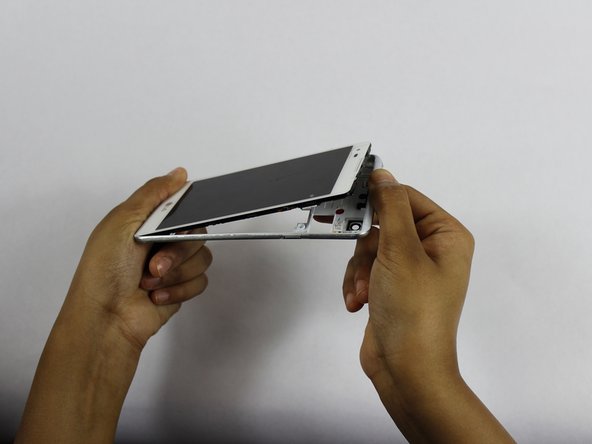
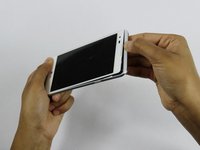
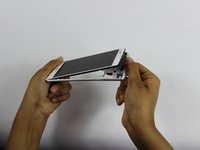
      • Using your fingers, remove the mid-frame.

      Vraag FixBot

      Voeg opmerking toe

    4. LG Tribute HD Flex Cable Replacement: stap 6, afbeelding 1 van 3 LG Tribute HD Flex Cable Replacement: stap 6, afbeelding 2 van 3 LG Tribute HD Flex Cable Replacement: stap 6, afbeelding 3 van 3
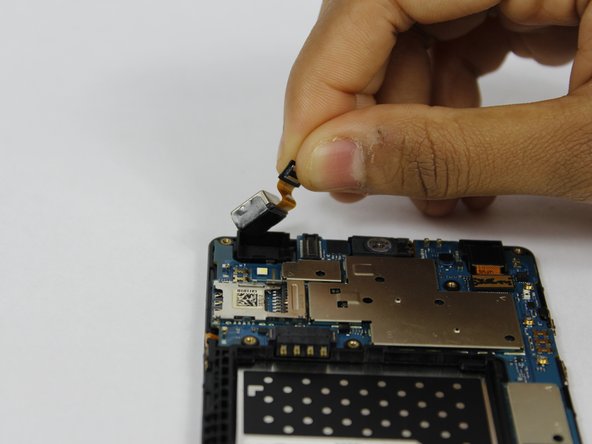
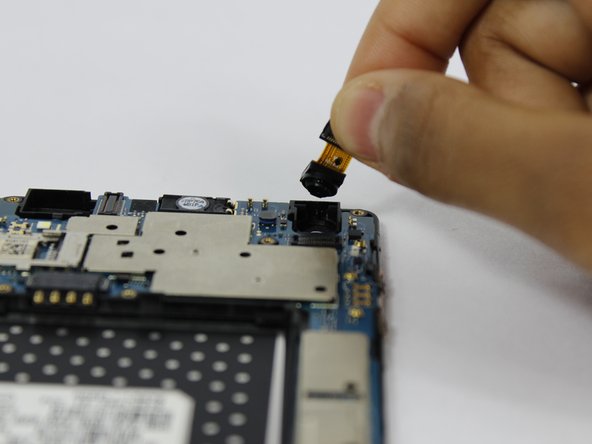
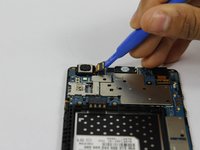
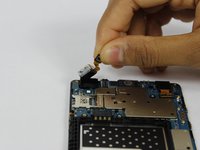
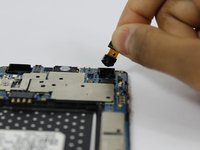
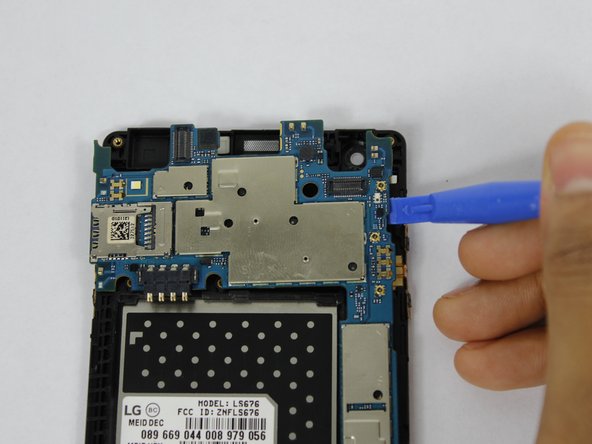
      • Use a plastic opening tool to disconnect the front and rear cameras from the motherboard.

      • Remove the cameras from the phone.

      Vraag FixBot

      Voeg opmerking toe

    5. LG Tribute HD Flex Cable Replacement: stap 7, afbeelding 1 van 3 LG Tribute HD Flex Cable Replacement: stap 7, afbeelding 2 van 3 LG Tribute HD Flex Cable Replacement: stap 7, afbeelding 3 van 3
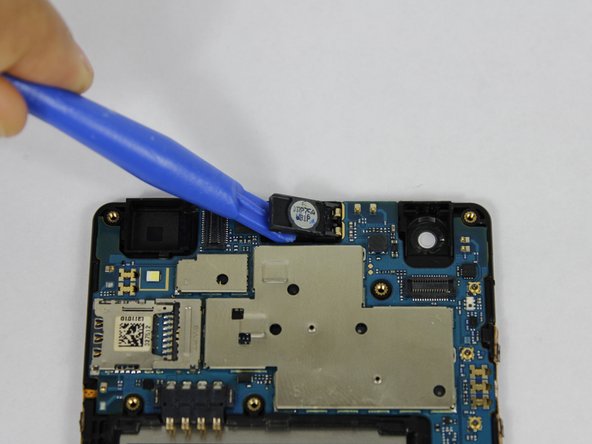
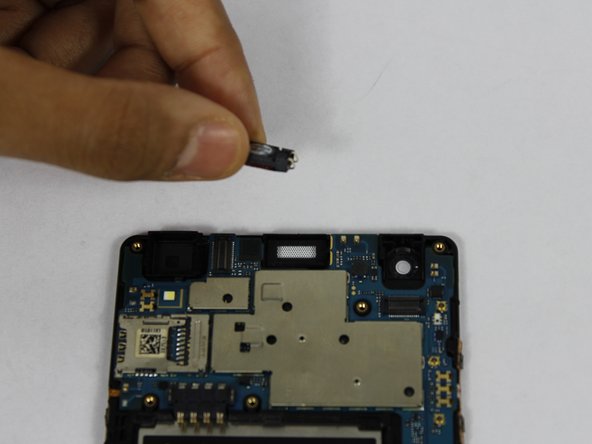
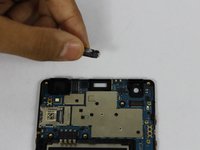
      • Using a plastic opening tool, pry up the front facing speaker and remove it from the phone.

      Vraag FixBot

      Voeg opmerking toe

    6. LG Tribute HD Flex Cable Replacement: stap 8, afbeelding 1 van 1
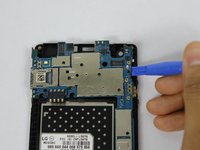
      • Disconnect the LCD from the motherboard with a plastic opening tool.

      Vraag FixBot

      Voeg opmerking toe

    7. LG Tribute HD Flex Cable Replacement: stap 9, afbeelding 1 van 2 LG Tribute HD Flex Cable Replacement: stap 9, afbeelding 2 van 2
      • Use a plastic opening tool to pry up the motherboard form the display housing.

      • Remove the motherboard from the phone.

      Vraag FixBot

      Voeg opmerking toe

    8. LG Tribute HD Flex Cable Replacement: stap 10, afbeelding 1 van 2 LG Tribute HD Flex Cable Replacement: stap 10, afbeelding 2 van 2
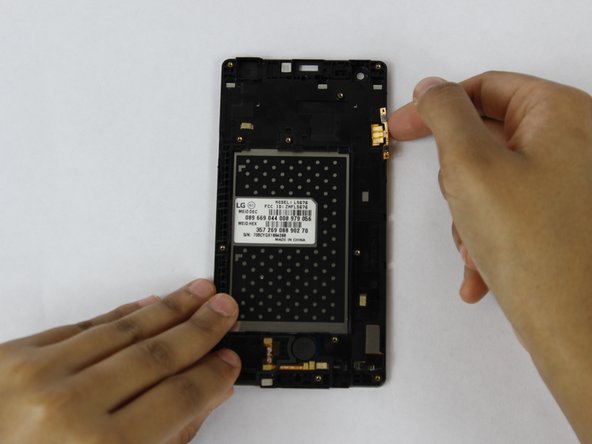
      • Use your fingers to remove the flex cables from the phone.

      Vraag FixBot

      Voeg opmerking toe

Conclusie

To reassemble your device, follow these instructions in reverse order.

Annuleren: ik heb deze handleiding niet afgemaakt.

Één andere persoon heeft deze handleiding voltooid.

Dhruv Patel

Lid sinds: 02/14/18

273 Reputatie

2 handleidingen geschreven

Team

USF Tampa, Team S1-G3, Nance Spring 2018 Lid van USF Tampa, Team S1-G3, Nance Spring 2018

USFT-NANCE-S18S1G3

4 Leden

70 handleidingen geschreven

0Gids Commentaar

Voeg opmerking toe

Weergavestatistieken:

Afgelopen 24 uren: 3

Afgelopen 7 dagen: 50

Afgelopen 30 dagen: 87

Altijd: 935