Deze vertaling is door een computer gegenereerd en is nog niet door iemand nagekeken. Spreek je deze taal? Bekijk het hier.
Inleiding
Deze handleiding leert je hoe je het lcd-scherm en de touch digitizer met omlijsting op de juiste manier vervangt. Neem voorzorgsmaatregelen bij het hanteren van een gebarsten scherm om snijwonden door gebroken glas te voorkomen. Deze reparatie kan nodig zijn als het scherm niet reageert op aanraking of als het scherm beschadigd of gebarsten is.
Wat je nodig hebt
-
-
-
Steek een vingernagel of een plastic Openingsgereedschap in de uitsparing van de achterbehuizing en wrik deze naar buiten om de behuizing te verwijderen.
 Vraag FixBot
-
-
-
Trek de batterij uit de telefoon.
-
Verwijder de SD-kaart door de kaart eruit te schuiven zoals afgebeeld.
-
-
-
-
-
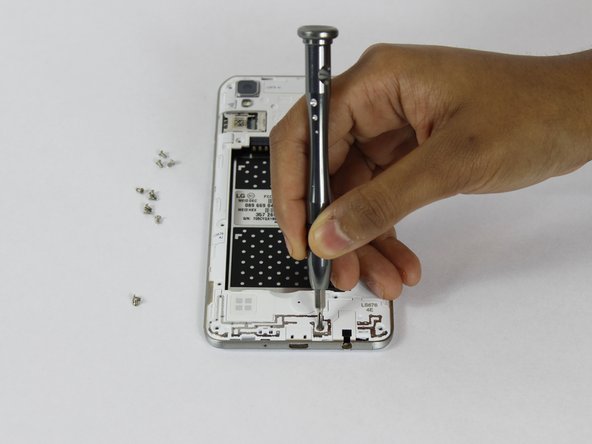
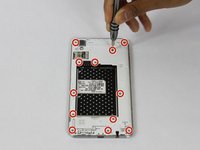
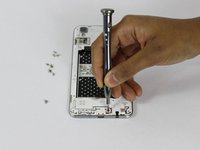
Verwijder de twaalf 2 mm JIS #00-schroeven uit de middenomlijsting.
-
-
-
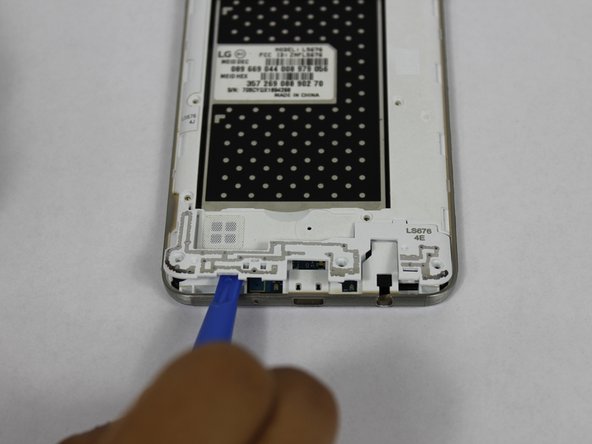
Gebruik een plastic Openingsgereedschap om de antenneverlenger aan de onderkant te verwijderen.
-
-
-
-
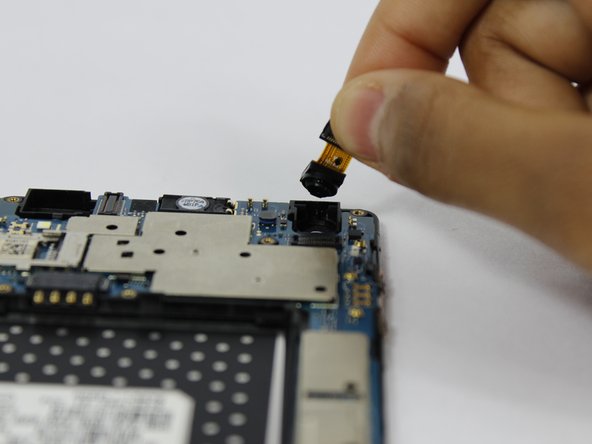
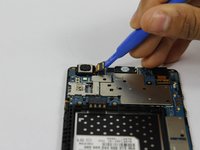
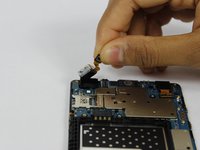
Gebruik een plastic Openingsgereedschap om de camera vooraan en de camera achteraan los te koppelen van het moederbord.
-
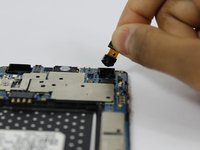
Verwijder de camera's uit de telefoon.
-
-
-
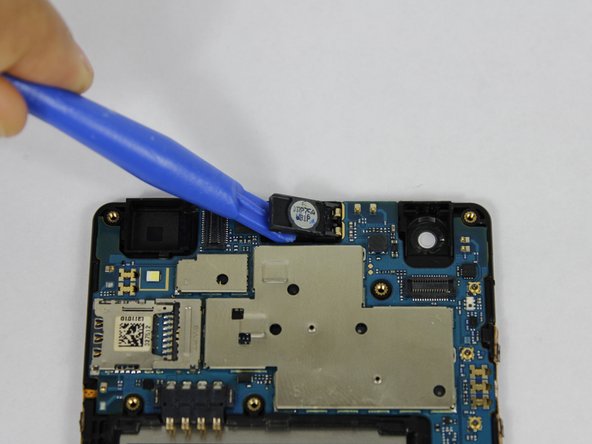
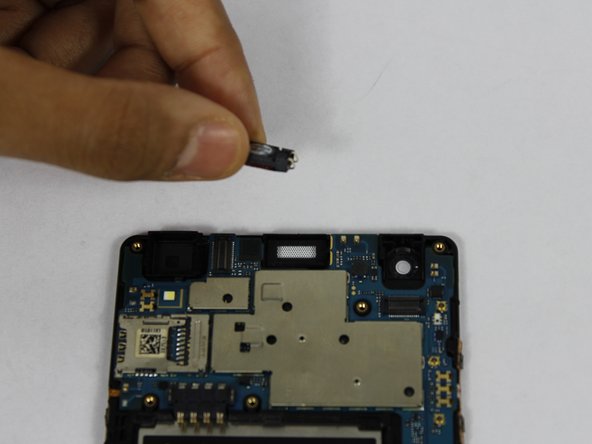
Wrik met een plastic Openingsgereedschap de luidspreker aan de voorzijde omhoog en verwijder deze uit de telefoon.
-
-
-
Koppel het lcd los van het moederbord met een plastic Openingsgereedschap.
-
-
-
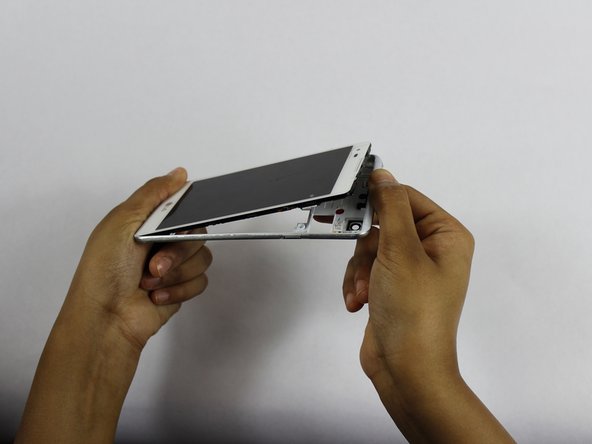
Gebruik een plastic Openingsgereedschap om het moederbord uit de behuizing van het scherm te wippen.
-
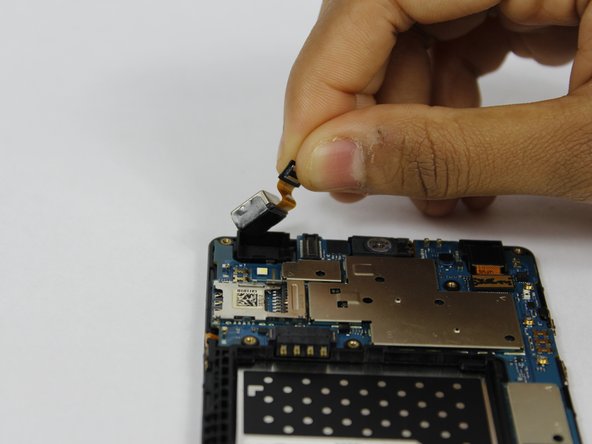
Verwijder het moederbord uit de telefoon.
-
-



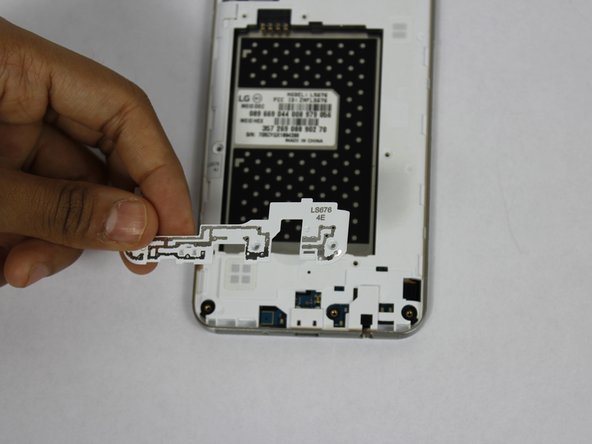
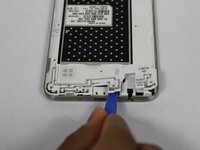
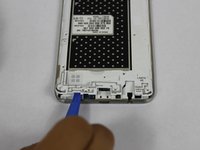
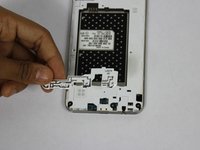



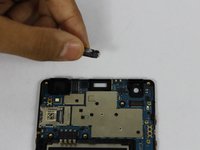


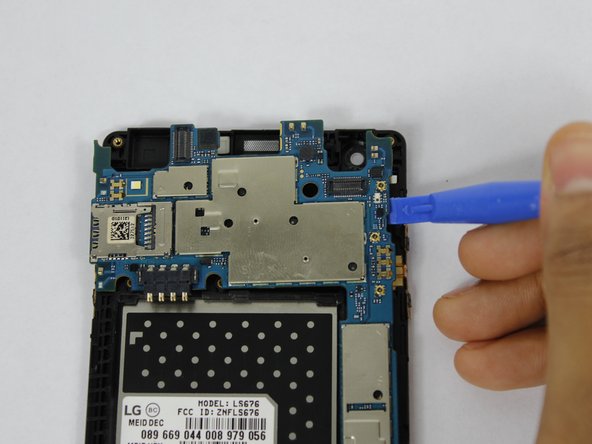
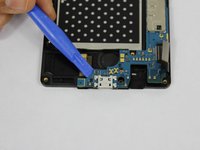
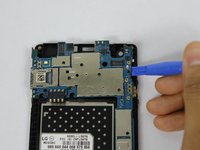

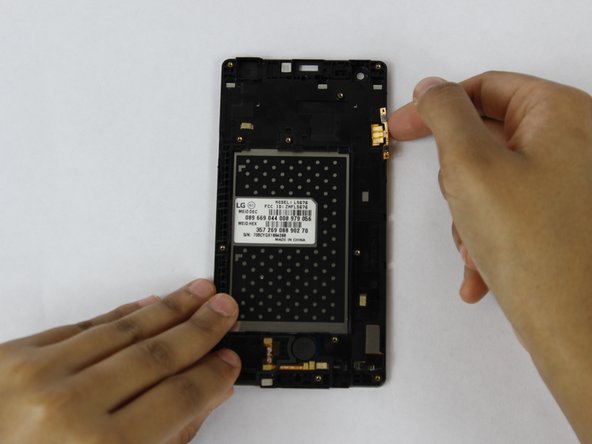
Volg deze instructies in omgekeerde volgorde om je apparaat weer in elkaar te zetten.
Annuleren: ik heb deze handleiding niet afgemaakt.
6 andere personen hebben deze handleiding voltooid.

Team

USF Tampa, Team S1-G3, Nance Spring 2018 Lid van USF Tampa, Team S1-G3, Nance Spring 2018
USFT-NANCE-S18S1G3
4 Leden
120 handleidingen geschreven
5Gids Commentaar
Just a note that the flex cables are stuck pretty well to the case. I didn’t rip them but I used a little heat from a hair dryer to soften the glue a bit.
I somewhat agree with christophergosnell on this one but I did manage to lift up the ribbon cables using both my fingernails and a small, then, flat head screwdriver at just the right points. there is also a ribbon cable near the bottom of the phone that I had to transplant that is shown but you don’t include a picture of you even attempting to remove it. I didn’t pay attention what it connected to but I just made sure it went in the same spot on the new screen assembly. Other then that a pretty decent guide.
Many thanks to the previous comments! The guide is very helpful but could use more detail. I missed the ribbon at the bottom and couldn’t figure out why my speaker wasn’t working. I spent two hours taking the speaker in and out and re-bending the contacts to improve the connection until I checked the comments here and noticed the other ribbon. It was hard to get off so I used a heat gun on low just long enough to soften the glue and then I was finally able to get it off. This solved the speaker problem and all is working well.
I also used a blow dryer for heat , and small jewellers screwdriver to transfer the ribbons. I also used a magnifying glass
I have reassembled my phone, and it works! Success!. Yes, the disassembly was going smooth, until the ribbon transfer. That's when I stopped, read the comments about using a hair dryer for heat etc. It also helps to have the tools shown in the pic, or very small jewellers screwdriver set like in eyeglasses repair kits.
