Ga door naar hoofdinhoud
Word lid van de reparatiegemeenschap - Account aanmaken

LG Tribute 5 Display Replacement

Wat je nodig hebt

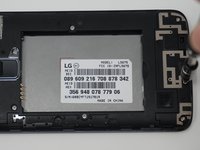
  1. LG Tribute 5 Display Replacement, Battery: stap 1, afbeelding 1 van 2 LG Tribute 5 Display Replacement, Battery: stap 1, afbeelding 2 van 2
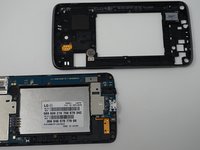
    • Using an iFixit opening tool, gently pull outward on the cutout on the bottom left corner of the phone to remove the back cover.

    Vraag FixBot

    Voeg opmerking toe

  2. LG Tribute 5 Display Replacement: stap 2, afbeelding 1 van 3 LG Tribute 5 Display Replacement: stap 2, afbeelding 2 van 3 LG Tribute 5 Display Replacement: stap 2, afbeelding 3 van 3
    • Gently lift the battery out from the compartment.

    • Use an iFixit opening tool to slide out the SD card and nano sim card from the device as shown.

    Vraag FixBot

    Voeg opmerking toe

  3. LG Tribute 5 Display Replacement, Display: stap 3, afbeelding 1 van 3 LG Tribute 5 Display Replacement, Display: stap 3, afbeelding 2 van 3 LG Tribute 5 Display Replacement, Display: stap 3, afbeelding 3 van 3
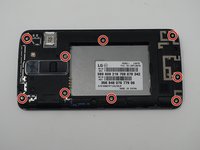
    • Remove the nine 2mm JIS #00 screws from the mid-frame.

    Vraag FixBot

    Voeg opmerking toe

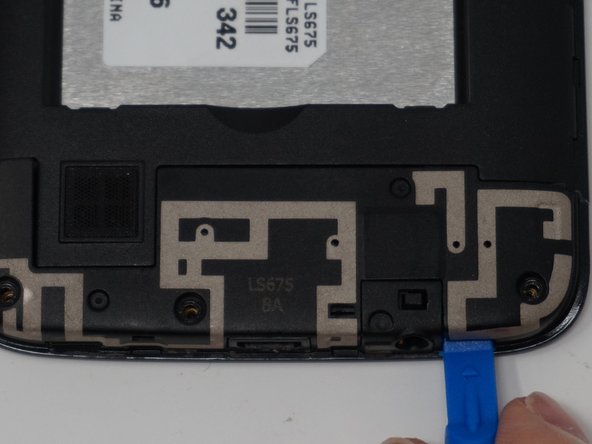
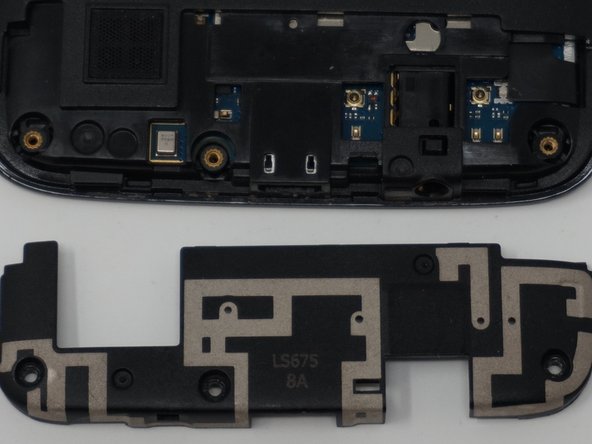
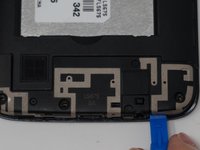
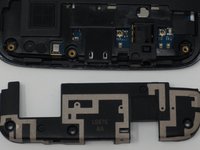
  4. LG Tribute 5 Display Replacement: stap 4, afbeelding 1 van 3 LG Tribute 5 Display Replacement: stap 4, afbeelding 2 van 3 LG Tribute 5 Display Replacement: stap 4, afbeelding 3 van 3
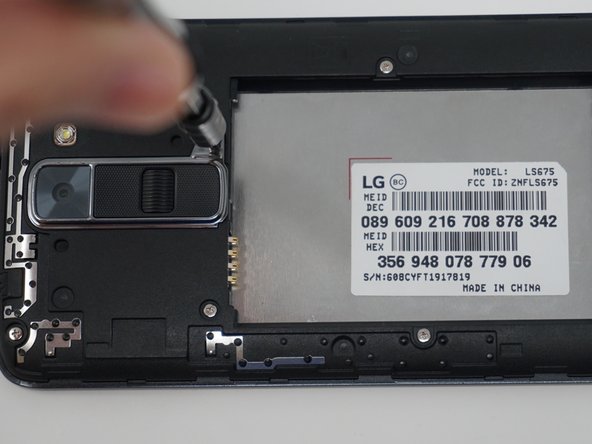
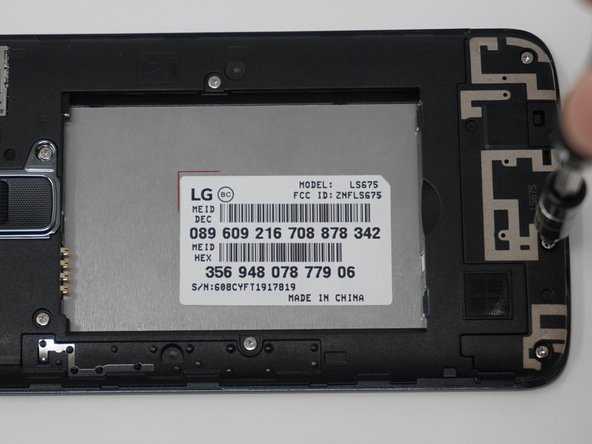
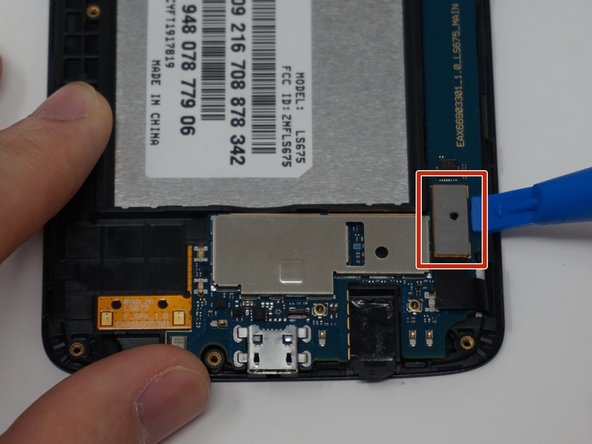
    • Using an iFixit opening tool, remove the antenna extender located at the bottom.

    Vraag FixBot

    Voeg opmerking toe

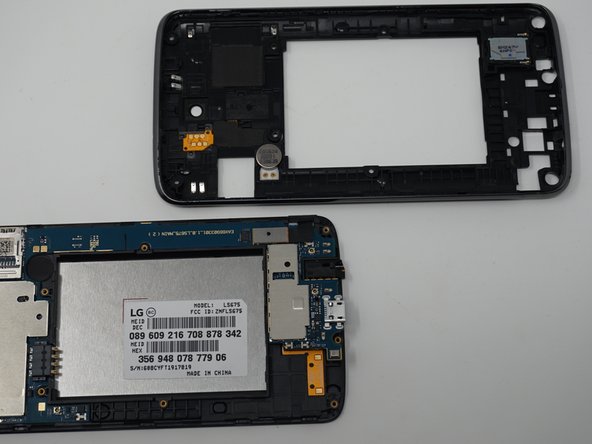
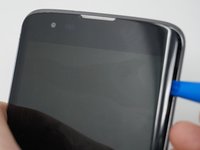
  5. LG Tribute 5 Display Replacement: stap 5, afbeelding 1 van 2 LG Tribute 5 Display Replacement: stap 5, afbeelding 2 van 2
    • Gently remove the mid-frame using an iFixit opening tool as shown.

    • Avoid applying too much force when separating the mid frame. Too much force can bend or damage the device.

    Vraag FixBot

    Voeg opmerking toe

  6. LG Tribute 5 Display Replacement: stap 6, afbeelding 1 van 1
    • Disconnect the flex cable from the motherboard with the iFixit opening tool.

    Vraag FixBot

    Voeg opmerking toe

  7. LG Tribute 5 Display Replacement: stap 7, afbeelding 1 van 2 LG Tribute 5 Display Replacement: stap 7, afbeelding 2 van 2
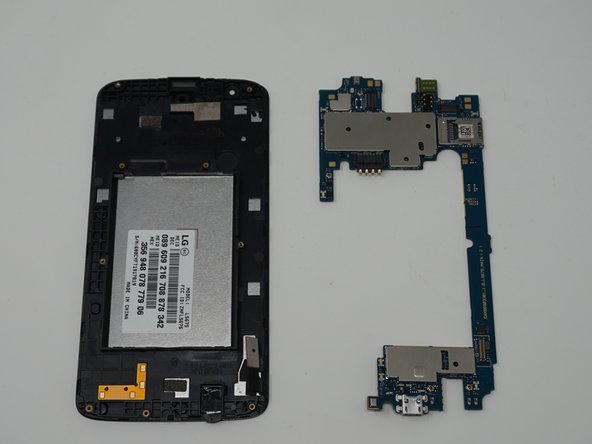
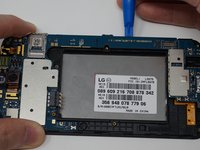
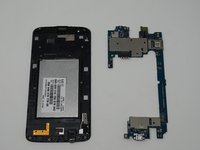
    • Use an iFixit opening tool to separate the motherboard and the display.

    Vraag FixBot

    Voeg opmerking toe

Conclusie

To reassemble your device, follow these instructions in reverse order.

Annuleren: ik heb deze handleiding niet afgemaakt.

5 andere personen hebben deze handleiding voltooid.

Logan Reid Howell

Lid sinds: 04/19/19

268 Reputatie

1 Handleiding geschreven

Team

UW Tacoma, Team S1-G6, Cardinal Spring 2019 Lid van UW Tacoma, Team S1-G6, Cardinal Spring 2019

UWT-CARDINAL-S19S1G6

3 Leden

12 handleidingen geschreven

0Gids Commentaar

Voeg opmerking toe

Weergavestatistieken:

Afgelopen 24 uren: 0

Afgelopen 7 dagen: 5

Afgelopen 30 dagen: 26

Altijd: 743