Ga door naar hoofdinhoud
Word lid van de reparatiegemeenschap - Account aanmaken

LG G Vista Screen Replacement

Wat je nodig hebt

  1. LG G Vista Screen Replacement, Battery: stap 1, afbeelding 1 van 1
    • Make sure the device is powered off.

    Vraag FixBot

    Voeg opmerking toe

  2. LG G Vista Screen Replacement: stap 2, afbeelding 1 van 1
    • Remove the back cover by gently prying open the case of the device from the charging port.

    Vraag FixBot

    Voeg opmerking toe

  3. LG G Vista Screen Replacement: stap 3, afbeelding 1 van 1
    • Lift the battery out of its place by prying up from the small notch at the base of the battery.

    Vraag FixBot

    Voeg opmerking toe

  4. LG G Vista Screen Replacement, Screen: stap 4, afbeelding 1 van 1
    • Using a Phillips #000 screwdriver, remove all eleven 3.0 mm screws from around the perimeter of the phone.

    Vraag FixBot

    Voeg opmerking toe

  5. LG G Vista Screen Replacement: stap 5, afbeelding 1 van 1
    • Use a plastic spudger or opening tool and run it along the seam of the upper cover.

    • Carefully remove the cover from the device.

    Vraag FixBot

    Voeg opmerking toe

  6. LG G Vista Screen Replacement: stap 6, afbeelding 1 van 1
    • Use the same method to pry off the hard shell covering at the bottom.

    Vraag FixBot

    Voeg opmerking toe

  7. LG G Vista Screen Replacement: stap 7, afbeelding 1 van 1
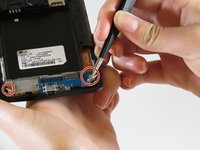
    • Remove the two 1 mm Phillips #000 screws.

    Vraag FixBot

    Voeg opmerking toe

  8. LG G Vista Screen Replacement: stap 8, afbeelding 1 van 2 LG G Vista Screen Replacement: stap 8, afbeelding 2 van 2
    Gereedschap gebruikt in deze stap:
    Tweezers
    $4.99
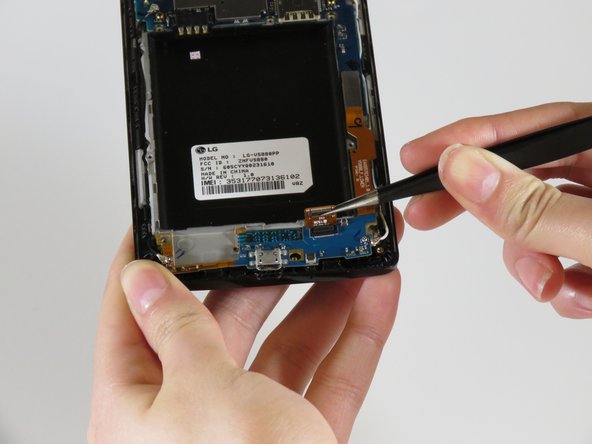
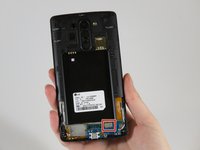
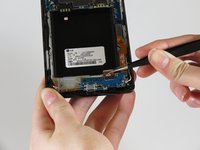
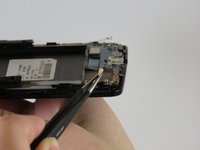
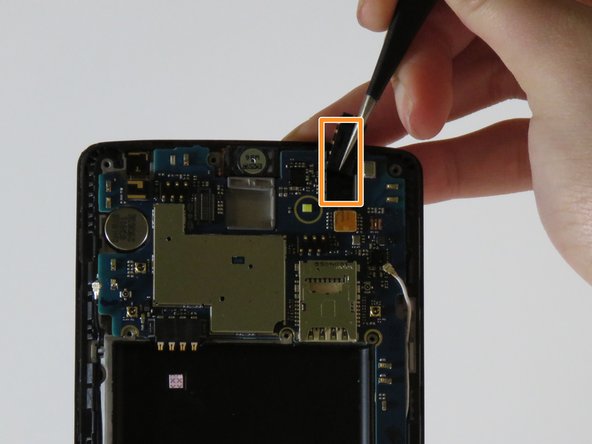
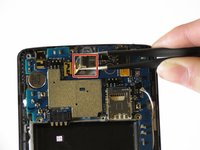
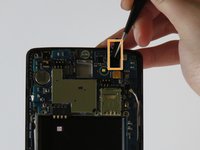
    • Gently using tweezers, disconnect the connector that is on the bottom right.

    Vraag FixBot

    Voeg opmerking toe

  9. LG G Vista Screen Replacement: stap 9, afbeelding 1 van 2 LG G Vista Screen Replacement: stap 9, afbeelding 2 van 2
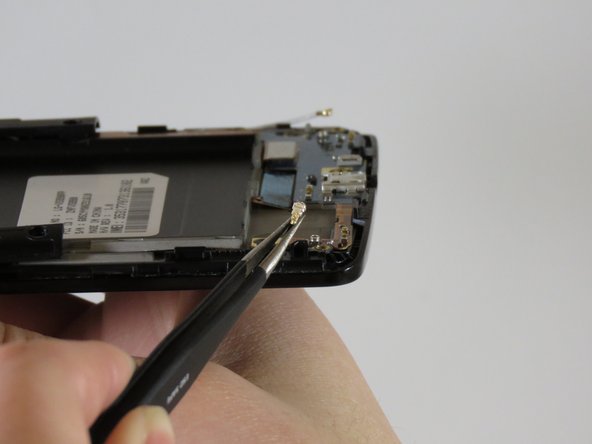
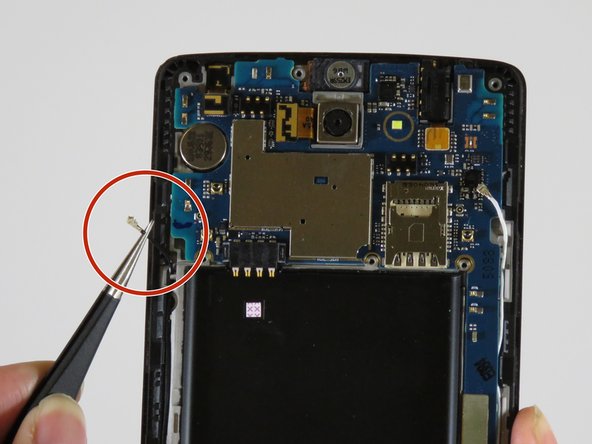
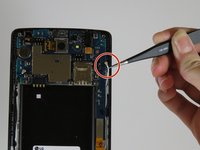
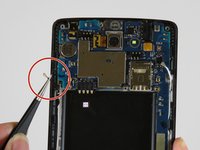
    • Gently unplug the antenna wires on the bottom left and right sides of the device.

    Vraag FixBot

    Voeg opmerking toe

  10. LG G Vista Screen Replacement: stap 10, afbeelding 1 van 1
    • With your plastic opening tool, gently lift up the bottom edge of the exposed charging port, sliding along the edge until it lifts out.

    Vraag FixBot

    Voeg opmerking toe

  11. LG G Vista Screen Replacement: stap 11, afbeelding 1 van 1
    • Using tweezers, unplug the four connectors.

    Vraag FixBot

    Voeg opmerking toe

  12. LG G Vista Screen Replacement: stap 12, afbeelding 1 van 2 LG G Vista Screen Replacement: stap 12, afbeelding 2 van 2
    • Remove the antenna wires on both sides of the device.

    Vraag FixBot

    Voeg opmerking toe

  13. LG G Vista Screen Replacement: stap 13, afbeelding 1 van 2 LG G Vista Screen Replacement: stap 13, afbeelding 2 van 2
    • Carefully lift out the back camera from the device.

    • Lift out the headphone jack in the upper right side of the device.

    Vraag FixBot

    Voeg opmerking toe

  14. LG G Vista Screen Replacement: stap 14, afbeelding 1 van 1
    • Remove the motherboard from the phone.

    Vraag FixBot

    Voeg opmerking toe

  15. LG G Vista Screen Replacement: stap 15, afbeelding 1 van 1
    • Remove the vibration motor from the device.

    • You will be left with the entire display assembly of the device.

    Vraag FixBot

    Voeg opmerking toe

Conclusie

To reassemble your device, follow these steps in reverse order.

Annuleren: ik heb deze handleiding niet afgemaakt.

2 andere personen hebben deze handleiding voltooid.

0Gids Commentaar

Voeg opmerking toe

Weergavestatistieken:

Afgelopen 24 uren: 1

Afgelopen 7 dagen: 11

Afgelopen 30 dagen: 35

Altijd: 1,051