Ga door naar hoofdinhoud
Word lid van de reparatiegemeenschap - Account aanmaken

LG Chocolate 3 Keypad Replacement

Wat je nodig hebt

  1. LG Chocolate 3 Keypad Replacement, Battery: stap 1, afbeelding 1 van 1
    • Turn the phone off before starting the replacement process.

    • Place the phone face down.

    • Press your finger down on the indentation and slide the back plate off.

    Vraag FixBot

    Voeg opmerking toe

  2. LG Chocolate 3 Keypad Replacement: stap 2, afbeelding 1 van 3 LG Chocolate 3 Keypad Replacement: stap 2, afbeelding 2 van 3 LG Chocolate 3 Keypad Replacement: stap 2, afbeelding 3 van 3
    • Using your index finger lift and remove the battery from the phone.

    Vraag FixBot

    Voeg opmerking toe

  3. LG Chocolate 3 Keypad Replacement, Rear Case: stap 3, afbeelding 1 van 1
    • Use the pointed end of the spudger to pull out the plastic inserts that are located on the left and right-hand corners.

    • If needed, use the tip of a push pin instead of the spudger to remove the plastic inserts.

    Vraag FixBot

    Voeg opmerking toe

  4. LG Chocolate 3 Keypad Replacement: stap 4, afbeelding 1 van 1
    Gereedschap gebruikt in deze stap:
    Tweezers
    $4.99
    • Using a Phillips #00 screwdriver, remove the six 3mm long screws found along the edges of the phone.

    • If needed, use tweezers to remove loose screws from the recessed holes.

    • Screws are small, therefore, they should be placed in a secure location to prevent misplacement.

    Vraag FixBot

    Voeg opmerking toe

  5. LG Chocolate 3 Keypad Replacement: stap 5, afbeelding 1 van 2 LG Chocolate 3 Keypad Replacement: stap 5, afbeelding 2 van 2
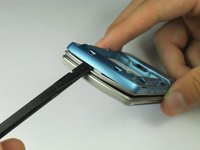
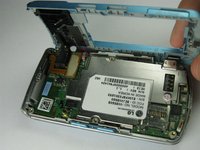
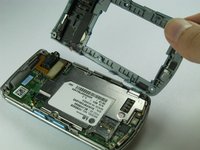
    • Pull the rear case up using the spudger.

    • The rear case is connected to the right side of the phone via red and blue cables, be careful not to pull these cables out.

    • The volume control buttons on the side might fall out of their sockets. Carefully replace them with a pair of tweezers before you reassemble the rear case.

    Vraag FixBot

    Voeg opmerking toe

  6. LG Chocolate 3 Keypad Replacement: stap 6, afbeelding 1 van 1
    • Use tweezers to pull the clear end of the red and blue speaker cables away from motherboard.

    Vraag FixBot

    Voeg opmerking toe

  7. LG Chocolate 3 Keypad Replacement: stap 7, afbeelding 1 van 2 LG Chocolate 3 Keypad Replacement: stap 7, afbeelding 2 van 2
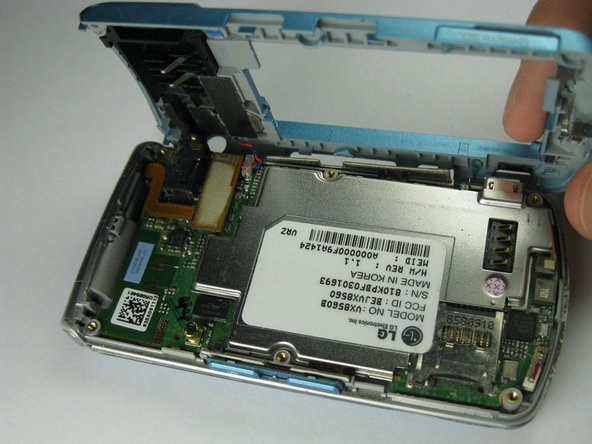
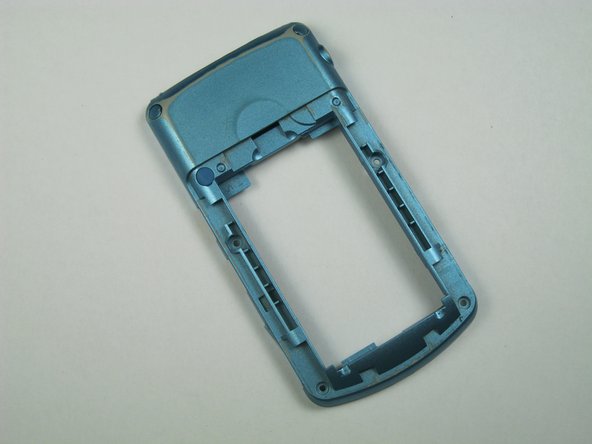
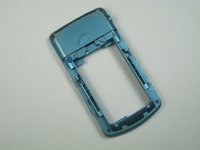
    • Carefully remove the rear case from the phone.

    Vraag FixBot

    Voeg opmerking toe

  8. LG Chocolate 3 Keypad Replacement, Side Buttons: stap 8, afbeelding 1 van 1
    Gereedschap gebruikt in deze stap:
    Tweezers
    $4.99
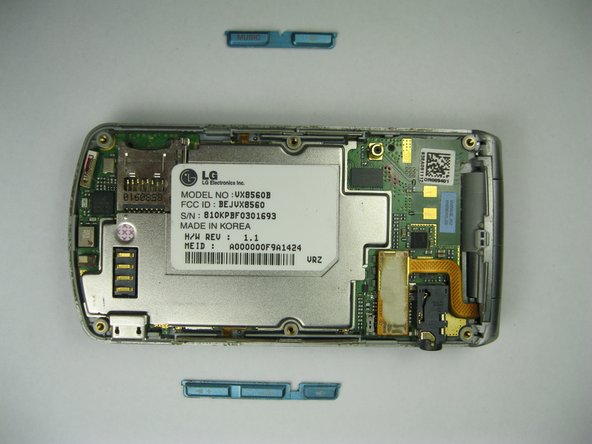
    • Use tweezers to remove the music button found on the side of the phone.

    Vraag FixBot

    Voeg opmerking toe

  9. LG Chocolate 3 Keypad Replacement: stap 9, afbeelding 1 van 2 LG Chocolate 3 Keypad Replacement: stap 9, afbeelding 2 van 2
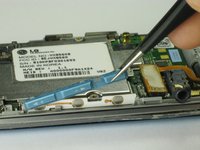
    • Use tweezers to remove the volume control buttons on the opposite side of the phone.

    Vraag FixBot

    Voeg opmerking toe

  10. LG Chocolate 3 Keypad Replacement, Motherboard: stap 10, afbeelding 1 van 1
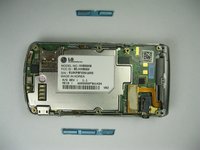
    • Use the flat end of the spudger to lift the orange display data cable.

    Vraag FixBot

    Voeg opmerking toe

  11. LG Chocolate 3 Keypad Replacement: stap 11, afbeelding 1 van 2 LG Chocolate 3 Keypad Replacement: stap 11, afbeelding 2 van 2
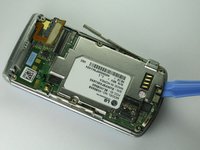
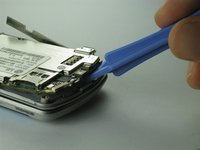
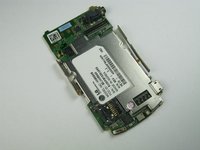
    • Carefully insert the plastic opening tool between the motherboard and the back of the phone.

    Vraag FixBot

    Voeg opmerking toe

  12. LG Chocolate 3 Keypad Replacement: stap 12, afbeelding 1 van 2 LG Chocolate 3 Keypad Replacement: stap 12, afbeelding 2 van 2
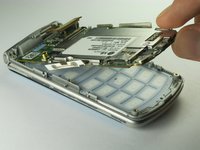
    • Use your thumb and index finger to carefully lift and separate the motherboard from the back of the phone.

    • Be cautious of the orange display data cable, it may stick to the motherboard.

    • To avoid this, lift the data cable away from the motherboard before removal.

    Vraag FixBot

    Voeg opmerking toe

  13. LG Chocolate 3 Keypad Replacement, Keypad: stap 13, afbeelding 1 van 1
    • Open the phone.

    • Keep the phone open by keeping a firm grip on the hinges to avoid any damages to the phone.

    Vraag FixBot

    Voeg opmerking toe

  14. LG Chocolate 3 Keypad Replacement: stap 14, afbeelding 1 van 1
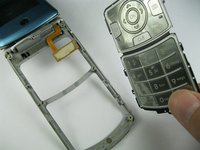
    • Lift the orange data cable up so that it is elevated.

    • Gently use a finger to lift the keypad out.

    Vraag FixBot

    Voeg opmerking toe

  15. LG Chocolate 3 Keypad Replacement: stap 15, afbeelding 1 van 1
    • Insert the spudger in between the keypad and the phone.

    • Lift the keypad to seperate it from the phone.

    Vraag FixBot

    Voeg opmerking toe

  16. LG Chocolate 3 Keypad Replacement: stap 16, afbeelding 1 van 2 LG Chocolate 3 Keypad Replacement: stap 16, afbeelding 2 van 2
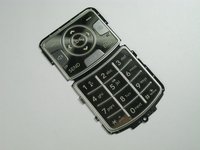
    • Remove the damaged keypad.

    • Insert the replacement keypad.

    • Reassemble the phone after the broken keypad is replaced.

    Vraag FixBot

    Voeg opmerking toe

Conclusie

To reassemble this device, follow these instructions in reverse order.

Annuleren: ik heb deze handleiding niet afgemaakt.

Één andere persoon heeft deze handleiding voltooid.

Brenna Yagade

Lid sinds: 04/15/13

40 Reputatie

6 handleidingen geschreven

Team

Cal Poly, Team 12-35, Amido Spring 2013 Lid van Cal Poly, Team 12-35, Amido Spring 2013

CPSU-AMIDO-S13S12G35

5 Leden

12 handleidingen geschreven

0Gids Commentaar

Voeg opmerking toe

Weergavestatistieken:

Afgelopen 24 uren: 1

Afgelopen 7 dagen: 1

Afgelopen 30 dagen: 25

Altijd: 766