Deze vertaling is door een computer gegenereerd en is nog niet door iemand nagekeken. Spreek je deze taal? Bekijk het hier.
Inleiding
De ventilator koelt de motor en de printplaat af wanneer de blender in gebruik is.
Wat je nodig hebt
-
-
-
Verwijder de glazen kan en plaats de blender ondersteboven op een stevige ondergrond.
-
Verwijder de vier rubberen voetjes met de pincet met puntige uiteinden.
-
Verwijder de vier 25 mm #7.5 Phillips kruiskopschroeven die zich onder de rubberen voetjes bevonden met de Phillips kruiskopschroevendraaier.
 Vraag FixBot
-
-
-
Til het achterpaneel op en schuif het langs het netsnoer.
-
-
-
-
-
-
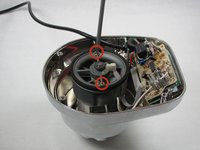
Verwijder de twee #5 Phillips 95 mm-machineschroeven met de Phillips #2-kruiskopschroevendraaier.
-
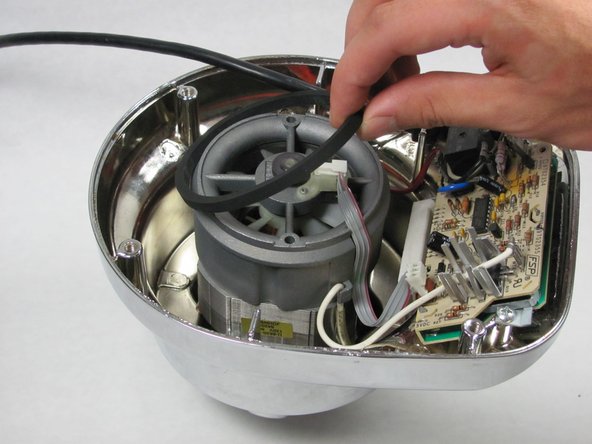
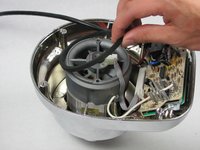
Verwijder de rubberen O-ring door deze omhoog te tillen.
-
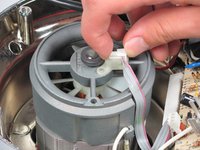
Verwijder de lintkabel uit de behuizing door deze omhoog te tillen.
-
-
-
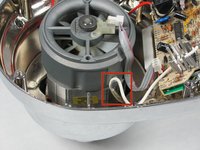
Haak de witte bedrading los die om het pinnetje is gelust door deze uit de klem te trekken.
-
Herhaal dit proces met de rode bedrading aan de andere kant van het chassis.
-
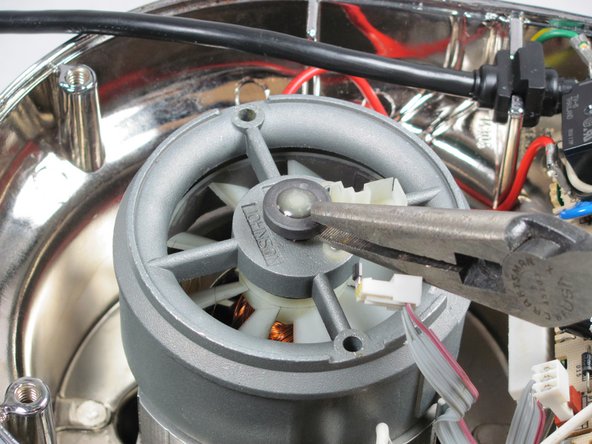
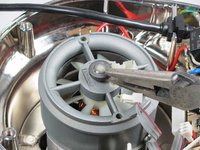
Verwijder de eindkap met behulp van de 8" Pincet met puntige uiteinden.
-
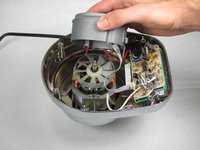
Trek het ventilatorchassis omhoog.
-
-
-
Verwijder de ventilator door deze omhoog te tillen.
-
-






Volg deze instructies in omgekeerde volgorde om uw apparaat weer in elkaar te zetten.
Annuleren: ik heb deze handleiding niet afgemaakt.
Één andere persoon heeft deze handleiding voltooid.

Team

Cal Poly, Team 12-5, Forte Fall 2014 Lid van Cal Poly, Team 12-5, Forte Fall 2014
CPSU-FORTE-F14S12G5
5 Leden
72 handleidingen geschreven
3Gids Commentaar
Hi,
Do you know if it is possible to convert Kitchenaid Artisan stand mixer to 240v, has anyone looked inside or know if i should change something.
