Inleiding
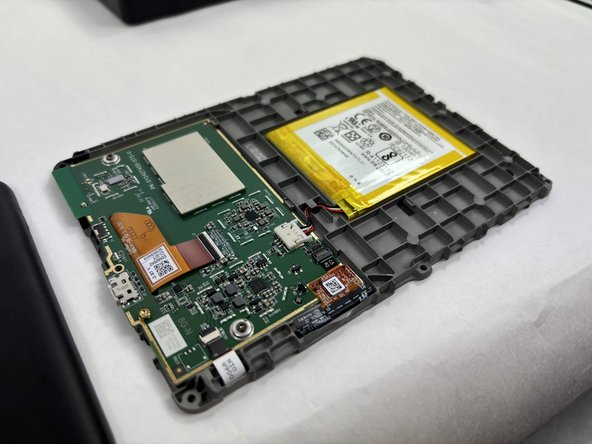
If you discover any issues such as quickly draining battery, freezing, overheating, or charging problems, this could indicate that you need to replace your battery. Through using this guide, you can learn the proper way to conduct a battery replacement for the Kindle 10.
Wat je nodig hebt
-
-
-
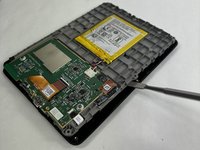
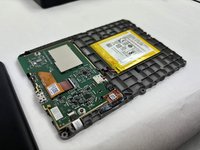
Gently use a metal spudger to pry, twist, and lift the bezel away from the display.
 Vraag FixBot
-
-
-



To reassemble your device, follow these instructions in reverse order.
Annuleren: ik heb deze handleiding niet afgemaakt.
2 andere personen hebben deze handleiding voltooid.

Team

UMass Dartmouth, Team 1-2, Konn Fall 2024 Lid van UMass Dartmouth, Team 1-2, Konn Fall 2024
UMASSD-KONN-F24S1G2
3 Leden
7 handleidingen geschreven
