Ga door naar hoofdinhoud
Word lid van de reparatiegemeenschap - Account aanmaken

Jam Voice Battery Replacement

Wat je nodig hebt

  1. Jam Voice Battery Replacement, Hard Mesh Cover: stap 1, afbeelding 1 van 2 Jam Voice Battery Replacement, Hard Mesh Cover: stap 1, afbeelding 2 van 2
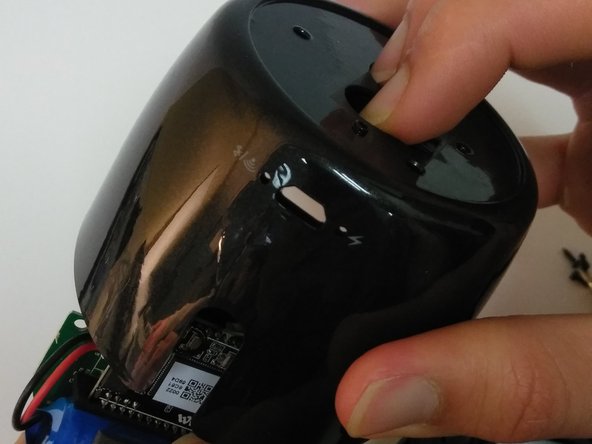
    • Insert the plastic opening tool underneath the mesh top.

    • Pry the cover open.

    • To reattach the cover, simply align the round posts on the bottom of the cover into the holes.

    Vraag FixBot

    Voeg opmerking toe

  2. Jam Voice Battery Replacement, Motherboard: stap 2, afbeelding 1 van 1
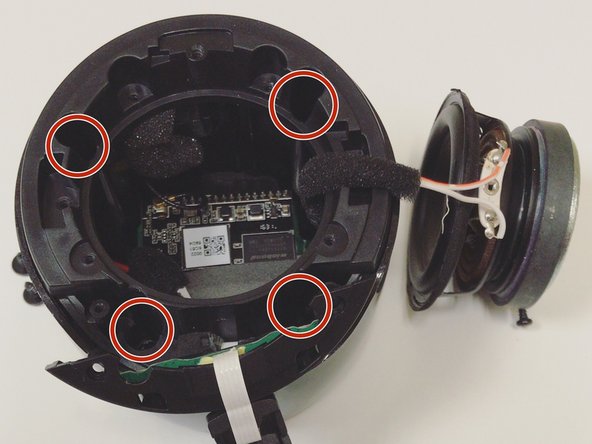
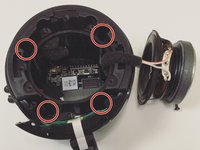
    • Remove the four 7mm Phillips screws from the plastic cover.

    Vraag FixBot

    Voeg opmerking toe

  3. Jam Voice Battery Replacement: stap 3, afbeelding 1 van 2 Jam Voice Battery Replacement: stap 3, afbeelding 2 van 2
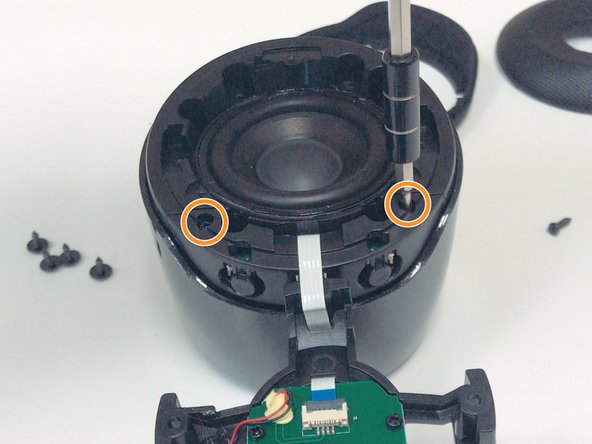
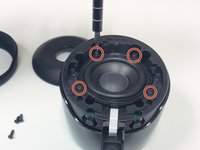
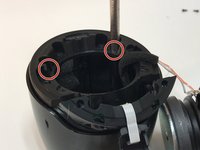
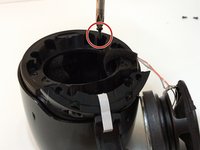
    • Remove the four 5mm Phillips screws that hold down the speaker in place.

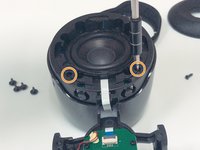
    • Remove the two 6mm Phillips screws that hold down the plastic casing.

    Vraag FixBot

    Voeg opmerking toe

  4. Jam Voice Battery Replacement: stap 4, afbeelding 1 van 1
    Gereedschap gebruikt in deze stap:
    Halberd Spudger
    $2.99
    • Once all six screws are removed, use a Halberd Spudger or similar tool to lift up the speaker.

    • Pull the speaker up and out.

    Vraag FixBot

    Voeg opmerking toe

  5. Jam Voice Battery Replacement: stap 5, afbeelding 1 van 3 Jam Voice Battery Replacement: stap 5, afbeelding 2 van 3 Jam Voice Battery Replacement: stap 5, afbeelding 3 van 3
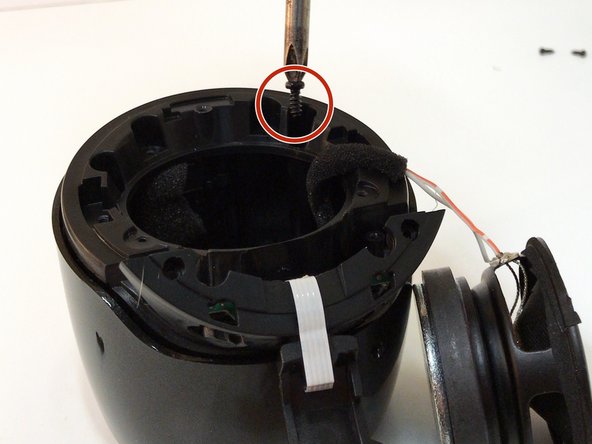
    • Remove the four 7mm Phillips screws to expose the motherboard.

    Vraag FixBot

    Voeg opmerking toe

  6. Jam Voice Battery Replacement: stap 6, afbeelding 1 van 1
    • After removing all of the screws from the plastic cover, remove it by pulling up and out.

    • Be careful not to pull and damage any of the wires.

    Vraag FixBot

    Voeg opmerking toe

  7. Jam Voice Battery Replacement: stap 7, afbeelding 1 van 2 Jam Voice Battery Replacement: stap 7, afbeelding 2 van 2
    • Remove the three 5mm Phillips screws that hold the motherboard in place.

    • After the screws are removed, place two fingers on the power button and Bluetooth button to push the motherboard out.

    Vraag FixBot

    Voeg opmerking toe

  8. Jam Voice Battery Replacement, Battery: stap 8, afbeelding 1 van 3 Jam Voice Battery Replacement, Battery: stap 8, afbeelding 2 van 3 Jam Voice Battery Replacement, Battery: stap 8, afbeelding 3 van 3
    Gereedschap gebruikt in deze stap:
    Tweezers
    $4.99
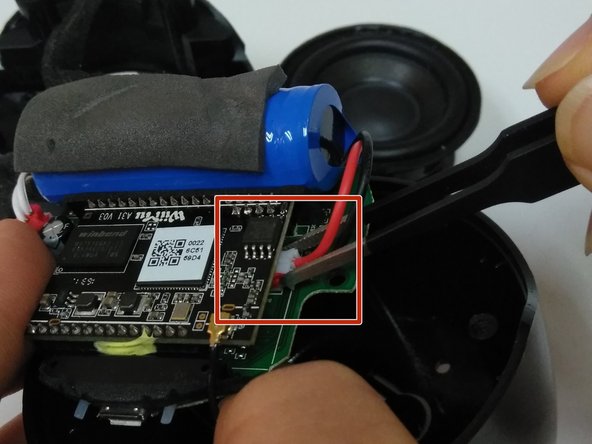
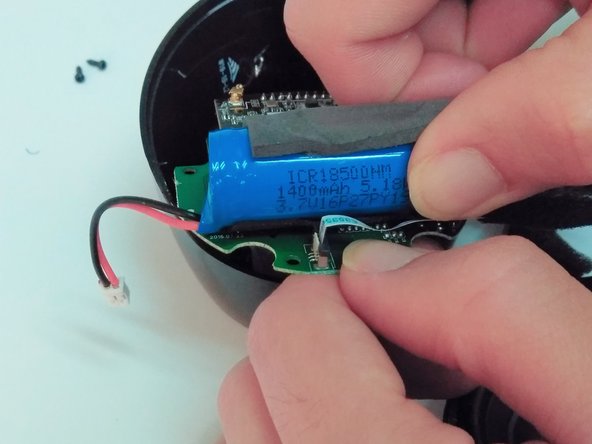
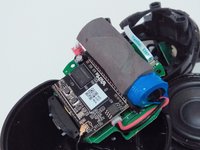
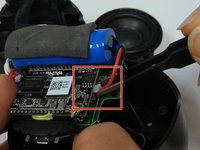
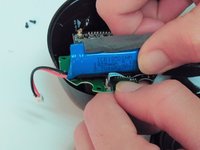
    • Expose the motherboard and battery and place in a position that will be easy to access and work with.

    • Use tweezers to remove the battery's wire from the motherboard at the connection point.

    • The battery's connection point is opposite the speaker's connection point.

    • Pull the battery from the motherboard.

    Vraag FixBot

    Voeg opmerking toe

Conclusie

To reassemble your device, follow these instructions in reverse order.

Annuleren: ik heb deze handleiding niet afgemaakt.

Één andere persoon heeft deze handleiding voltooid.

0Gids Commentaar

Voeg opmerking toe

Weergavestatistieken:

Afgelopen 24 uren: 0

Afgelopen 7 dagen: 11

Afgelopen 30 dagen: 30

Altijd: 1,033