Inleiding
This guide will walk you through replacing the driver if your JBL Grip speaker is not producing audio. Before starting, make sure the speaker is powered off and disconnected from any external cables. Handle all internal parts carefully to avoid damaging sensitive components.
Wat je nodig hebt
-
-
-
-
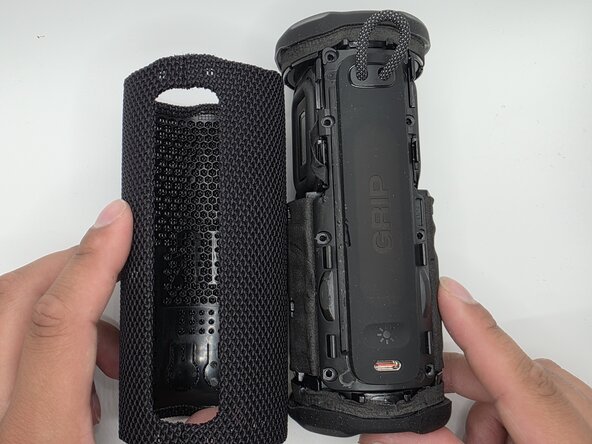
Remove the four 3mm screws securing the speaker cover with a Phillips #2 screwdriver. Pry the speaker assembly from the body with the plastic pry tool.
-
Pry the speaker assembly from the body with an opening tool.
-
-
-
Use a soldering iron to remove the wires/cables connected to the speaker driver.
-
-


 Vraag FixBot



To reassemble your device, follow these instructions in reverse order.

Team

University of North Texas, Team 1-4, Kilpatrick Spring 2026 Lid van University of North Texas, Team 1-4, Kilpatrick Spring 2026
UNT-KILPATRICK-S26S1G4
5 Leden
40 handleidingen geschreven
