Deze vertaling is door een computer gegenereerd en is nog niet door iemand nagekeken. Spreek je deze taal? Bekijk het hier.

JBL Flip Batterijvervanging

Voor het laatst geüpdatet op 19 aug 2026
Bekeken: 107K
Statistieken weergeven:
- Afgelopen 24 uur:
- 8
- Afgelopen 7 dagen:
- 56
- Afgelopen 30 dagen:
- 246
- Altijd:
- 106.514
Commentaar: 58
6 opmerkingen over de stappen, 52 opmerkingen op de handleiding.
Bekijk de opmerkingen bij de handleidingVoltooid: 24 25
24 mensen hebben deze handleiding als "voltooid" gemarkeerd. Ben jij de volgende?
25 personen hebben deze handleiding als "voltooid" gemarkeerd. Een daarvan ben jij—lekker bezig!
Favorieten: 8 9
8 mensen hebben deze handleiding als favoriet gemarkeerd en volgen deze. Ben jij de volgende?
9 personen hebben deze handleiding als favoriet gemarkeerd (en blijven daarmee op de hoogte van meldingen)—een daarvan ben jij!
Inconsistente plaatjes
Deze handleiding zou veel cooler worden met foto's zoals het hoort (zie vereisten).
Wat je nodig hebt
Onderdelen

Gereedschap


-
-
-
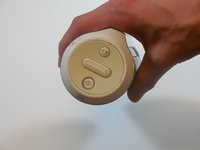
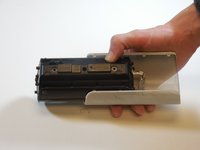
Verwijder de eindkap aan de kant met de knoppen door de platte schroevendraaier tussen de rubberen voering en het plastic te steken.
-
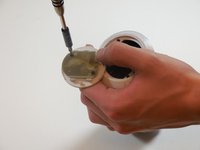
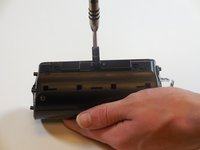
Nadat de dop is verwijderd, draait u de twee 3,3 mm schroeven los met een PH1-schroevendraaier.
 Vraag FixBot
-
-
-
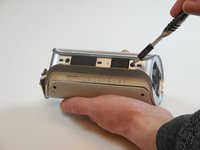
Draai vier 3,3 mm schroeven aan elk uiteinde van de JBL los met een ph 1-schroevendraaier (8 schroeven in totaal).
-
-
-
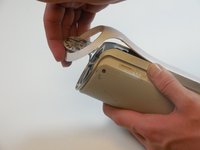
Verwijder de buitenste witte behuizing door deze aan één kant voorzichtig omhoog te tillen.
-
Verwijder de twee 5mm-schroeven waarmee de zilveren achterplaat vastzit met een PH2-schroevendraaier.
-
Til de zilveren behuizing voorzichtig op en verwijder deze.
-
-
-
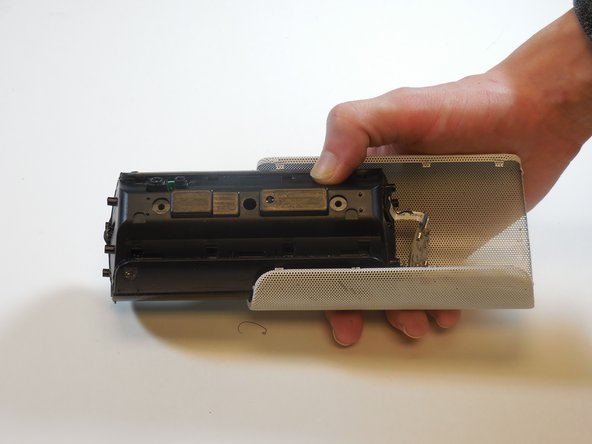
Verwijder de laatste witte achterbehuizing om de achterkant van de speakerkap bloot te leggen.
-
-
-
-
Wrik de vier lipjes aan elke kant van de speakerkap los (in totaal 8 lipjes).
-
Wrik de twee lipjes aan elk uiteinde los om de kap te verwijderen (in totaal 4 lipjes).
-
Schuif de speaker uit de metalen speakerkap.
-
-
-
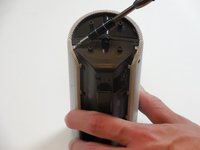
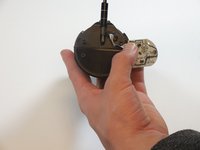
Verwijder de 5 mm schroef in het midden van de achterkant van het apparaat met een PH2-schroevendraaier.
-
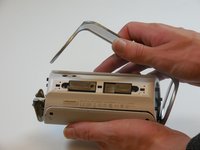
Draai de twee 5 mm schroeven aan beide kanten los met een PH2-schroevendraaier.
-
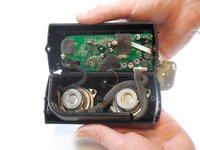
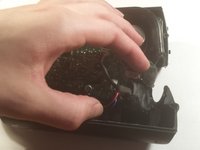
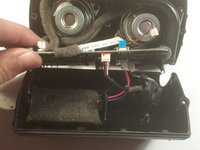
Open de speaker.
-
-
-
-
-
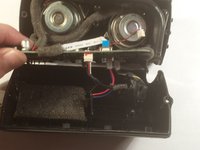
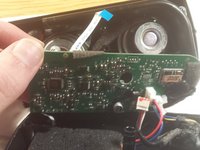
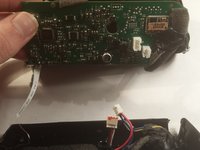
Pel het moederbord langzaam los van de zwarte lijm aan de onderzijde.
-
-
-
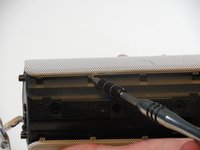
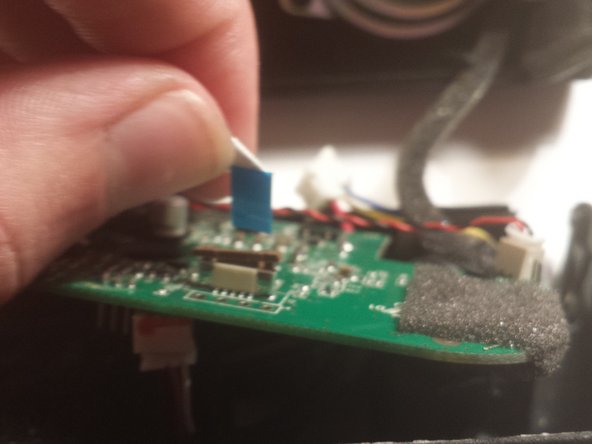
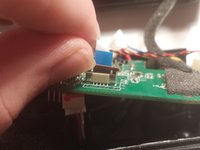
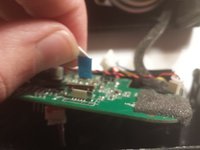
Duw de bruine treklip omhoog en trek de (kabel)aansluiting voorzichtig los.
-
-
-
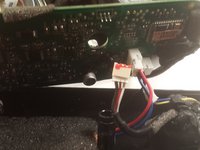
Verwijder de eerste twee (kabel)aansluitingen aan de onderzijde van het moederbord.
-
-
-
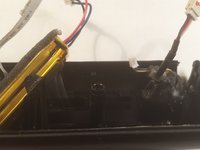
Verwijder de laatste (kabel)aansluiting.
-
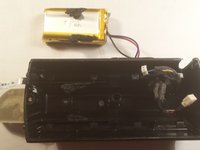
Verwijder de accu en vervang deze.
-
-
















Volg deze instructies in omgekeerde volgorde om uw apparaat weer in elkaar te zetten.
Annuleren: ik heb deze handleiding niet afgemaakt.
24 andere personen hebben deze handleiding voltooid.

Team

Colorado Springs, Team 9-5, Panko Spring 2015 Lid van Colorado Springs, Team 9-5, Panko Spring 2015
UCCS-PANKO-S15S9G5
3 Leden
60 handleidingen geschreven
52Gids Commentaar
I also want to know about the battery specs
https://www.youtube.com/watch?v=apF4qT3e...
Follow this video tutorial. this will help you definitely
Mine is not working anymore and I suspect that the battery is not charging. I´ve checked the battery and its code is AEC653055-2Pwith rating 3,7V 2000 mAh. It has 3 cables: red, yellow and black. I´ve used a voltage meetering to check if there some charge coming from and it had 4,0 VDC. So, probably the problem related to my device is with the battery, because it´s not charging. Anyone else had this same issue?
hey. i had the same problem with the battery of JBL flip. and i fixed it. Complete video tutorial is here :)
