Ga door naar hoofdinhoud
Word lid van de reparatiegemeenschap - Account aanmaken

InFocus IN3104 Lamp Replacement

Wat je nodig hebt

  1. InFocus IN3104 Lamp Replacement, Top Cover: stap 1, afbeelding 1 van 3 InFocus IN3104 Lamp Replacement, Top Cover: stap 1, afbeelding 2 van 3 InFocus IN3104 Lamp Replacement, Top Cover: stap 1, afbeelding 3 van 3
    • Turn the projector so that the lens is facing you.

    • On the left side of the projector, there is a screw and a knob inside of the small grate.

    • Use a Phillips #1 screwdriver to remove the 6 mm screw that secures top cover.

    • Remove the service cover.

    Vraag FixBot

    Voeg opmerking toe

  2. InFocus IN3104 Lamp Replacement: stap 2, afbeelding 1 van 3 InFocus IN3104 Lamp Replacement: stap 2, afbeelding 2 van 3 InFocus IN3104 Lamp Replacement: stap 2, afbeelding 3 van 3
    • Use a Phillips #1 screwdriver to remove the seven 6 mm screws.

    • Use a Phillips #1 screwdriver to remove the two 5 mm screws.

    • Remove the top cover.

    • Do not pull the cover too hard. It may damage the wire that is connected to the motherboard.

    Vraag FixBot

    Voeg opmerking toe

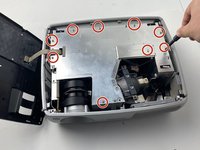
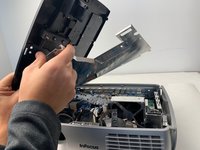
  3. InFocus IN3104 Lamp Replacement, InFocus IN3104 Metal Cover Disassembly: stap 3, afbeelding 1 van 2 InFocus IN3104 Lamp Replacement, InFocus IN3104 Metal Cover Disassembly: stap 3, afbeelding 2 van 2
    • Use a Phillips #1 screwdriver to remove the nine 6 mm screws.

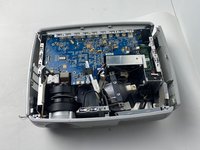
    • Lift up the metal cover and set it aside to reveal the motherboard.

    Vraag FixBot

    Voeg opmerking toe

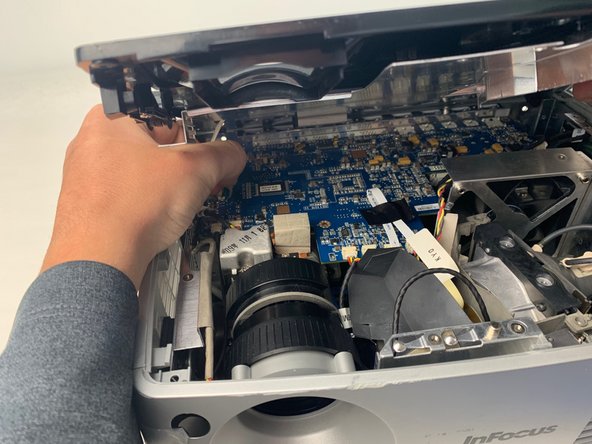
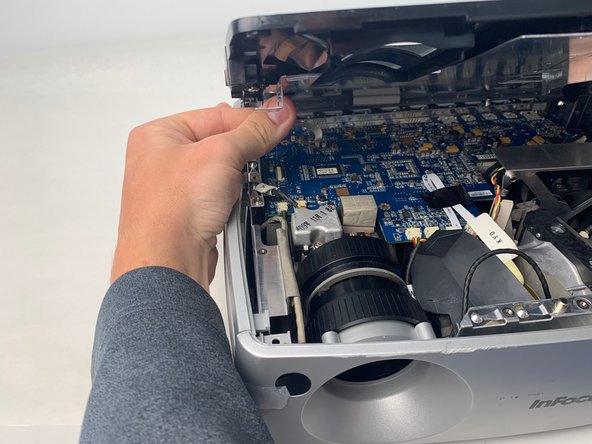
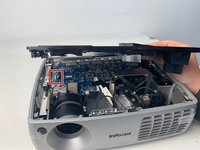
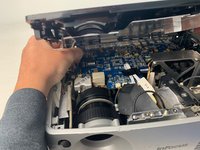
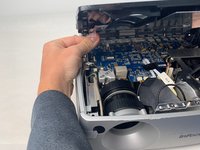
  4. InFocus IN3104 Lamp Replacement: stap 4, afbeelding 1 van 3 InFocus IN3104 Lamp Replacement: stap 4, afbeelding 2 van 3 InFocus IN3104 Lamp Replacement: stap 4, afbeelding 3 van 3
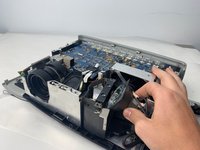
    • Carefully pry up the black plastic locking bar of the ZIF connector on the motherboard with a plastic spudger.

    • Pull out the blue-tipped, white ribbon cable from the connector.

    • Remove the metal cover.

    Vraag FixBot

    Voeg opmerking toe

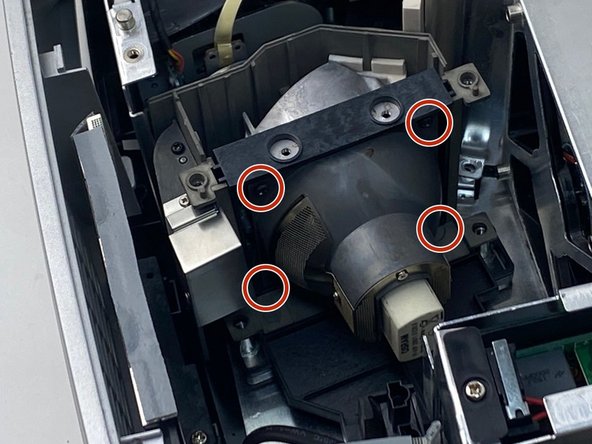
  5. InFocus IN3104 Lamp Replacement, Lamp: stap 5, afbeelding 1 van 3 InFocus IN3104 Lamp Replacement, Lamp: stap 5, afbeelding 2 van 3 InFocus IN3104 Lamp Replacement, Lamp: stap 5, afbeelding 3 van 3
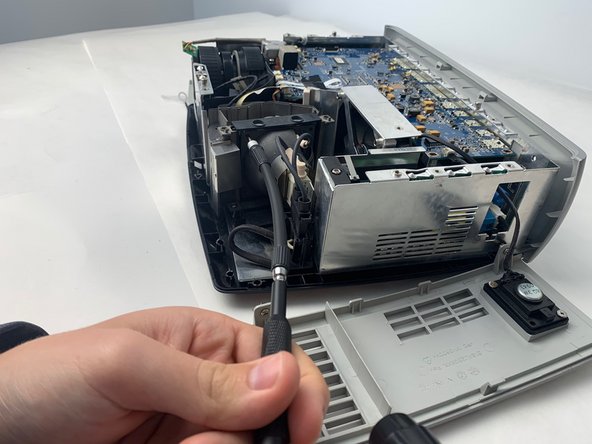
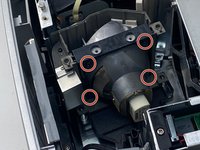
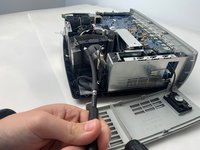
    • Use a Phillips #0 screwdriver to remove the four 6 mm screws.

    • You may need to use a flexible extender to help remove the screws easily.

    Vraag FixBot

    Voeg opmerking toe

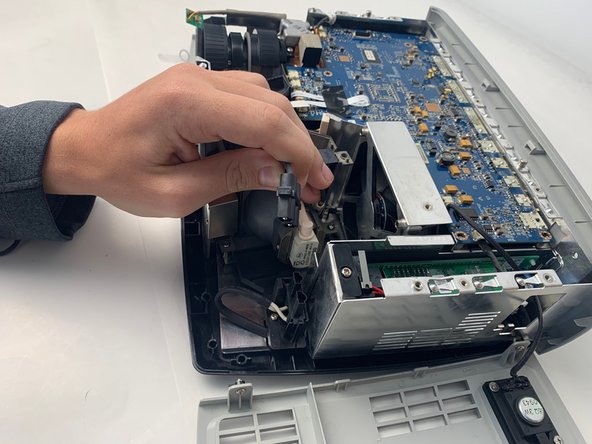
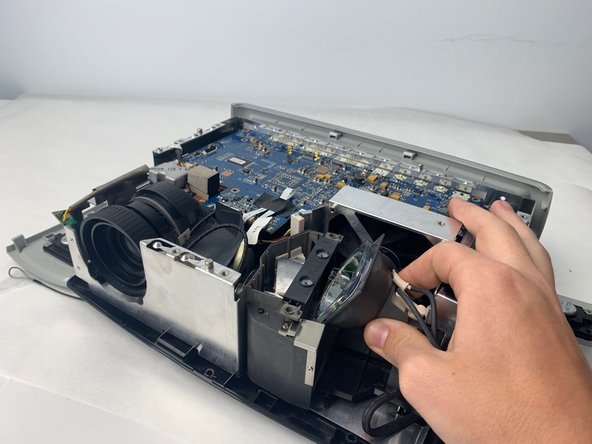
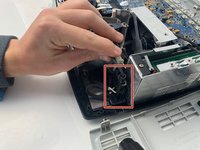
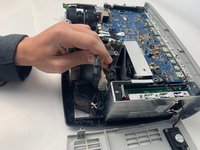
  6. InFocus IN3104 Lamp Replacement: stap 6, afbeelding 1 van 3 InFocus IN3104 Lamp Replacement: stap 6, afbeelding 2 van 3 InFocus IN3104 Lamp Replacement: stap 6, afbeelding 3 van 3
    • Remove the lamp power cable situated beside the lamp by pulling it straight out.

    • Remove the lamp by pulling it straight out from the device.

    Vraag FixBot

    Voeg opmerking toe

Conclusie

To reassemble your device, follow these instructions in reverse order.

Annuleren: ik heb deze handleiding niet afgemaakt.

0Gids Commentaar

Voeg opmerking toe

Weergavestatistieken:

Afgelopen 24 uren: 3

Afgelopen 7 dagen: 7

Afgelopen 30 dagen: 56

Altijd: 1,031