Inleiding
AUTHOR'S NOTE: While AI is largely condemned due to hallucination issues and hit-and-miss response quality, I am making this guide to educate someone using AI to get better response prompt results. I was hesitant to write this, but given that AI is likely here to stay, this educational material is likely a better long-term lesser evil.
This guide is intended for posters who intend to use AI to make their responses for Answers. Per the Community guidelines AI needs to be used with caution and verification of the response. This guide intends to bridge knowledge gaps that new users to tools like ChatGPT and Geminini may fall into due to issues like lack of iteration, bad initial details and other common quality pitfalls, which create poor quality responses. This guide is intended to help you properly prompt AI at a basic level, improving your answer quality and avoiding issues like the spam filter self-deleting your answers. AI must be used with caution, and the response must be verified independently before posing it to make sure the answer is accurate, safe, and well "written".
-
-
Before attempting to use AI, make sure the question is a good candidate. In this example, the question here is almost certainly not a good starting point, and no amount of AI will fix this without the question poster adding additional key details. This question in it's initial form is a poor candidate. You should ask for more details.
-
When this question is fed into a AI tool (in this case, I used ChatGPT as Geminini requires a Google account for speed), the initial response is vague, unusable and not targeted due to the lack of information.
-
-
-
How can we improve this? In Step 1, the sample question shown is so bad in its initial form, additional information is a must to properly answer it and cannot be used to get a good AI answer. As seen here, providing additional information improved the quality by a good margin but still lacks needed details.
-
-
-
Now that more details are available to better respond, we need to know key details such as he model year of the car, or model of the device. Once you know this, this very often helps find common causes. This is not a conclusive list, and basic research needs to be done before you trust the response.
-
Before moving forward, do not paste the information as-is into the answer as it was generated - ask the AI tool to summarize it Posting the snippets is far from helpful for someone who is not an expert.
-
-
-
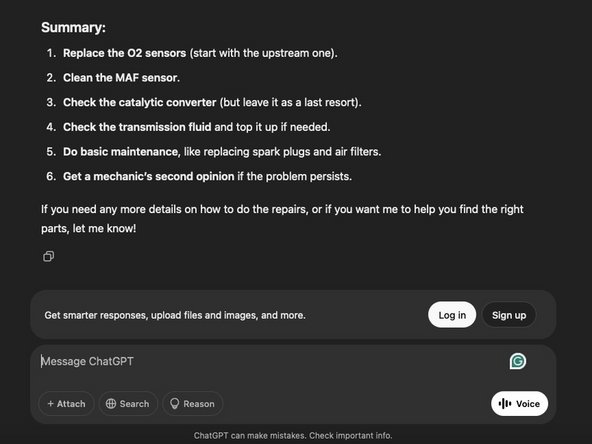
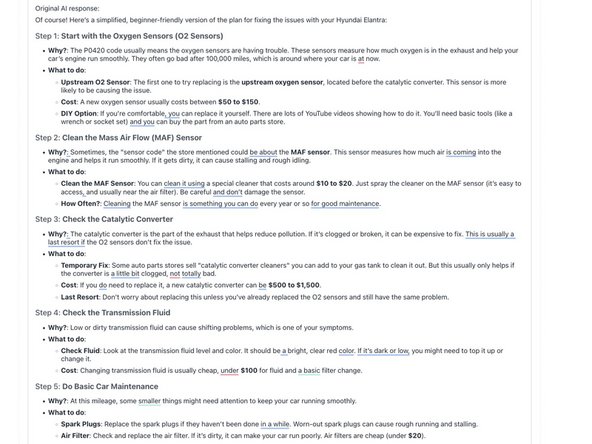
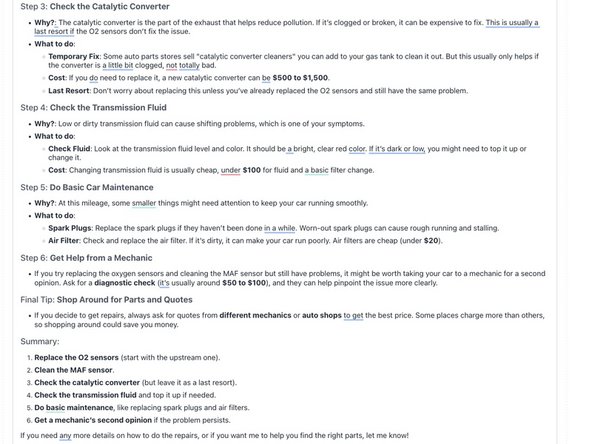
Ask your AI tool to summarize the information - do not post it as-is. This will not be helpful. This is an example of how to best accomplish this:
-
-
-
-
When evaluating the base question, this is much more viable for AI to respond to. The reason this will take better then the "bad" example is because there is more meat to look into. It still will not be perfect out of the gate and may need iteration, but much less will be needed.
-
-
-
Some information is still missing, like the model year - you will still need to get this if it is not present. In this case, it is in the comments - 2013 Hyundai Elantra. You would add this to your prompt, which will help you (and the AI tool) find common faults known to occur on the vehicle (as well as common old Hyundai failures).
-
-
-
This is a continuation of Step 6 due to photo limits
-
-
-
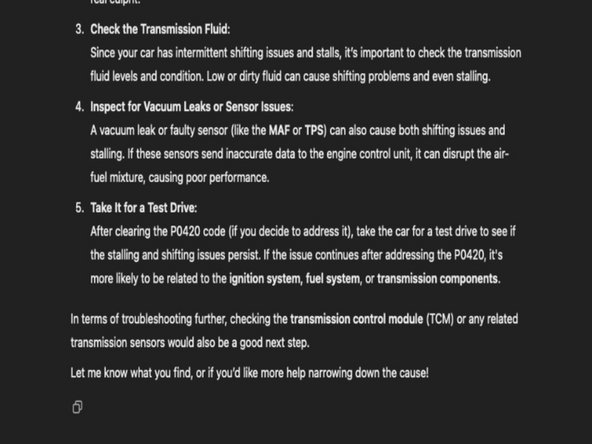
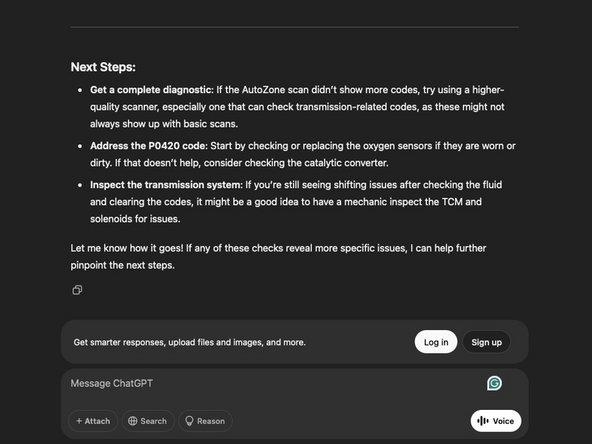
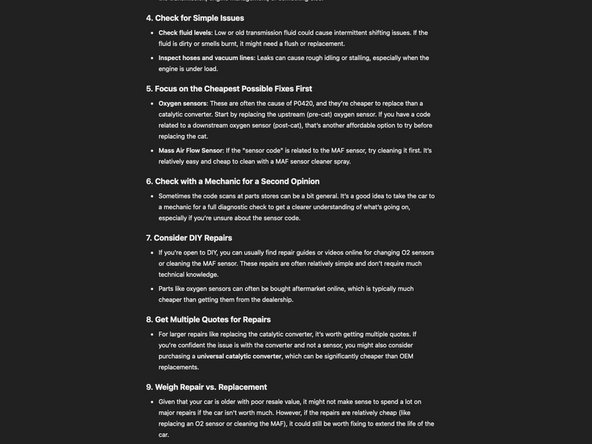
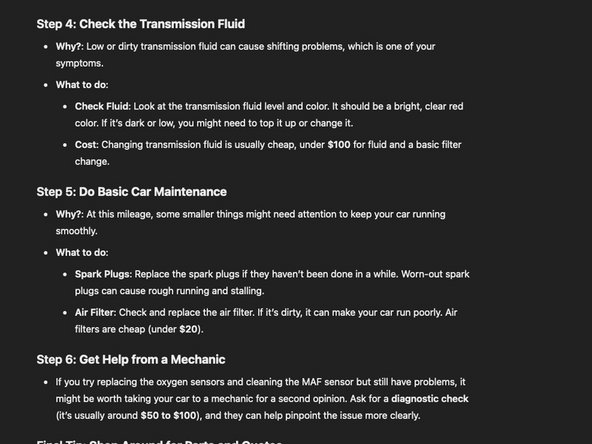
Now that we have a good base response given the amount of usable details in the 2nd example, this response can likely be summarised without significant refinement, pending research to validate the response. For example: 2013 Hyundai Elantra common failures (personalize this to the question)
-
-
-
This initial answer is poor and unusable as-is. It needs refinement.
-
-
-
This example has been amended to show how to amend the final AI response properly.
-












To reassemble your device, follow these instructions in reverse order.
Annuleren: ik heb deze handleiding niet afgemaakt.
Één andere persoon heeft deze handleiding voltooid.


Team

