Deze vertaling is door een computer gegenereerd en is nog niet door iemand nagekeken. Spreek je deze taal? Bekijk het hier.

Hoofdklikknoppen

Jerico Morales en 3 andere bijdragers
Voor het laatst geüpdatet op 29 sep 2026
Bekeken: 26K
Statistieken weergeven:
- Afgelopen 24 uur:
- 9
- Afgelopen 7 dagen:
- 53
- Afgelopen 30 dagen:
- 229
- Altijd:
- 26.195
Commentaar: 8
2 comments on steps, 6 guide comments.
Go to guide commentsVoltooid: 18 19
18 mensen hebben deze handleiding als "voltooid" gemarkeerd. Ben jij de volgende?
19 personen hebben deze handleiding als "voltooid" gemarkeerd. Een daarvan ben jij—lekker bezig!
Favorieten: 3 4
3 mensen hebben deze handleiding als favoriet gemarkeerd en volgen deze. Ben jij de volgende?
4 personen hebben deze handleiding als favoriet gemarkeerd (en blijven daarmee op de hoogte van meldingen)—een daarvan ben jij!
Inleiding
Ga naar stap 1 ↓Gebruik deze handleiding om de klikknoppen te verwijderen en te vervangen
Wat je nodig hebt
Gereedschap
-
-
-
Solder sucker bulbOptioneel
-
-


-
-
-
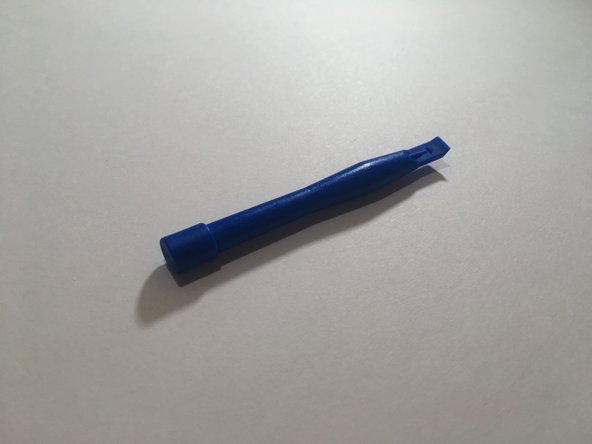
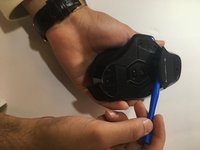
Gebruik een blauwe spudger om alle 4 de muisvoetjes van de onderkant van de muis te wrikken.
 Vraag FixBot
-
-
-
Gebruik een #00 schroevendraaier (3x5 mm) om alle 6 schroeven onder de muisvoetjes los te draaien.
-
-
-
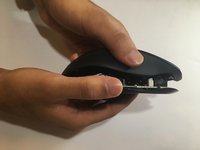
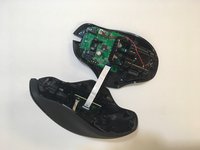
Til de bovenkant van de muis van de onderkant van de muis (haal de muis in tweeën) om de interne hardware bloot te leggen.
-
-
-
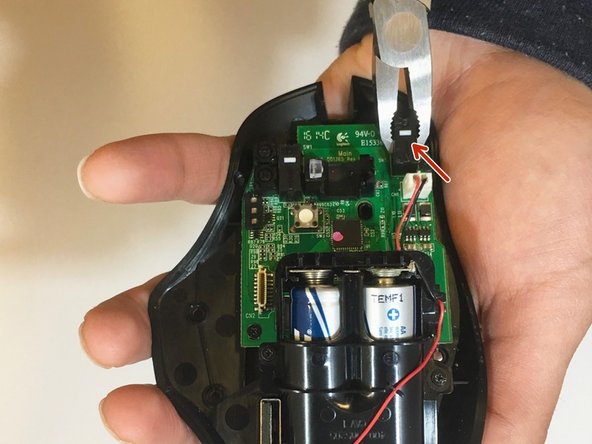
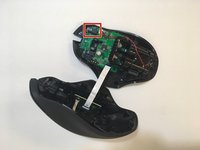
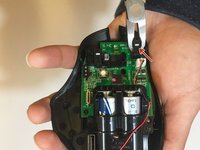
Gebruik een tang om de zwarte afdekkingen over de knop vast te pakken en te verwijderen — de zwarte afdekking en de knop, een klein wit plastic onderdeel, zouden eraf moeten komen.
-
-
-
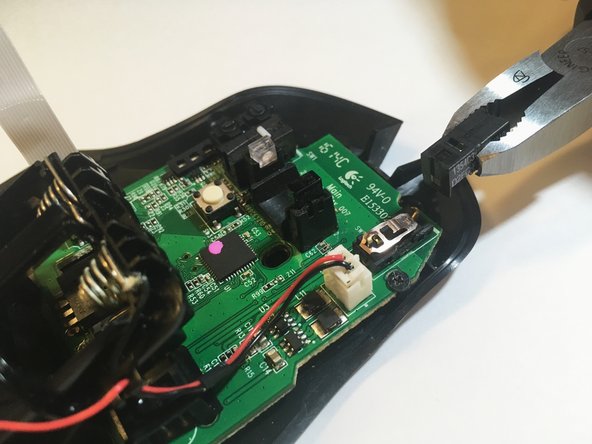
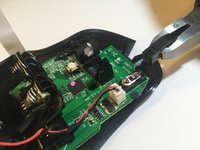
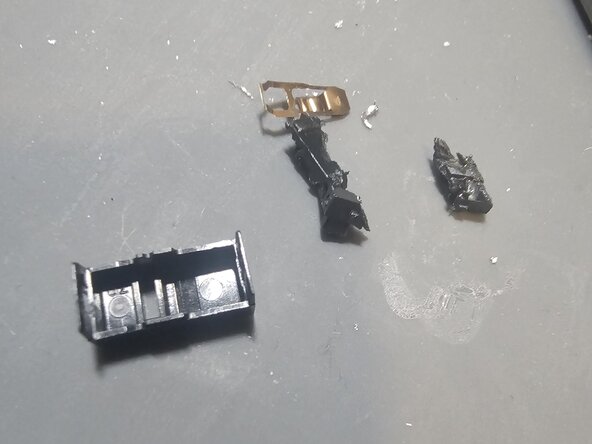
Gebruik een zijkniptang om het resterende plastic onderdeel van de schakelaar voorzichtig te demonteren; pas op dat je het moederbord niet beschadigt.
-
-
-
Verhit de metalen onderdelen van de schakelaar met een soldeerbout totdat het soldeer volledig gesmolten is, voeg indien nodig extra soldeer toe om het smelten te bevorderen en trek de schakelaar vervolgens met een tang door de bovenkant van het moederbord heen.
-
-
-
-
Plaats de soldeerbout aan één kant van het moederbord en gebruik een soldeerpomp aan de tegenoverliggende kant om het soldeertin uit de gaten te zuigen
-
-
-
Plaats de nieuwe schakelaar in de set van 3 gaten en zorg ervoor dat de oorspronkelijke oriëntatie behouden blijft.
-
-
-
Voeg soldeer toe aan de nieuwe schakelaar. (excuses voor het gebrek aan goede foto's; ik besefte me niet hoe eenvoudig het is om iFixit handleidingen te bewerken en vond het origineel ontoereikend.)
-
-







Volg deze instructies in omgekeerde volgorde om uw apparaat weer in elkaar te zetten.
Annuleren: ik heb deze handleiding niet afgemaakt.
18 andere personen hebben deze handleiding voltooid.

Team

Eastern Washington University, Team S1-G1, Ramos Winter 2018 Lid van Eastern Washington University, Team S1-G1, Ramos Winter 2018
EWU-RAMOS-W18S1G1
4 Leden
60 handleidingen geschreven
6Gids Commentaar
you have to buy new ones… i’m more concerned of using pliers to take the switch apart, when ideally you should desolder it and replace it with a proper omron switch (not made in china)
He is only removing the cover, not the whole button. But doing it with pliers is skipping that it has two clips, one at each end and you could damage the board just twisting and pulling
What do you do after step 5? And that copper spring looks wrong. It shouldn’t look like that. The correct positioning is this: https://community.pcgamingwiki.com/galle...
