Ga door naar hoofdinhoud
Word lid van de reparatiegemeenschap - Account aanmaken

HTC Wizard 200 Back Panel Replacement

Wat je nodig hebt

  1. HTC Wizard 200 Back Panel Replacement, Battery: stap 1, afbeelding 1 van 2 HTC Wizard 200 Back Panel Replacement, Battery: stap 1, afbeelding 2 van 2
    • To expose the battery, remove the outer case with your fingernail.

    • Remove the battery by pulling the black tab.

    Vraag FixBot

    Voeg opmerking toe

  2. HTC Wizard 200 Back Panel Replacement, Back Panel: stap 2, afbeelding 1 van 1
    Gereedschap gebruikt in deze stap:
    Spudger
    $3.99
    • Insert the flat end of the spudger into the two notches on the back of the camera cover and pry them up.

    Vraag FixBot

    Voeg opmerking toe

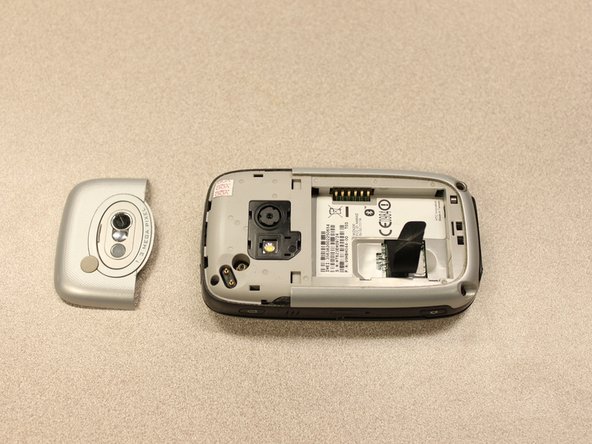
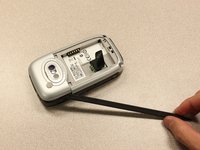
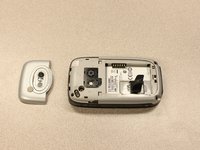
  3. HTC Wizard 200 Back Panel Replacement: stap 3, afbeelding 1 van 2 HTC Wizard 200 Back Panel Replacement: stap 3, afbeelding 2 van 2
    Gereedschap gebruikt in deze stap:
    Spudger
    $3.99
    • Work the spudger around the edges of the camera cover until it comes off.

    Vraag FixBot

    Voeg opmerking toe

  4. HTC Wizard 200 Back Panel Replacement: stap 4, afbeelding 1 van 2 HTC Wizard 200 Back Panel Replacement: stap 4, afbeelding 2 van 2
    Gereedschap gebruikt in deze stap:
    T5 Torx Screwdriver
    $5.49
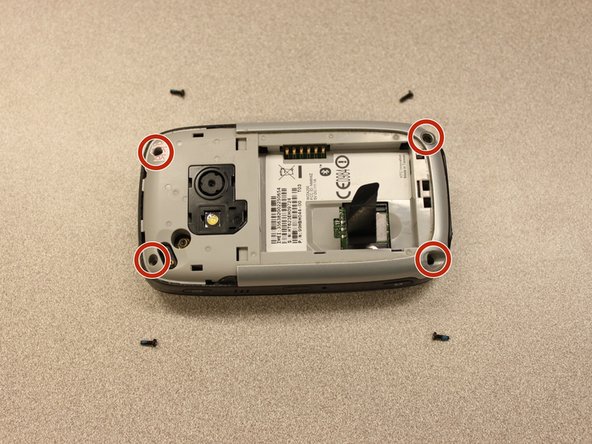
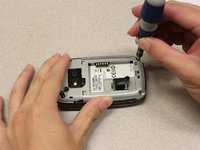
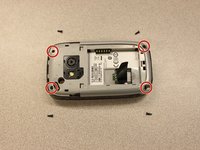
    • Remove the four 6 mm screws with the T5 Torx screwdriver.

    • One of the screws is under the "void" sticker.

    Vraag FixBot

    Voeg opmerking toe

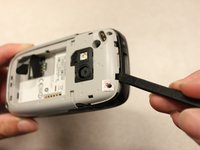
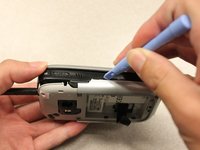
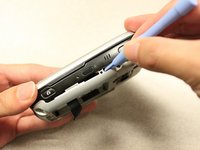
  5. HTC Wizard 200 Back Panel Replacement: stap 5, afbeelding 1 van 3 HTC Wizard 200 Back Panel Replacement: stap 5, afbeelding 2 van 3 HTC Wizard 200 Back Panel Replacement: stap 5, afbeelding 3 van 3
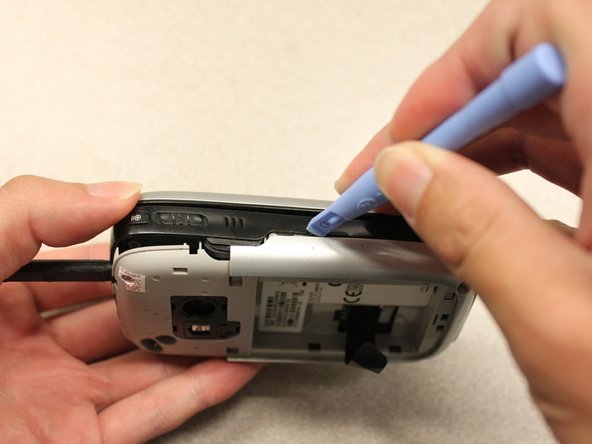
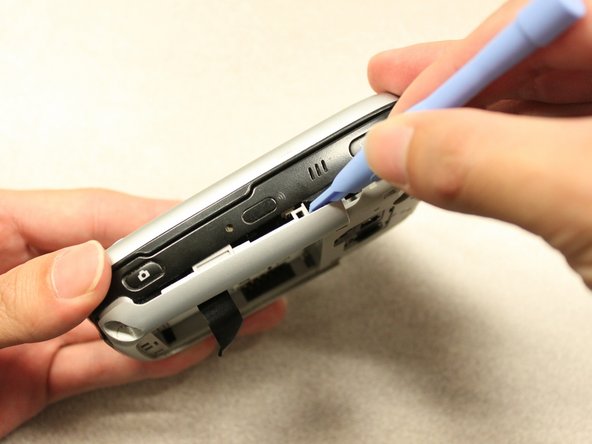
    • Insert the flat end of an iFixit opening tool between the side and inner covers to create a gap.

    • Work the tool around the edges until all the clips release.

    Vraag FixBot

    Voeg opmerking toe

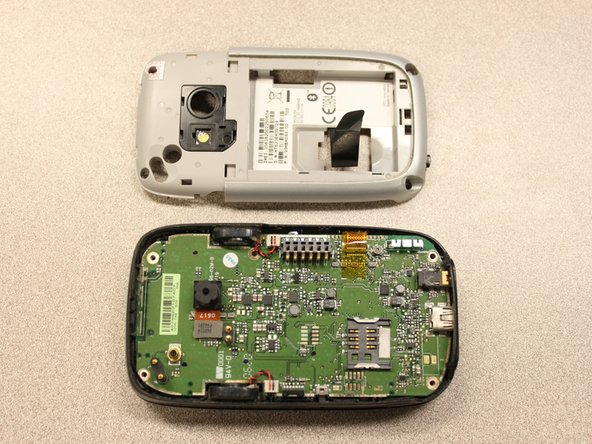
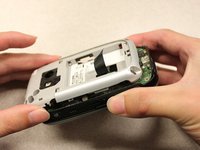
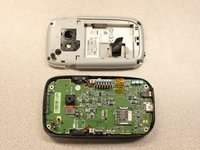
  6. HTC Wizard 200 Back Panel Replacement: stap 6, afbeelding 1 van 2 HTC Wizard 200 Back Panel Replacement: stap 6, afbeelding 2 van 2
    • Once all the clips are open, remove the inner panel from the phone.

    Vraag FixBot

    Voeg opmerking toe

Conclusie

To reassemble your device, follow these instructions in reverse order.

Annuleren: ik heb deze handleiding niet afgemaakt.

Kyle Champ

Lid sinds: 10/03/11

225 Reputatie

12 handleidingen geschreven

Team

Cal Poly, Team 20-27, Maness Fall 2011 Lid van Cal Poly, Team 20-27, Maness Fall 2011

CPSU-MANESS-F11S20G27

4 Leden

36 handleidingen geschreven

0Gids Commentaar

Voeg opmerking toe

Weergavestatistieken:

Afgelopen 24 uren: 2

Afgelopen 7 dagen: 7

Afgelopen 30 dagen: 28

Altijd: 1,492