Ga door naar hoofdinhoud
Word lid van de reparatiegemeenschap - Account aanmaken

HTC SMT 6175 Keyboard Replacement

Wat je nodig hebt

  1. HTC SMT 6175 Keyboard Replacement, Back Case: stap 1, afbeelding 1 van 1
    • First, flip the phone over so that the back is facing upwards.

    Vraag FixBot

    Voeg opmerking toe

  2. HTC SMT 6175 Keyboard Replacement: stap 2, afbeelding 1 van 2 HTC SMT 6175 Keyboard Replacement: stap 2, afbeelding 2 van 2
    • Using both thumbs, push the back side of the phone's exterior up and remove the front face of the phone.

    Vraag FixBot

    Voeg opmerking toe

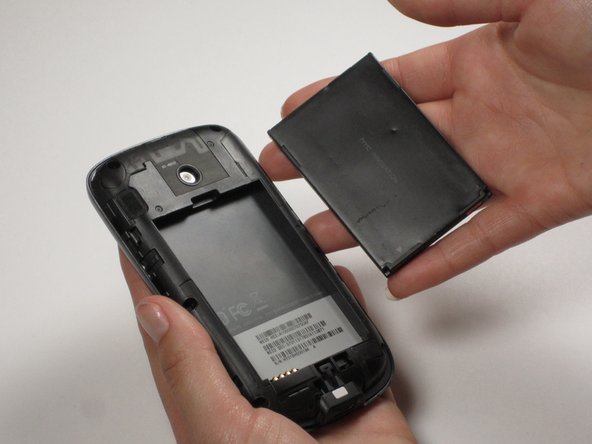
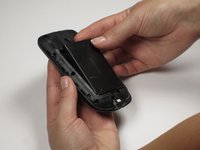
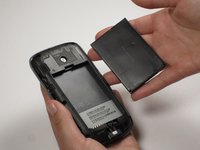
  3. HTC SMT 6175 Keyboard Replacement, Battery: stap 3, afbeelding 1 van 2 HTC SMT 6175 Keyboard Replacement, Battery: stap 3, afbeelding 2 van 2
    • Insert your finger or a pry tool into the slot above the battery. Remove it and set aside.

    Vraag FixBot

    Voeg opmerking toe

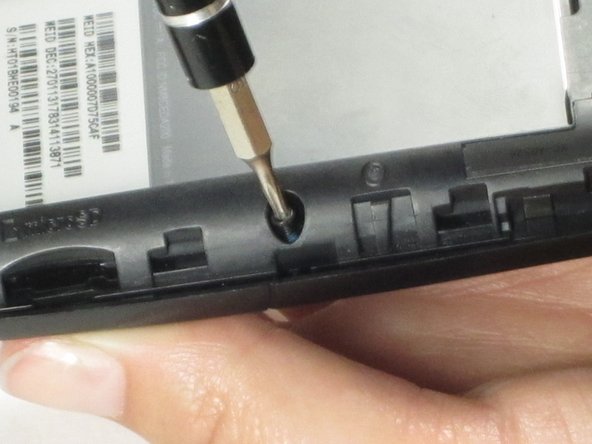
  4. HTC SMT 6175 Keyboard Replacement, Keyboard: stap 4, afbeelding 1 van 2 HTC SMT 6175 Keyboard Replacement, Keyboard: stap 4, afbeelding 2 van 2
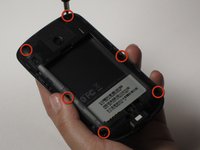
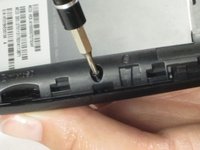
    • To remove the back casing inside the phone, remove the six screws around the perimeter.

    Vraag FixBot

    Voeg opmerking toe

  5. HTC SMT 6175 Keyboard Replacement: stap 5, afbeelding 1 van 2 HTC SMT 6175 Keyboard Replacement: stap 5, afbeelding 2 van 2
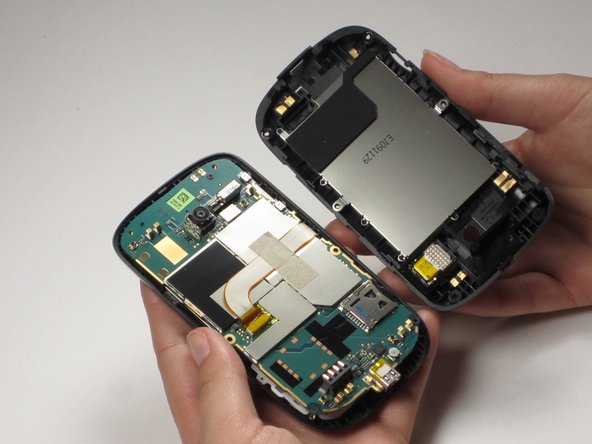
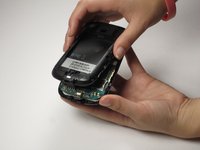
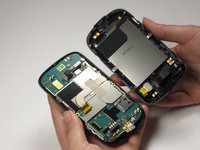
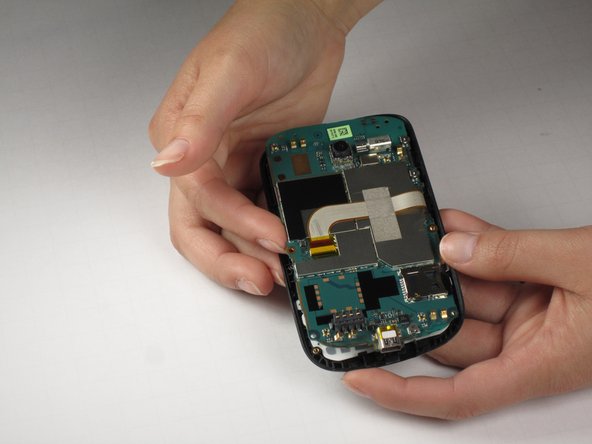
    • Carefully pull off the back casing.

    • This step may be difficult. Start pulling the back out from the front shell. As it starts to lift up, move the phone side-to-side until the whole back is free.

    Vraag FixBot

    Voeg opmerking toe

  6. HTC SMT 6175 Keyboard Replacement: stap 6, afbeelding 1 van 2 HTC SMT 6175 Keyboard Replacement: stap 6, afbeelding 2 van 2
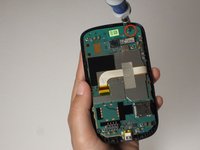
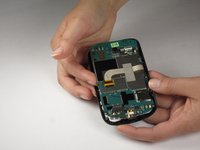
    • Remove the top screw.

    • Be CAREFUL, because the LCD screen is attached to the front side of the motherboard by a flexible ribbon cable.

    Vraag FixBot

    Voeg opmerking toe

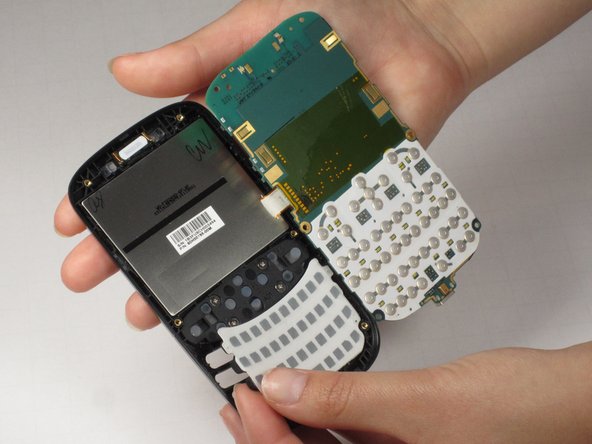
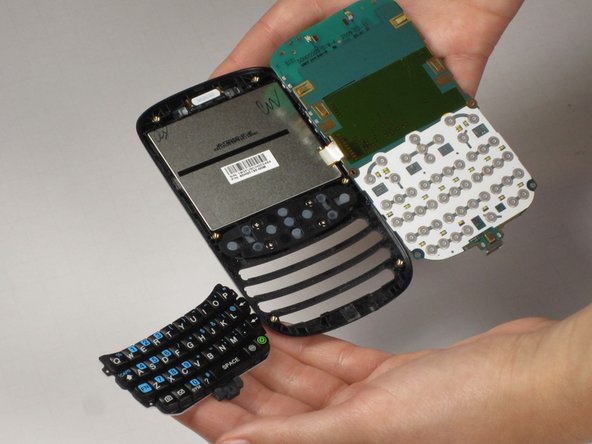
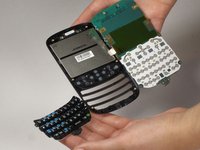
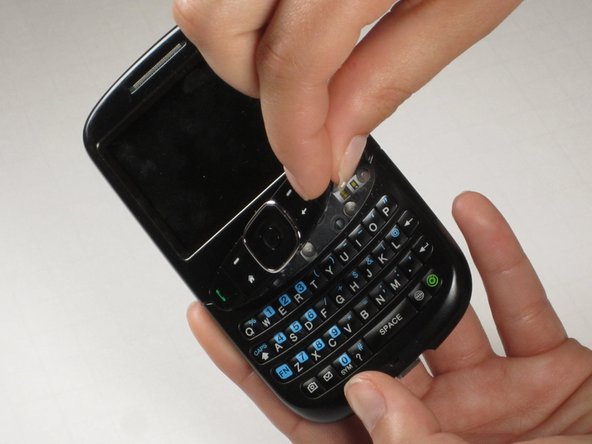
  7. HTC SMT 6175 Keyboard Replacement, QWERTY Keyboard: stap 7, afbeelding 1 van 3 HTC SMT 6175 Keyboard Replacement, QWERTY Keyboard: stap 7, afbeelding 2 van 3 HTC SMT 6175 Keyboard Replacement, QWERTY Keyboard: stap 7, afbeelding 3 van 3
    • Pull the plastic keyboard away from the front case.

    Vraag FixBot

    Voeg opmerking toe

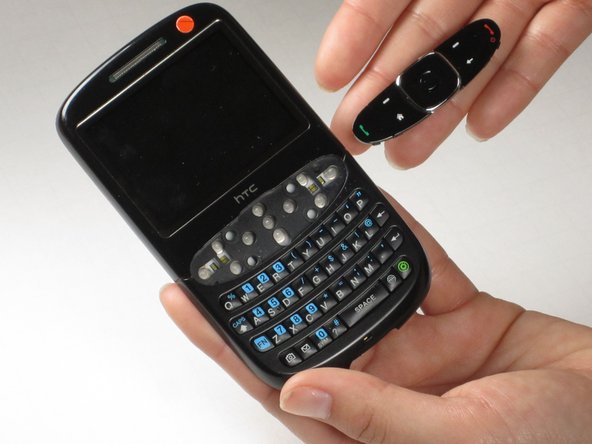
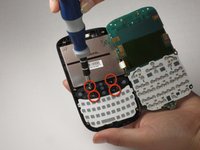
  8. HTC SMT 6175 Keyboard Replacement, Navigation Keys: stap 8, afbeelding 1 van 3 HTC SMT 6175 Keyboard Replacement, Navigation Keys: stap 8, afbeelding 2 van 3 HTC SMT 6175 Keyboard Replacement, Navigation Keys: stap 8, afbeelding 3 van 3
    • To remove the navigation keys on the front of the phone, remove the four screws securing the navigation keys using a Phillips screwdriver.

    • Remove the navigation keys from the front of the phone.

    • They should pop out as a unit.

    Vraag FixBot

    Voeg opmerking toe

Conclusie

To reassemble your device, follow these instructions in reverse order.

Annuleren: ik heb deze handleiding niet afgemaakt.

Luke Plewa

Lid sinds: 04/22/11

116 Reputatie

4 handleidingen geschreven

Team

Cal Poly, Team 25-29, Garner Spring 2011 Lid van Cal Poly, Team 25-29, Garner Spring 2011

CPSU-GARNER-S11S25G29

3 Leden

10 handleidingen geschreven

0Gids Commentaar

Voeg opmerking toe

Weergavestatistieken:

Afgelopen 24 uren: 2

Afgelopen 7 dagen: 10

Afgelopen 30 dagen: 55

Altijd: 2,090