Ga door naar hoofdinhoud
Word lid van de reparatiegemeenschap - Account aanmaken

HTC Flyer Back Cover Replacement

Wat je nodig hebt

    1. HTC Flyer Back Cover Replacement, Back Cover: stap 1, afbeelding 1 van 3 HTC Flyer Back Cover Replacement, Back Cover: stap 1, afbeelding 2 van 3 HTC Flyer Back Cover Replacement, Back Cover: stap 1, afbeelding 3 van 3
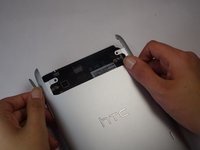
      • Apply pressure along the bottom of the white panel containing the camera and push upwards.

      • It may take some effort, but it will smoothly slide off.

      Vraag FixBot

      Voeg opmerking toe

    2. HTC Flyer Back Cover Replacement: stap 2, afbeelding 1 van 3 HTC Flyer Back Cover Replacement: stap 2, afbeelding 2 van 3 HTC Flyer Back Cover Replacement: stap 2, afbeelding 3 van 3
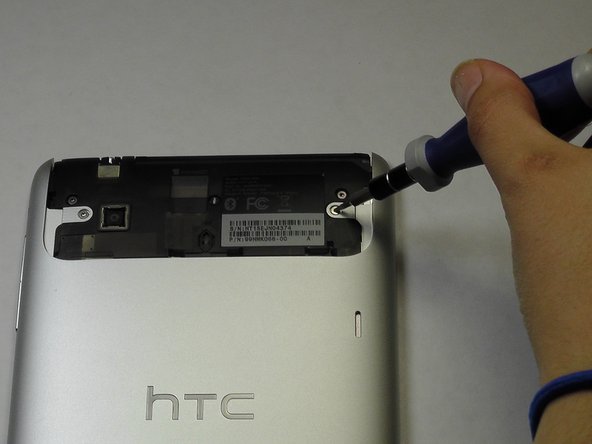
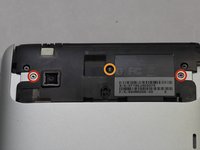
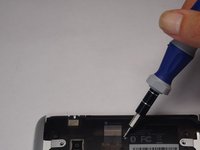
      • Unscrew the four of 3.5mm Torx T5 screws that run along the sides of the exposed innards.

      • All screws in the device will use the Torx T5 screwdriver, so keep it handy.

      Vraag FixBot

      Voeg opmerking toe

    3. HTC Flyer Back Cover Replacement: stap 3, afbeelding 1 van 3 HTC Flyer Back Cover Replacement: stap 3, afbeelding 2 van 3 HTC Flyer Back Cover Replacement: stap 3, afbeelding 3 van 3
      • Remove the black protective piece of plastic by sliding it upwards.

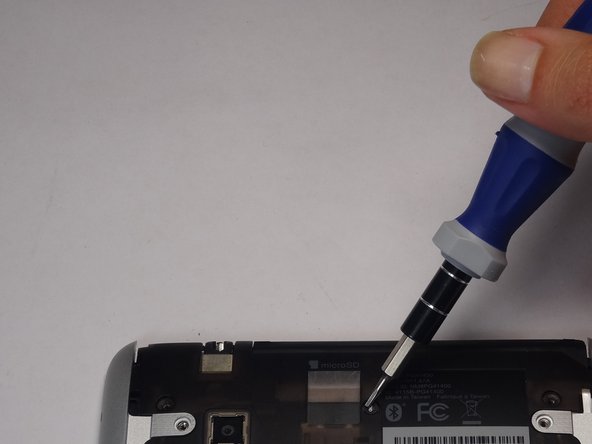
      • Remove the two 3.5mm Torx #5 screws holding the protective plastic down on along the sides.

      • A center 3.5mm Torx screw will be covered by "VOID" sticker.

      • Either remove the sticker or jam the screwdriver into the screw, and remove the screw.

      • Remove the protective panel by sliding it upwards.

      Vraag FixBot

      Voeg opmerking toe

    4. HTC Flyer Back Cover Replacement: stap 4, afbeelding 1 van 2 HTC Flyer Back Cover Replacement: stap 4, afbeelding 2 van 2
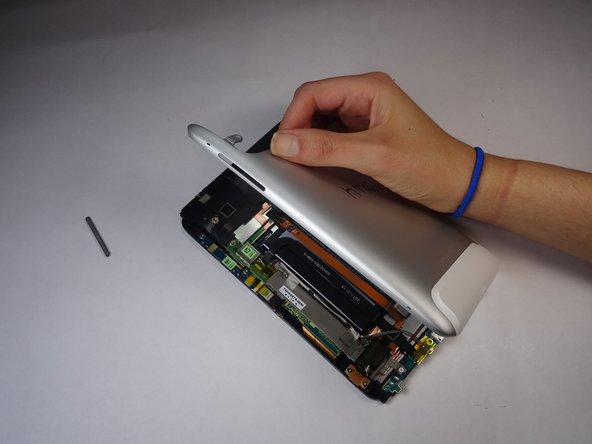
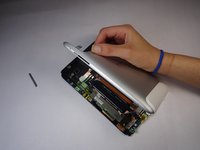
      • Before removing the back cover, apply some scotch tape to the volume buttons to prevent them from falling out of the back panel.

      • Use a plastic opening tool to lever up the top half of the cover.

      • Lift the back panel up and remove it from the device.

      Vraag FixBot

      Voeg opmerking toe

Conclusie

To reassemble your device, follow these instructions in reverse order.

Annuleren: ik heb deze handleiding niet afgemaakt.

2 andere personen hebben deze handleiding voltooid.

Justin Funk

Lid sinds: 10/07/14

485 Reputatie

3 handleidingen geschreven

Team

USF Tampa, Team 8-5, Leahy Fall 2014 Lid van USF Tampa, Team 8-5, Leahy Fall 2014

USFT-LEAHY-F14S8G5

3 Leden

12 handleidingen geschreven

0Gids Commentaar

Voeg opmerking toe

Weergavestatistieken:

Afgelopen 24 uren: 0

Afgelopen 7 dagen: 3

Afgelopen 30 dagen: 23

Altijd: 755