Ga door naar hoofdinhoud
Word lid van de reparatiegemeenschap - Account aanmaken

HP Pavilion N3350 Screen Assembly Replacement

Wat je nodig hebt

    1. HP Pavilion N3350 Screen Assembly Replacement, Screen Assembly: stap 1, afbeelding 1 van 2 HP Pavilion N3350 Screen Assembly Replacement, Screen Assembly: stap 1, afbeelding 2 van 2
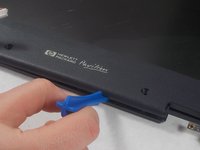
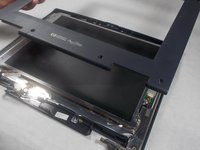
      • Open your laptop. Beneath the screen, there is a large plastic piece that contains slots for a speaker, the power button, and numerous indicator lights.

      • To remove this, pry it open with a spudger tool gently. It should pop out of place.

      Vraag FixBot

      Voeg opmerking toe

    2. HP Pavilion N3350 Screen Assembly Replacement: stap 2, afbeelding 1 van 2 HP Pavilion N3350 Screen Assembly Replacement: stap 2, afbeelding 2 van 2
      • Gently use a spudger tool or your fingers to disconnect the LCD cable from the screen.

      • This is one of three connectors that needs to be undone to disconnect the screen from the laptop.

      Vraag FixBot

      Voeg opmerking toe

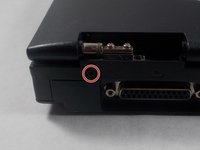
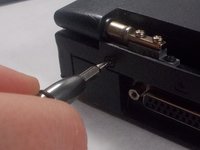
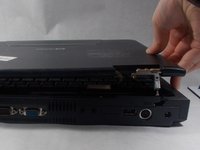
    3. HP Pavilion N3350 Screen Assembly Replacement: stap 3, afbeelding 1 van 3 HP Pavilion N3350 Screen Assembly Replacement: stap 3, afbeelding 2 van 3 HP Pavilion N3350 Screen Assembly Replacement: stap 3, afbeelding 3 van 3
      • Remove the 1 cm screw with a Phillips #1 screwdriver to allow the screen and top of the laptop to be separated from the keyboard and bottom.

      • Lift the entire top away from the bottom, and set bottom half of the laptop aside.

      Vraag FixBot

      Voeg opmerking toe

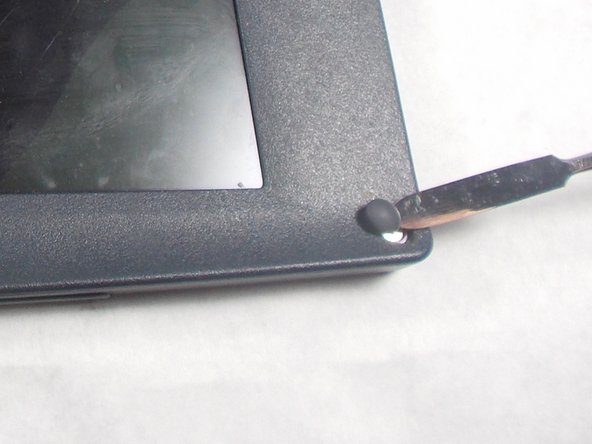
    4. HP Pavilion N3350 Screen Assembly Replacement: stap 4, afbeelding 1 van 3 HP Pavilion N3350 Screen Assembly Replacement: stap 4, afbeelding 2 van 3 HP Pavilion N3350 Screen Assembly Replacement: stap 4, afbeelding 3 van 3
      • Remove the 6 rubber screw caps with a metal spudger.

      • After removing the 6 rubber screw caps, use a Phillips #1 screwdriver to unscrew the six 6mm screws.

      Vraag FixBot

      Voeg opmerking toe

    5. HP Pavilion N3350 Screen Assembly Replacement: stap 5, afbeelding 1 van 2 HP Pavilion N3350 Screen Assembly Replacement: stap 5, afbeelding 2 van 2
      • To separate the plastic cover, use a plastic opening tool to undo each plastic connecting clip between the two.

      • You can find the plastic connecting clips by sliding the plastic opening tool along the seam between the two plastic covers.

      • Remove the top plastic cover once all connections have been released.

      Vraag FixBot

      Voeg opmerking toe

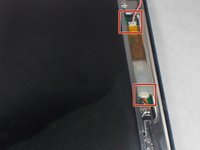
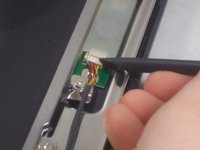
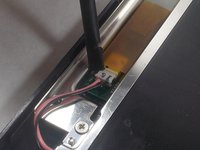
    6. HP Pavilion N3350 Screen Assembly Replacement: stap 6, afbeelding 1 van 3 HP Pavilion N3350 Screen Assembly Replacement: stap 6, afbeelding 2 van 3 HP Pavilion N3350 Screen Assembly Replacement: stap 6, afbeelding 3 van 3
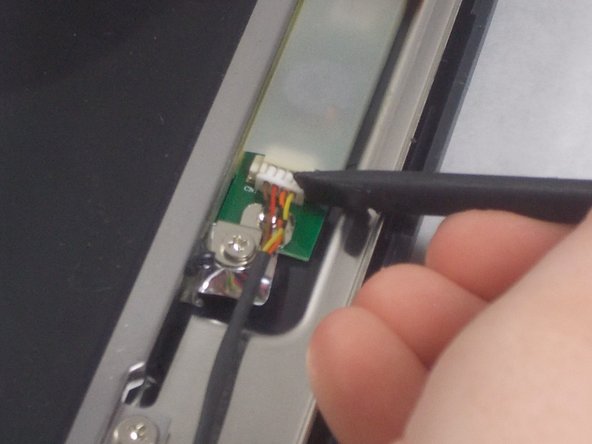
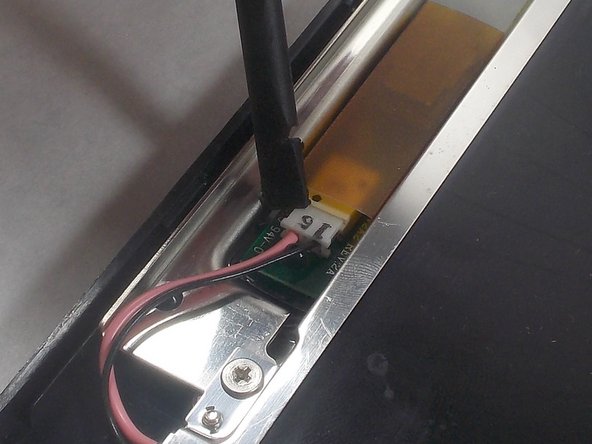
      • Disconnect the connectors using a plastic opening tool.

      • Once these two connectors are released, the screen should be electronically freed from the rest of the laptop.

      Vraag FixBot

      Voeg opmerking toe

    7. HP Pavilion N3350 Screen Assembly Replacement: stap 7, afbeelding 1 van 1
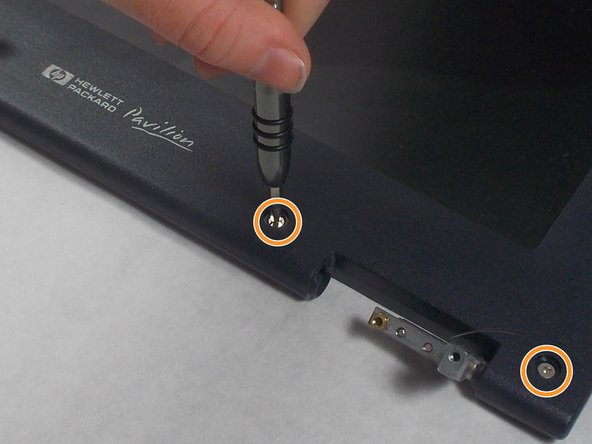
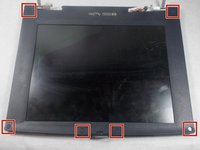
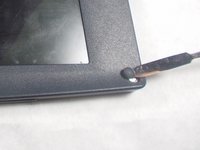
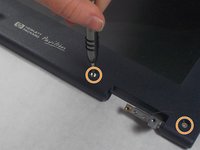
      • At each corner, there is a 1 centimeter silver screw connecting the screen frame to the laptop. Remove these using a Phillips #1 Screwdriver.

      Vraag FixBot

      Voeg opmerking toe

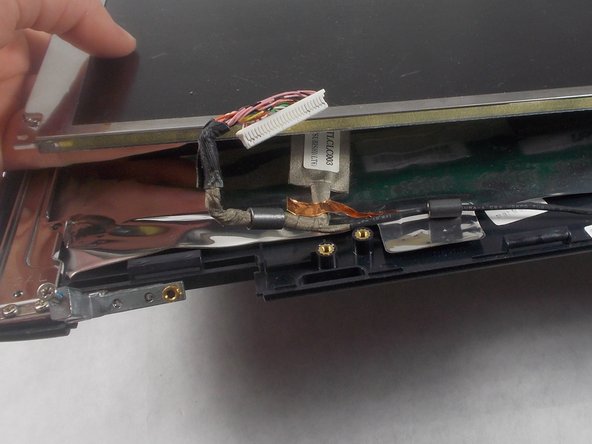
    8. HP Pavilion N3350 Screen Assembly Replacement: stap 8, afbeelding 1 van 3 HP Pavilion N3350 Screen Assembly Replacement: stap 8, afbeelding 2 van 3 HP Pavilion N3350 Screen Assembly Replacement: stap 8, afbeelding 3 van 3
      Gereedschap gebruikt in deze stap:
      Tweezers
      $4.99
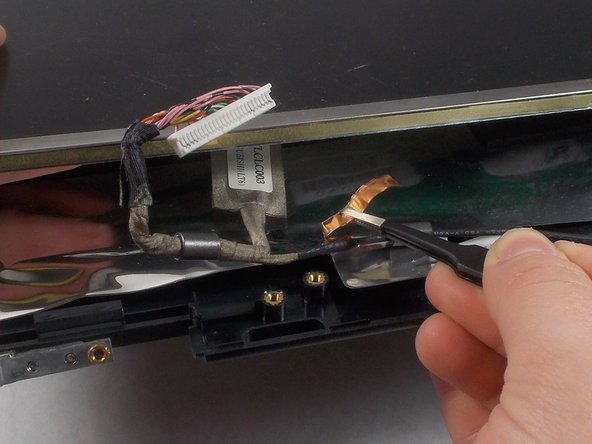
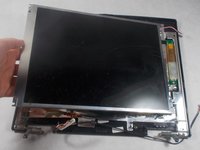
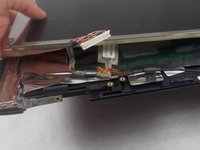
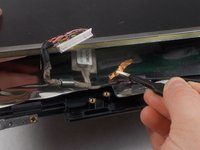
      • There should be thin piece of copper 'tape' holding the LCD cable down. Remove this gently with tweezers.

      • Remove the screen from the device.

      Vraag FixBot

      Voeg opmerking toe

Conclusie

To reassemble your device, follow these instructions in reverse order.

Annuleren: ik heb deze handleiding niet afgemaakt.

Één andere persoon heeft deze handleiding voltooid.

Emily Hatstat

Lid sinds: 03/19/18

481 Reputatie

4 handleidingen geschreven

Team

UMass Dartmouth, Team S3-G8, Peak Spring 2018 Lid van UMass Dartmouth, Team S3-G8, Peak Spring 2018

UMASSD-PEAK-S18S3G8

3 Leden

23 handleidingen geschreven

0Gids Commentaar

Voeg opmerking toe

Weergavestatistieken:

Afgelopen 24 uren: 1

Afgelopen 7 dagen: 7

Afgelopen 30 dagen: 26

Altijd: 596