Ga door naar hoofdinhoud
Word lid van de reparatiegemeenschap - Account aanmaken

HP Mini 311 Keyboard Replacement

Wat je nodig hebt

  1. HP Mini 311 Keyboard Replacement, Battery: stap 1, afbeelding 1 van 3 HP Mini 311 Keyboard Replacement, Battery: stap 1, afbeelding 2 van 3 HP Mini 311 Keyboard Replacement, Battery: stap 1, afbeelding 3 van 3
    • Lay the laptop on a flat surface, bottom side up and slide the two battery release latches toward the outside of the case.

    Vraag FixBot

    Voeg opmerking toe

  2. HP Mini 311 Keyboard Replacement: stap 2, afbeelding 1 van 2 HP Mini 311 Keyboard Replacement: stap 2, afbeelding 2 van 2
    • Slide the battery away from the device to remove.

    Vraag FixBot

    Voeg opmerking toe

  3. HP Mini 311 Keyboard Replacement, Memory Shield: stap 3, afbeelding 1 van 1
    • With the device still in a bottom side up position, proceed to unscrew the two 4.8mm Phillips 00 screws from the memory shield.

    • The screws will remain in the shied.

    Vraag FixBot

    Voeg opmerking toe

  4. HP Mini 311 Keyboard Replacement: stap 4, afbeelding 1 van 2 HP Mini 311 Keyboard Replacement: stap 4, afbeelding 2 van 2
    • Lift the memory shield up and remove from the laptop.

    Vraag FixBot

    Voeg opmerking toe

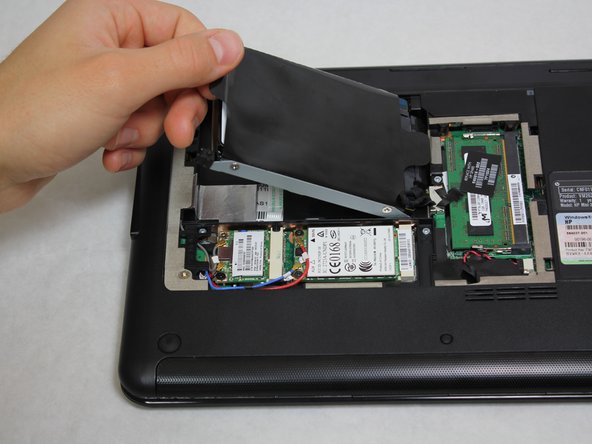
  5. HP Mini 311 Keyboard Replacement, Hard Drive: stap 5, afbeelding 1 van 3 HP Mini 311 Keyboard Replacement, Hard Drive: stap 5, afbeelding 2 van 3 HP Mini 311 Keyboard Replacement, Hard Drive: stap 5, afbeelding 3 van 3
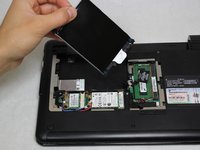
    • Grab the left black, plastic tab and carefully pull upward.

    • Be sure to pull carefully. Pulling too forcefully may damage the tab.

    Vraag FixBot

    Voeg opmerking toe

  6. HP Mini 311 Keyboard Replacement: stap 6, afbeelding 1 van 3 HP Mini 311 Keyboard Replacement: stap 6, afbeelding 2 van 3 HP Mini 311 Keyboard Replacement: stap 6, afbeelding 3 van 3
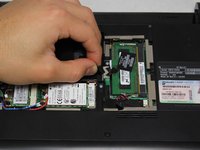
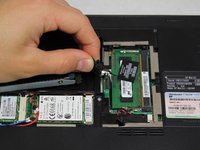
    • Grab a hold of the wire connecting the hard drive and the device.

    • Pull upward, perpendicular to the surface of the laptop, releasing the connector tethering the hard drive to the motherboard.

    Vraag FixBot

    Voeg opmerking toe

  7. HP Mini 311 Keyboard Replacement, Keyboard: stap 7, afbeelding 1 van 1
    • Unscrew the four Phillip 00 5.6 mm screws located around the wireless card and RAM.

    Vraag FixBot

    Voeg opmerking toe

  8. HP Mini 311 Keyboard Replacement: stap 8, afbeelding 1 van 1
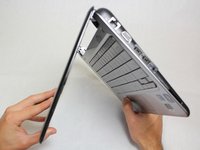
    • Open the laptop so that the screen and front of the keyboard are both facing the ground.

    • Push on the opening on the back side of the device until the keyboard partially pops out.

    • This opening is located where the original hard drive was set.

    Vraag FixBot

    Voeg opmerking toe

  9. HP Mini 311 Keyboard Replacement: stap 9, afbeelding 1 van 3 HP Mini 311 Keyboard Replacement: stap 9, afbeelding 2 van 3 HP Mini 311 Keyboard Replacement: stap 9, afbeelding 3 van 3
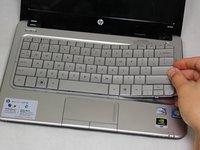
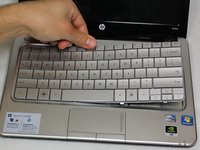
    • Flip the device around and orient it so that the screen and keyboard are facing you.

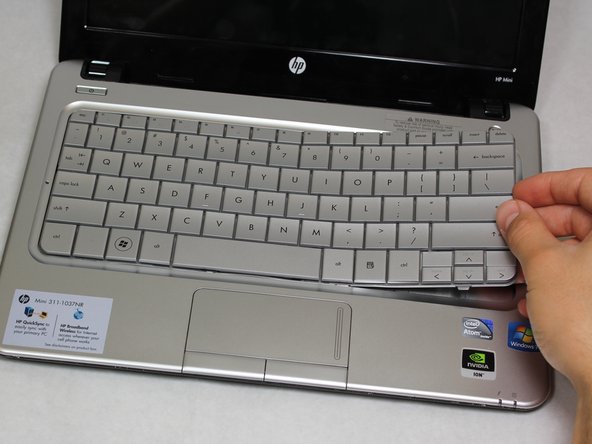
    • Starting at the right side, work your way towards the left end and remove the keyboard by unhinging the latches attaching it to the base of the device.

    • The right side of the keyboard should be unattached.

    • Be gentle and patient. You don't want to pull the entire keyboard at once, but rather pull by sections.

    Vraag FixBot

    Voeg opmerking toe

  10. HP Mini 311 Keyboard Replacement: stap 10, afbeelding 1 van 3 HP Mini 311 Keyboard Replacement: stap 10, afbeelding 2 van 3 HP Mini 311 Keyboard Replacement: stap 10, afbeelding 3 van 3
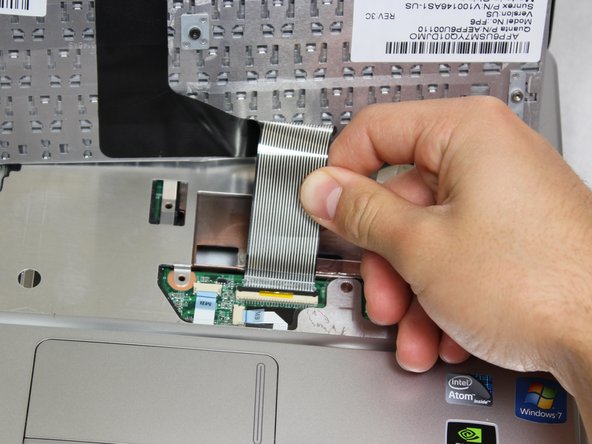
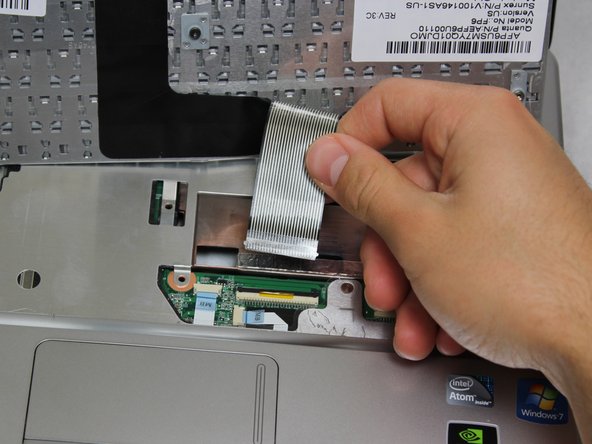
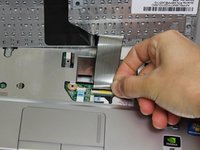
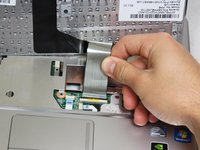
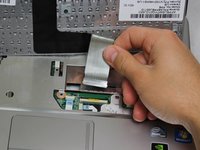
    • Carefully pull the ribbon cable connecting the keyboard and the laptop to remove from the device.

    Vraag FixBot

    Voeg opmerking toe

Conclusie

To reassemble your device, follow these instructions in reverse order.

Annuleren: ik heb deze handleiding niet afgemaakt.

4 andere personen hebben deze handleiding voltooid.

Christian Santoyo

Lid sinds: 01/31/13

495 Reputatie

6 handleidingen geschreven

Team

Cal Poly, Team 20-4, Maness Winter 2013 Lid van Cal Poly, Team 20-4, Maness Winter 2013

CPSU-MANESS-W13S20G4

4 Leden

10 handleidingen geschreven

0Gids Commentaar

Voeg opmerking toe

Weergavestatistieken:

Afgelopen 24 uren: 2

Afgelopen 7 dagen: 12

Afgelopen 30 dagen: 40

Altijd: 2,956