Ga door naar hoofdinhoud
Word lid van de reparatiegemeenschap - Account aanmaken

HP G60 RAM Replacement

Wat je nodig hebt

    1. HP G60 RAM Replacement, Battery: stap 1, afbeelding 1 van 3 HP G60 RAM Replacement, Battery: stap 1, afbeelding 2 van 3 HP G60 RAM Replacement, Battery: stap 1, afbeelding 3 van 3
      • First, you should to remove the battery to avoid electric shocks

      • Slide and unlock the battery, then, lift it

      Vraag FixBot

      Voeg opmerking toe

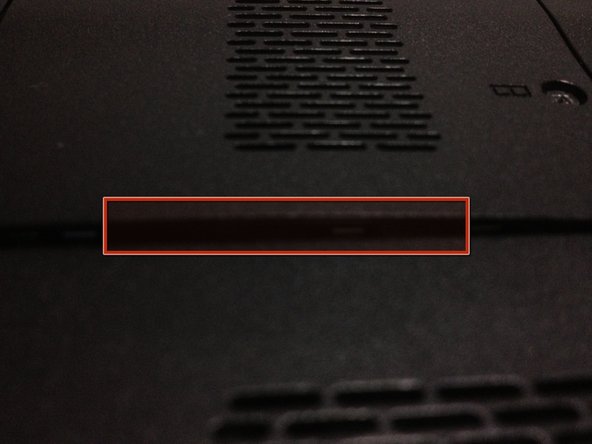
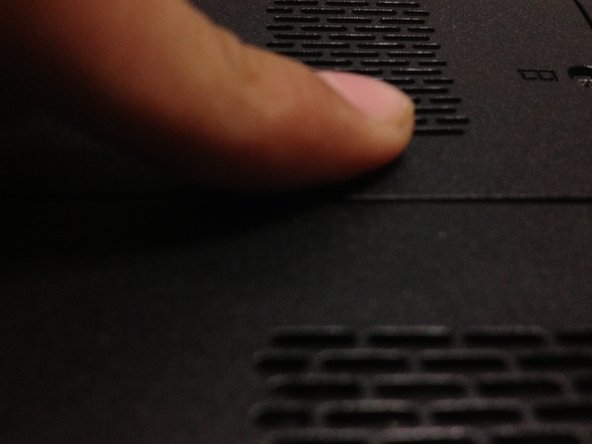
    2. HP G60 RAM Replacement, RAM cover: stap 2, afbeelding 1 van 3 HP G60 RAM Replacement, RAM cover: stap 2, afbeelding 2 van 3 HP G60 RAM Replacement, RAM cover: stap 2, afbeelding 3 van 3
      • Remove the two screws with a not too large screwdriver

      • Now lift the cover, the screws are part of the cover

      Vraag FixBot

      Voeg opmerking toe

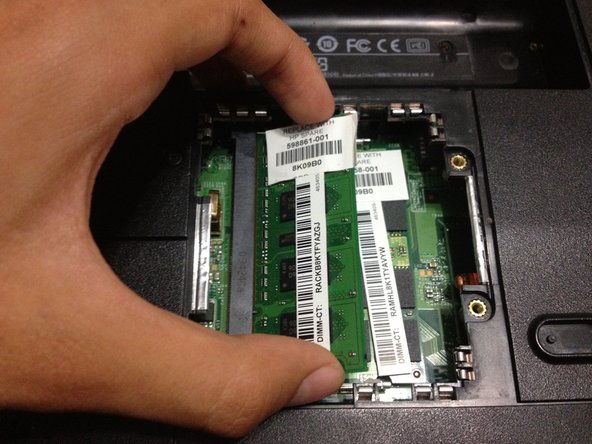
    3. HP G60 RAM Replacement, Eject RAM: stap 3, afbeelding 1 van 3 HP G60 RAM Replacement, Eject RAM: stap 3, afbeelding 2 van 3 HP G60 RAM Replacement, Eject RAM: stap 3, afbeelding 3 van 3
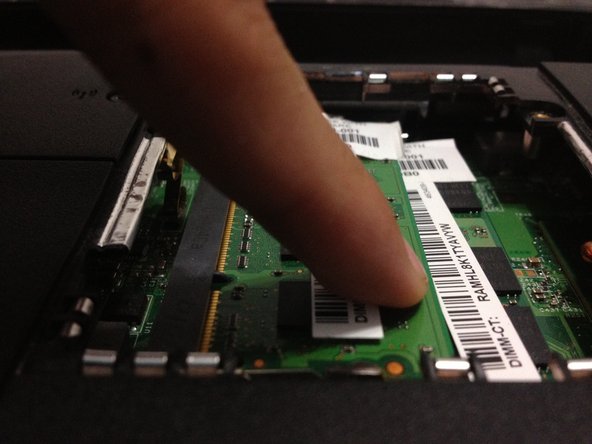
      • Push the little aluminum locks at the top and the bottom of the ram

      • The memory will lift, then pull it

      • Make this with the another RAM slot

      Vraag FixBot

      Voeg opmerking toe

    4. HP G60 RAM Replacement, New RAM: stap 4, afbeelding 1 van 3 HP G60 RAM Replacement, New RAM: stap 4, afbeelding 2 van 3 HP G60 RAM Replacement, New RAM: stap 4, afbeelding 3 van 3
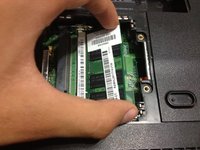
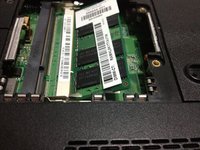
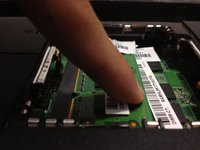
      • The new RAM memory should to be insert in a 45 degrees angle

      • Then, push it and the memory will lock by itself

      • Make this with the second memory

      Vraag FixBot

      Voeg opmerking toe

    5. HP G60 RAM Replacement, RAM cover (Again): stap 5, afbeelding 1 van 3 HP G60 RAM Replacement, RAM cover (Again): stap 5, afbeelding 2 van 3 HP G60 RAM Replacement, RAM cover (Again): stap 5, afbeelding 3 van 3
      • Insert the cover from right to left, then, screw it

      • If cover is lifted, press it softly and secure it

      Vraag FixBot

      Voeg opmerking toe

Eindstreep

Annuleren: ik heb deze handleiding niet afgemaakt.

5 andere personen hebben deze handleiding voltooid.

jimenezser

Lid sinds: 08/29/12

3.905 Reputatie

4 handleidingen geschreven

1Gids Commentaar

Thanks for verifying the RAM replacement and that it was as easy as I thought it was, but that made me a bit nervous, being much more comfortable building desktops as large as my or my customer's budget would allow!

Take 'em out, put new ones back in. As a technical writer, I also appreciate that you kept it to the point without creating further questions to complicate that which is not complicated. Thanks again. Will check out some out your other work.

J Brent Masters - Antwoord Deel

Voeg opmerking toe

Weergavestatistieken:

Afgelopen 24 uren: 1

Afgelopen 7 dagen: 15

Afgelopen 30 dagen: 48

Altijd: 6,885