Ga door naar hoofdinhoud
Word lid van de reparatiegemeenschap - Account aanmaken

HP Chromebook CB2L Keyboard Replacement

Bekeken: 562

Statistieken weergeven:

Afgelopen 24 uur:
2
Afgelopen 7 dagen:
15
Afgelopen 30 dagen:
72
Altijd:
562
Commentaar: 0

Niemand heeft een opmerking bij deze handleiding geplaatst. Ben jij de eerste?

Go to guide comments
Voltooid: 0

Niemand heeft deze handleiding als "voltooid" gemarkeerd. Ben jij de eerste?

Favorieten: 0

Niemand heeft deze handleiding gemarkeerd als favoriet of volgt de handleiding. Ben jij de eerste?

Tijd vereist: 25 - 30 minuten
Moeilijkheid: Gemiddeld
HP Chromebook CB2L Keyboard Replacement

Inleiding

Ga naar stap 1 ↓

In this guide, we will be showing you how to remove the keyboard from your HP Chromebook CB2L.

Wat je nodig hebt

Onderdelen

Gereedschap

    1. HP Chromebook CB2L Keyboard Replacement, Keyboard: stap 1, afbeelding 1 van 1
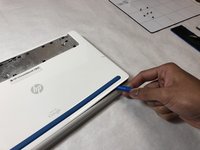
      • Flip the Chromebook over so the blue panels are showing.

      • Starting in the top left or right corner, use the plastic opening tool to remove the large blue panel.

      • This piece has fragile plastic connectors. Don't damage them.

      Vraag FixBot

      Voeg opmerking toe

    2. HP Chromebook CB2L Keyboard Replacement: stap 2, afbeelding 1 van 2 HP Chromebook CB2L Keyboard Replacement: stap 2, afbeelding 2 van 2
      • Remove six 4.77mm screws using the Phillips #1 screwdriver.

      Vraag FixBot

      Voeg opmerking toe

    3. HP Chromebook CB2L Keyboard Replacement: stap 3, afbeelding 1 van 3 HP Chromebook CB2L Keyboard Replacement: stap 3, afbeelding 2 van 3 HP Chromebook CB2L Keyboard Replacement: stap 3, afbeelding 3 van 3
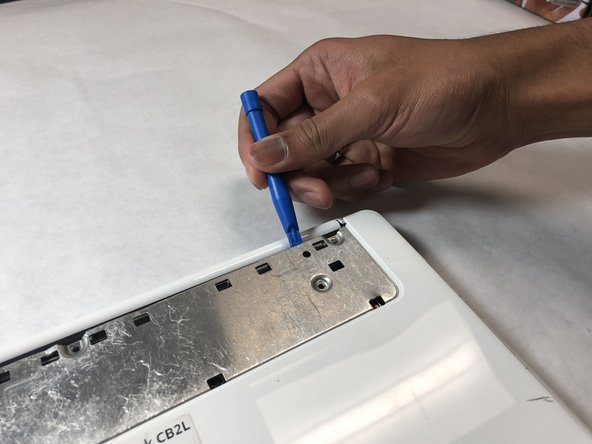
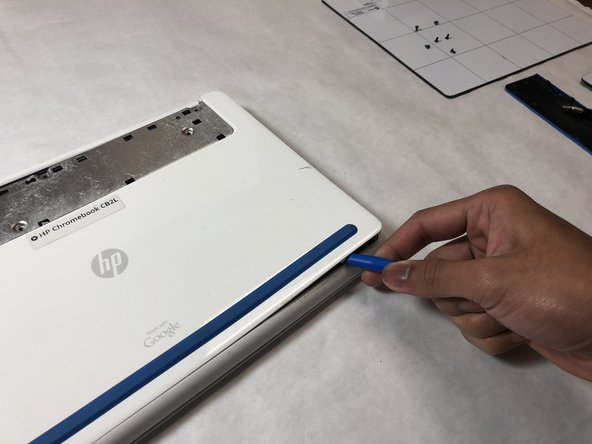
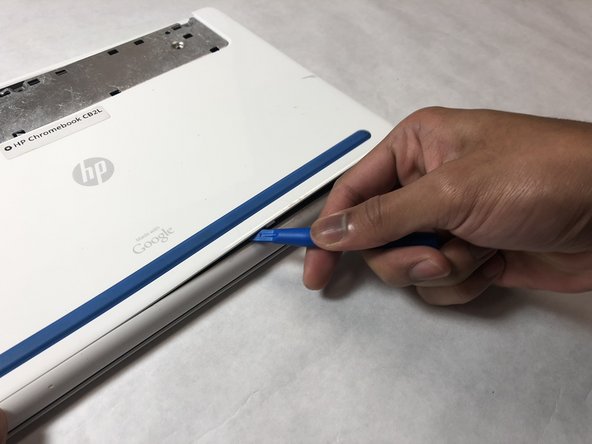
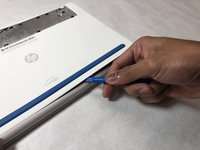
      • Starting in the top right-hand corner of the exposed metal piece, use the blue plastic opening tool to remove the back panel.

      Vraag FixBot

      Voeg opmerking toe

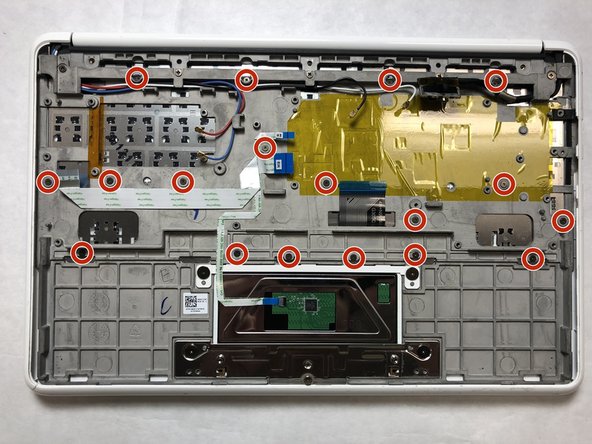
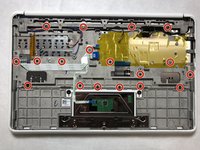
    4. HP Chromebook CB2L Keyboard Replacement: stap 4, afbeelding 1 van 2 HP Chromebook CB2L Keyboard Replacement: stap 4, afbeelding 2 van 2
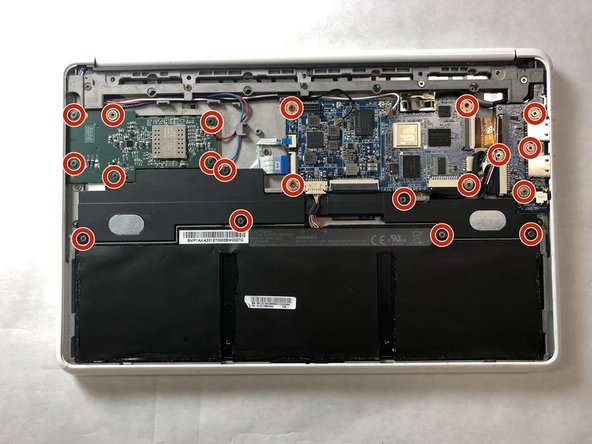
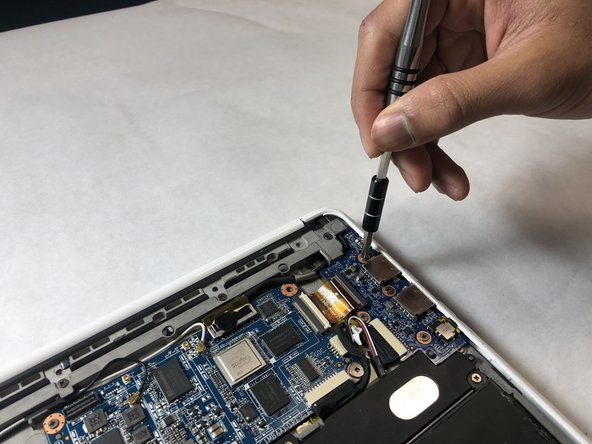
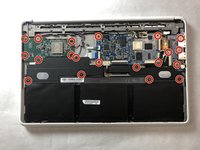
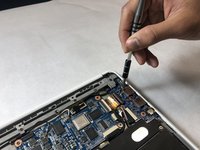
      • Remove twenty 3.42mm screws with the Phillips #1 screwdriver.

      Vraag FixBot

      Voeg opmerking toe

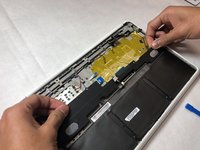
    5. HP Chromebook CB2L Keyboard Replacement: stap 5, afbeelding 1 van 2 HP Chromebook CB2L Keyboard Replacement: stap 5, afbeelding 2 van 2
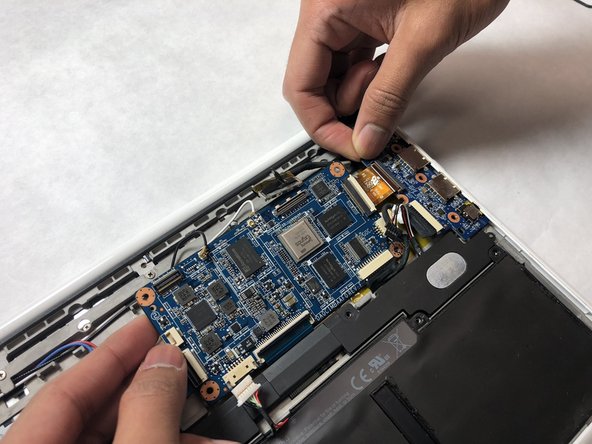
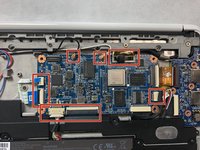
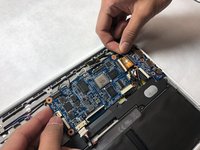
      • Remove the black and white antennae wires, the white ribbon cables, the large black connecter, and the speaker cable from the motherboard.

      • Grabbing the boards by the edges, remove the motherboard and audio/USB board.

      Vraag FixBot

      Voeg opmerking toe

    6. HP Chromebook CB2L Keyboard Replacement: stap 6, afbeelding 1 van 3 HP Chromebook CB2L Keyboard Replacement: stap 6, afbeelding 2 van 3 HP Chromebook CB2L Keyboard Replacement: stap 6, afbeelding 3 van 3
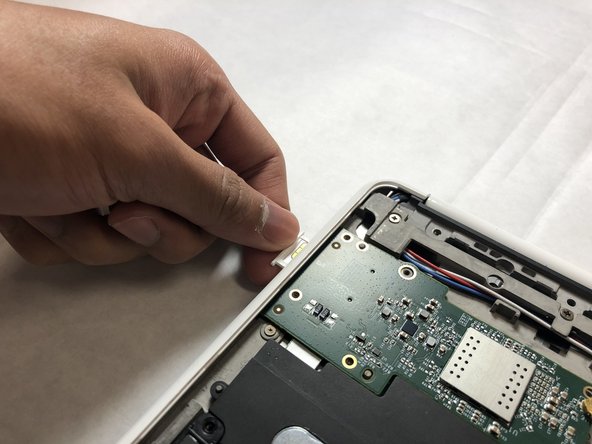
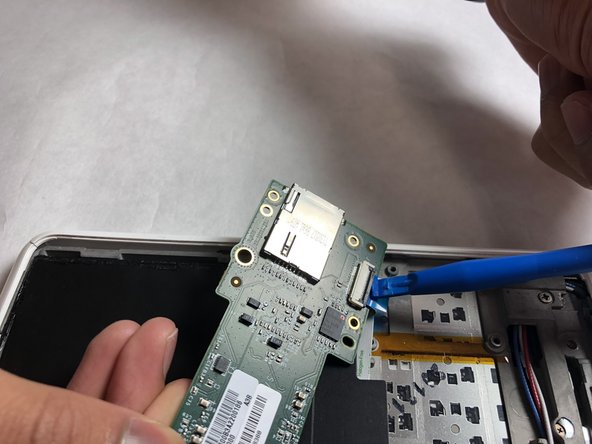
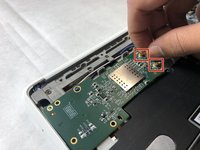
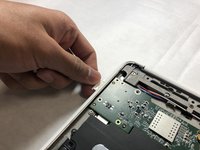
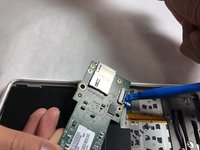
      • Remove the red and blue antennae wires from the SIM card board.

      • Remove the SIM card tray.

      • Flip the board over and use the plastic opening tool to remove the ribbon cable, then remove the board.

      Vraag FixBot

      Voeg opmerking toe

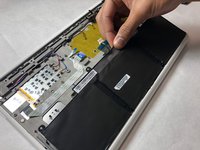
    7. HP Chromebook CB2L Keyboard Replacement: stap 7, afbeelding 1 van 2 HP Chromebook CB2L Keyboard Replacement: stap 7, afbeelding 2 van 2
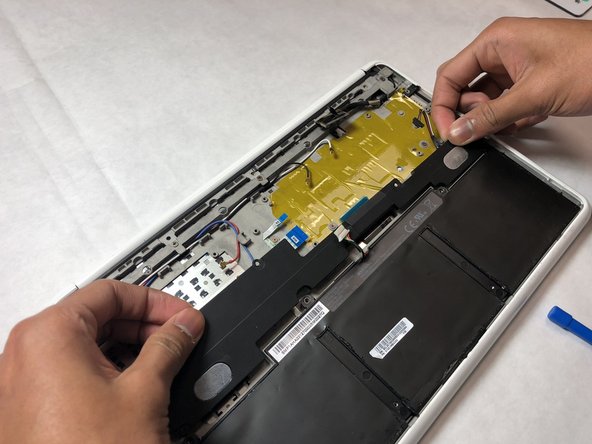
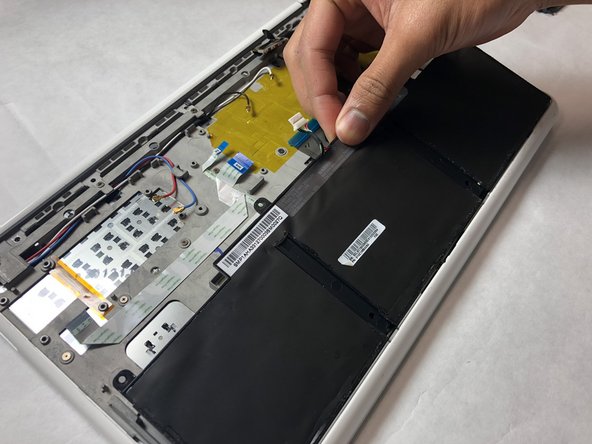
      • Remove the speakers and battery.

      Vraag FixBot

      Voeg opmerking toe

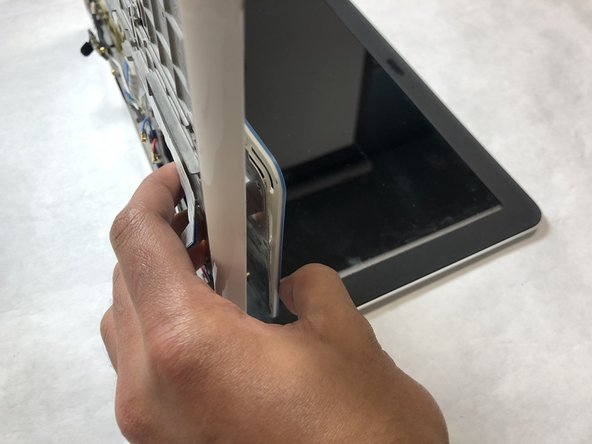
    8. HP Chromebook CB2L Keyboard Replacement: stap 8, afbeelding 1 van 2 HP Chromebook CB2L Keyboard Replacement: stap 8, afbeelding 2 van 2
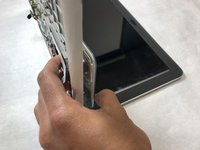
      • Remove eighteen 2.5mm screws using the Phillips #1 screwdriver.

      • Flip the Chromebook so the top is on the table and the push out the keyboard from the back.

      Vraag FixBot

      Voeg opmerking toe

Conclusie

To reassemble your device, follow these instructions in reverse order.

Annuleren: ik heb deze handleiding niet afgemaakt.

Nathan Petrie

Lid sinds: 10/31/18

277 Reputatie

2 handleidingen geschreven

Team

IUPUI, Team S1-G4, Harley Fall 2018 Lid van IUPUI, Team S1-G4, Harley Fall 2018

IUPUI-HARLEY-F18S1G4

3 Leden

24 handleidingen geschreven

0Gids Commentaar

Voeg opmerking toe

Weergavestatistieken:

Afgelopen 24 uren: 2

Afgelopen 7 dagen: 15

Afgelopen 30 dagen: 72

Altijd: 562