Ga door naar hoofdinhoud
Word lid van de reparatiegemeenschap - Account aanmaken

HP Chromebook 14-Q010DX Hard drive Replacement

Wat je nodig hebt

  1. HP Chromebook 14-Q010DX Hard drive Replacement, Keyboard and Touchpad: stap 1, afbeelding 1 van 2 HP Chromebook 14-Q010DX Hard drive Replacement, Keyboard and Touchpad: stap 1, afbeelding 2 van 2
    • Flip the laptop so the base of the laptop is facing you.

    • Using the #00 screwdriver, unscrew the 13 screws.

    Vraag FixBot

    Voeg opmerking toe

  2. HP Chromebook 14-Q010DX Hard drive Replacement: stap 2, afbeelding 1 van 3 HP Chromebook 14-Q010DX Hard drive Replacement: stap 2, afbeelding 2 van 3 HP Chromebook 14-Q010DX Hard drive Replacement: stap 2, afbeelding 3 van 3
    • Warning! When prying open a laptop it could require some force, but it also has fragile connectors underneath. Use caution so as to avoid breaking these connectors.

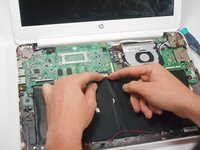
    • Start from the top right corner of the laptop and work clockwise with an iFixit opening tool or spudger to pry the keyboard from the frame of the laptop.

    Vraag FixBot

    Voeg opmerking toe

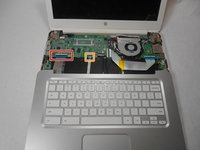
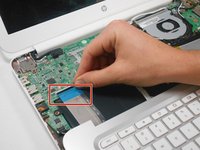
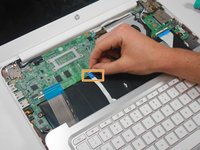
  3. HP Chromebook 14-Q010DX Hard drive Replacement: stap 3, afbeelding 1 van 3 HP Chromebook 14-Q010DX Hard drive Replacement: stap 3, afbeelding 2 van 3 HP Chromebook 14-Q010DX Hard drive Replacement: stap 3, afbeelding 3 van 3
    • Warning! Handle the flaps and ribbon cables with care to prevent damage.

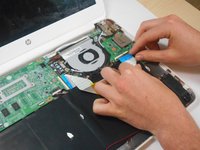
    • Gently pull the keyboard in the opposite direction of the screen, so the wires beneath are exposed.

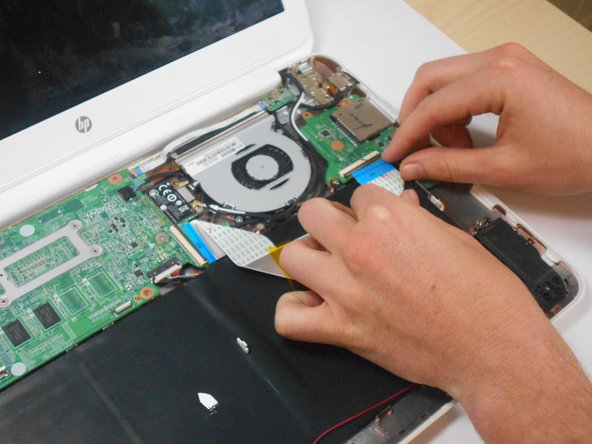
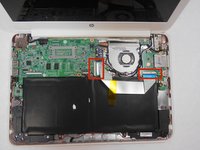
    • Lift the black flap and pull the blue ribbon gently towards you until it is disconnected.

    • Lift the white flap and pull the blue ribbon towards you until it is disconnected.

    Vraag FixBot

    Voeg opmerking toe

  4. HP Chromebook 14-Q010DX Hard drive Replacement: stap 4, afbeelding 1 van 1
    • Lift keyboard slightly and remove the strip gently to prevent damaging any parts.

    • The tape has no function other than to keep the wire tucked away.

    Vraag FixBot

    Voeg opmerking toe

  5. HP Chromebook 14-Q010DX Hard drive Replacement: stap 5, afbeelding 1 van 1
    • Set aside the detached keyboard.

    Vraag FixBot

    Voeg opmerking toe

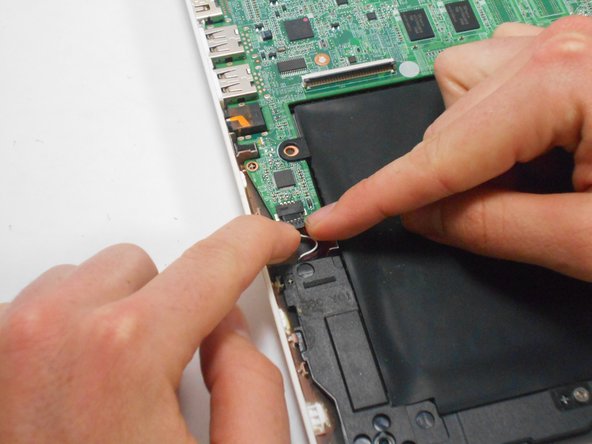
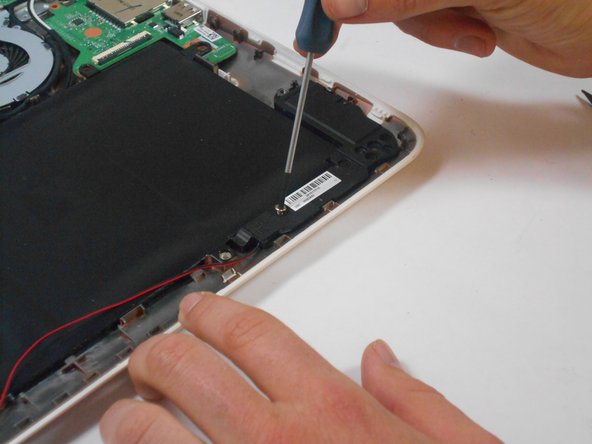
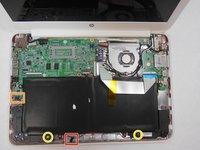
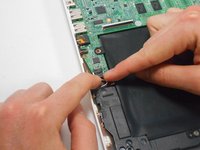
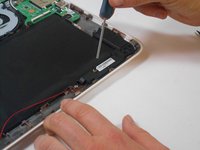
  6. HP Chromebook 14-Q010DX Hard drive Replacement, Speaker: stap 6, afbeelding 1 van 3 HP Chromebook 14-Q010DX Hard drive Replacement, Speaker: stap 6, afbeelding 2 van 3 HP Chromebook 14-Q010DX Hard drive Replacement, Speaker: stap 6, afbeelding 3 van 3
    • Undo the black tape located on the bottom from the frame of the laptop.

    • The tape has no function other than to keep the wire tucked away.

    • Using fingers or the spudger, slide out the black connector indicated on the left.

    • Use a #00 screwdriver to remove the two screws.

    Vraag FixBot

    Voeg opmerking toe

  7. HP Chromebook 14-Q010DX Hard drive Replacement: stap 7, afbeelding 1 van 2 HP Chromebook 14-Q010DX Hard drive Replacement: stap 7, afbeelding 2 van 2
    • Gently remove the speakers.

    Vraag FixBot

    Voeg opmerking toe

  8. HP Chromebook 14-Q010DX Hard drive Replacement, Battery: stap 8, afbeelding 1 van 2 HP Chromebook 14-Q010DX Hard drive Replacement, Battery: stap 8, afbeelding 2 van 2
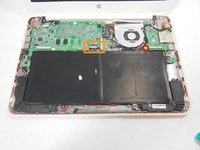
    • Note the shape that this wire strip is resting at and that the blue tip of the strip goes into the right connector for reassembly.

    • Lift the black flaps and gently pull the strip out.

    • Set the strip aside.

    Vraag FixBot

    Voeg opmerking toe

  9. HP Chromebook 14-Q010DX Hard drive Replacement: stap 9, afbeelding 1 van 3 HP Chromebook 14-Q010DX Hard drive Replacement: stap 9, afbeelding 2 van 3 HP Chromebook 14-Q010DX Hard drive Replacement: stap 9, afbeelding 3 van 3
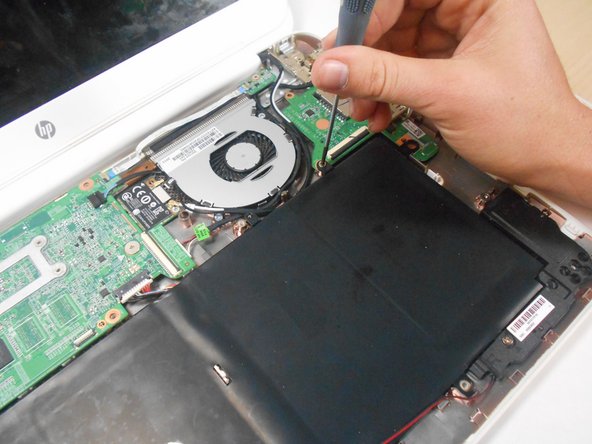
    • Remove the screw.

    • Use your fingers to pull the white tab out of the black slot above the battery.

    Vraag FixBot

    Voeg opmerking toe

  10. HP Chromebook 14-Q010DX Hard drive Replacement: stap 10, afbeelding 1 van 1
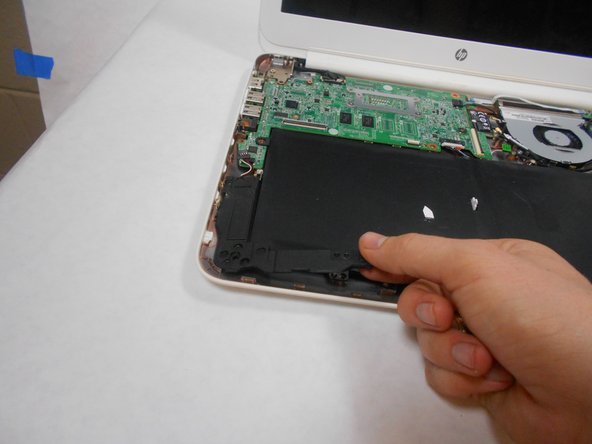
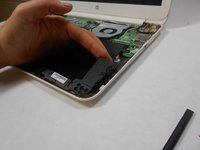
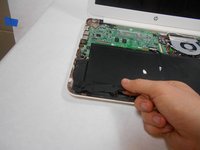
    • Gently remove battery.

    Vraag FixBot

    Voeg opmerking toe

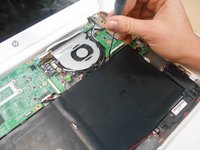
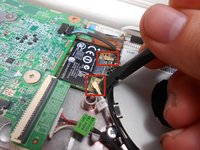
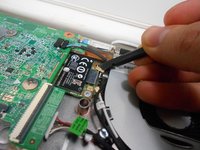
  11. HP Chromebook 14-Q010DX Hard drive Replacement, Bluetooth and Wireless Card: stap 11, afbeelding 1 van 2 HP Chromebook 14-Q010DX Hard drive Replacement, Bluetooth and Wireless Card: stap 11, afbeelding 2 van 2
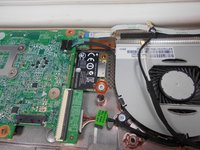
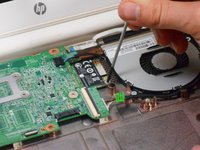
    • Using a spudger, remove the white and black cables from the card.

    Vraag FixBot

    Voeg opmerking toe

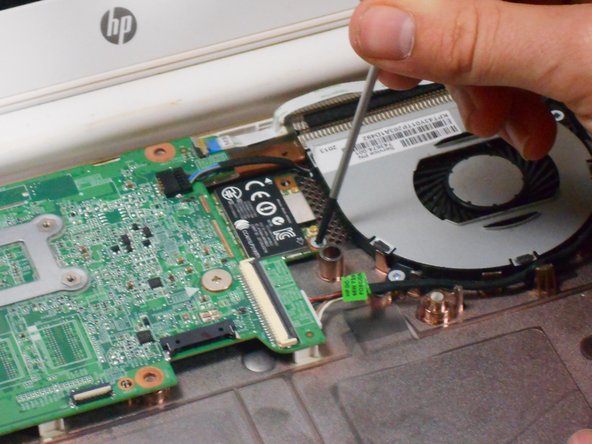
  12. HP Chromebook 14-Q010DX Hard drive Replacement: stap 12, afbeelding 1 van 2 HP Chromebook 14-Q010DX Hard drive Replacement: stap 12, afbeelding 2 van 2
    • Remove screw from card.

    Vraag FixBot

    Voeg opmerking toe

  13. HP Chromebook 14-Q010DX Hard drive Replacement: stap 13, afbeelding 1 van 1
    • Gently pull card at a 45° angle to remove it.

    Vraag FixBot

    Voeg opmerking toe

  14. HP Chromebook 14-Q010DX Hard drive Replacement, USB/SD card: stap 14, afbeelding 1 van 2 HP Chromebook 14-Q010DX Hard drive Replacement, USB/SD card: stap 14, afbeelding 2 van 2
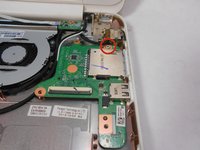
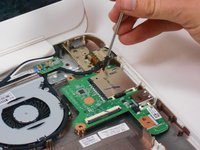
    • Remove screw indicated by the red circle at the top of the card port.

    Vraag FixBot

    Voeg opmerking toe

  15. HP Chromebook 14-Q010DX Hard drive Replacement: stap 15, afbeelding 1 van 1
    • Gently remove the USB/SD card port.

    Vraag FixBot

    Voeg opmerking toe

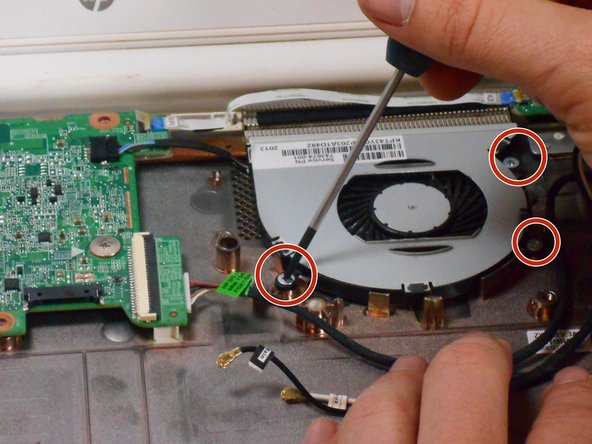
  16. HP Chromebook 14-Q010DX Hard drive Replacement, Fan replacement for a HP Chromebook: stap 16, afbeelding 1 van 3 HP Chromebook 14-Q010DX Hard drive Replacement, Fan replacement for a HP Chromebook: stap 16, afbeelding 2 van 3 HP Chromebook 14-Q010DX Hard drive Replacement, Fan replacement for a HP Chromebook: stap 16, afbeelding 3 van 3
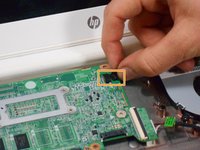
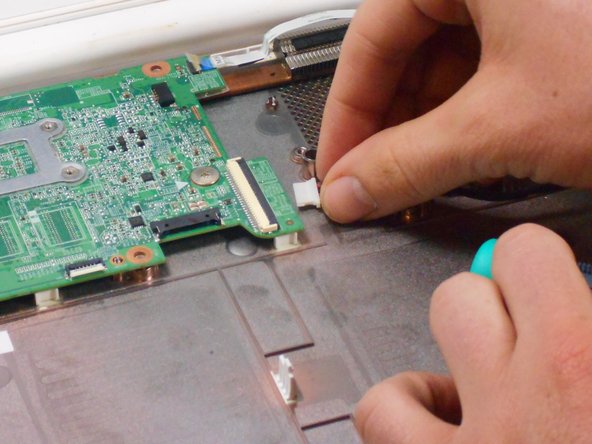
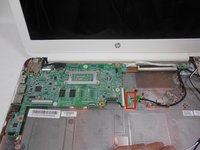
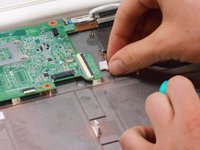
    • Remove the 3 screws around the fan.

    • Using your fingers or the spudger, disconnect the cable connecting the fan to the motherboard.

    Vraag FixBot

    Voeg opmerking toe

  17. HP Chromebook 14-Q010DX Hard drive Replacement: stap 17, afbeelding 1 van 1
    • Once the cable connecting the fan to the motherboard is revomed gently remove fan with hands.

    Vraag FixBot

    Voeg opmerking toe

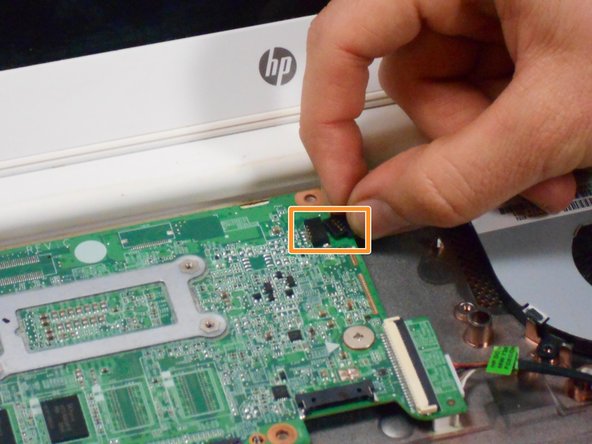
  18. HP Chromebook 14-Q010DX Hard drive Replacement, Motherboard: stap 18, afbeelding 1 van 2 HP Chromebook 14-Q010DX Hard drive Replacement, Motherboard: stap 18, afbeelding 2 van 2
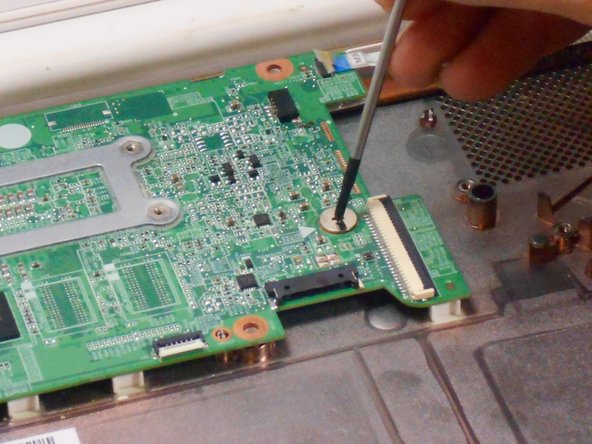
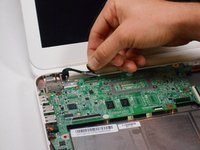
    • Using your fingers or spudger, pull out the connector.

    Vraag FixBot

    Voeg opmerking toe

  19. HP Chromebook 14-Q010DX Hard drive Replacement: stap 19, afbeelding 1 van 3 HP Chromebook 14-Q010DX Hard drive Replacement: stap 19, afbeelding 2 van 3 HP Chromebook 14-Q010DX Hard drive Replacement: stap 19, afbeelding 3 van 3
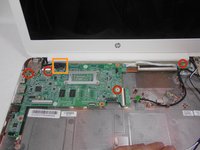
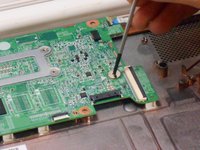
    • Remove all of the indicated screws.

    • Pull up on black strip to remove the monitor cord.

    Vraag FixBot

    Voeg opmerking toe

  20. HP Chromebook 14-Q010DX Hard drive Replacement: stap 20, afbeelding 1 van 1
    • Gently remove motherboard.

    Vraag FixBot

    Voeg opmerking toe

  21. HP Chromebook 14-Q010DX Hard drive Replacement, Hard drive: stap 21, afbeelding 1 van 1
    • Flip motherboard over.

    Vraag FixBot

    Voeg opmerking toe

  22. HP Chromebook 14-Q010DX Hard drive Replacement: stap 22, afbeelding 1 van 1
    • Remove the screw indicated by the red circle.

    Vraag FixBot

    Voeg opmerking toe

  23. HP Chromebook 14-Q010DX Hard drive Replacement: stap 23, afbeelding 1 van 1
    • Remove the hard drive by pulling the device from the black slot.

    Vraag FixBot

    Voeg opmerking toe

Conclusie

To reassemble your device, follow these instructions in reverse order.

Annuleren: ik heb deze handleiding niet afgemaakt.

14 andere personen hebben deze handleiding voltooid.

Kevin Piper

Lid sinds: 01/16/15

1.602 Reputatie

6 handleidingen geschreven

Team

USF Tampa, Team 17-2, Watkins Winter 2015 Lid van USF Tampa, Team 17-2, Watkins Winter 2015

USFT-WATKINS-W15S17G2

4 Leden

8 handleidingen geschreven

5Gids Commentaar

Thanks so much for your clearly , detailed and easy to follow guide, nice job!

pedro munoz - Antwoord Deel
Buenas tarde y despuesnde quitar el disco duro que se hace se cambia por otro igual o que modelo

chaffa_45 - Antwoord Deel

Can you add more storage on the HP Chromebook 14 SMB about 500GB. I also want to know if the Chromebook can run Windows 10 without any problems.

Fire Alarm Collector - Antwoord Deel

Useful. Wish I would have read it B4 I started this project.

Maria Jones - Antwoord Deel

how do i upgrde my chrom browser?

Danielle Curtis - Antwoord Deel

Voeg opmerking toe

Weergavestatistieken:

Afgelopen 24 uren: 3

Afgelopen 7 dagen: 28

Afgelopen 30 dagen: 99

Altijd: 22,397