Ga door naar hoofdinhoud
Word lid van de reparatiegemeenschap - Account aanmaken

HP 15-BA078DX RAM Replacement

Wat je nodig hebt

  1. HP 15-BA078DX RAM Replacement, Battery: stap 1, afbeelding 1 van 3 HP 15-BA078DX RAM Replacement, Battery: stap 1, afbeelding 2 van 3 HP 15-BA078DX RAM Replacement, Battery: stap 1, afbeelding 3 van 3
    • Unclip the two latches on the bottom of the laptop.

    • Slide the battery straight out while holding the clip open.

    Vraag FixBot
  2. HP 15-BA078DX RAM Replacement, Disc Drive: stap 2, afbeelding 1 van 1
    • Using the Phillips #0 screwdriver, remove the 7.5mm screw from the underside of the plastic frame that holds the disc tray in place.

    Vraag FixBot
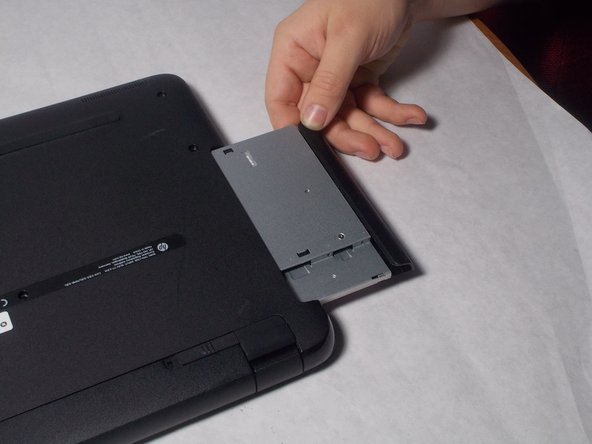
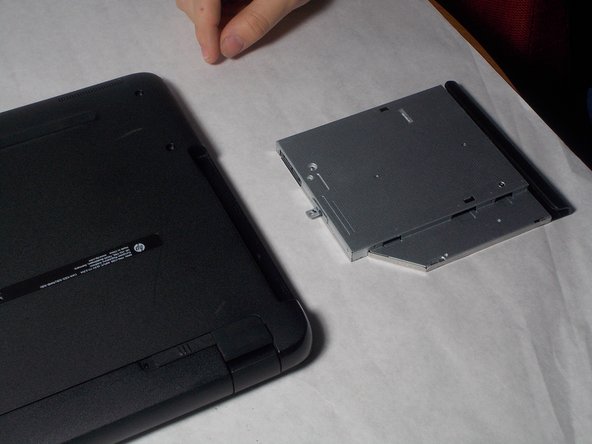
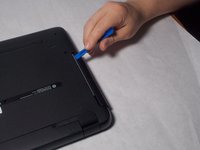
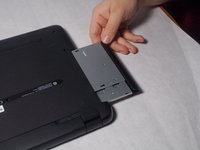
  3. HP 15-BA078DX RAM Replacement: stap 3, afbeelding 1 van 3 HP 15-BA078DX RAM Replacement: stap 3, afbeelding 2 van 3 HP 15-BA078DX RAM Replacement: stap 3, afbeelding 3 van 3
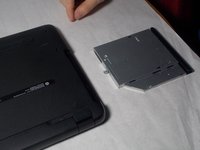
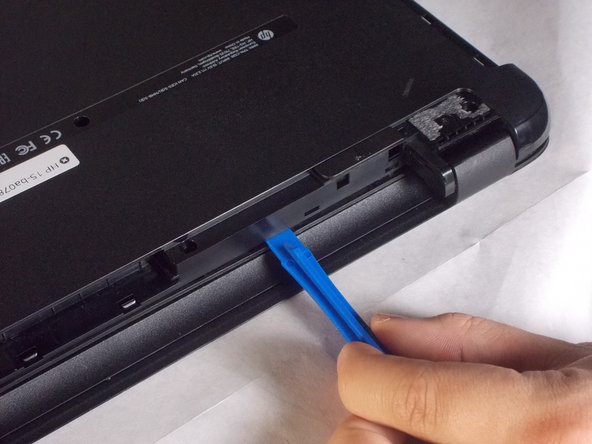
    • Remove the disk tray assembly by sliding it out from the side using the blue plastic opening tool.

    Vraag FixBot
  4. HP 15-BA078DX RAM Replacement, Back Panel: stap 4, afbeelding 1 van 1
    • Remove all of the remaining back panel screws with a #0 Phillips head screwdriver.

    • Remember to remove the two screws under the rubber feet.

    Vraag FixBot
  5. HP 15-BA078DX RAM Replacement: stap 5, afbeelding 1 van 3 HP 15-BA078DX RAM Replacement: stap 5, afbeelding 2 van 3 HP 15-BA078DX RAM Replacement: stap 5, afbeelding 3 van 3
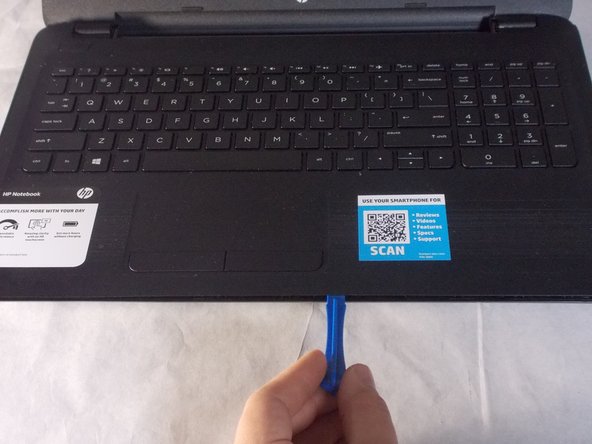
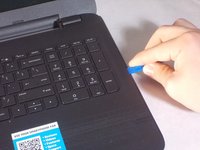
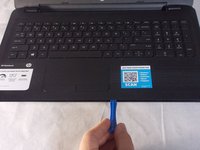
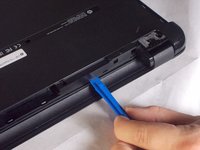
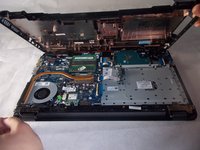
    • Carefully use the blue plastic opening tool to pry the clam shell of the laptop apart.

    • You may need to flip the laptop over to unlatch all of the internal clips.

    Vraag FixBot
  6. HP 15-BA078DX RAM Replacement: stap 6, afbeelding 1 van 3 HP 15-BA078DX RAM Replacement: stap 6, afbeelding 2 van 3 HP 15-BA078DX RAM Replacement: stap 6, afbeelding 3 van 3
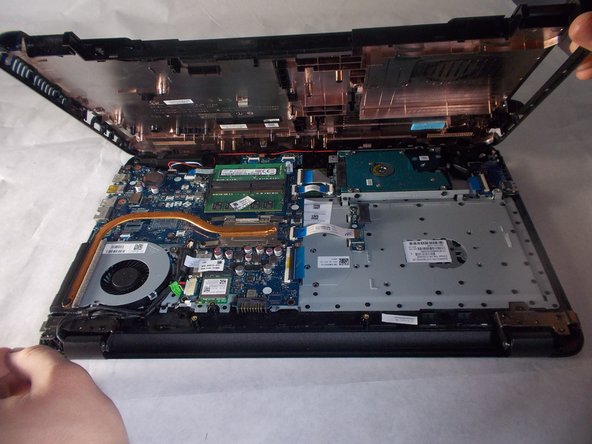
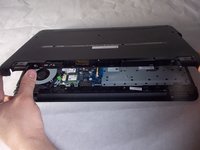
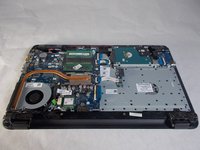
    • Carefully pull the shell of the computer apart.

    Vraag FixBot
  7. HP 15-BA078DX RAM Replacement, RAM: stap 7, afbeelding 1 van 2 HP 15-BA078DX RAM Replacement, RAM: stap 7, afbeelding 2 van 2
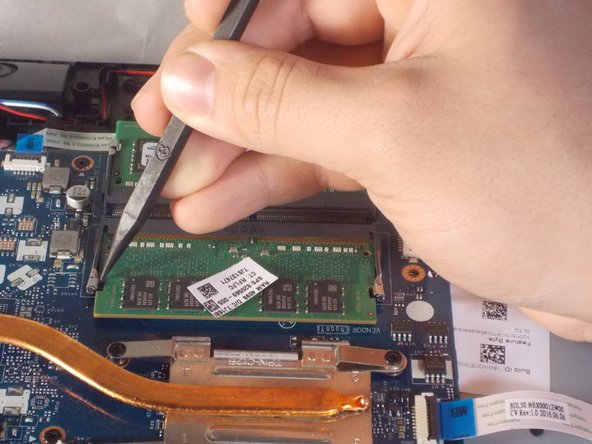
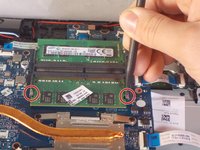
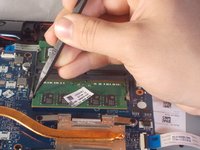
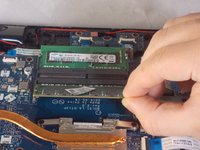
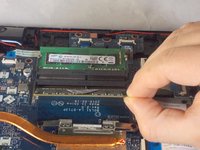
    • Using a plastic spudger, unclip the latch locking the RAM to the motherboard.

    Vraag FixBot
  8. HP 15-BA078DX RAM Replacement: stap 8, afbeelding 1 van 3 HP 15-BA078DX RAM Replacement: stap 8, afbeelding 2 van 3 HP 15-BA078DX RAM Replacement: stap 8, afbeelding 3 van 3
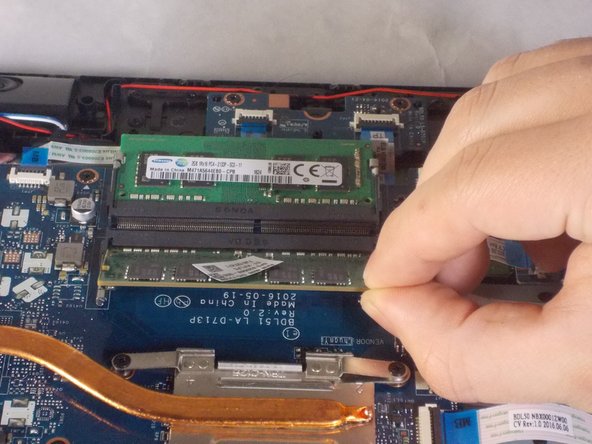
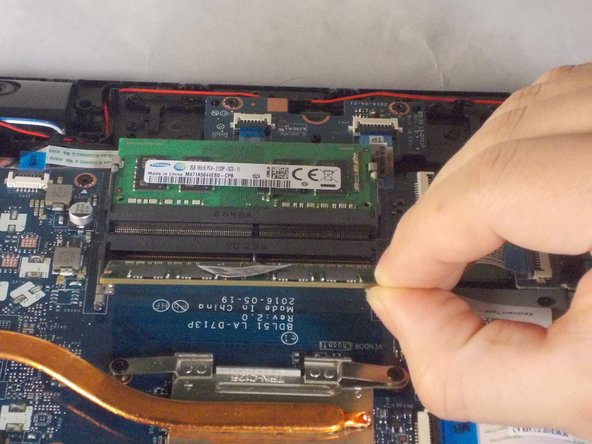
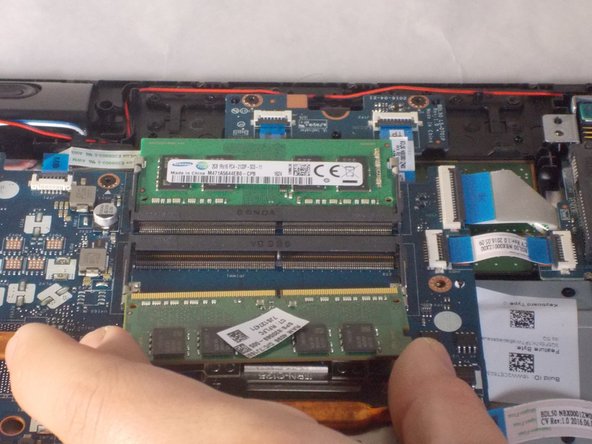
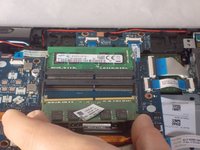
    • Gently tilt the RAM sticks up and slide out each stick.

    Vraag FixBot
Conclusie

To reassemble your device, follow these instructions in reverse order.

Één andere persoon heeft deze handleiding voltooid.

Benjamin DosSantos Jr

Lid sinds: 03/20/18

469 Reputatie

4 handleidingen geschreven

Team

UMass Dartmouth, Team S3-G4, Peak Spring 2018 Lid van UMass Dartmouth, Team S3-G4, Peak Spring 2018

UMASSD-PEAK-S18S3G4

3 Leden

6 handleidingen geschreven

0Gids Commentaar

Voeg opmerking toe

Weergavestatistieken:

Afgelopen 24 uren: 0

Afgelopen 7 dagen: 10

Afgelopen 30 dagen: 43

Altijd: 789