Deze vertaling is door een computer gegenereerd en is nog niet door iemand nagekeken. Spreek je deze taal? Bekijk het hier.
Inleiding
Verbeter de slechte audiokwaliteit van je Google Home met een nieuwe sounddriver.
Deze handleiding laat je zien hoe je je Google Home uit elkaar haalt om een defecte sounddriver te verwijderen en deze te vervangen door een nieuwe.
Wat je nodig hebt
-
-
-
Trek de magnetisch bevestigde basis van de Google Home eraf en leg deze opzij.
-
Gebruik een Torx-schroevendraaier met een T6-bit om de vier 1,7 mm Torx-schroeven diep in de uitsparing van de luidspreker los te draaien, zodat je het deksel kunt verwijderen.
-
Nadat alle vier de schroeven zijn verwijderd, wip je het deksel van het apparaat om de capsule te openen.
 Vraag FixBot
-
-
Gereedschap gebruikt in deze stap:Tweezers$4.99
-
Verwijder voorzichtig de verbindingskabel met een pincet.
-
-
-
-
-
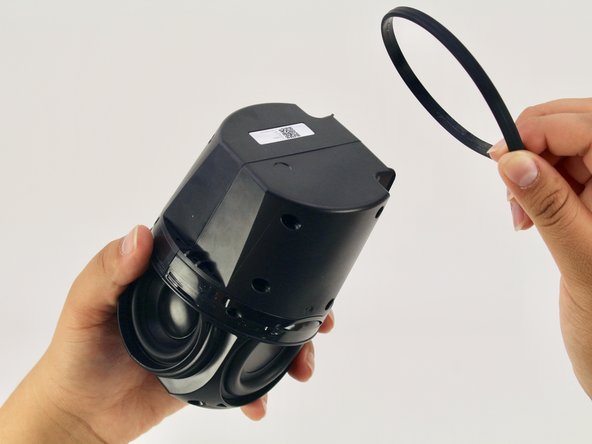
Verwijder de O-ring / afdichting die om het apparaat zit en het schakelpaneel op zijn plek houdt.
-
-
-
-
Draai de vier zwarte 1,7 mm Torx-schroeven los met een Torx T6-schroevendraaier.
-
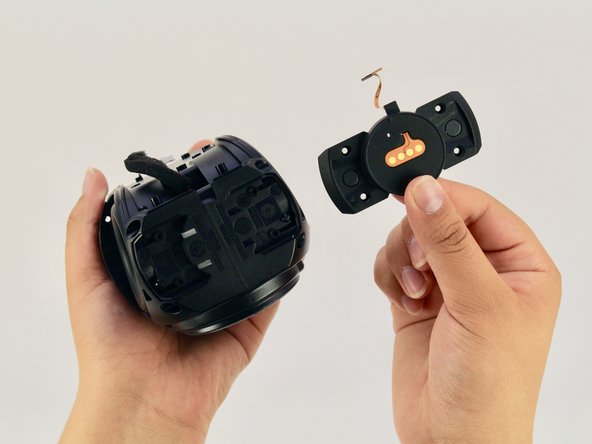
Verwijder het paneel en de schakelaar van de mute-knop. Als dit correct is gedaan, zou je nu het gitaarvormige moederbord van het apparaat moeten kunnen zien.
-
-
-
-
-
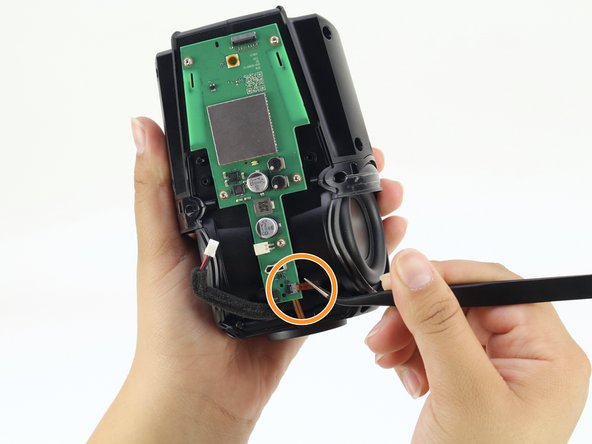
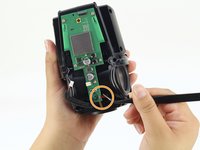
Koppel de met schuim beklede, rood-zwarte kabel die het moederbord met de schroevendraaier verbindt los door in de treklip te knijpen en eraan te trekken.
-
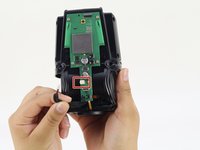
Koppel de oranje verbindingskabel die de onderkant van het apparaat met het moederbord verbindt los door recht aan de oranje treklip te trekken.
-
-
-
Draai met een Torx T6-schroevendraaier de vijf zilveren 1,7 mm Torx-schroeven los die het moederbord op zijn plek houden.
-
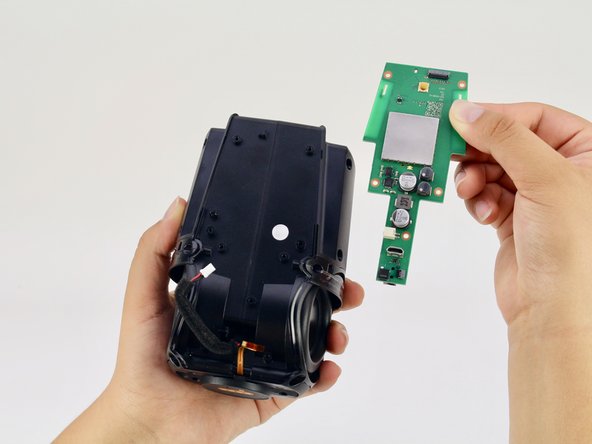
Verwijder het moederbord.
-
-
-
-
-
Draai met een Torx T6-schroevendraaier de vier zwarte 1,7 mm Torx-schroeven aan de onderkant van het apparaat los.
-
-
-
Gebruik een Torx-schroevendraaier (T6) om de zes zwarte Torx-schroeven van 1,7 mm aan de zijkant van het apparaat los te draaien.
-
-
-
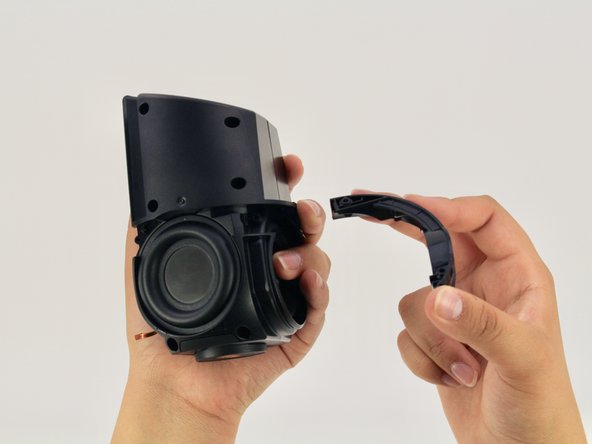
Trek de zwarte behuizing uit elkaar om de schroevendraaier bloot te leggen.
-
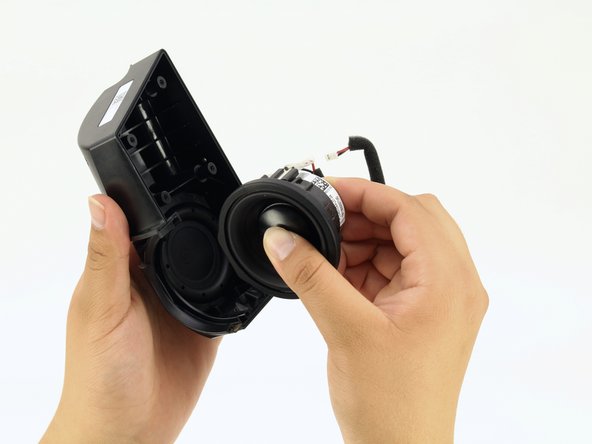
Verwijder de schroevendraaier.
-
-





















Volg deze instructies in omgekeerde volgorde om je apparaat weer in elkaar te zetten.
Annuleren: ik heb deze handleiding niet afgemaakt.
6 andere personen hebben deze handleiding voltooid.

Team

Cal Poly, Team S24-G11, Maness Spring 2018 Lid van Cal Poly, Team S24-G11, Maness Spring 2018
CPSU-MANESS-S18S24G11
4 Leden
60 handleidingen geschreven
4Gids Commentaar
I have a torn speaker cone. Can these be replaced and where can I buy the parts
Looking for replacement speaker, where do I find?
replacement speaker for google home, someone knows here i find?
model:PLS -50N25AL07-04
or compatible speaker
