Ga door naar hoofdinhoud
Word lid van de reparatiegemeenschap - Account aanmaken

Flip Video Ultra USB connector Replacement

Wat je nodig hebt

  1. Flip Video Ultra USB connector Replacement, USB connector: stap 1, afbeelding 1 van 1
    • Unlock the battery cover by sliding the switch to the unlock position.

    Vraag FixBot

    Voeg opmerking toe

  2. Flip Video Ultra USB connector Replacement: stap 2, afbeelding 1 van 1
    • Remove the battery cover by sliding it down the camera.

    Vraag FixBot

    Voeg opmerking toe

  3. Flip Video Ultra USB connector Replacement: stap 3, afbeelding 1 van 1
    • Remove the batteries.

    Vraag FixBot

    Voeg opmerking toe

  4. Flip Video Ultra USB connector Replacement: stap 4, afbeelding 1 van 1
    • Slide the black upper casing off from the device.

    • This is a bit hard to get off, so don't be afraid to use a bit of force. There is no lock.

    Vraag FixBot

    Voeg opmerking toe

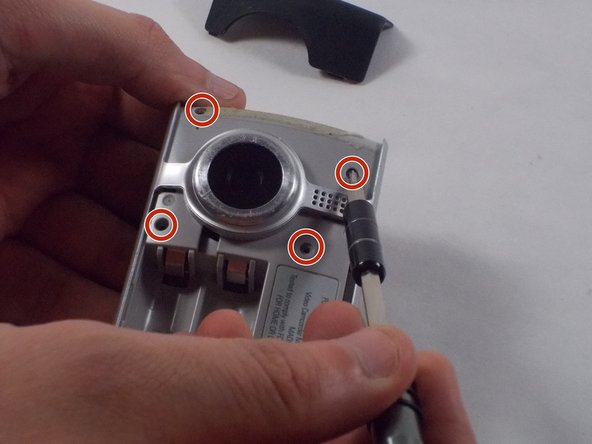
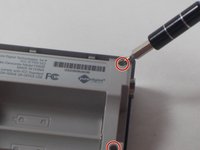
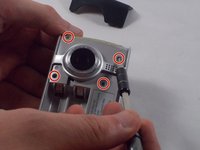
  5. Flip Video Ultra USB connector Replacement: stap 5, afbeelding 1 van 2 Flip Video Ultra USB connector Replacement: stap 5, afbeelding 2 van 2
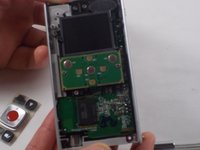
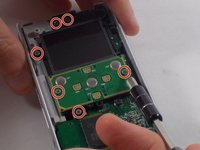
    • Remove the six 1mm screws from front of the camera with the Phillips Head screwdriver.

    Vraag FixBot

    Voeg opmerking toe

  6. Flip Video Ultra USB connector Replacement: stap 6, afbeelding 1 van 1
    • Remove the top casing from the bottom to reveal the inner circuit board.

    Vraag FixBot

    Voeg opmerking toe

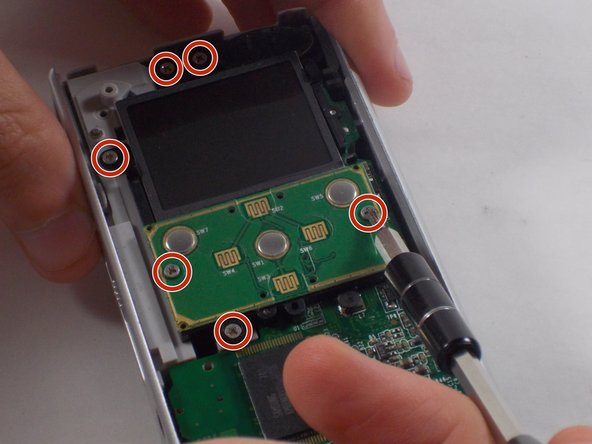
  7. Flip Video Ultra USB connector Replacement: stap 7, afbeelding 1 van 2 Flip Video Ultra USB connector Replacement: stap 7, afbeelding 2 van 2
    • When removing the back panel, the rubber buttons will become loose and likely fall off the board. This is normal and can easily placed back on the board once finished.

    • Remove the six 1mm screws with the 1 Phillips head screwdriver.

    Vraag FixBot

    Voeg opmerking toe

  8. Flip Video Ultra USB connector Replacement: stap 8, afbeelding 1 van 2 Flip Video Ultra USB connector Replacement: stap 8, afbeelding 2 van 2
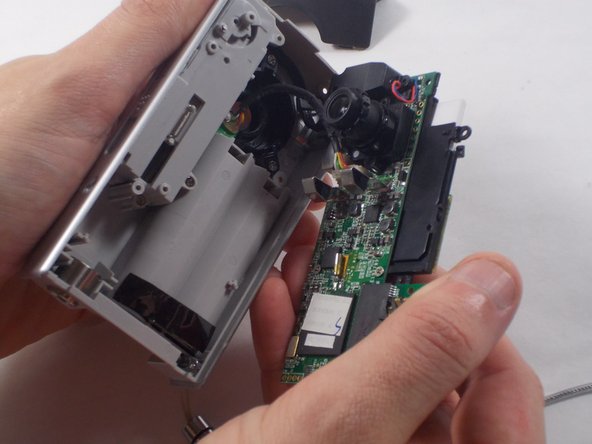
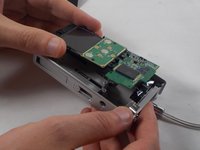
    • Gently separate the circuit board from the casing.

    Vraag FixBot

    Voeg opmerking toe

  9. Flip Video Ultra USB connector Replacement: stap 9, afbeelding 1 van 2 Flip Video Ultra USB connector Replacement: stap 9, afbeelding 2 van 2
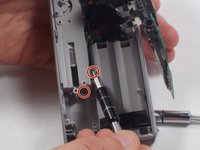
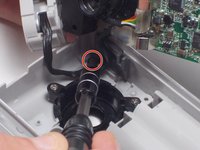
    • Remove the three 1mm screws from the USB connector and back casing with the Phillips Head screwdriver.

    Vraag FixBot

    Voeg opmerking toe

  10. Flip Video Ultra USB connector Replacement: stap 10, afbeelding 1 van 2 Flip Video Ultra USB connector Replacement: stap 10, afbeelding 2 van 2
    Gereedschap gebruikt in deze stap:
    Tweezers
    $4.99
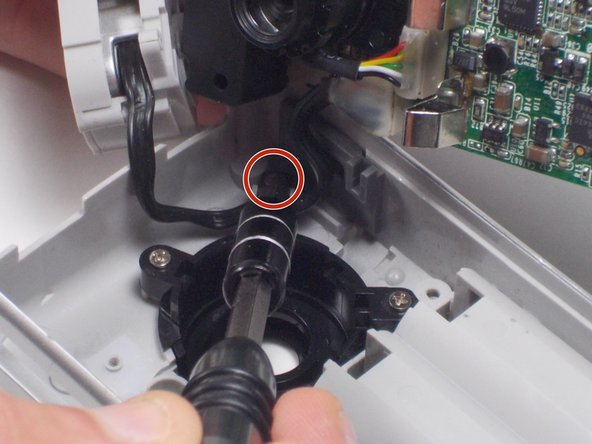
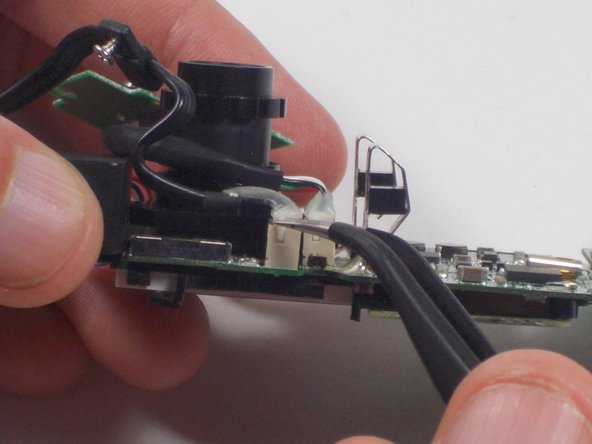
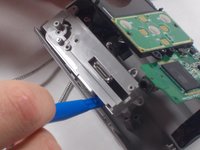
    • Gently lift the usb connector using the Plastic opening tool.

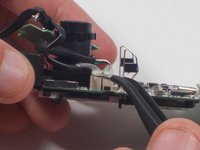
    • Using tweezers, remove the cord from the motherboard by gently lifting the connector.

    • The connector will be easier to remove if you wiggle the tweezers while lifting.

    Vraag FixBot

    Voeg opmerking toe

  11. Flip Video Ultra USB connector Replacement: stap 11, afbeelding 1 van 1
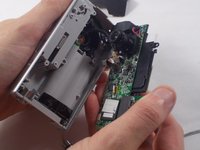
    • Fully remove the USB connector and replace it with the new USB connector.

    Vraag FixBot

    Voeg opmerking toe

Conclusie

To reassemble your device, follow these instructions in reverse order.

Annuleren: ik heb deze handleiding niet afgemaakt.

Één andere persoon heeft deze handleiding voltooid.

Nathaniel Ruf

Lid sinds: 10/18/16

514 Reputatie

5 handleidingen geschreven

Team

UMass Dartmouth, Team 5-7, Martin Fall 2016 Lid van UMass Dartmouth, Team 5-7, Martin Fall 2016

UMASSD-MARTIN-F16S5G7

3 Leden

10 handleidingen geschreven

2Gids Commentaar

My USB port broke off so is there anyway I could save my videos that where om there

Corrina Guerrero - Antwoord Deel

Where do you purchase the replacement usb connector?

DeEtte Moore - Antwoord Deel

Voeg opmerking toe

Weergavestatistieken:

Afgelopen 24 uren: 0

Afgelopen 7 dagen: 5

Afgelopen 30 dagen: 29

Altijd: 1,527