Ga door naar hoofdinhoud
Word lid van de reparatiegemeenschap - Account aanmaken

Disassembling the Circuit Board

Wat je nodig hebt

  1. Disassembling the Circuit Board, Cracking the Case: stap 1, afbeelding 1 van 1
    • Turn the device upside down so that the three rubber pads are facing up.

    Vraag FixBot
  2. Disassembling the Circuit Board: stap 2, afbeelding 1 van 1
    • Use a heat gun (set to low) to apply heat to one of the rubber pads until you can easily remove the pad. This step takes around 5-7 minutes.

    Vraag FixBot
  3. Disassembling the Circuit Board: stap 3, afbeelding 1 van 1
    • Remove the heated rubber pad with a plastic opening tool.

    • Repeat steps 2 and 3 for the two remaining rubber pads.

    Vraag FixBot
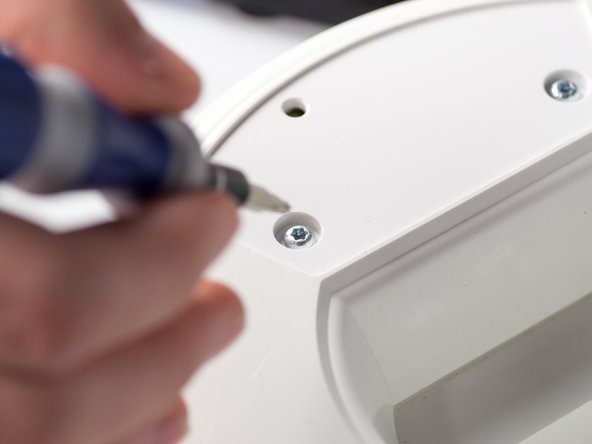
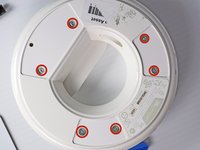
  4. Disassembling the Circuit Board: stap 4, afbeelding 1 van 2 Disassembling the Circuit Board: stap 4, afbeelding 2 van 2
    • Remove the six 1cm T-10 torx screws on the bottom of the device (found under the rubber pads) using a T-10 Torx screwdriver.

    Vraag FixBot
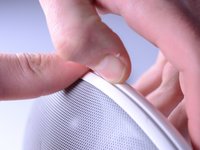
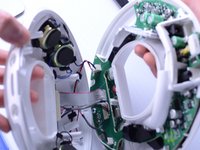
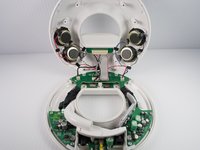
  5. Disassembling the Circuit Board: stap 5, afbeelding 1 van 3 Disassembling the Circuit Board: stap 5, afbeelding 2 van 3 Disassembling the Circuit Board: stap 5, afbeelding 3 van 3
    • Open the device along its seam.

    • Be careful when separating the device because there are wires connecting the two seperate halves.

    Vraag FixBot
  6. Disassembling the Circuit Board: stap 6, afbeelding 1 van 1
    • Disconnect the ribbon cable connector from the top half of the device by pulling outward and parallel to the connecting pins.

    Vraag FixBot
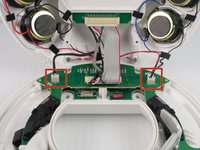
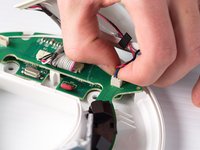
  7. Disassembling the Circuit Board: stap 7, afbeelding 1 van 2 Disassembling the Circuit Board: stap 7, afbeelding 2 van 2
    • Locate and disconnect the two molex connectors found on either side of the ribbon cable connector on the bottom half of the device.

    Vraag FixBot
  8. Disassembling the Circuit Board, Circuit Board: stap 8, afbeelding 1 van 2 Disassembling the Circuit Board, Circuit Board: stap 8, afbeelding 2 van 2
    • Remove the three 1 cm T-10 Torx screws.

    Vraag FixBot
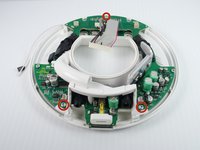
  9. Disassembling the Circuit Board: stap 9, afbeelding 1 van 1
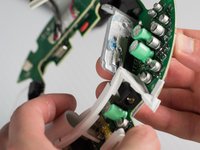
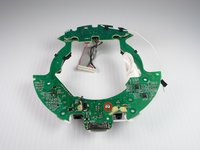
    • Carefully press out the white base tube and push up on the circuit board.

    • Note that there is a small wire connecting the circuit board to the base.

    Vraag FixBot
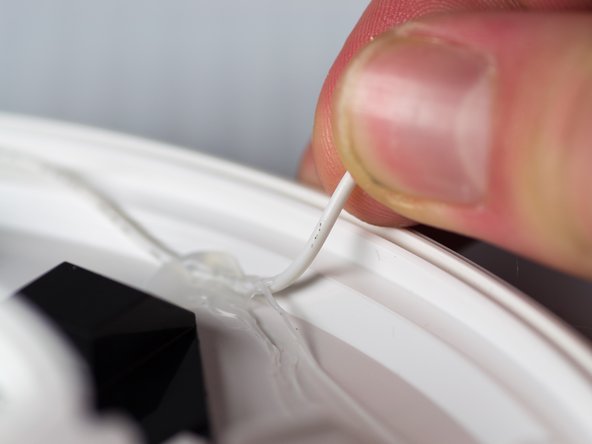
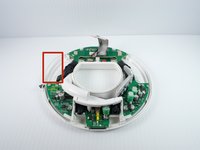
  10. Disassembling the Circuit Board: stap 10, afbeelding 1 van 2 Disassembling the Circuit Board: stap 10, afbeelding 2 van 2
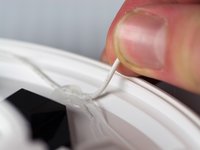
    • Pull the white wire out of the hot glue.

    Vraag FixBot
  11. Disassembling the Circuit Board: stap 11, afbeelding 1 van 3 Disassembling the Circuit Board: stap 11, afbeelding 2 van 3 Disassembling the Circuit Board: stap 11, afbeelding 3 van 3
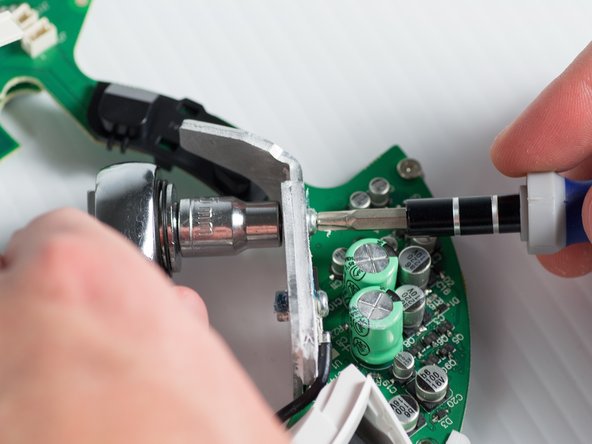
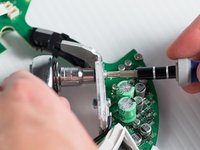
    • Unbolt the heatsink with a 5.5-mm socket and a Phillips PH1 screwdriver.

    • Remove the heat sink; it should detach from the bottom of the device.

    Vraag FixBot
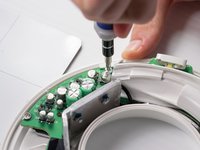
  12. Disassembling the Circuit Board: stap 12, afbeelding 1 van 3 Disassembling the Circuit Board: stap 12, afbeelding 2 van 3 Disassembling the Circuit Board: stap 12, afbeelding 3 van 3
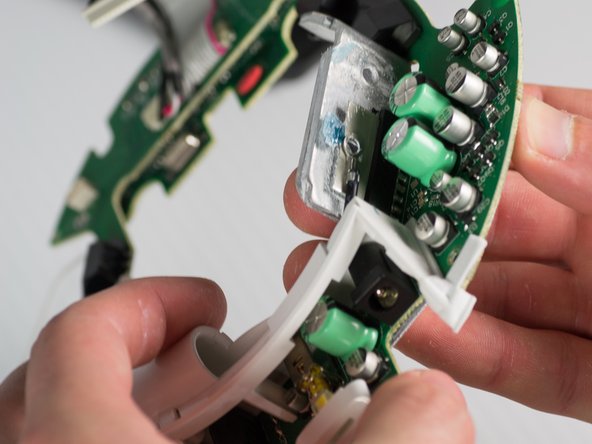
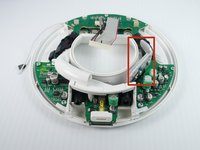
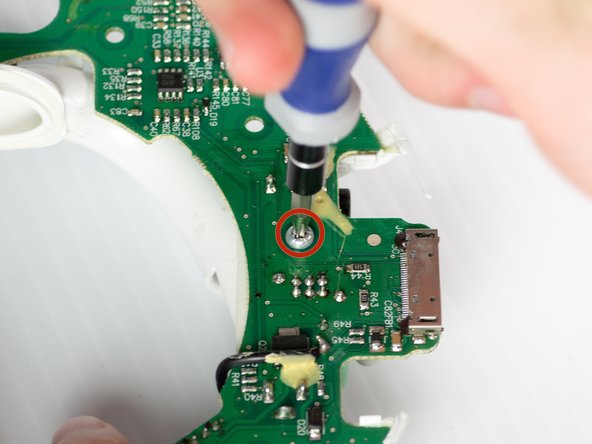
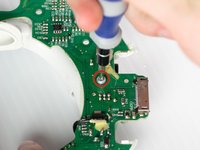
    • Remove the T-10 torx screw on the bottom of the device that attaches the base tube to the circuit board.

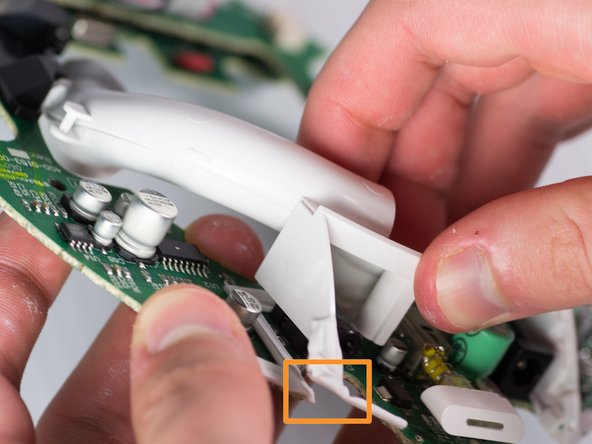
    • Turn the device so that the base tube is on top.

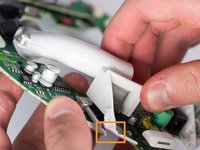
    • Remove the base tube by pulling up.

    • May need to cut the rubber adhesive between the base tube to the circuit board.

    Vraag FixBot
Conclusie

To reassemble your device, follow these steps in reverse order.

2 andere personen hebben deze handleiding voltooid.

Janessa D Cabrera

Lid sinds: 01/23/14

547 Reputatie

4 handleidingen geschreven

Team

Cal Poly, Team 9-28, Maness Winter 2014 Lid van Cal Poly, Team 9-28, Maness Winter 2014

CPSU-MANESS-W14S9G28

4 Leden

10 handleidingen geschreven

0Gids Commentaar

Voeg opmerking toe

Weergavestatistieken:

Afgelopen 24 uren: 1

Afgelopen 7 dagen: 12

Afgelopen 30 dagen: 79

Altijd: 5,288