Ga door naar hoofdinhoud
Word lid van de reparatiegemeenschap - Account aanmaken

Disassembling VTech MobiGo Touch Learning System Keyboard

Wat je nodig hebt

  1. Disassembling VTech MobiGo Touch Learning System Keyboard, Case: stap 1, afbeelding 1 van 1
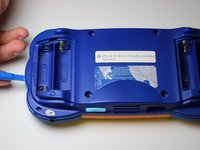
    • Remove the battery covers and the four batteries.

    Vraag FixBot
    Voeg opmerking toe

  2. Disassembling VTech MobiGo Touch Learning System Keyboard: stap 2, afbeelding 1 van 2 Disassembling VTech MobiGo Touch Learning System Keyboard: stap 2, afbeelding 2 van 2
    • Remove the four plastic caps with a metal spudger to expose the 6.0 mm Philips JIS #0 case screws.

    • Remove the eight 6.0 mm JIS #0 case screws.

    Vraag FixBot
    Voeg opmerking toe

  3. Disassembling VTech MobiGo Touch Learning System Keyboard: stap 3, afbeelding 1 van 2 Disassembling VTech MobiGo Touch Learning System Keyboard: stap 3, afbeelding 2 van 2
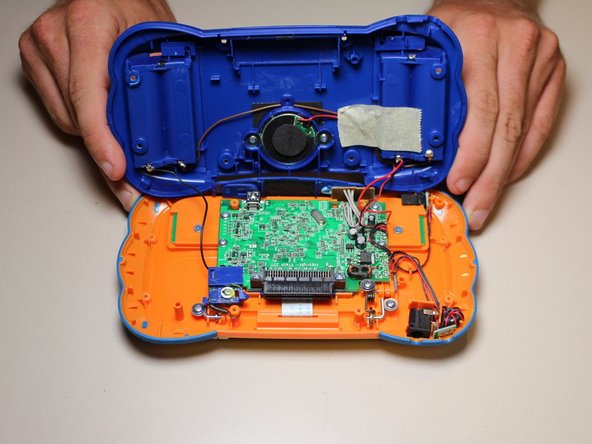
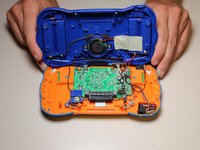
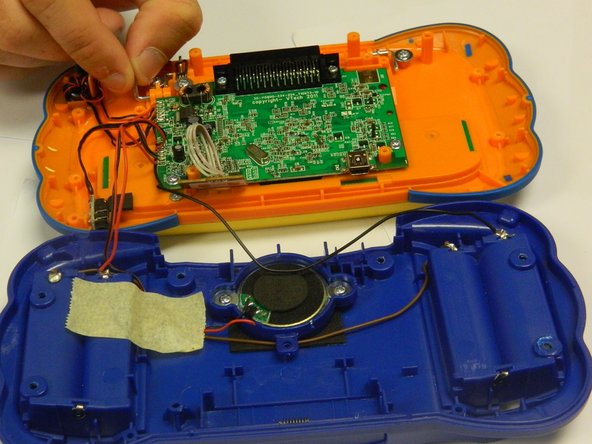
    • Using a plastic opening tool, separate the two pieces of the case carefully.

    Vraag FixBot

    Voeg opmerking toe

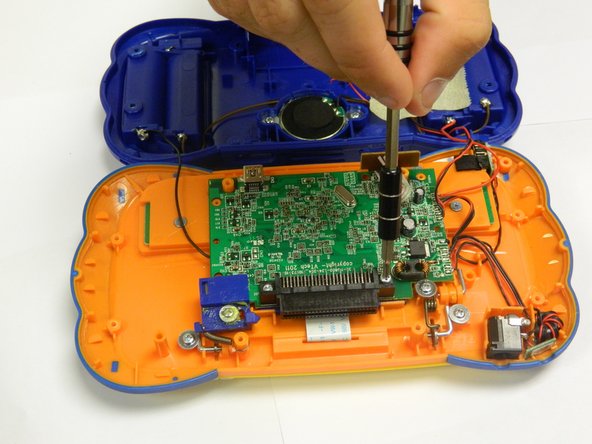
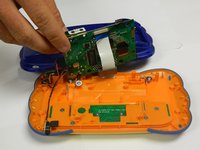
  4. Disassembling VTech MobiGo Touch Learning System Keyboard, Disassembling VTech MobiGo Touch Learning System Keyboard: stap 4, afbeelding 1 van 2 Disassembling VTech MobiGo Touch Learning System Keyboard, Disassembling VTech MobiGo Touch Learning System Keyboard: stap 4, afbeelding 2 van 2
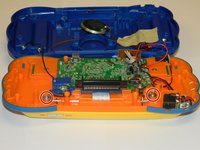
    • Remove the six 6.5 mm Philips J0 screws that are connected to the circuit board.

    • Use light pressure to prevent damage to the circuit board.

    Vraag FixBot

    Voeg opmerking toe

  5. Disassembling VTech MobiGo Touch Learning System Keyboard: stap 5, afbeelding 1 van 1
    • Remove the 9.0 mm Philips J0 screw from the blue plastic cover.

    • Once the screw is removed, remove the blue plastic cover.

    Vraag FixBot

    Voeg opmerking toe

  6. Disassembling VTech MobiGo Touch Learning System Keyboard: stap 6, afbeelding 1 van 2 Disassembling VTech MobiGo Touch Learning System Keyboard: stap 6, afbeelding 2 van 2
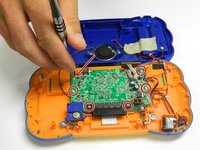
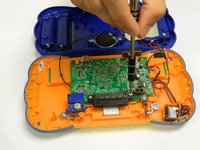
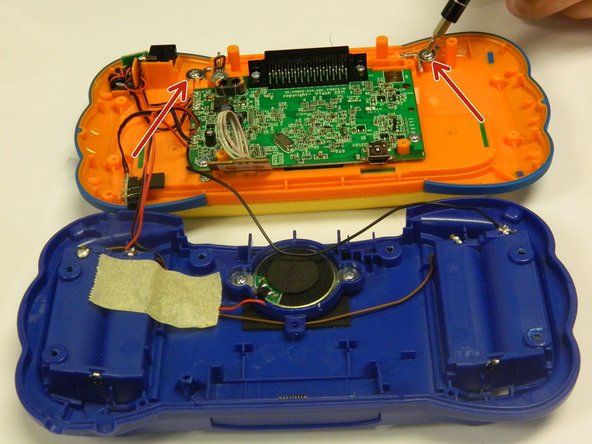
    • Remove the two 4.0 mm Philips J0 screws located on the orange case.

    • Use gentle force to prevent stripping of screws.

    Vraag FixBot

    Voeg opmerking toe

  7. Disassembling VTech MobiGo Touch Learning System Keyboard: stap 7, afbeelding 1 van 3 Disassembling VTech MobiGo Touch Learning System Keyboard: stap 7, afbeelding 2 van 3 Disassembling VTech MobiGo Touch Learning System Keyboard: stap 7, afbeelding 3 van 3
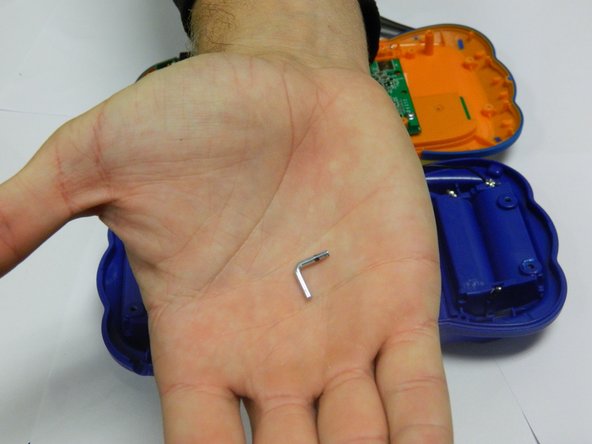
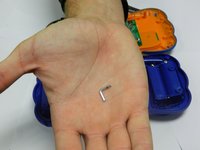
    • Remove the two "L" shaped brackets located on both sides of the device.

    • Use the magnetic mat to store these brackets.

    Vraag FixBot

    Voeg opmerking toe

  8. Disassembling VTech MobiGo Touch Learning System Keyboard: stap 8, afbeelding 1 van 1
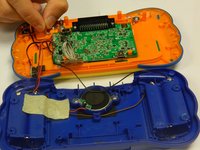
    • Locate the spring that was connected to the "L" shaped bracket and slowly remove it.

    Vraag FixBot

    Voeg opmerking toe

  9. Disassembling VTech MobiGo Touch Learning System Keyboard: stap 9, afbeelding 1 van 2 Disassembling VTech MobiGo Touch Learning System Keyboard: stap 9, afbeelding 2 van 2
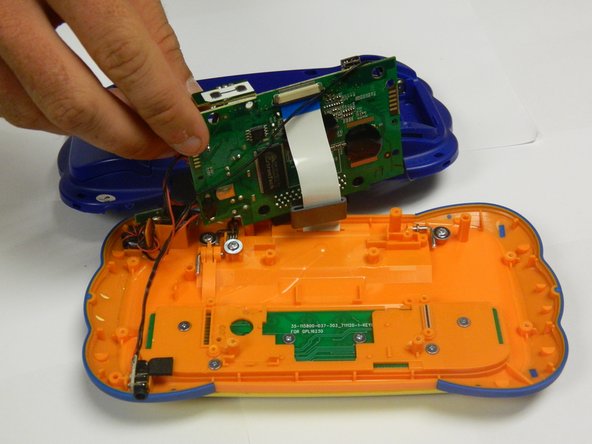
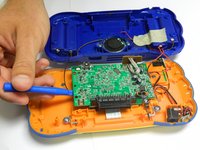
    • Gently lift the circuit board from the case using a plastic opening tool.

    • Make sure to use a plastic opening tool for this step.

    Vraag FixBot

    Voeg opmerking toe

  10. Disassembling VTech MobiGo Touch Learning System Keyboard: stap 10, afbeelding 1 van 1
    • Remove the 3.5 mm Philips J0 screw located underneath the circuit board.

    • Keep the circuit board out of the way to avoid damaging it.

    Vraag FixBot

    Voeg opmerking toe

  11. Disassembling VTech MobiGo Touch Learning System Keyboard: stap 11, afbeelding 1 van 1
    • Slowly remove the keyboard panel.

    • Use a spudger if necessary.

    • The keys will fall out once the keyboard panel is removed.

    • Remove all of the keys and set them aside with the keyboard panel.

    Vraag FixBot

    Voeg opmerking toe

  12. Disassembling VTech MobiGo Touch Learning System Keyboard: stap 12, afbeelding 1 van 1
    • Gently remove the keyboard circuit board with a plastic opening tool.

    Vraag FixBot

    Voeg opmerking toe

Conclusie

To reassemble your device, follow these instructions in reverse order.

Annuleren: ik heb deze handleiding niet afgemaakt.

RBansil

Lid sinds: 08/27/15

221 Reputatie

2 handleidingen geschreven

Team

USF Tampa, Team 8-3, Eyestone Fall 2015 Lid van USF Tampa, Team 8-3, Eyestone Fall 2015

USFT-EYESTONE-F15S8G3

3 Leden

17 handleidingen geschreven

1Gids Commentaar

Was gifted a mobigo2 for my niece but it came without keyboard .. I was curious if you knew where I might find a replacement keyboard?

ROXXY - Antwoord Deel

Voeg opmerking toe

Weergavestatistieken:

Afgelopen 24 uren: 1

Afgelopen 7 dagen: 6

Afgelopen 30 dagen: 37

Altijd: 2,381