Ga door naar hoofdinhoud
Word lid van de reparatiegemeenschap - Account aanmaken

Dell Inspiron 1521 RAM Replacement

Wat je nodig hebt

    1. Dell Inspiron 1521 RAM Replacement, Battery: stap 1, afbeelding 1 van 1
      • Rotate the laptop so its bottom is facing up.

      Vraag FixBot

      Voeg opmerking toe

    2. Dell Inspiron 1521 RAM Replacement: stap 2, afbeelding 1 van 3 Dell Inspiron 1521 RAM Replacement: stap 2, afbeelding 2 van 3 Dell Inspiron 1521 RAM Replacement: stap 2, afbeelding 3 van 3
      • Identify the lock mechanisms holding the battery in place.

      • Slide each button outward with your fingers to disengage the battery.

      • Pull the battery off with your hand to separate it from the laptop.

      Vraag FixBot

      Voeg opmerking toe

    1. Dell Inspiron 1521 RAM Replacement, RAM: stap 3, afbeelding 1 van 2 Dell Inspiron 1521 RAM Replacement, RAM: stap 3, afbeelding 2 van 2
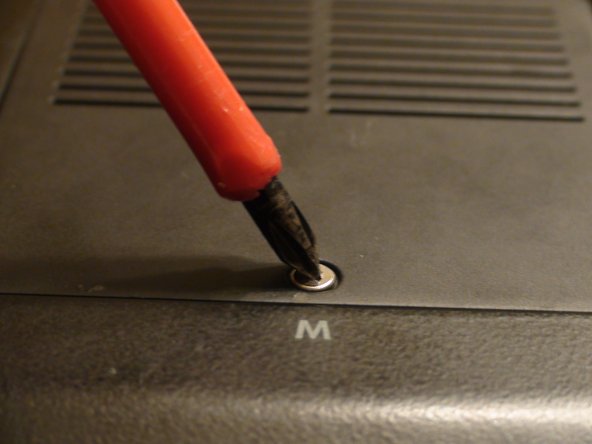
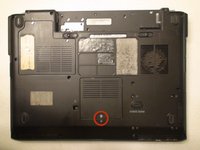
      • Locate the Phillips #1 screw securing panel M.

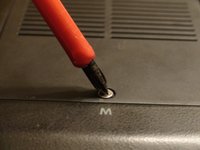
      • Remove the screw from panel M with a Phillips #1 screwdriver.

      Vraag FixBot

      Voeg opmerking toe

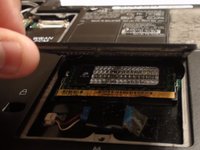
    2. Dell Inspiron 1521 RAM Replacement: stap 4, afbeelding 1 van 3 Dell Inspiron 1521 RAM Replacement: stap 4, afbeelding 2 van 3 Dell Inspiron 1521 RAM Replacement: stap 4, afbeelding 3 van 3
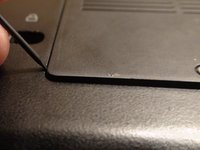
      • Pry the panel open with the plastic opening tool.

      • Gently pull with your fingers to remove the panel.

      Vraag FixBot

      Voeg opmerking toe

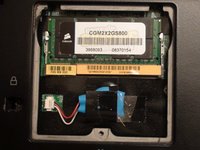
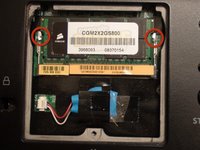
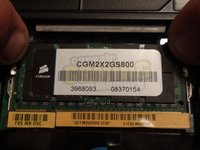
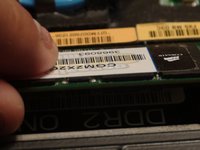
    3. Dell Inspiron 1521 RAM Replacement: stap 5, afbeelding 1 van 3 Dell Inspiron 1521 RAM Replacement: stap 5, afbeelding 2 van 3 Dell Inspiron 1521 RAM Replacement: stap 5, afbeelding 3 van 3
      • Identify the metal tabs holding the RAM in place.

      • Gently press outward on the tabs at the same time with your fingers to release the RAM.

      • Gently pull the RAM outward with your fingers to remove it.

      Vraag FixBot

      Voeg opmerking toe

Conclusie

To reassemble your device, follow these instructions in reverse order.

Annuleren: ik heb deze handleiding niet afgemaakt.

Één andere persoon heeft deze handleiding voltooid.

Nikolaus Powell

Lid sinds: 09/20/12

426 Reputatie

3 handleidingen geschreven

Team

Cal Poly, Team 15-47, Forte Fall 2012 Lid van Cal Poly, Team 15-47, Forte Fall 2012

CPSU-FORTE-F12S15G47

5 Leden

9 handleidingen geschreven

0Gids Commentaar

Voeg opmerking toe

Weergavestatistieken:

Afgelopen 24 uren: 1

Afgelopen 7 dagen: 6

Afgelopen 30 dagen: 22

Altijd: 3,690