Ga door naar hoofdinhoud
Word lid van de reparatiegemeenschap - Account aanmaken

Craig CMP801 Volume Controls Replacement

Wat je nodig hebt

    1. Craig CMP801 Volume Controls Replacement, Back Cover: stap 1, afbeelding 1 van 2 Craig CMP801 Volume Controls Replacement, Back Cover: stap 1, afbeelding 2 van 2
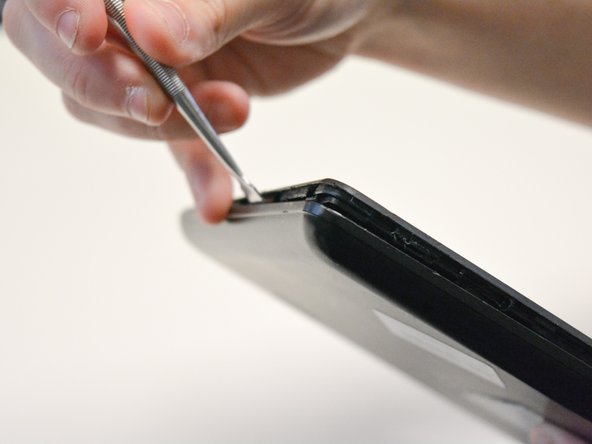
      • Locate the opening line between the cover and the device. Then locate the groove near the charging port.

      Vraag FixBot

      Voeg opmerking toe

    2. Craig CMP801 Volume Controls Replacement: stap 2, afbeelding 1 van 2 Craig CMP801 Volume Controls Replacement: stap 2, afbeelding 2 van 2
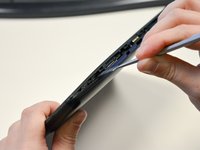
      • Use a metal spudger to separate the back cover from the front touch screen.

      • To do this, place the metal spudger in between the groove near the charging port of the device to unlatch the first clip.

      Vraag FixBot

      Voeg opmerking toe

    3. Craig CMP801 Volume Controls Replacement: stap 3, afbeelding 1 van 2 Craig CMP801 Volume Controls Replacement: stap 3, afbeelding 2 van 2
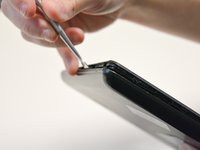
      • Continue to separate all of the clips around the device until the back cover comes off completely.

      Vraag FixBot

      Voeg opmerking toe

    1. Craig CMP801 Volume Controls Replacement, Volume Controls: stap 4, afbeelding 1 van 2 Craig CMP801 Volume Controls Replacement, Volume Controls: stap 4, afbeelding 2 van 2
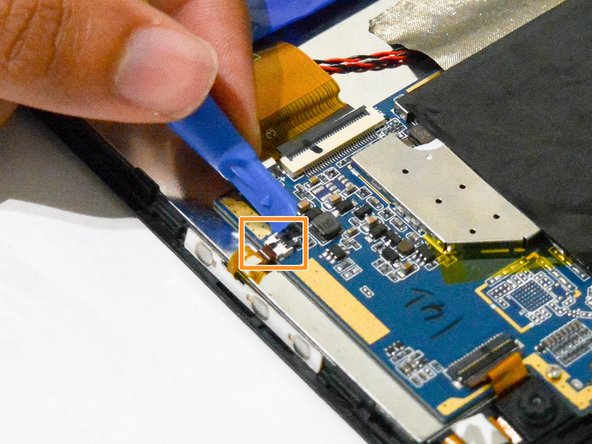
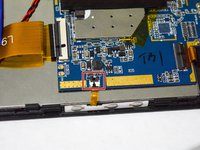
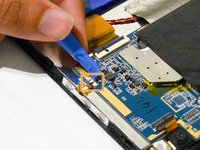
      • After taking out the back cover, locate the black flap.

      • Open the black flap with the plastic opening tools.

      • Be careful not to break the flap when you open it.

      Vraag FixBot

      Voeg opmerking toe

    2. Craig CMP801 Volume Controls Replacement: stap 5, afbeelding 1 van 2 Craig CMP801 Volume Controls Replacement: stap 5, afbeelding 2 van 2
      Gereedschap gebruikt in deze stap:
      Tweezers
      $3.99
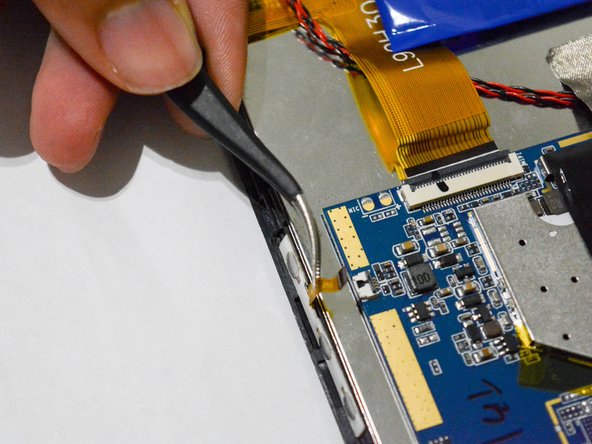
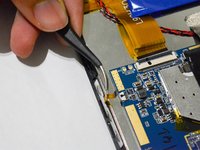
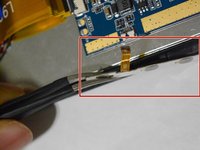
      • Once the tab is released, use the angled tweezers to take out the tab.

      • Be careful not to scratch the tab.

      Vraag FixBot

      Voeg opmerking toe

    3. Craig CMP801 Volume Controls Replacement: stap 6, afbeelding 1 van 2 Craig CMP801 Volume Controls Replacement: stap 6, afbeelding 2 van 2
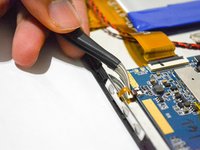
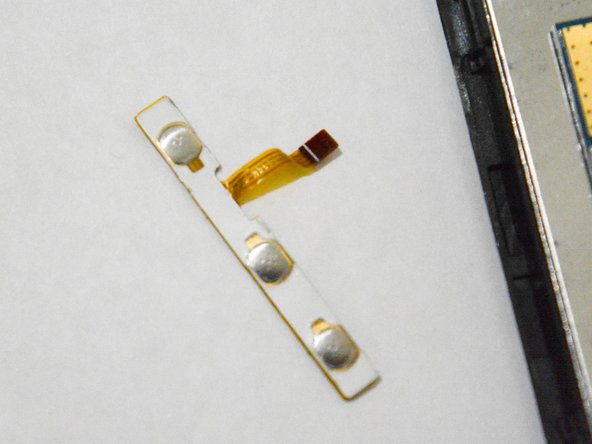
      • Use the angled tweezers to pull the volume controls out and replace it with a new one.

      Vraag FixBot

      Voeg opmerking toe

Conclusie

To reassemble your device, follow these instructions in reverse order.

Annuleren: ik heb deze handleiding niet afgemaakt.

Mohammed

Lid sinds: 09/25/17

150 Reputatie

1 Handleiding geschreven

0Gids Commentaar

Voeg opmerking toe

Weergavestatistieken:

Afgelopen 24 uren: 0

Afgelopen 7 dagen: 4

Afgelopen 30 dagen: 30

Altijd: 608